
- Classification d’âge4+
- CatégorieStyle de vie
- DéveloppeurRAJESH BHIMANI
- LanguesAnglais
- Taille61,6 Mo
Renvoie vers la page App Store officielle
Download.org n’héberge aucun fichier de PicsTag. Le bouton ouvre la page de l’application sur App Store, où RAJESH BHIMANI la publie. Fiche vérifiée pour la dernière fois le 17/11/2026.
Captures d’écran


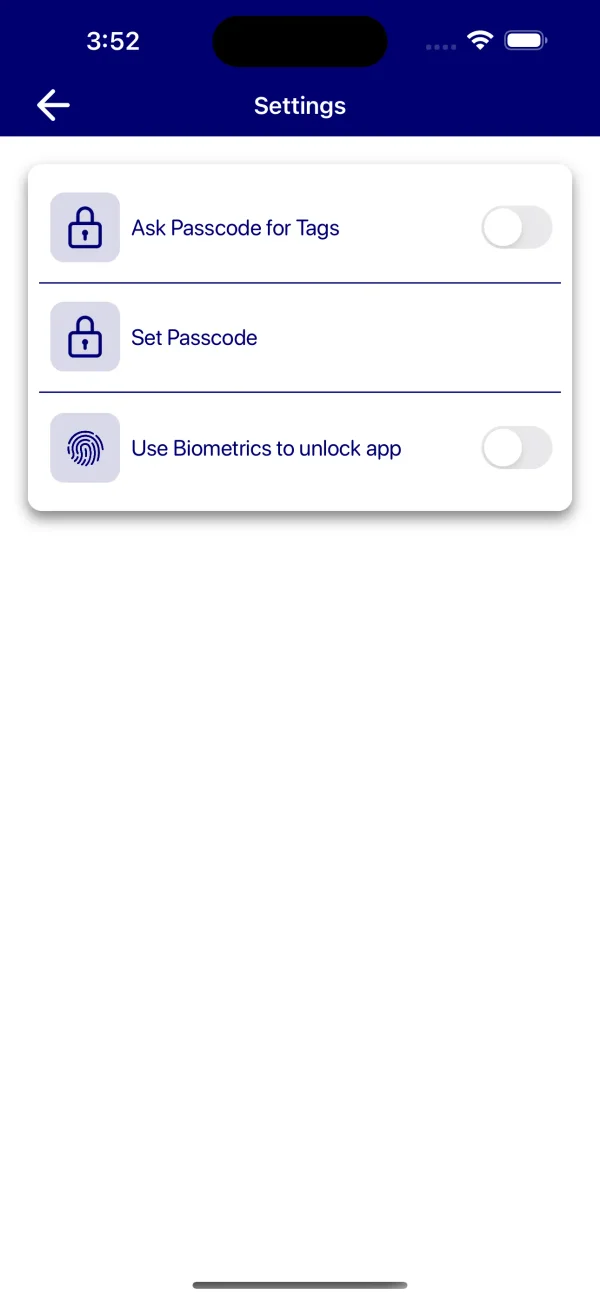
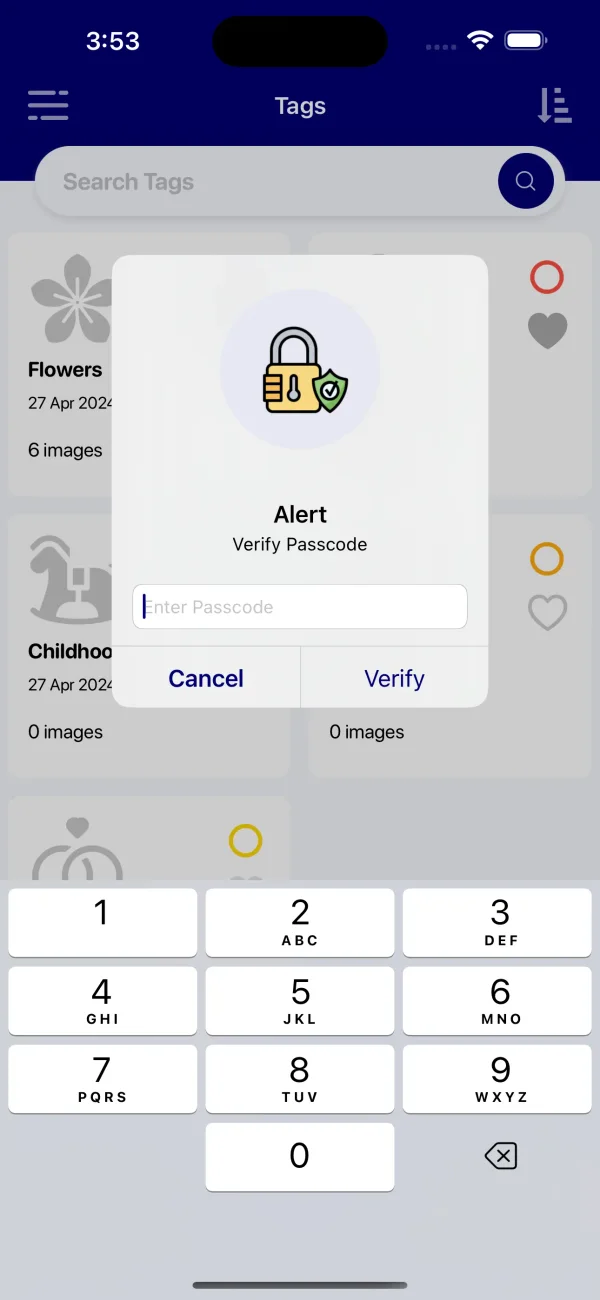
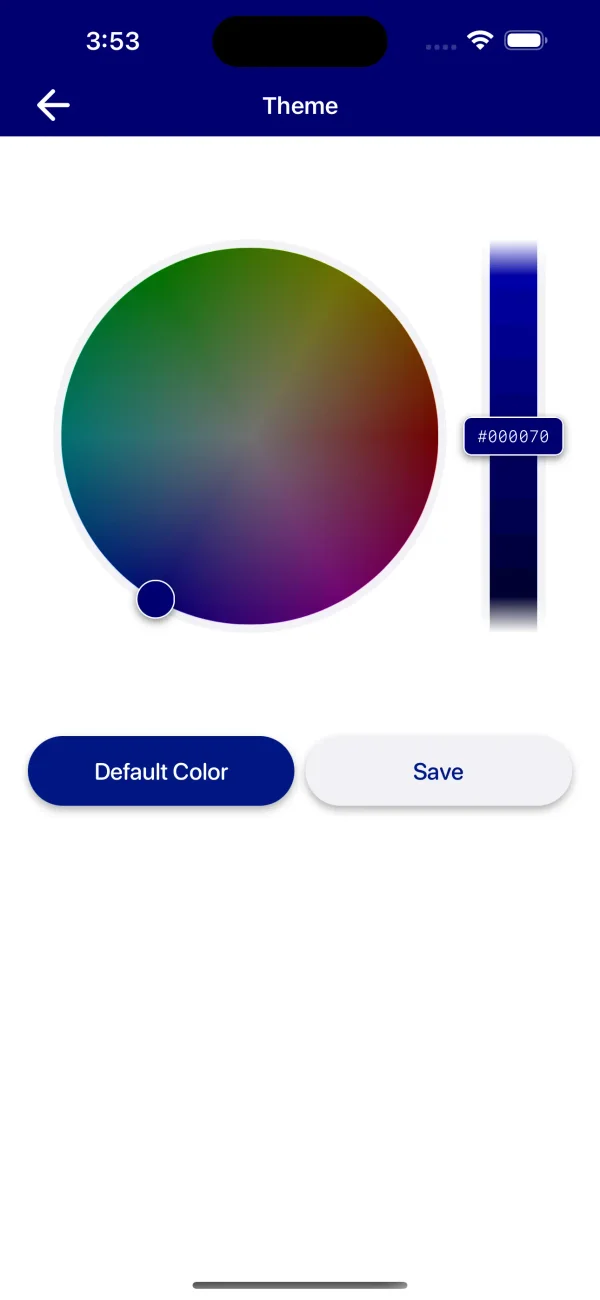

À propos
Le développeur n’a pas fourni ce texte dans votre langue.
PicsTag is a free and easy to use mobile app allow you to organize your phone pictures in just a few seconds.
PicsTag lets you take the same approach with your photos that you might do it manually by creating a folder in your gallery by copying or moving images which are really time-consuming.
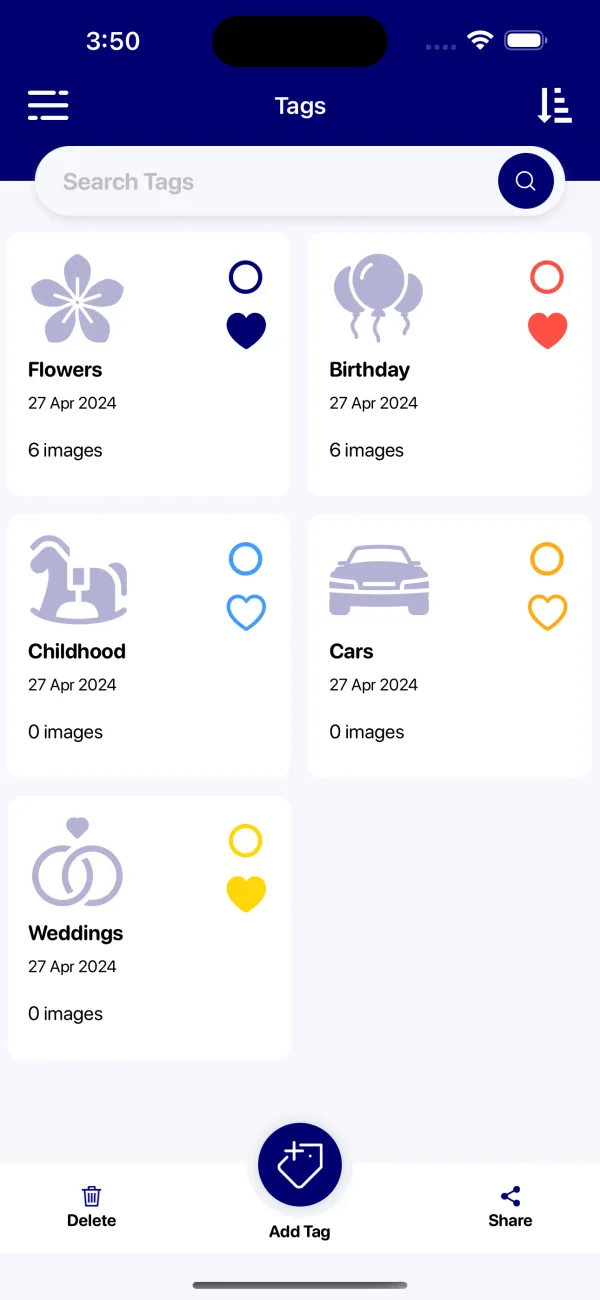
PicsTag allows the user to create customized tags to quickly group your pictures into a specific tag in just one click. For example, you can create tags to identify pictures easily by naming them as Bank, food, Home, Trip, Family, Sports, Selfies or anything that stand out from the rest of your pictures.
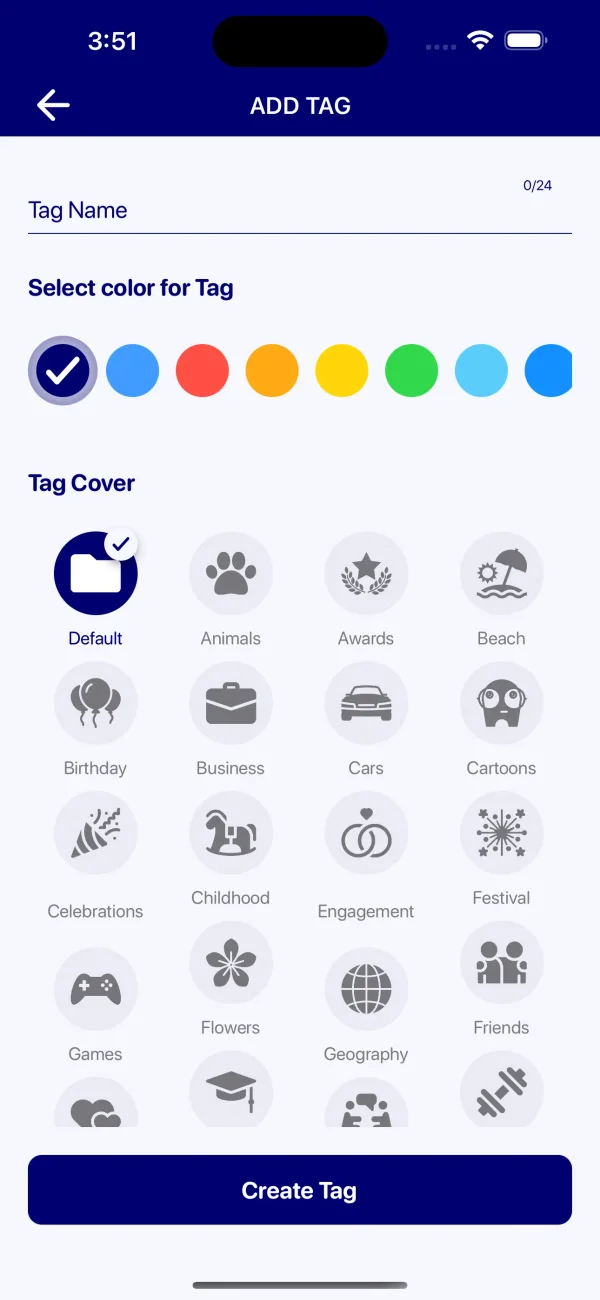
How Can I Add or Create a New Tag?
- Simply tap the “Add Tag” Icon at the bottom of the screen.
- Enter a New Tag New in a Text Box.
- Tap Save.
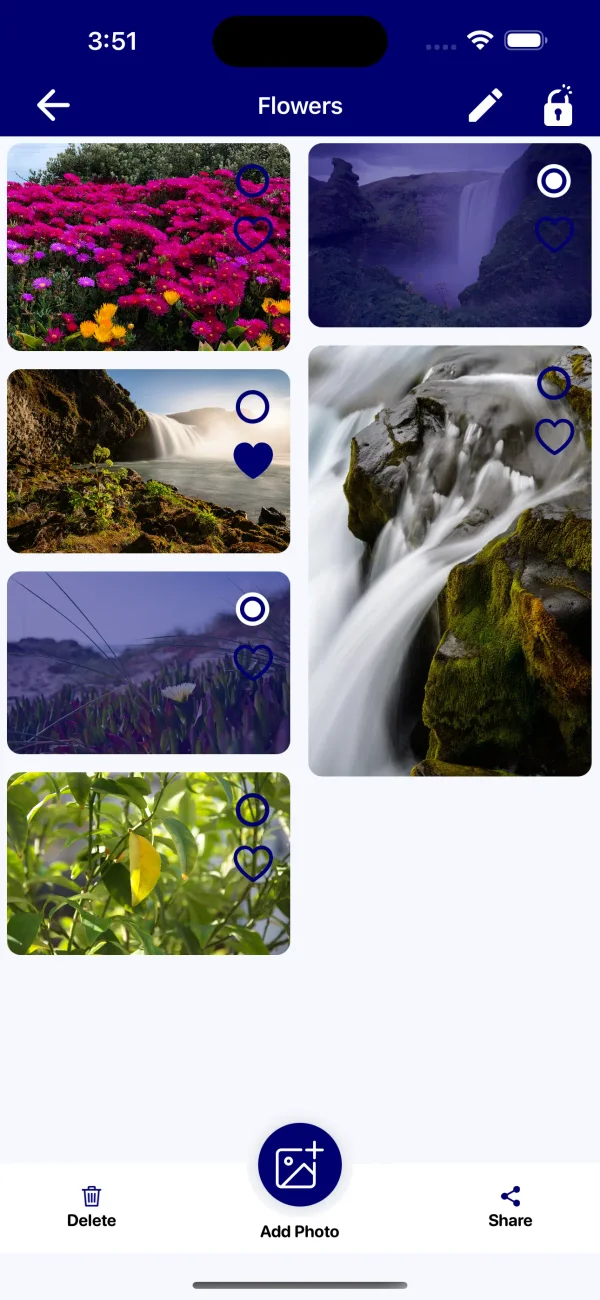
How Can I Add Images or Pictures to the Tag?
- Simply Tap the Tag you want to add pictures
- Select pictures from your Device Gallery
- Tap Done.
PicsTag does not require user personal information. Also, it does not ask the user to Register or Login to use the app.
PicsTag does not save your tag or images to any cloud server. All your personal tag and images will save on your local device only. No one can see or access your personal tag or images added in PicsTag application.
Once you remove any images from your local device gallery, that particular images will also be deleted from PicsTag app.
PicsTag does not use any extra space of your phone to place images into a specific tag or label.
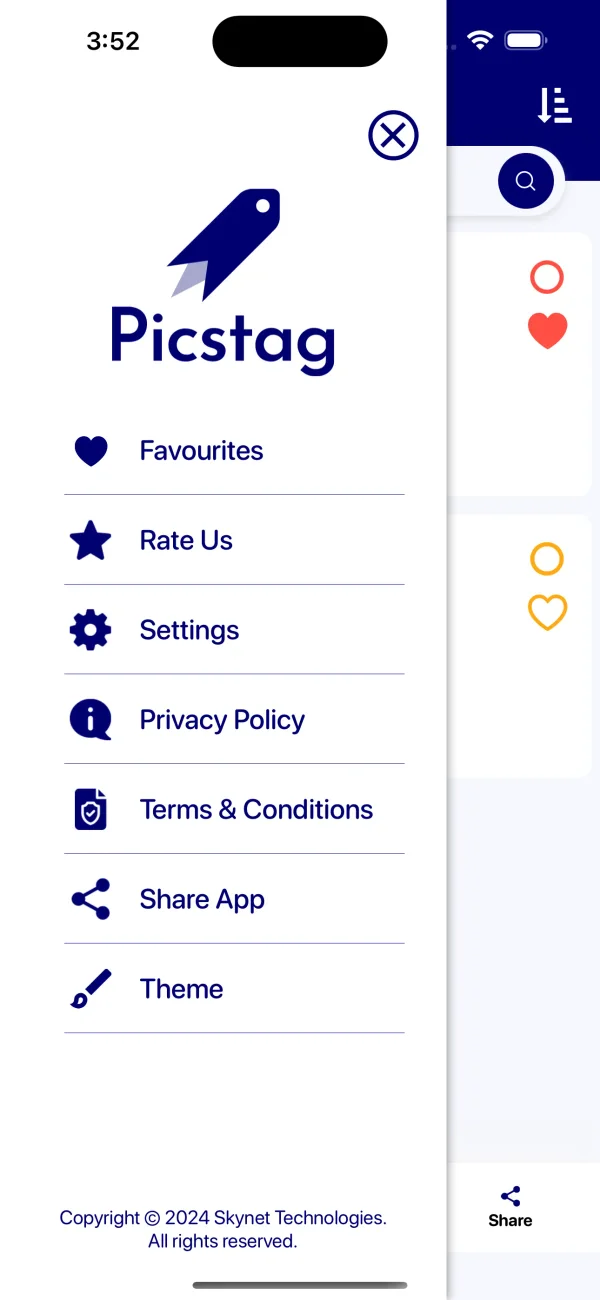
PicsTag also allows you to share images to Social media, Gmail, Bluetooth, Google Photos, Contacts, etc.
Once you uninstall the PicsTag app from your phone, all the Tags and Images data will be deleted permanently and that cannot be restored. Please note that It would not delete any photo from your device Gallery.
Nouveautés
Version 4.1 · 28/04/2024
Thank you for using PicsTag! We frequently improve our app to fix bugs, enhance performance and add new features.
Confidentialité de l’application
Ce que RAJESH BHIMANI déclare sur l’App Store au sujet du traitement des données par cette application.
-
Données n’établissant aucun lien avec vous
Peuvent être collectées, mais ne sont pas liées à votre identité.
- Contenu utilisateur
Les pratiques en matière de confidentialité peuvent varier, notamment en fonction des fonctionnalités que vous utilisez ou de votre âge.
Informations
- Vendeur
- RAJESH BHIMANI
- Catégorie
- Style de vie
- Version
- 4.1
- Mis à jour
- 28/04/2024
- Publié
- 21/04/2019
- Taille
- 61,6 Mo
- Nécessite
- iOS 12.0 ou version ultérieure
- Classification d’âge
- 4+
- Prix
- Gratuit
- Langues
- Anglais
- Copyright
- © Skynet Technologies.
Vous aimerez peut-être aussi
-
 PickTheOutfitCommencez à choisir !
-
 Tendrils - Vegan Dating & ChatStyle de vie
-
 Runway AIStyle de vie
-
 Soul: AI Therapy & Self-CareStyle de vie
-
 Mary Jane BerlinStyle de vie
-
 PlantPal : soins des plantesRappels d’arrosage, journal
-
 Stylegenai - Outfit PlannerIA Styliste & Closet & Tenue
-
 Preppy Wallpaper+Style de vie
-
 Letsfit lifeStyle de vie
-
 Bipolaire: Journal d'HumeurNotes, graphiques et rapports