- Độ tuổi4+
- Danh mụcLối Sống
- Nhà phát triểnRAJESH BHIMANI
- Ngôn ngữTiếng Anh
- Kích thước61,6 MB
Liên kết đến trang App Store chính thức
Download.org không lưu trữ tệp nào của PicsTag. Nút này mở trang ứng dụng trên App Store, nơi RAJESH BHIMANI phát hành ứng dụng. Trang được kiểm tra lần cuối: 17/11/2026.
Ảnh chụp màn hình


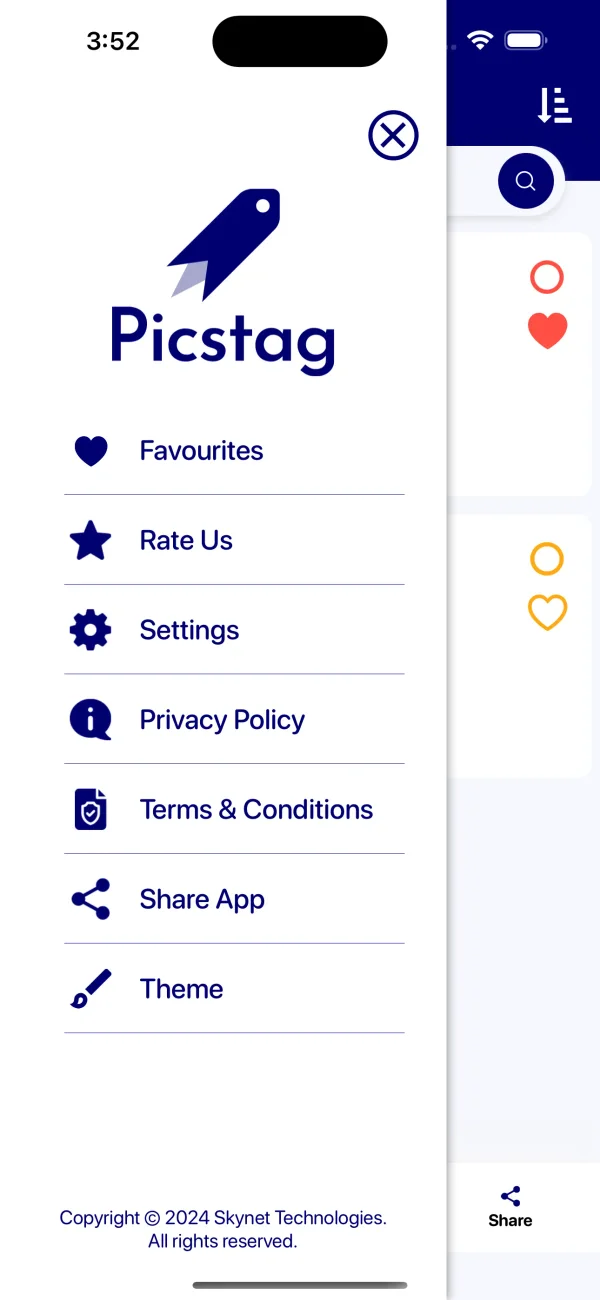
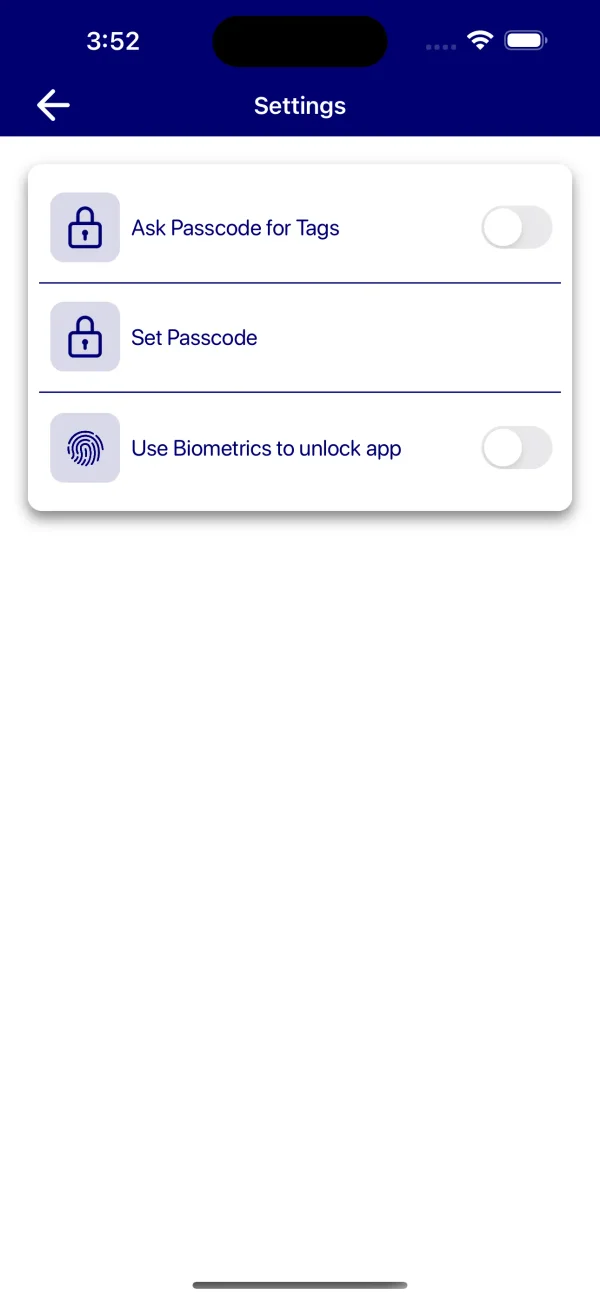
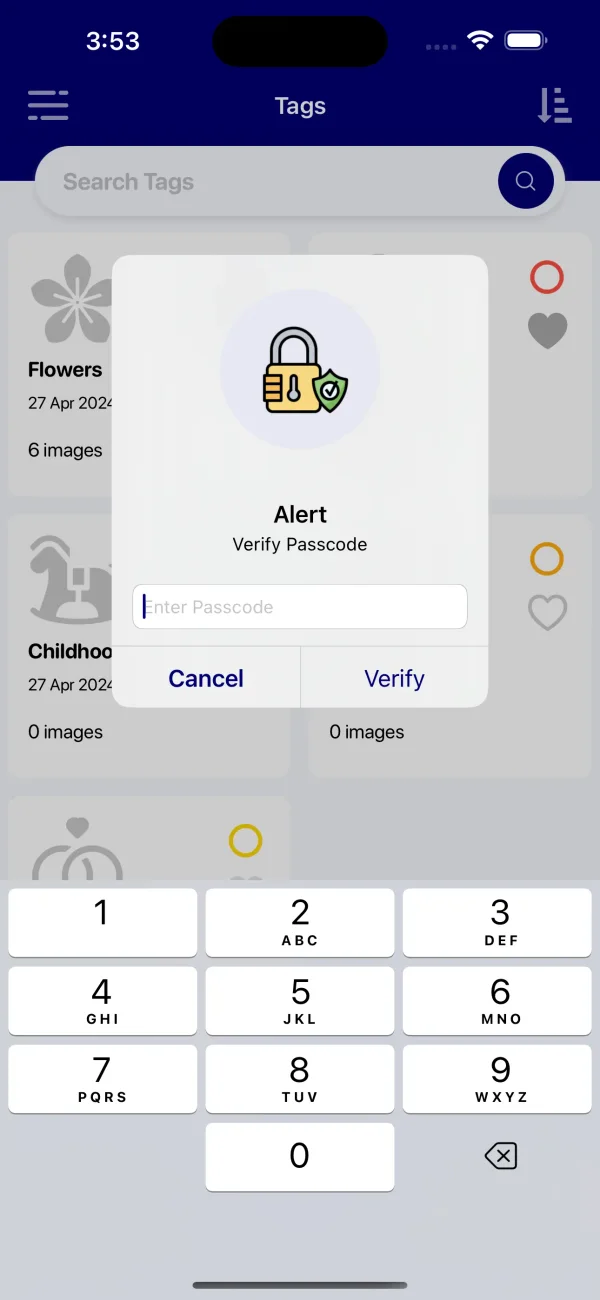
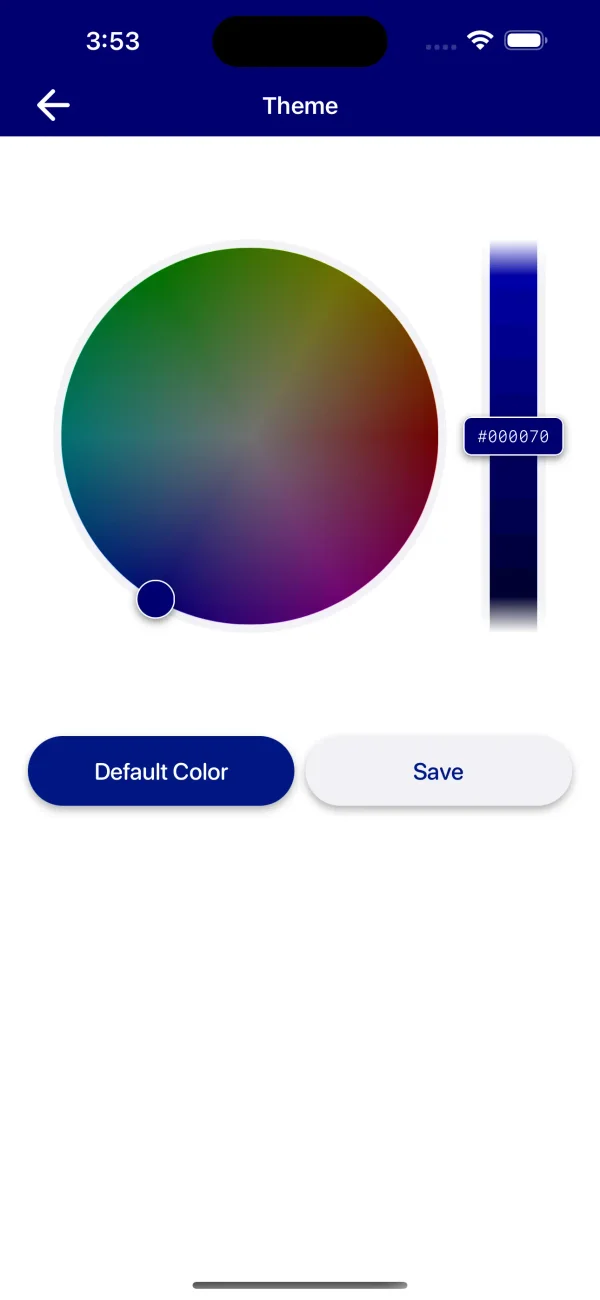

Giới thiệu
Nhà phát triển chưa cung cấp nội dung này bằng ngôn ngữ của bạn.
PicsTag is a free and easy to use mobile app allow you to organize your phone pictures in just a few seconds.
PicsTag lets you take the same approach with your photos that you might do it manually by creating a folder in your gallery by copying or moving images which are really time-consuming.
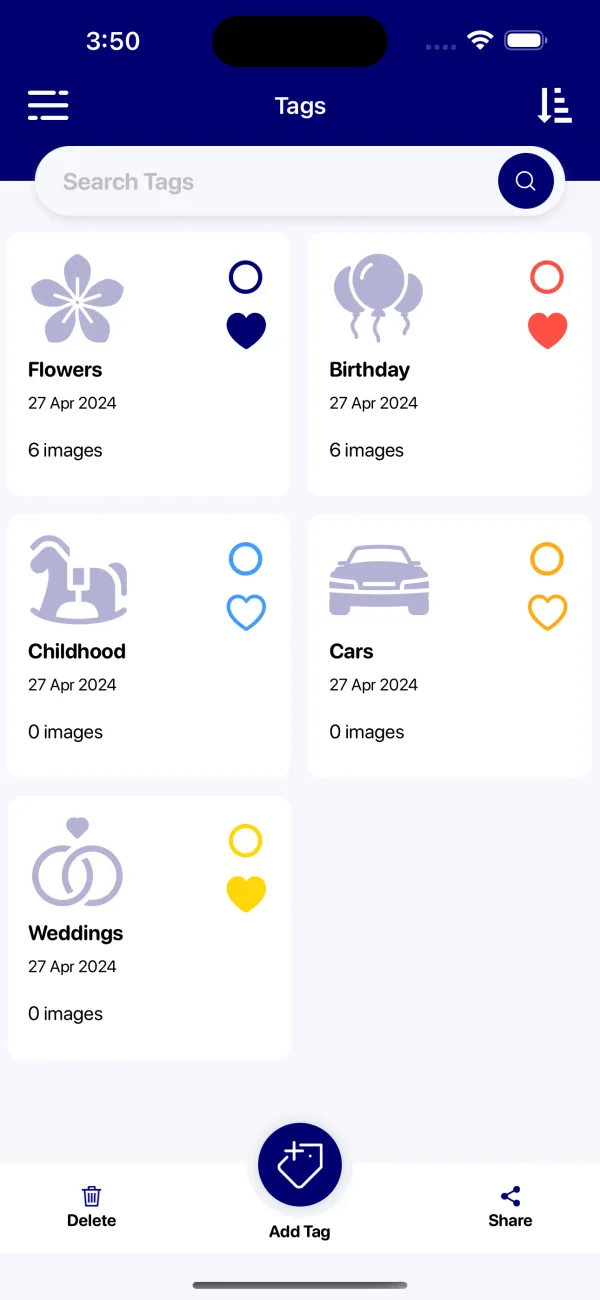
PicsTag allows the user to create customized tags to quickly group your pictures into a specific tag in just one click. For example, you can create tags to identify pictures easily by naming them as Bank, food, Home, Trip, Family, Sports, Selfies or anything that stand out from the rest of your pictures.
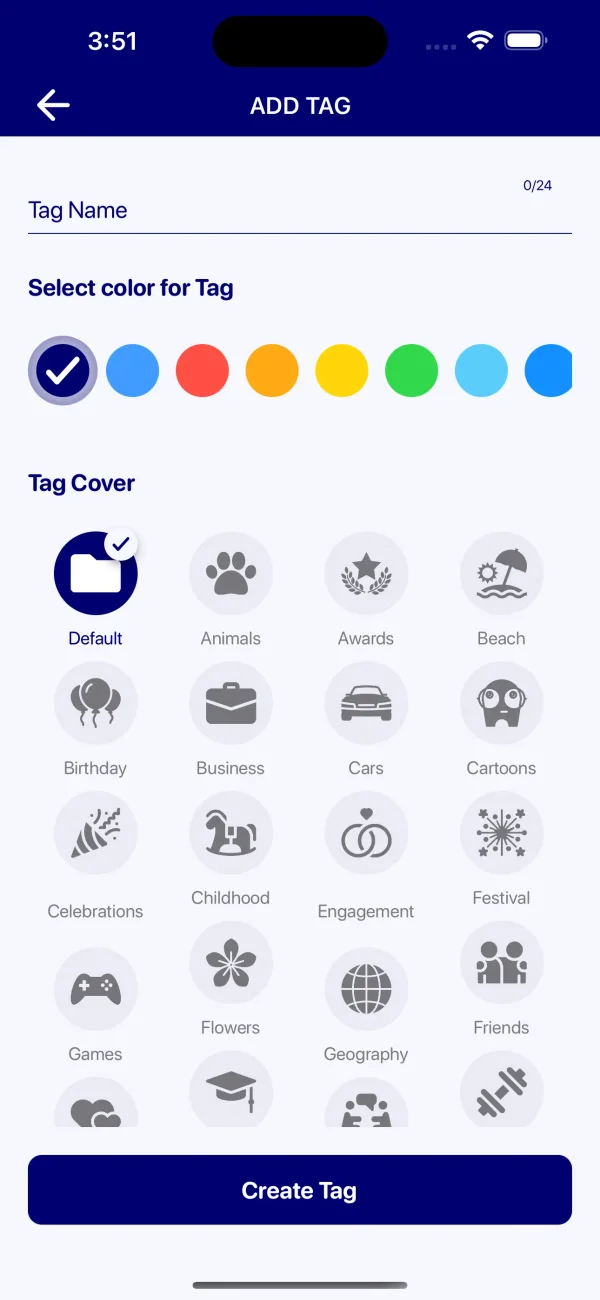
How Can I Add or Create a New Tag?
- Simply tap the “Add Tag” Icon at the bottom of the screen.
- Enter a New Tag New in a Text Box.
- Tap Save.
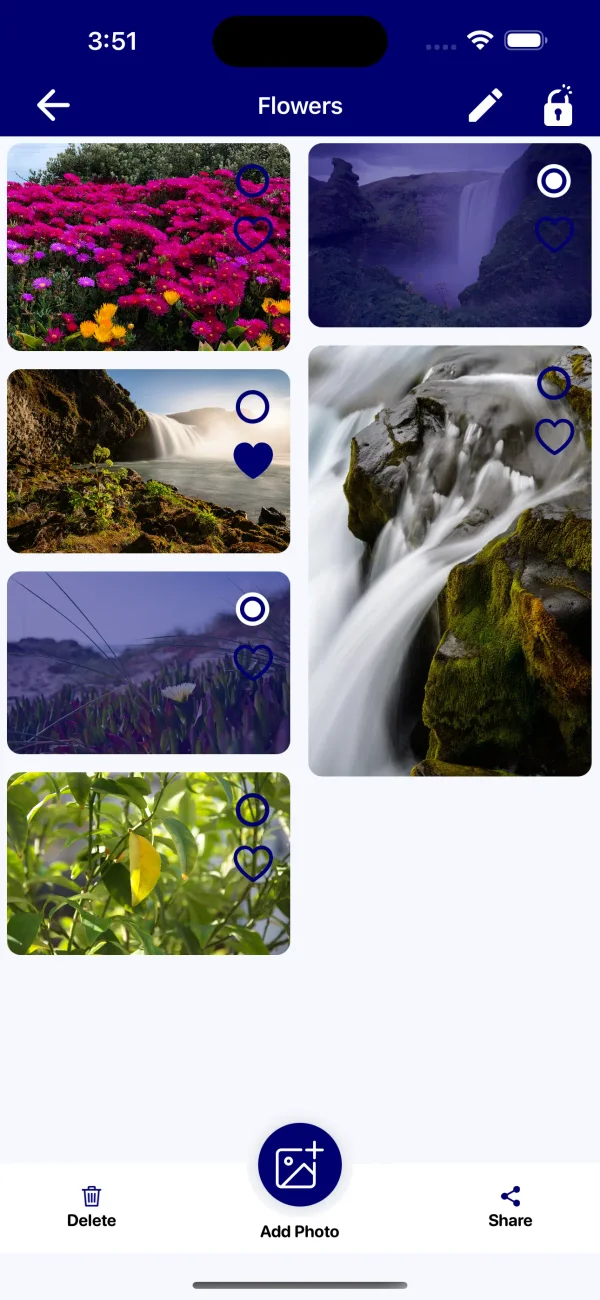
How Can I Add Images or Pictures to the Tag?
- Simply Tap the Tag you want to add pictures
- Select pictures from your Device Gallery
- Tap Done.
PicsTag does not require user personal information. Also, it does not ask the user to Register or Login to use the app.
PicsTag does not save your tag or images to any cloud server. All your personal tag and images will save on your local device only. No one can see or access your personal tag or images added in PicsTag application.
Once you remove any images from your local device gallery, that particular images will also be deleted from PicsTag app.
PicsTag does not use any extra space of your phone to place images into a specific tag or label.
PicsTag also allows you to share images to Social media, Gmail, Bluetooth, Google Photos, Contacts, etc.
Once you uninstall the PicsTag app from your phone, all the Tags and Images data will be deleted permanently and that cannot be restored. Please note that It would not delete any photo from your device Gallery.
Có gì mới
Phiên bản 4.1 · 28/04/2024
Thank you for using PicsTag! We frequently improve our app to fix bugs, enhance performance and add new features.
Quyền riêng tư của ứng dụng
Những gì RAJESH BHIMANI khai báo trên App Store về cách ứng dụng này xử lý dữ liệu.
-
Dữ liệu không liên kết với bạn
Có thể được thu thập nhưng không liên kết với danh tính của bạn.
- Nội dung của người dùng
Phương thức đảm bảo quyền riêng tư có thể khác nhau, chẳng hạn như tuỳ theo các tính năng bạn sử dụng hoặc độ tuổi của bạn.
Thông tin
- Người bán
- RAJESH BHIMANI
- Danh mục
- Lối Sống
- Phiên bản
- 4.1
- Cập nhật
- 28/04/2024
- Phát hành
- 21/04/2019
- Kích thước
- 61,6 MB
- Yêu cầu
- iOS 12.0 trở lên
- Độ tuổi
- 4+
- Giá
- Miễn phí
- Ngôn ngữ
- Tiếng Anh
- Bản quyền
- © Skynet Technologies.