
- Age rating4+
- CategoryLifestyle
- DeveloperRAJESH BHIMANI
- LanguagesEnglish
- Size61.6 MB
Links to the official App Store page
Download.org hosts no file of PicsTag. The button opens its official App Store page, published by RAJESH BHIMANI. Listing last checked on Nov 17, 2026.
Screenshots

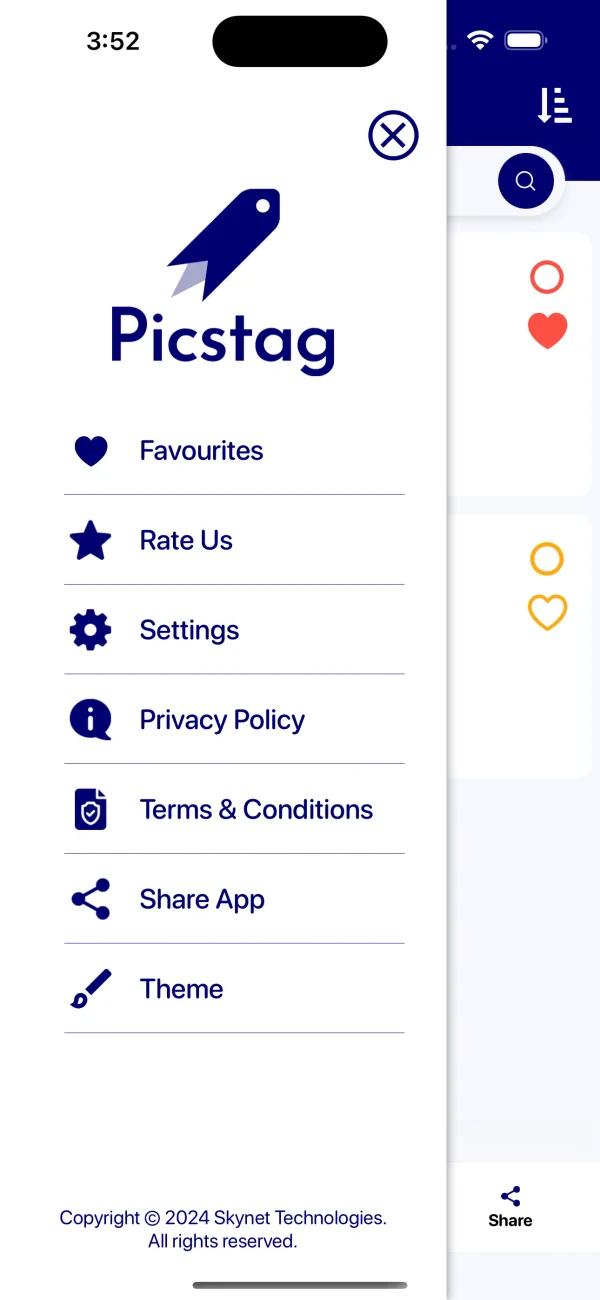
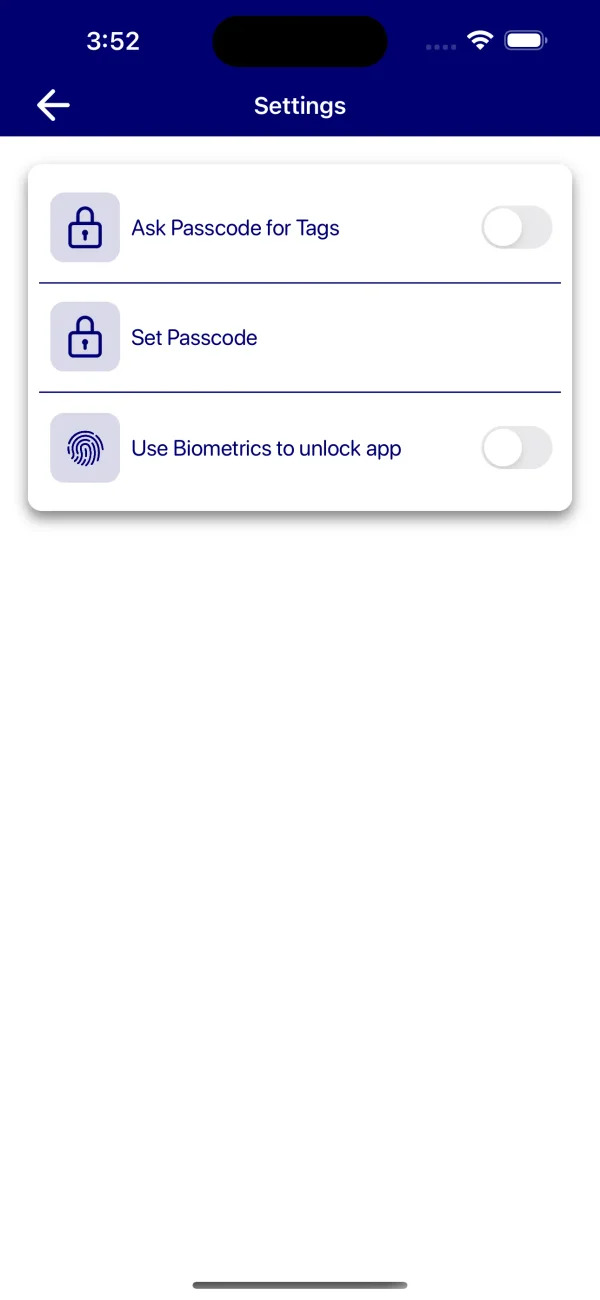

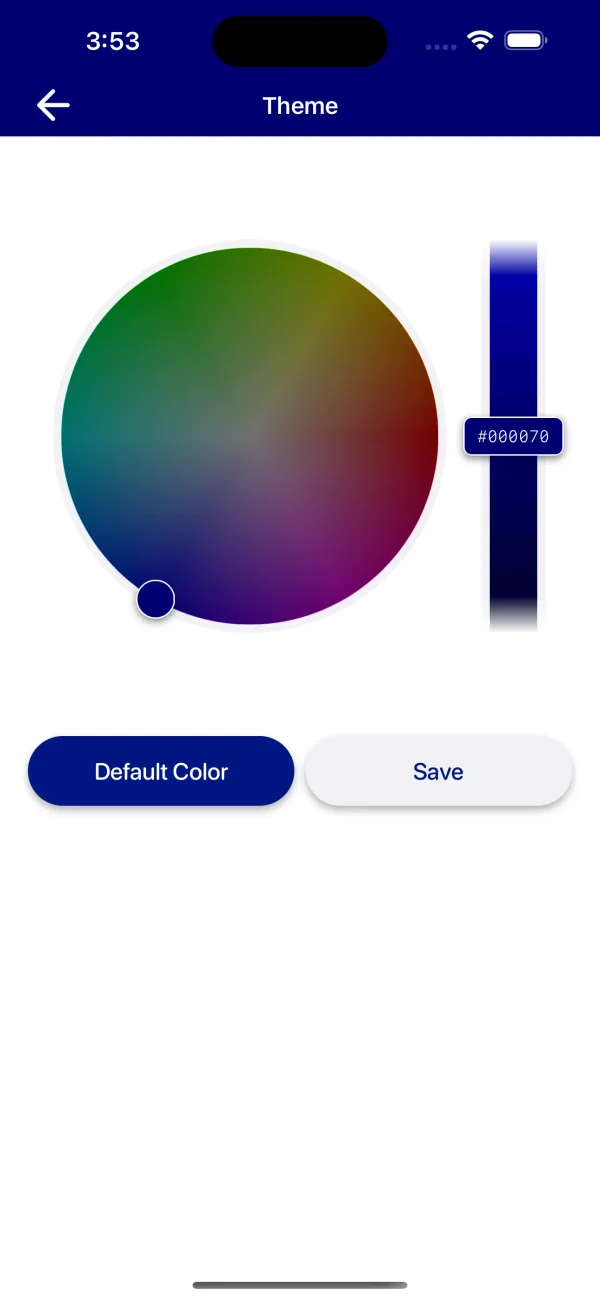

About
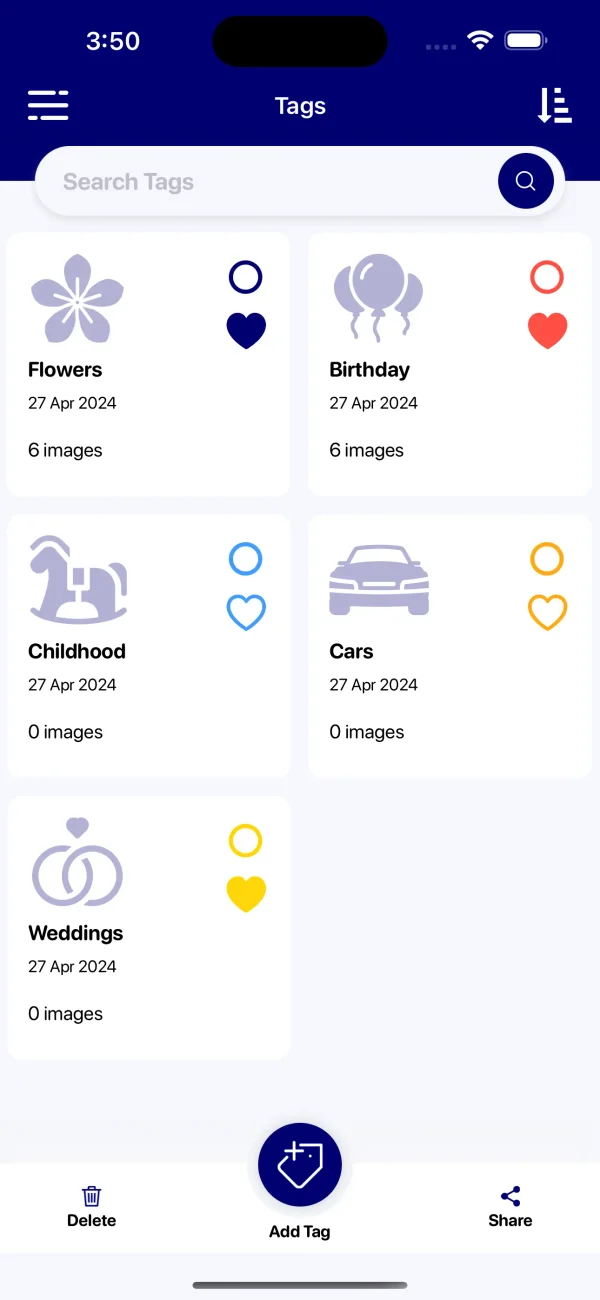
PicsTag is a free and easy to use mobile app allow you to organize your phone pictures in just a few seconds.
PicsTag lets you take the same approach with your photos that you might do it manually by creating a folder in your gallery by copying or moving images which are really time-consuming.
PicsTag allows the user to create customized tags to quickly group your pictures into a specific tag in just one click. For example, you can create tags to identify pictures easily by naming them as Bank, food, Home, Trip, Family, Sports, Selfies or anything that stand out from the rest of your pictures.
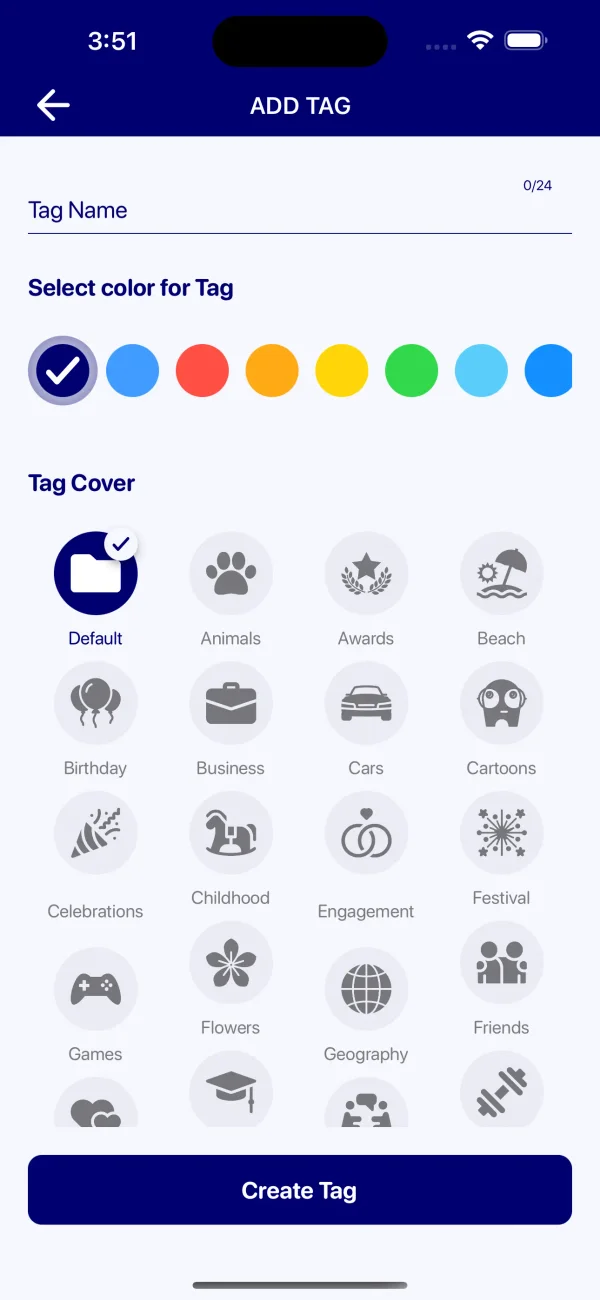
How Can I Add or Create a New Tag?
- Simply tap the “Add Tag” Icon at the bottom of the screen.
- Enter a New Tag New in a Text Box.
- Tap Save.
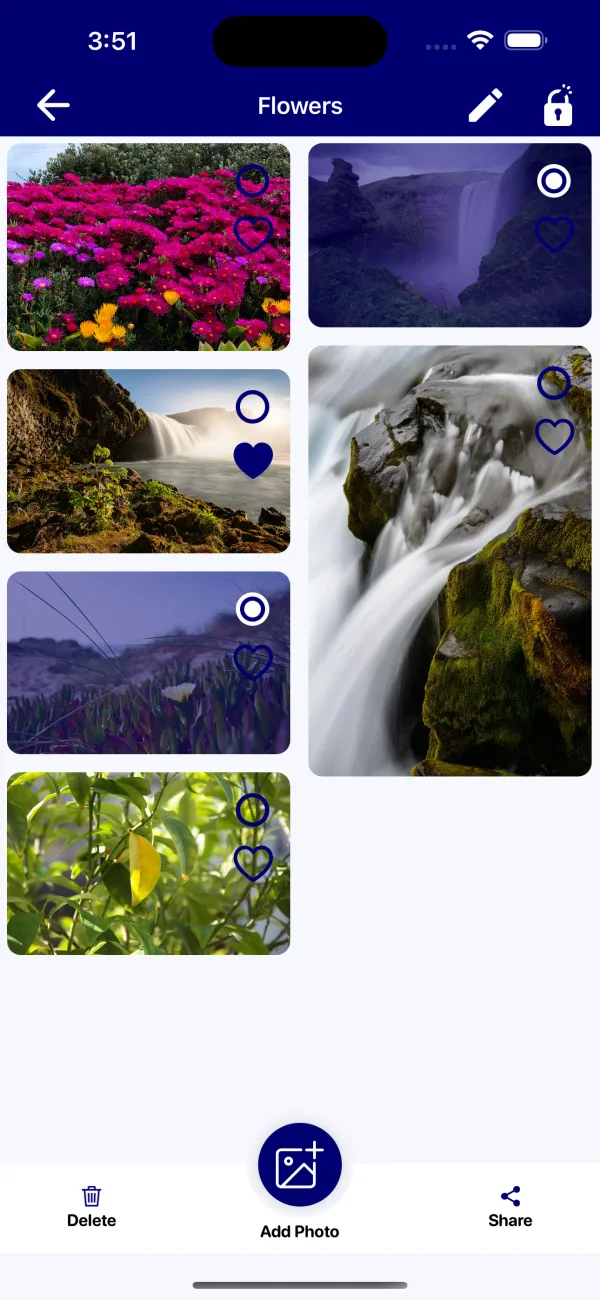
How Can I Add Images or Pictures to the Tag?
- Simply Tap the Tag you want to add pictures
- Select pictures from your Device Gallery
- Tap Done.
PicsTag does not require user personal information. Also, it does not ask the user to Register or Login to use the app.
PicsTag does not save your tag or images to any cloud server. All your personal tag and images will save on your local device only. No one can see or access your personal tag or images added in PicsTag application.
Once you remove any images from your local device gallery, that particular images will also be deleted from PicsTag app.
PicsTag does not use any extra space of your phone to place images into a specific tag or label.
PicsTag also allows you to share images to Social media, Gmail, Bluetooth, Google Photos, Contacts, etc.
Once you uninstall the PicsTag app from your phone, all the Tags and Images data will be deleted permanently and that cannot be restored. Please note that It would not delete any photo from your device Gallery.
What’s new
Version 4.1 · Apr 28, 2024
Thank you for using PicsTag! We frequently improve our app to fix bugs, enhance performance and add new features.
App privacy
What RAJESH BHIMANI declares on the App Store about how this app handles data.
-
Data not linked to you
May be collected but is not linked to your identity.
- User content
Privacy practices may vary, for example with the features you use or your age.
Information
- Seller
- RAJESH BHIMANI
- Category
- Lifestyle
- Version
- 4.1
- Updated
- Apr 28, 2024
- Released
- Apr 21, 2019
- Size
- 61.6 MB
- Requires
- iOS 12.0 or later
- Age rating
- 4+
- Price
- Free
- Languages
- English
- Copyright
- © Skynet Technologies.
You might also like
-
 PickTheOutfitStart picking today!
-
 Tendrils - Vegan Dating & ChatVegetarian & Veggie Singles
-
 Runway AIAI Pageant Coach
-
 Soul: AI Therapy & Self-CareAI therapist chat for anxiety
-
 Mary Jane BerlinLifestyle
-
 PlantPal: Plant Care JournalWatering reminders & tracker
-
 Stylegenai - Outfit PlannerAI Stylist & Closet & Wardrobe
-
 Preppy Wallpaper+Pretty Girly Y2K Wallpapers
-
 Letsfit lifeLifestyle
-
 Bipolar Mood Tracker°Easy Notes, Charts & Reports