- 対象年齢4+
- カテゴリライフスタイル
- 開発元RAJESH BHIMANI
- 言語英語
- サイズ61.6 MB
App Storeの公式ページにリンクしています
Download.orgはPicsTagのファイルを一切ホストしていません。ボタンを押すと、RAJESH BHIMANIが公開しているApp Storeのアプリページが開きます。ページの最終確認:2026/11/17。
スクリーンショット


概要
開発元はこのテキストをお使いの言語で提供していません。
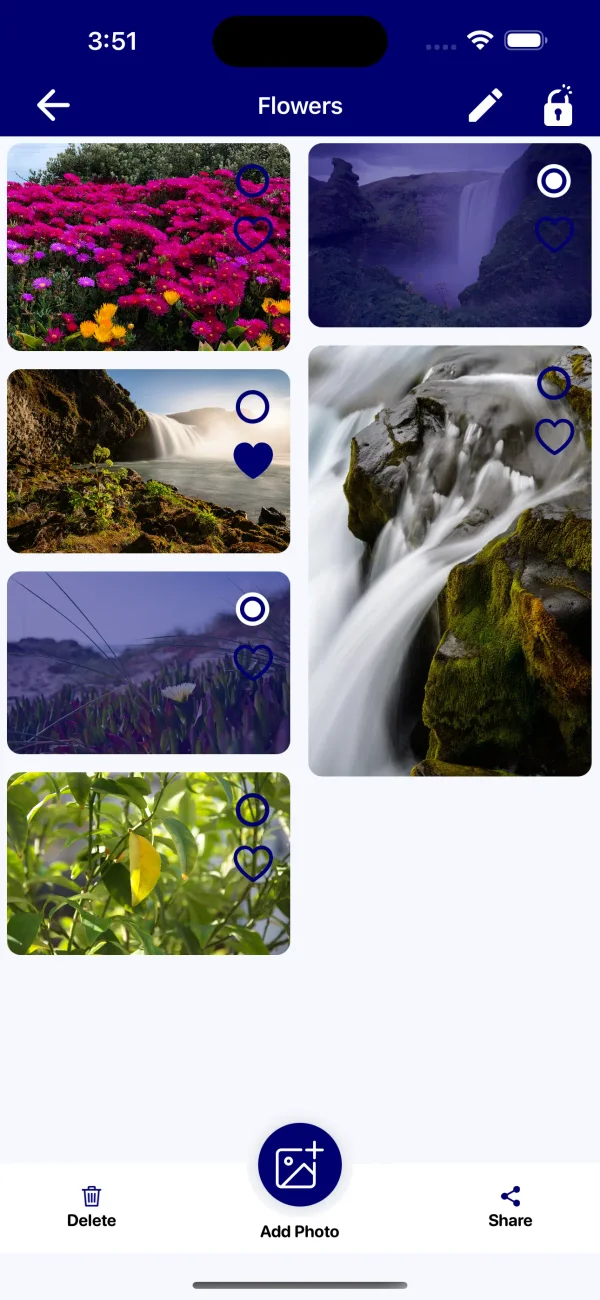
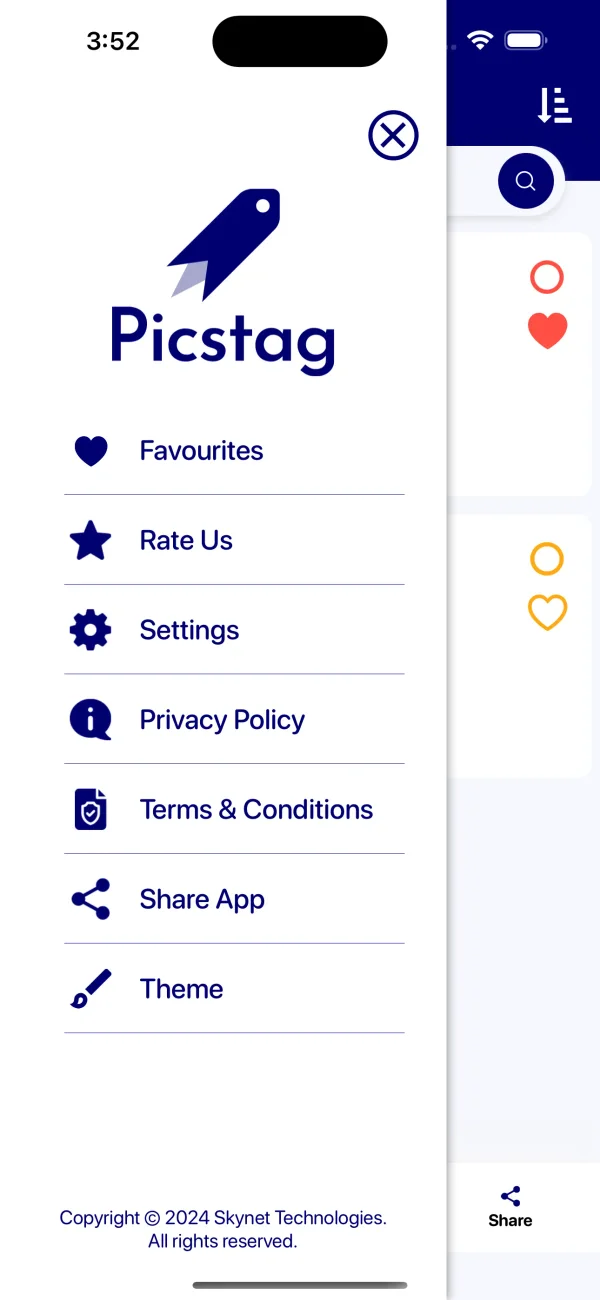
PicsTag is a free and easy to use mobile app allow you to organize your phone pictures in just a few seconds.
PicsTag lets you take the same approach with your photos that you might do it manually by creating a folder in your gallery by copying or moving images which are really time-consuming.
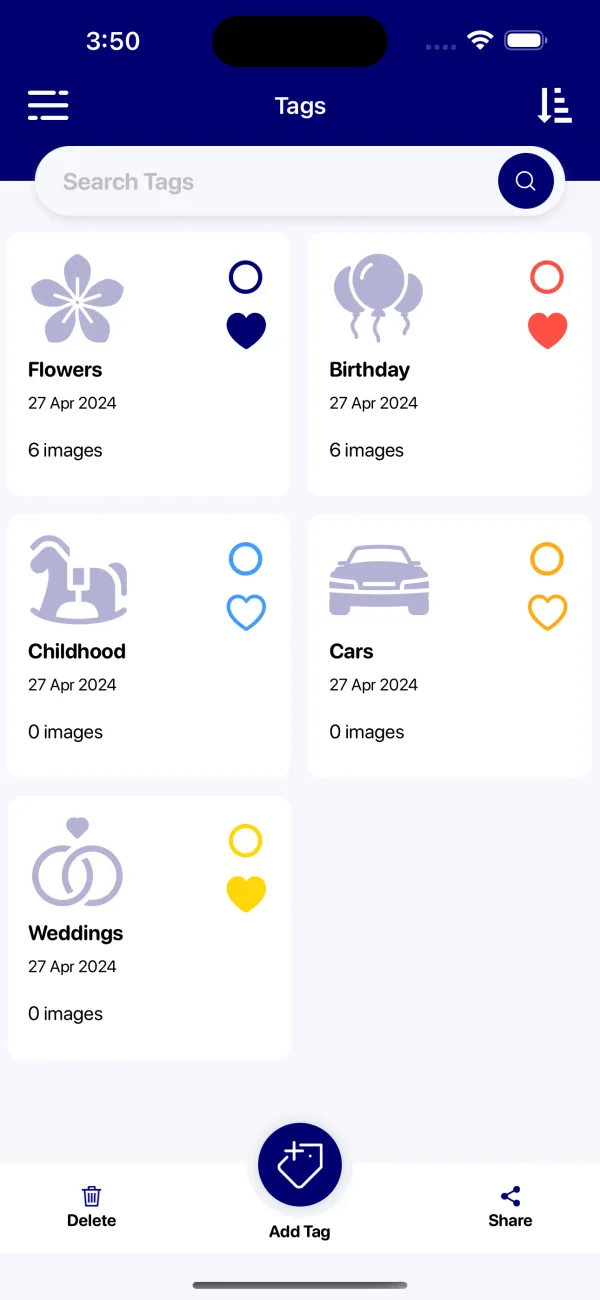
PicsTag allows the user to create customized tags to quickly group your pictures into a specific tag in just one click. For example, you can create tags to identify pictures easily by naming them as Bank, food, Home, Trip, Family, Sports, Selfies or anything that stand out from the rest of your pictures.
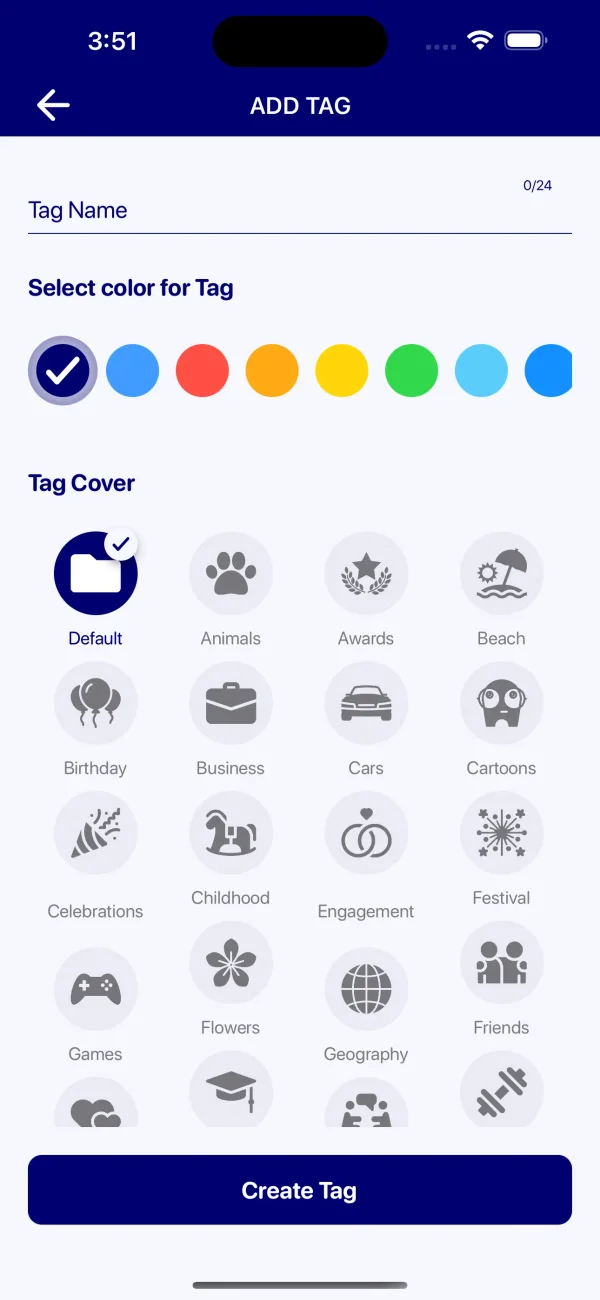
How Can I Add or Create a New Tag?
- Simply tap the “Add Tag” Icon at the bottom of the screen.
- Enter a New Tag New in a Text Box.
- Tap Save.
How Can I Add Images or Pictures to the Tag?
- Simply Tap the Tag you want to add pictures
- Select pictures from your Device Gallery
- Tap Done.
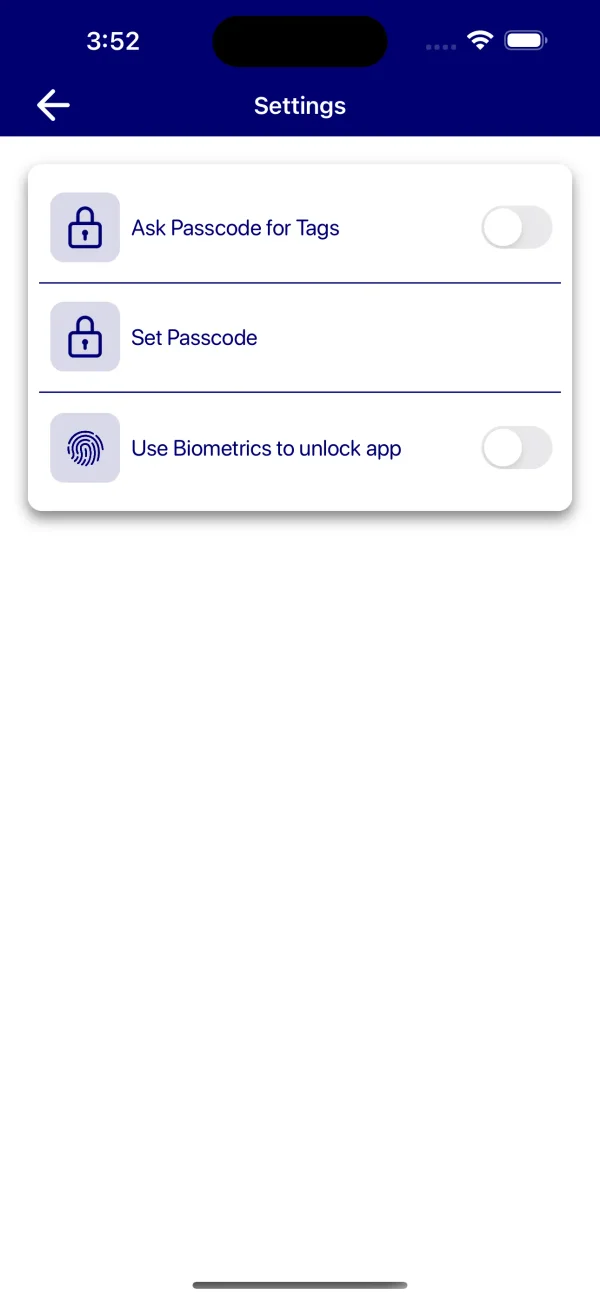
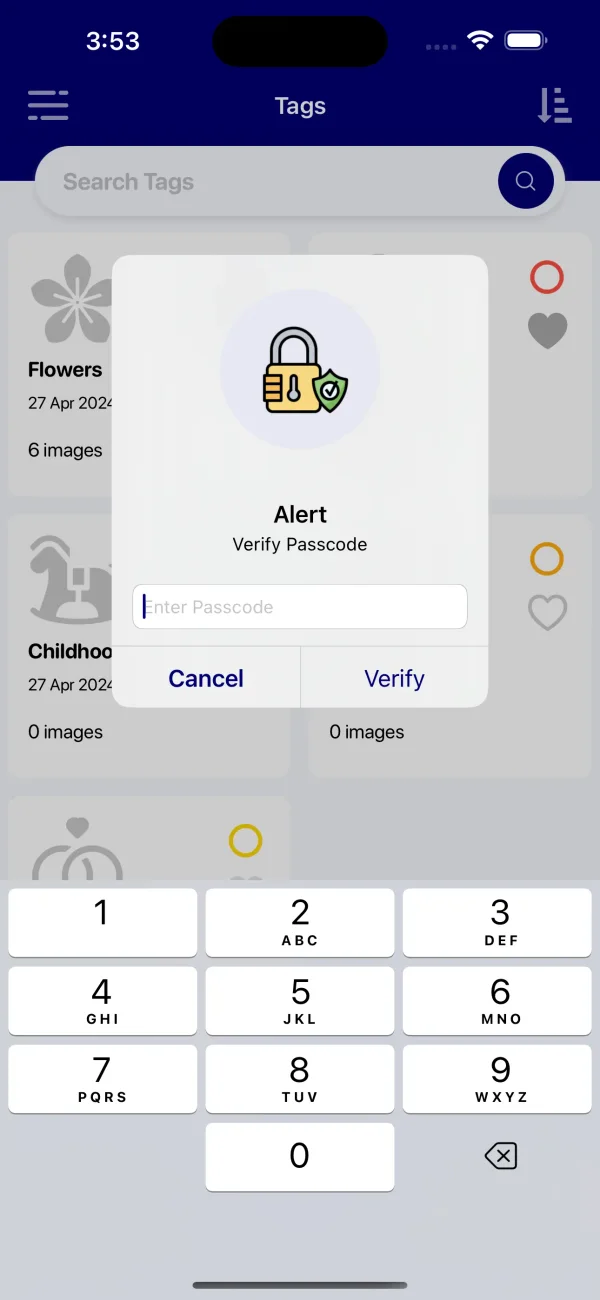
PicsTag does not require user personal information. Also, it does not ask the user to Register or Login to use the app.
PicsTag does not save your tag or images to any cloud server. All your personal tag and images will save on your local device only. No one can see or access your personal tag or images added in PicsTag application.
Once you remove any images from your local device gallery, that particular images will also be deleted from PicsTag app.
PicsTag does not use any extra space of your phone to place images into a specific tag or label.
PicsTag also allows you to share images to Social media, Gmail, Bluetooth, Google Photos, Contacts, etc.
Once you uninstall the PicsTag app from your phone, all the Tags and Images data will be deleted permanently and that cannot be restored. Please note that It would not delete any photo from your device Gallery.
新機能
バージョン 4.1 · 2024/4/28
Thank you for using PicsTag! We frequently improve our app to fix bugs, enhance performance and add new features.
アプリのプライバシー
このアプリのデータの取り扱いについて、RAJESH BHIMANIがApp Storeで申告している内容です。
-
ユーザーに関連付けられないデータ
収集される場合がありますが、ユーザーの識別情報には関連付けられません。
- ユーザーコンテンツ
プライバシーの取り扱いは、ご利用の機能やお客様の年齢などに応じて異なる場合があります。
情報
- 販売元
- RAJESH BHIMANI
- カテゴリ
- ライフスタイル
- バージョン
- 4.1
- 更新日
- 2024/4/28
- リリース
- 2019/4/21
- サイズ
- 61.6 MB
- 必要条件
- iOS 12.0以降
- 対象年齢
- 4+
- 価格
- 無料
- 言語
- 英語
- 著作権
- © Skynet Technologies.