
- Batasan usia4+
- KategoriGaya Hidup
- PengembangRAJESH BHIMANI
- BahasaInggris
- Ukuran61,6 MB
Tertaut ke halaman resmi App Store
Download.org tidak menyimpan file PicsTag apa pun. Tombol ini membuka halaman aplikasi di App Store, tempat RAJESH BHIMANI menerbitkannya. Halaman terakhir diperiksa pada 17/11/2026.
Tangkapan layar



Tentang
Pengembang belum menyediakan teks ini dalam bahasa Anda.
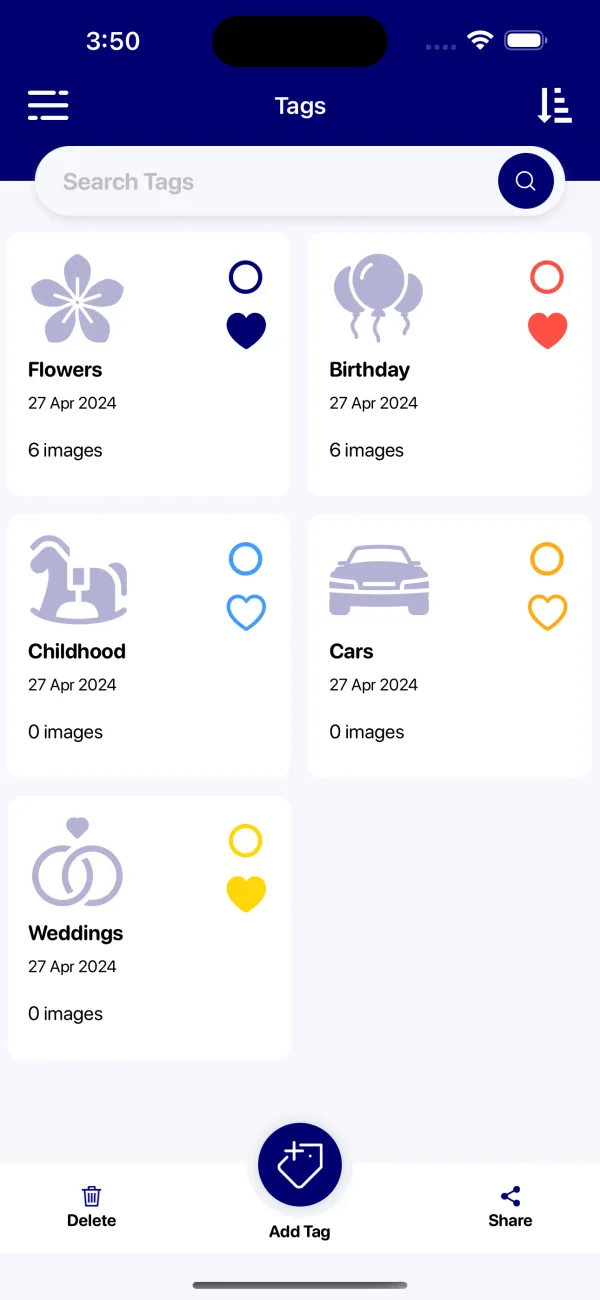
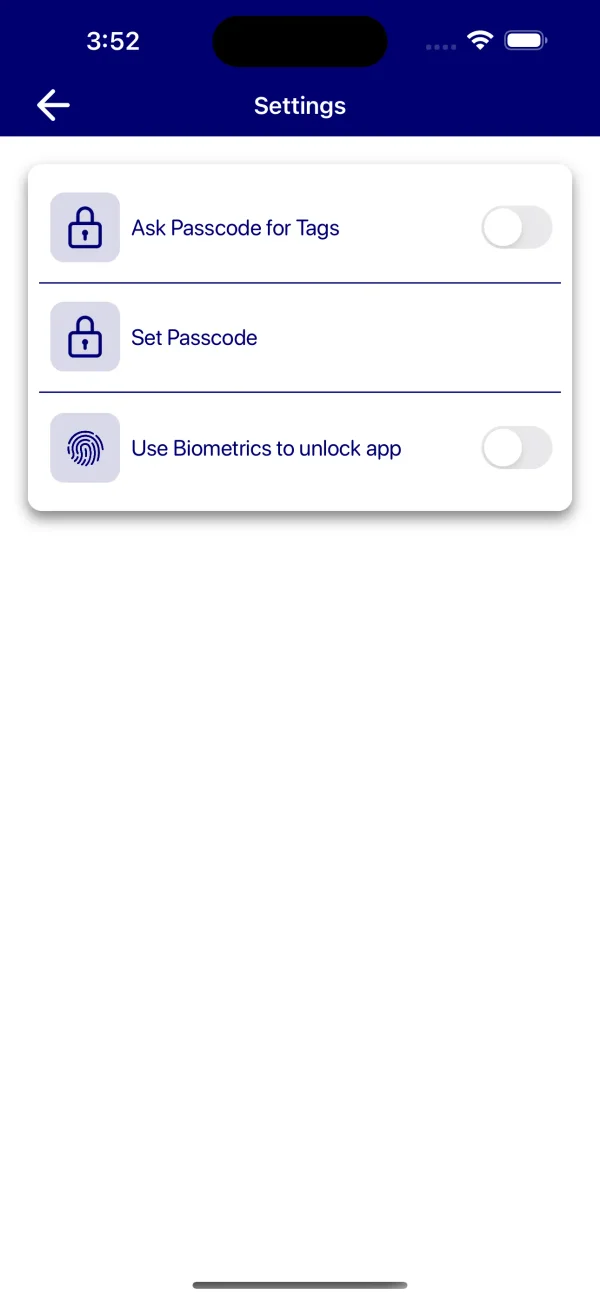
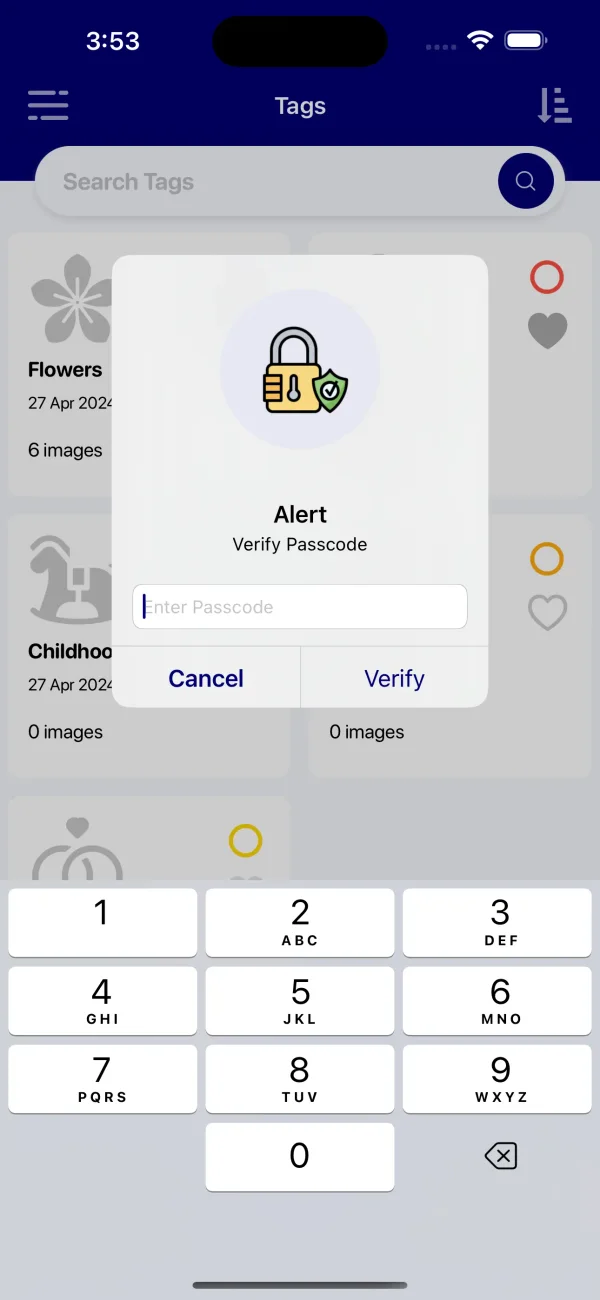
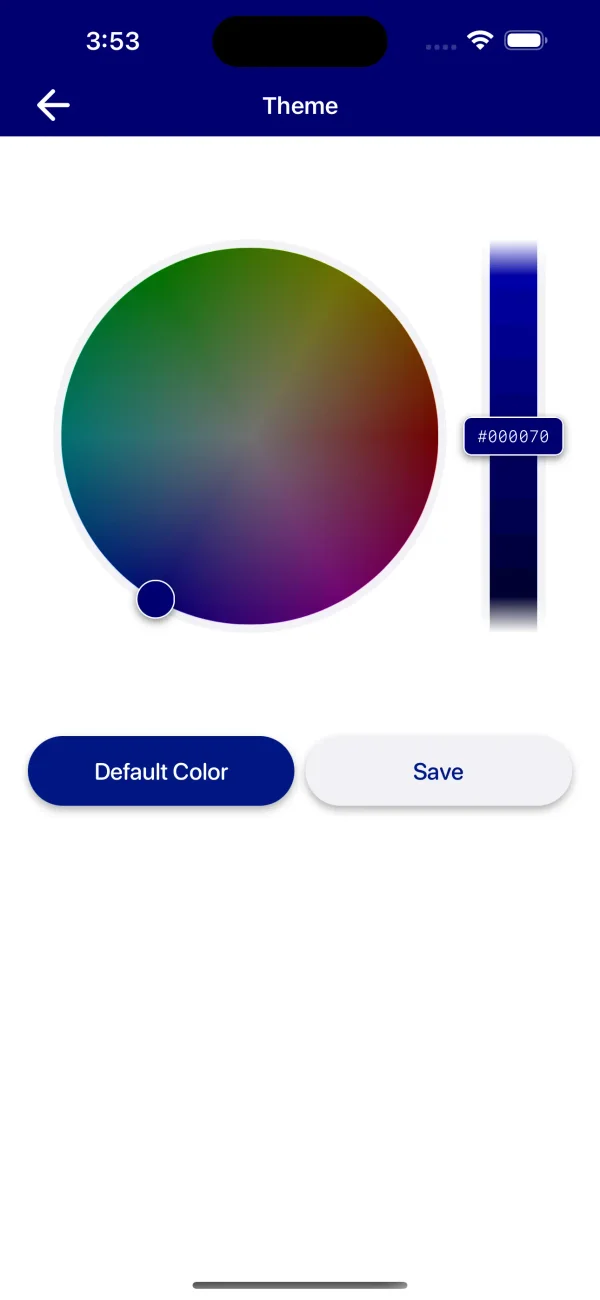
PicsTag is a free and easy to use mobile app allow you to organize your phone pictures in just a few seconds.
PicsTag lets you take the same approach with your photos that you might do it manually by creating a folder in your gallery by copying or moving images which are really time-consuming.
PicsTag allows the user to create customized tags to quickly group your pictures into a specific tag in just one click. For example, you can create tags to identify pictures easily by naming them as Bank, food, Home, Trip, Family, Sports, Selfies or anything that stand out from the rest of your pictures.
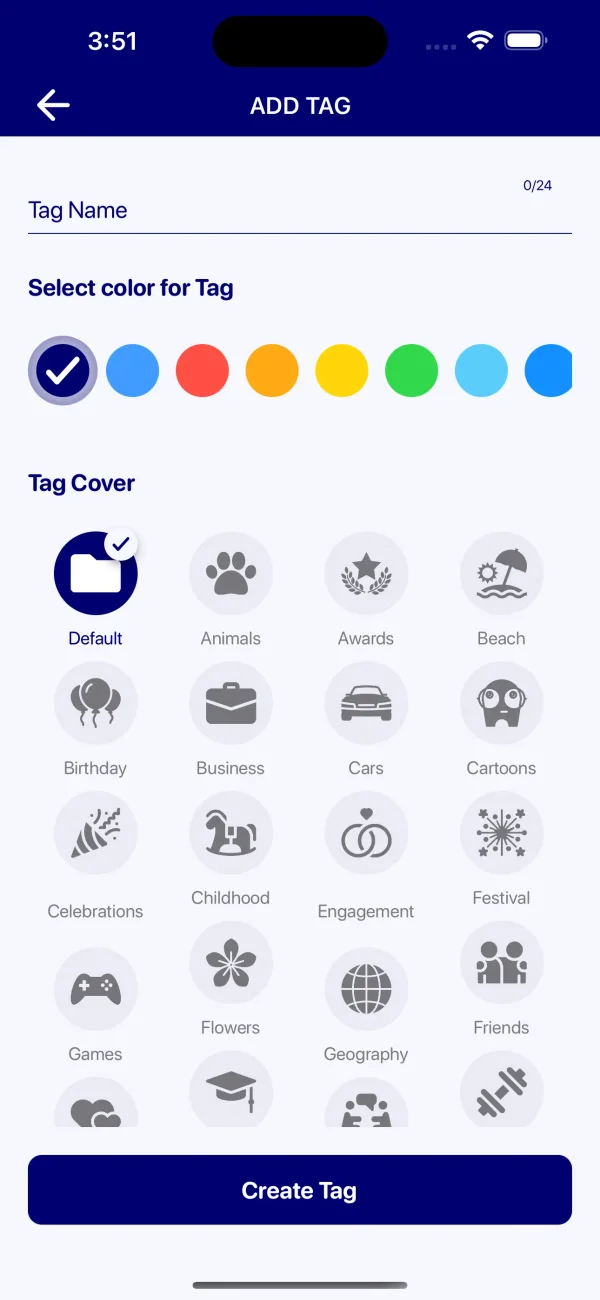
How Can I Add or Create a New Tag?
- Simply tap the “Add Tag” Icon at the bottom of the screen.
- Enter a New Tag New in a Text Box.
- Tap Save.
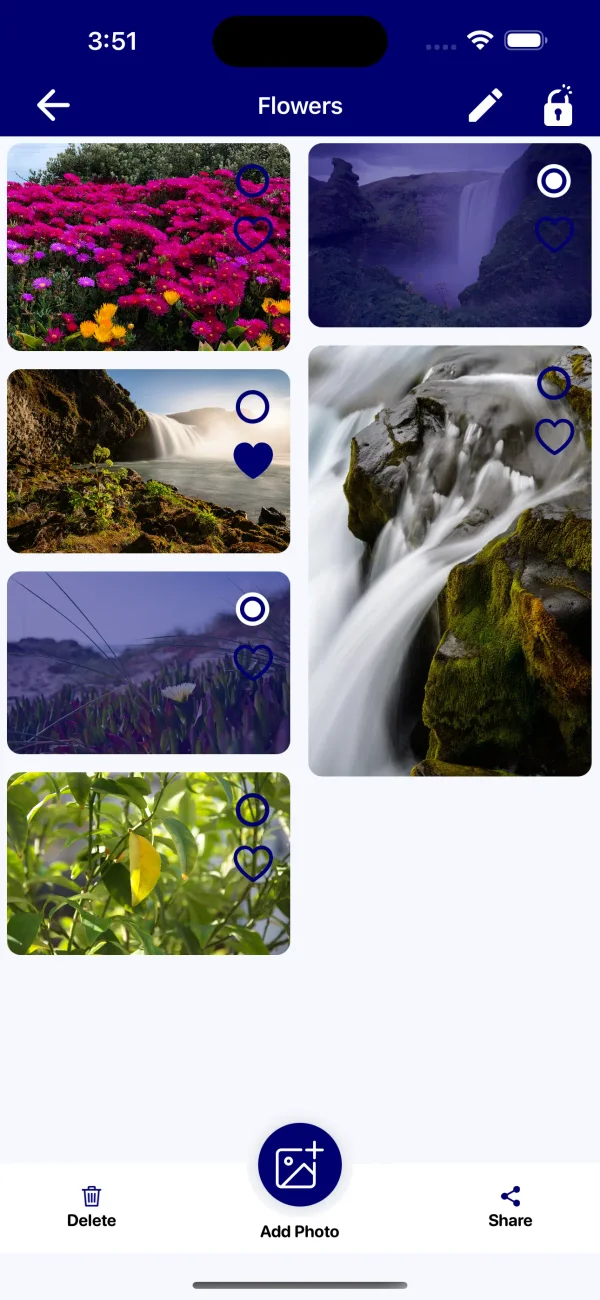
How Can I Add Images or Pictures to the Tag?
- Simply Tap the Tag you want to add pictures
- Select pictures from your Device Gallery
- Tap Done.
PicsTag does not require user personal information. Also, it does not ask the user to Register or Login to use the app.
PicsTag does not save your tag or images to any cloud server. All your personal tag and images will save on your local device only. No one can see or access your personal tag or images added in PicsTag application.
Once you remove any images from your local device gallery, that particular images will also be deleted from PicsTag app.
PicsTag does not use any extra space of your phone to place images into a specific tag or label.
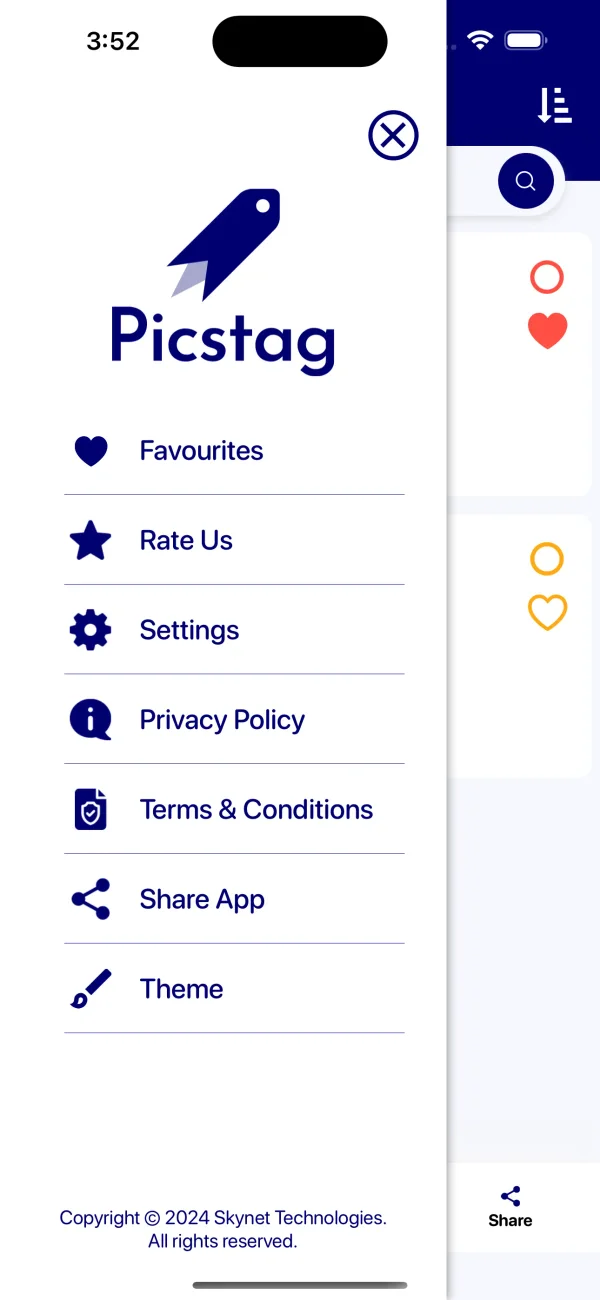
PicsTag also allows you to share images to Social media, Gmail, Bluetooth, Google Photos, Contacts, etc.
Once you uninstall the PicsTag app from your phone, all the Tags and Images data will be deleted permanently and that cannot be restored. Please note that It would not delete any photo from your device Gallery.
Yang baru
Versi 4.1 · 28/4/2024
Thank you for using PicsTag! We frequently improve our app to fix bugs, enhance performance and add new features.
Privasi aplikasi
Yang dinyatakan RAJESH BHIMANI di App Store tentang cara aplikasi ini menangani data.
-
Data yang tidak ditautkan dengan Anda
Dapat dikumpulkan, tetapi tidak ditautkan dengan identitas Anda.
- Konten pengguna
Praktik privasi dapat bervariasi, misalnya berdasarkan fitur yang Anda gunakan atau usia Anda.
Informasi
- Penjual
- RAJESH BHIMANI
- Kategori
- Gaya Hidup
- Versi
- 4.1
- Diperbarui
- 28/4/2024
- Dirilis
- 21/4/2019
- Ukuran
- 61,6 MB
- Memerlukan
- iOS 12.0 atau yang lebih baru
- Batasan usia
- 4+
- Harga
- Gratis
- Bahasa
- Inggris
- Hak cipta
- © Skynet Technologies.
Mungkin Anda juga suka
-
 PickTheOutfitGaya Hidup
-
 Tendrils - Vegan Dating & ChatGaya Hidup
-
 Runway AIGaya Hidup
-
 Soul: AI Therapy & Self-CareGaya Hidup
-
 Mary Jane BerlinGaya Hidup
-
 PlantPal: Plant Care JournalGaya Hidup
-
 Stylegenai - Outfit PlannerGaya Hidup
-
 Preppy Wallpaper+Gaya Hidup
-
 Letsfit lifeGaya Hidup
-
 Bipolar Mood Tracker°Gaya Hidup