- Classification d’âge4+
- CatégorieUtilitaires
- DéveloppeurHyun Sik Choi
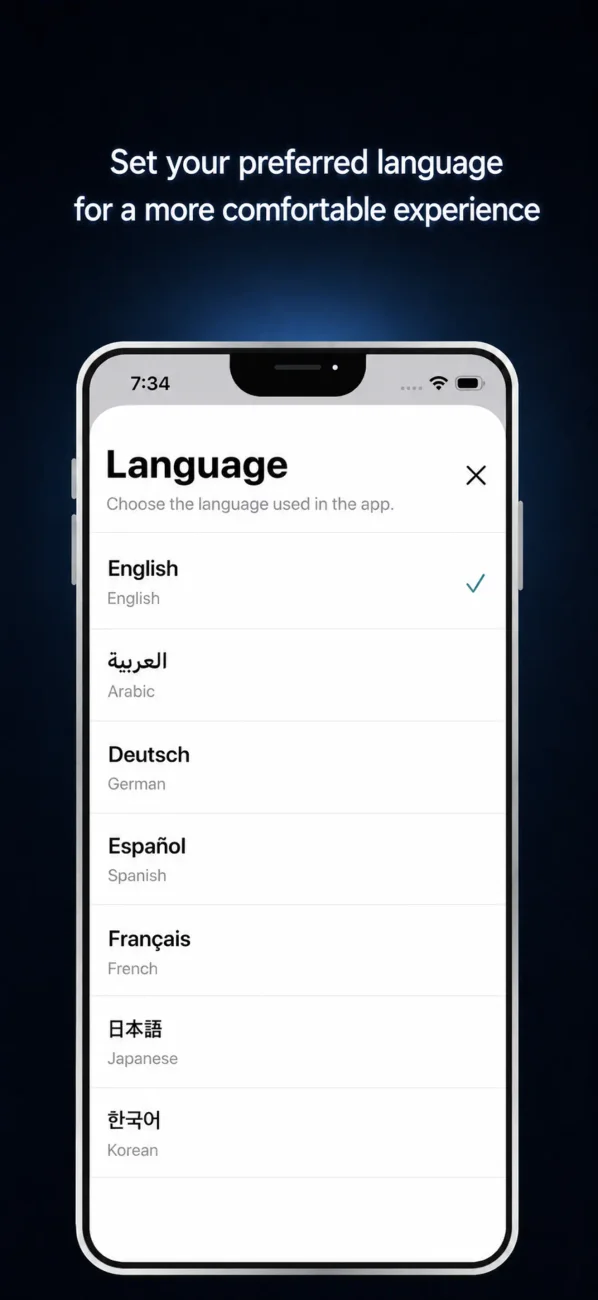
- LanguesAnglais+ 6 de plus
- Taille19,1 Mo
Renvoie vers la page App Store officielle
Download.org n’héberge aucun fichier de ViewSide Link. Le bouton ouvre la page de l’application sur App Store, où Hyun Sik Choi la publie. Fiche vérifiée pour la dernière fois le 14/11/2026.
Captures d’écran
À propos
Le développeur n’a pas fourni ce texte dans votre langue.
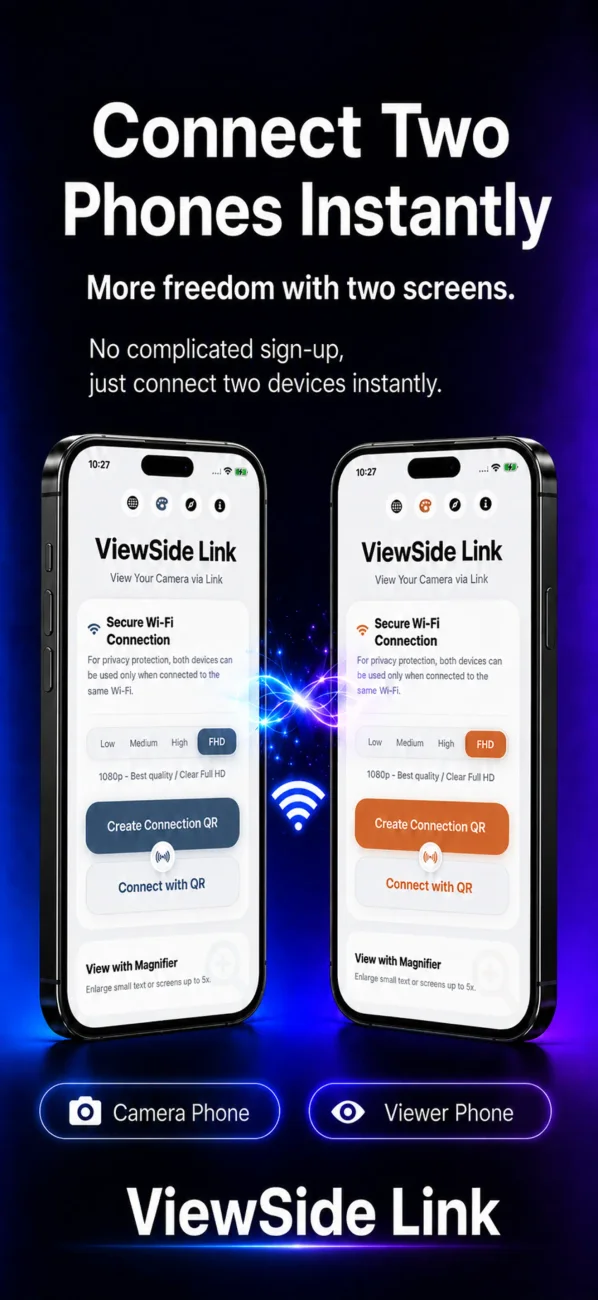
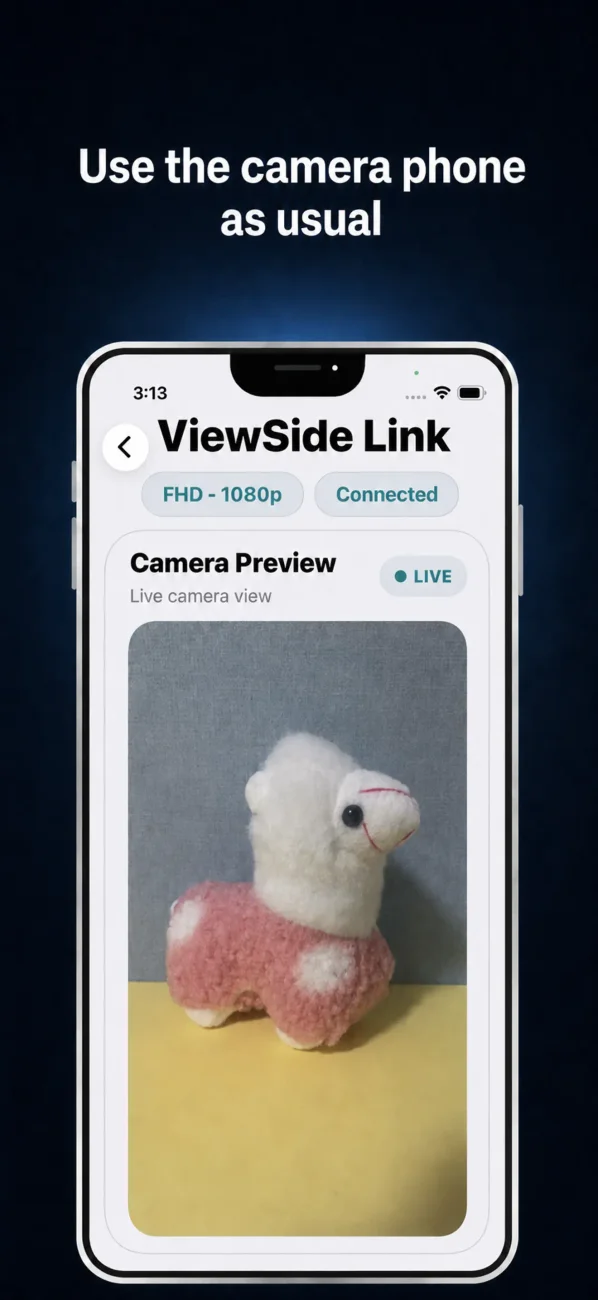
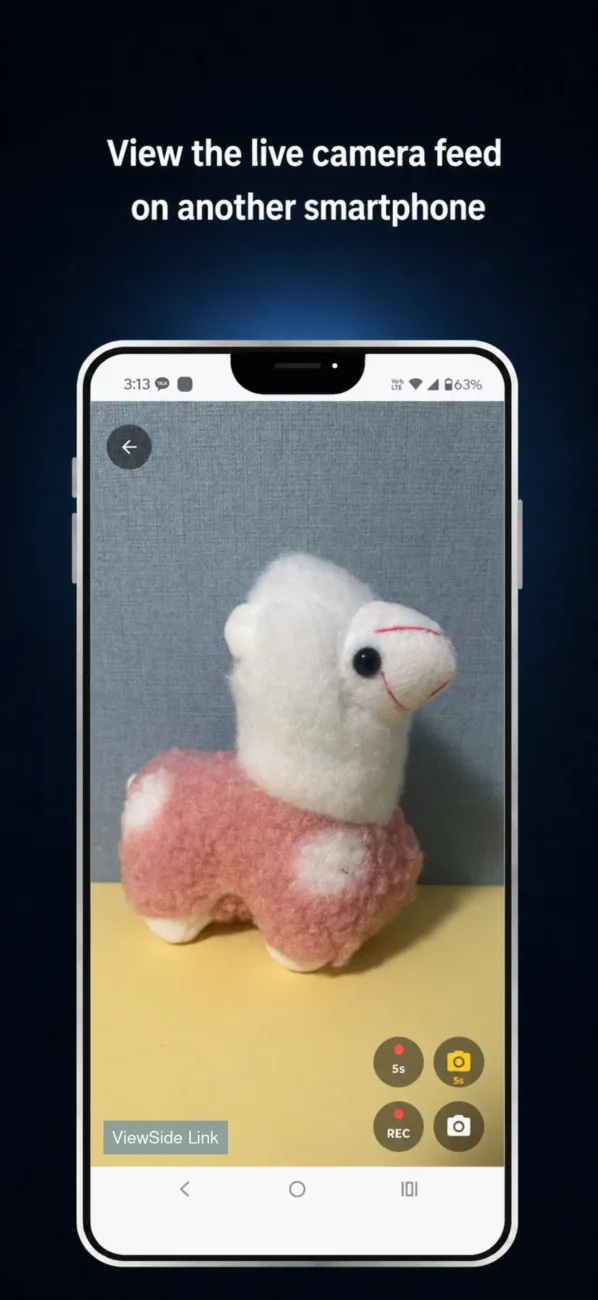
ViewSide Link is an app that connects two smartphones, allowing you to view live video from one phone's camera or transfer files between devices.
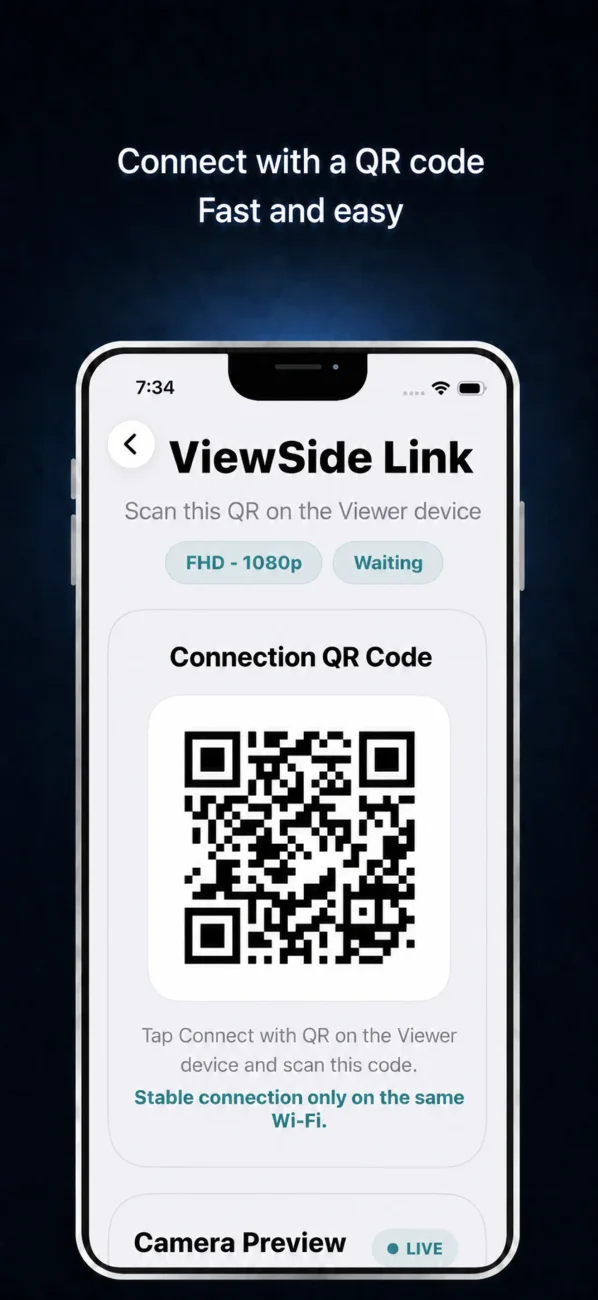
No registration or login is required. Simply connect using a QR code. Video and files are transferred directly between the two devices.
Try connecting and using ViewSide Link with any combination of iPhone and Android devices.
https://morerak.kr/link
-----------------
Notice
-----------------
Starting with version 1.2.1, the roles for video connection QR codes have changed. The phone that generates the QR code now becomes the Viewer, while the phone that scans the QR code becomes the Camera.
If you are using an older version, please update both devices to the latest version to ensure a smooth connection.
-----------------
Video Streaming
-----------------
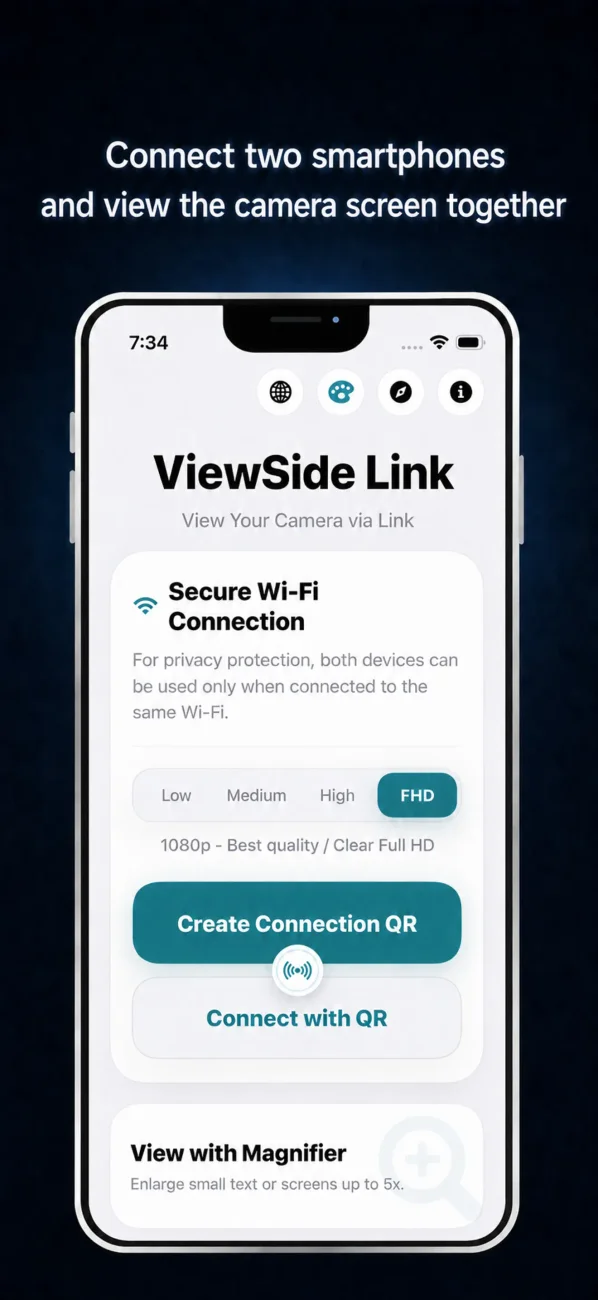
On the phone you want to use to watch the video, tap "Generate Connection QR · Viewer".
On the phone you want to use as the camera, tap "Connect via QR · Camera" and scan the code to start capturing video immediately. You can then watch the live video on the phone that generated the QR code.
-----------------
File Transfer
-----------------
Photos and videos captured through the app are saved on the phone used as the camera.
To transfer saved photos or videos, open "File Transfer" on the home screen, select the files you want to send, and tap "Generate QR to Send".
On the receiving phone, tap "Scan QR · Receive" to scan the code, then tap "Receive" to start the transfer.
-----------------
Magnifier
-----------------
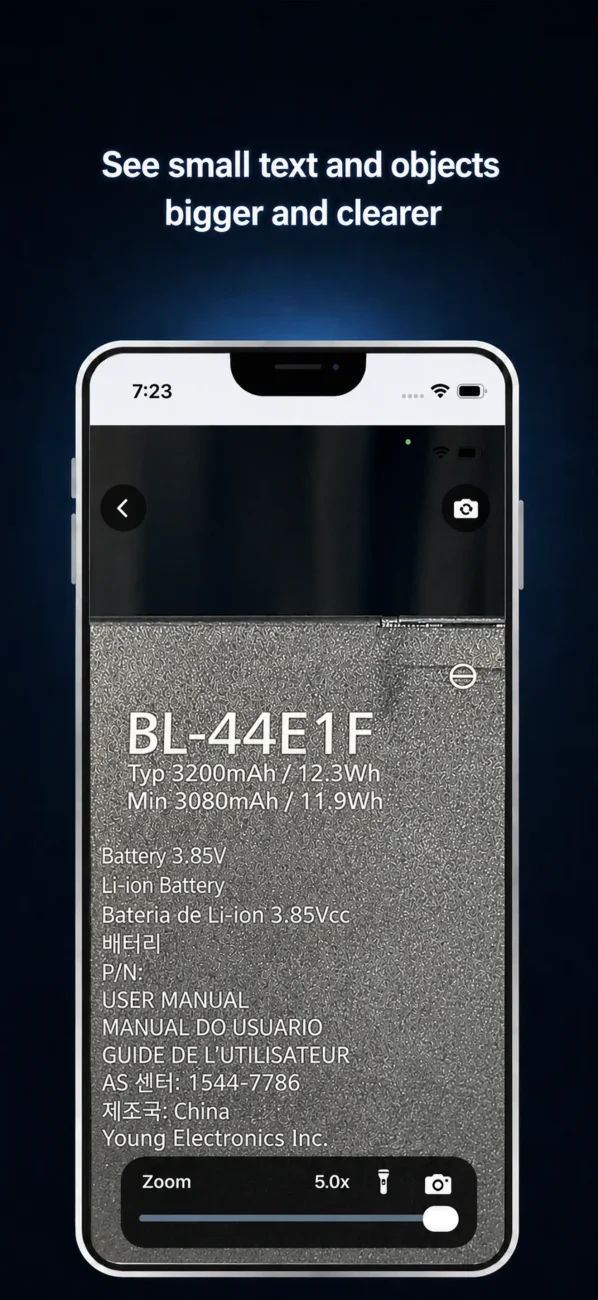
Open the Magnifier from the home screen to enlarge small text or fine details.
You can also freeze the screen, recognize text, and copy it.
-----------------
Settings
-----------------
Choose whether to use Wi-Fi only or allow mobile data connections.
Set the photo capture timer, the number of consecutive shots, and the interval between shots.
For video recording, you can set the delay before recording starts and the recording duration.
Select your preferred default video quality when launching the app, and customize or disable the watermark.
Nouveautés
Version 1.2.1 · 12/11/2026
• The QR code connection process has changed. The phone that creates the QR code acts as the viewer, and the phone that scans it becomes the camera.
• You can now take photos and record videos directly on the phone used as the camera.
• Send saved photos and videos to a connected device using a QR code.
• Added guide lines and on-screen drawing for live video, along with pause and motion detection features.
• Set the photo timer and recording duration in Settings. For interval shooting, choose the number of photos and set the interval in seconds.
• Change the watermark text or turn the watermark off.
• Choose whether to use Wi-Fi only or allow mobile data in Network Settings.
Confidentialité de l’application
Ce que Hyun Sik Choi déclare sur l’App Store au sujet du traitement des données par cette application.
-
Données n’établissant aucun lien avec vous
Peuvent être collectées, mais ne sont pas liées à votre identité.
- Autres données
Les pratiques en matière de confidentialité peuvent varier, notamment en fonction des fonctionnalités que vous utilisez ou de votre âge.
Informations
- Vendeur
- Hyun Sik Choi
- Catégorie
- Utilitaires
- Version
- 1.2.1
- Mis à jour
- 12/11/2026
- Publié
- 20/07/2026
- Taille
- 19,1 Mo
- Nécessite
- iOS 16.6 ou version ultérieure
- Classification d’âge
- 4+
- Prix
- Gratuit
- Langues
- Anglais, Arabe, Français, Allemand, Japonais, Coréen, Espagnol
- Copyright
- © 2026 Hyunsik Choi
Vous aimerez peut-être aussi
-
 Boreal NFC: Tag WriterUtilitaires
-
 ClauseCheck - Contract DiffUtilitaires
-
 BPaaS Image RulerUtilitaires
-
 Shrimpminder : Bonne postureCorrigez posture, mal de dos
-
 Boat Buddy - Nautical GuideGPS bateau, marées, carnet
-
 StreamTester: Lecteur RTSPTest flux,visionnage caméra IP
-
 ClipCreeper for SafariUtilitaires
-
 Netsight - Outils WiFiScanner WiFi et analyse IP
-
 UniRemote: Télécommande TVSmart TV, pavé tactile/clavier
-
 Nenrin – Same Day, Every YearUtilitaires