- Batasan usia4+
- KategoriKegunaan
- PengembangHyun Sik Choi
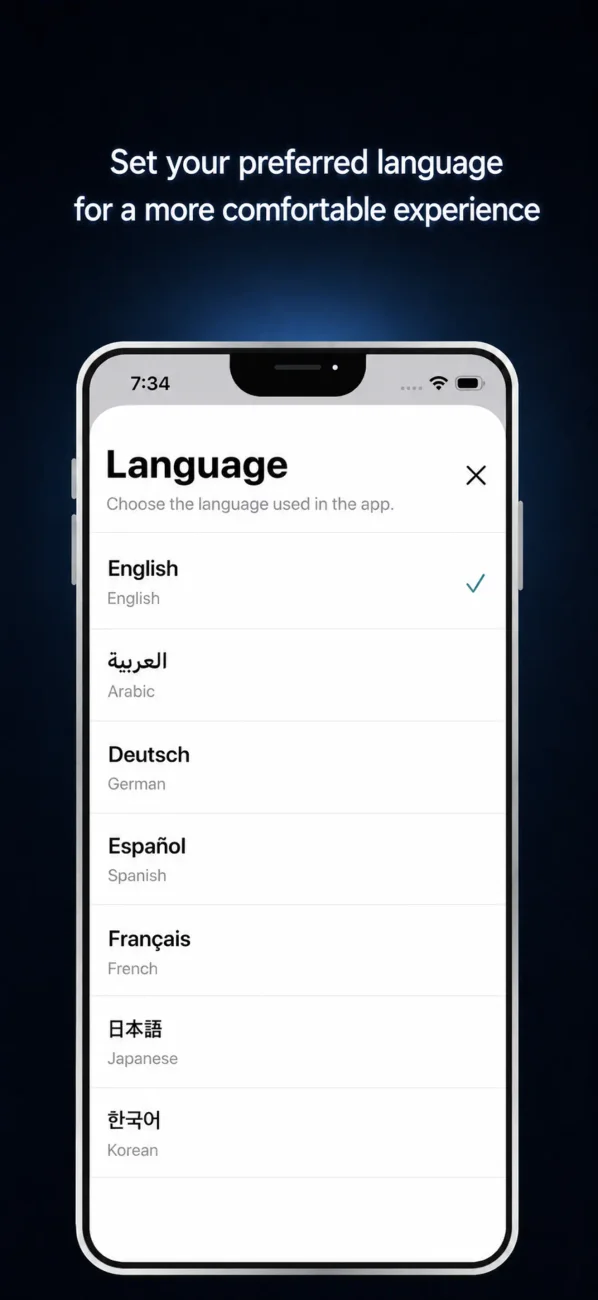
- BahasaInggris+ 6 lainnya
- Ukuran19,1 MB
Tertaut ke halaman resmi App Store
Download.org tidak menyimpan file ViewSide Link apa pun. Tombol ini membuka halaman aplikasi di App Store, tempat Hyun Sik Choi menerbitkannya. Halaman terakhir diperiksa pada 14/11/2026.
Tangkapan layar
Tentang
Pengembang belum menyediakan teks ini dalam bahasa Anda.
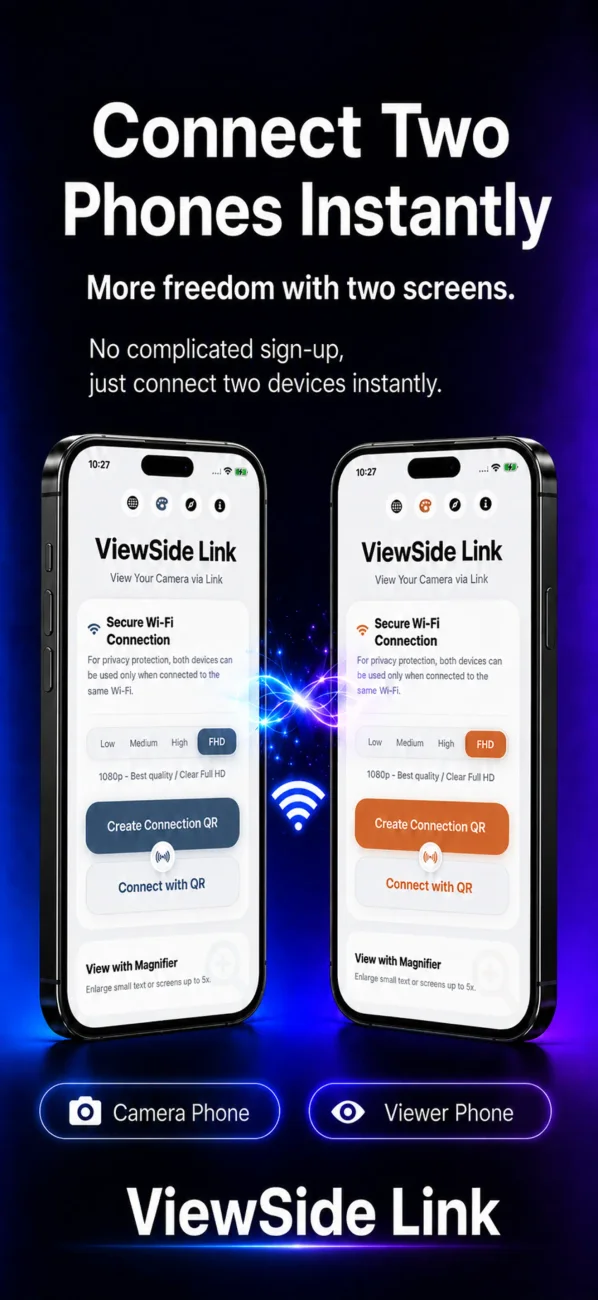
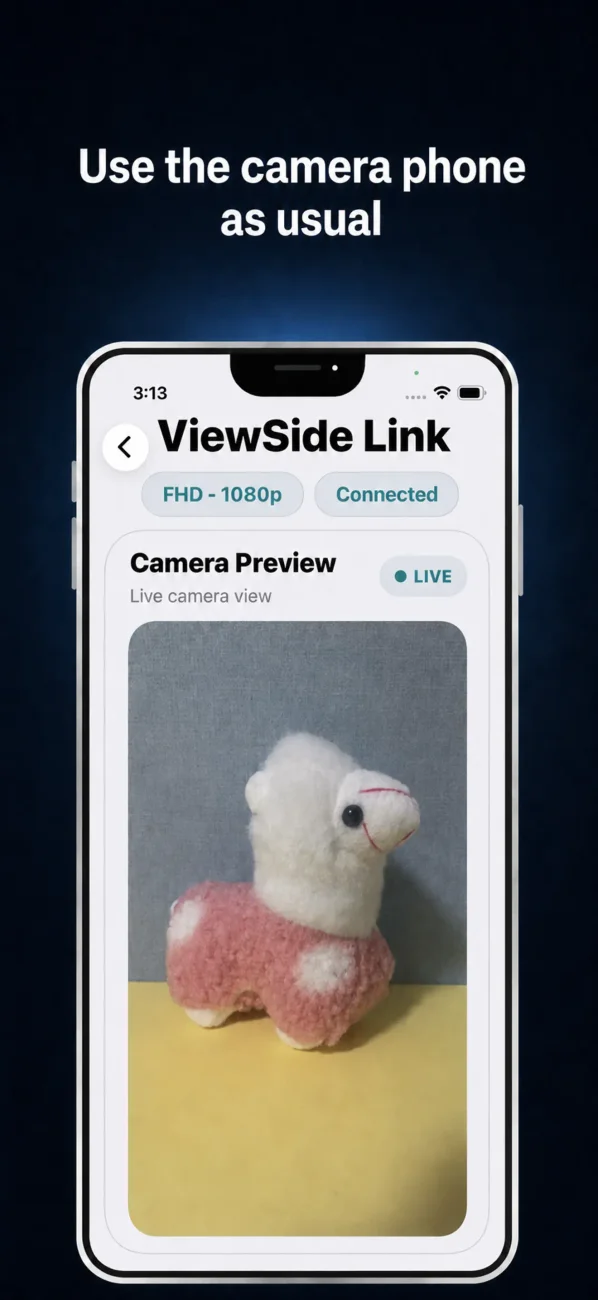
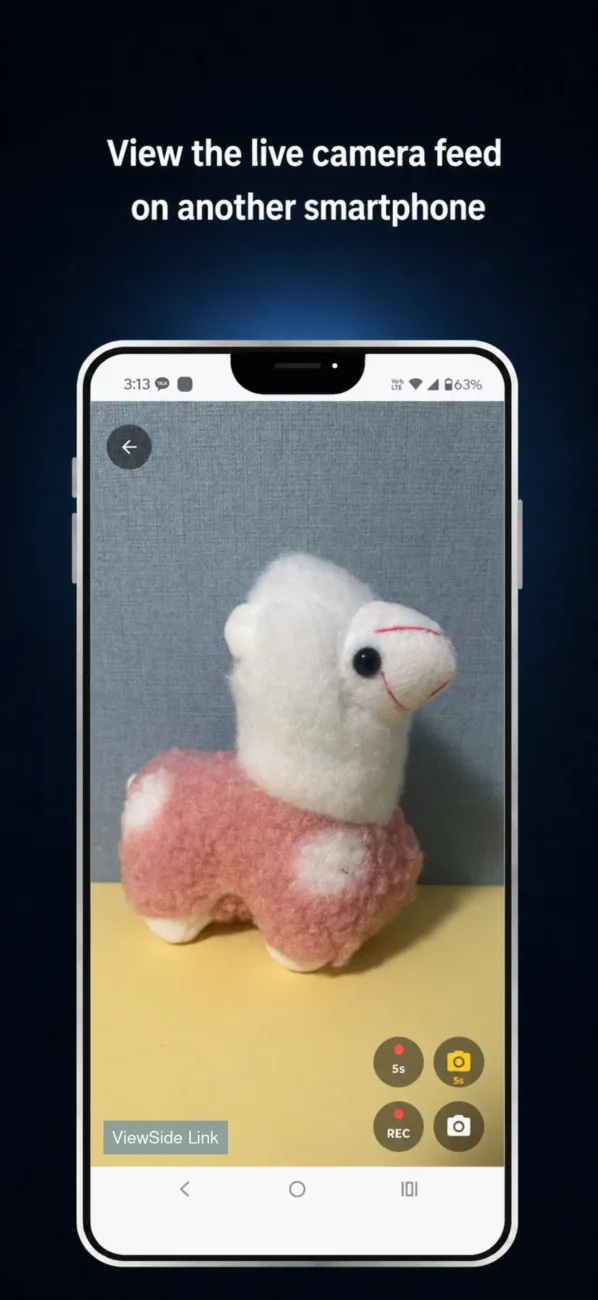
ViewSide Link is an app that connects two smartphones, allowing you to view live video from one phone's camera or transfer files between devices.
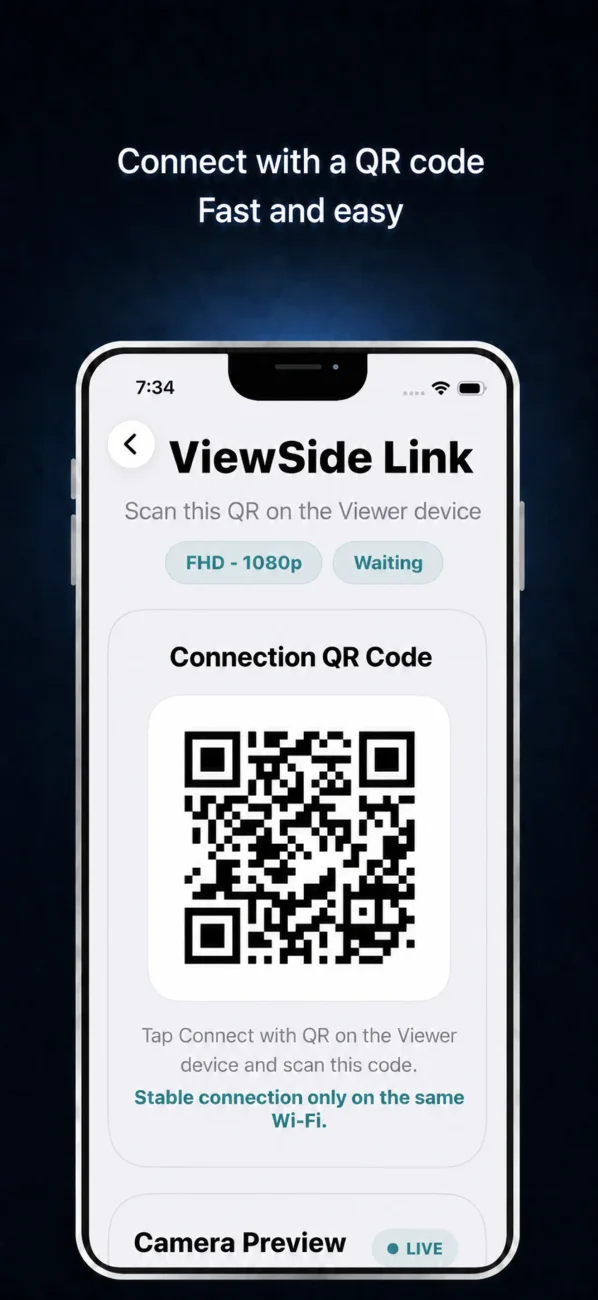
No registration or login is required. Simply connect using a QR code. Video and files are transferred directly between the two devices.
Try connecting and using ViewSide Link with any combination of iPhone and Android devices.
https://morerak.kr/link
-----------------
Notice
-----------------
Starting with version 1.2.1, the roles for video connection QR codes have changed. The phone that generates the QR code now becomes the Viewer, while the phone that scans the QR code becomes the Camera.
If you are using an older version, please update both devices to the latest version to ensure a smooth connection.
-----------------
Video Streaming
-----------------
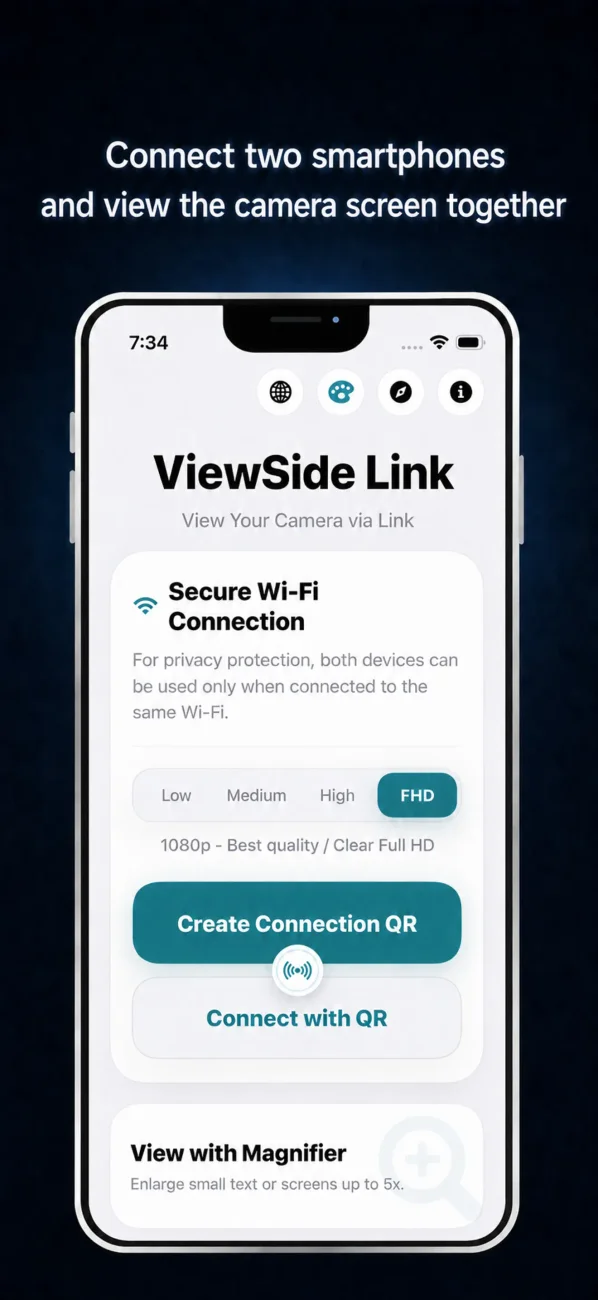
On the phone you want to use to watch the video, tap "Generate Connection QR · Viewer".
On the phone you want to use as the camera, tap "Connect via QR · Camera" and scan the code to start capturing video immediately. You can then watch the live video on the phone that generated the QR code.
-----------------
File Transfer
-----------------
Photos and videos captured through the app are saved on the phone used as the camera.
To transfer saved photos or videos, open "File Transfer" on the home screen, select the files you want to send, and tap "Generate QR to Send".
On the receiving phone, tap "Scan QR · Receive" to scan the code, then tap "Receive" to start the transfer.
-----------------
Magnifier
-----------------
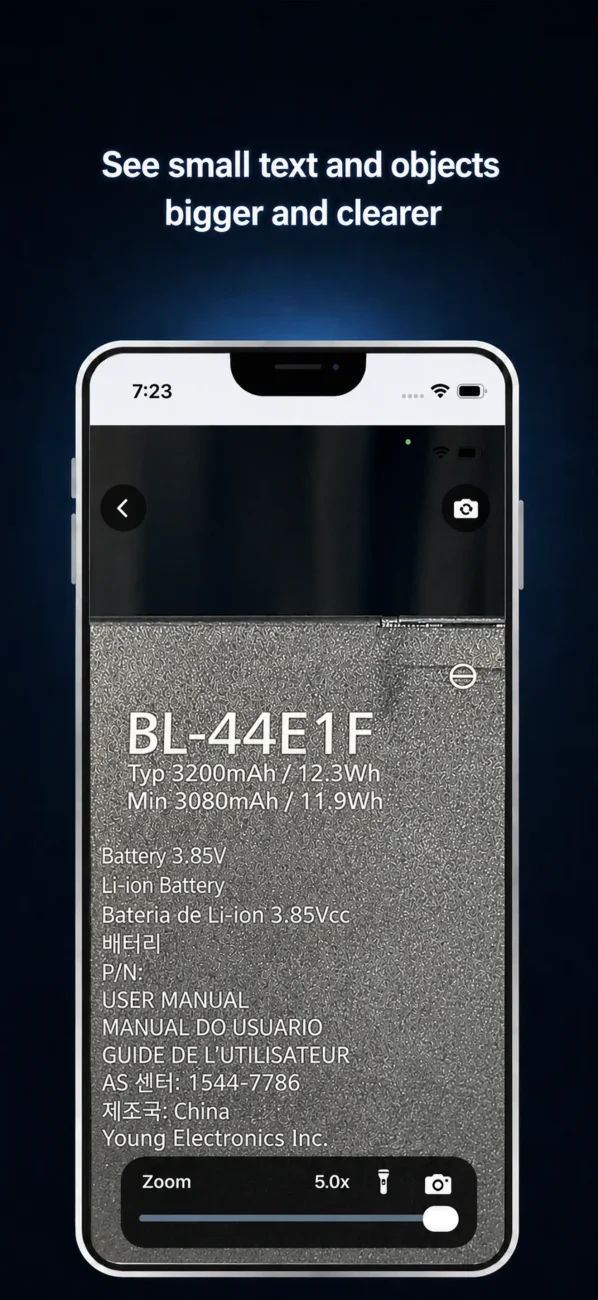
Open the Magnifier from the home screen to enlarge small text or fine details.
You can also freeze the screen, recognize text, and copy it.
-----------------
Settings
-----------------
Choose whether to use Wi-Fi only or allow mobile data connections.
Set the photo capture timer, the number of consecutive shots, and the interval between shots.
For video recording, you can set the delay before recording starts and the recording duration.
Select your preferred default video quality when launching the app, and customize or disable the watermark.
Yang baru
Versi 1.2.1 · 12/11/2026
• The QR code connection process has changed. The phone that creates the QR code acts as the viewer, and the phone that scans it becomes the camera.
• You can now take photos and record videos directly on the phone used as the camera.
• Send saved photos and videos to a connected device using a QR code.
• Added guide lines and on-screen drawing for live video, along with pause and motion detection features.
• Set the photo timer and recording duration in Settings. For interval shooting, choose the number of photos and set the interval in seconds.
• Change the watermark text or turn the watermark off.
• Choose whether to use Wi-Fi only or allow mobile data in Network Settings.
Privasi aplikasi
Yang dinyatakan Hyun Sik Choi di App Store tentang cara aplikasi ini menangani data.
-
Data yang tidak ditautkan dengan Anda
Dapat dikumpulkan, tetapi tidak ditautkan dengan identitas Anda.
- Data lainnya
Praktik privasi dapat bervariasi, misalnya berdasarkan fitur yang Anda gunakan atau usia Anda.
Informasi
- Penjual
- Hyun Sik Choi
- Kategori
- Kegunaan
- Versi
- 1.2.1
- Diperbarui
- 12/11/2026
- Dirilis
- 20/7/2026
- Ukuran
- 19,1 MB
- Memerlukan
- iOS 16.6 atau yang lebih baru
- Batasan usia
- 4+
- Harga
- Gratis
- Bahasa
- Inggris, Arab, Prancis, Jerman, Jepang, Korea, Spanyol
- Hak cipta
- © 2026 Hyunsik Choi
Mungkin Anda juga suka
-
 Boreal NFC: Tag WriterKegunaan
-
 ClauseCheck - Contract DiffKegunaan
-
 BPaaS Image RulerKegunaan
-
 Shrimpminder: Posture AlertsKegunaan
-
 Boat Buddy - Nautical GuideGPS kapal, pasang & log
-
 StreamTester: RTSP HLS PlayerKegunaan
-
 ClipCreeper for SafariKegunaan
-
 Netsight - WiFi ToolsKegunaan
-
 TV Remote Control: UniRemoteKegunaan
-
 Nenrin – Same Day, Every YearKegunaan