- Độ tuổi4+
- Danh mụcTiện Ích
- Nhà phát triểnHyun Sik Choi
- Ngôn ngữTiếng Anh+ 6 ngôn ngữ khác
- Kích thước19,1 MB
Liên kết đến trang App Store chính thức
Download.org không lưu trữ tệp nào của ViewSide Link. Nút này mở trang ứng dụng trên App Store, nơi Hyun Sik Choi phát hành ứng dụng. Trang được kiểm tra lần cuối: 14/11/2026.
Ảnh chụp màn hình
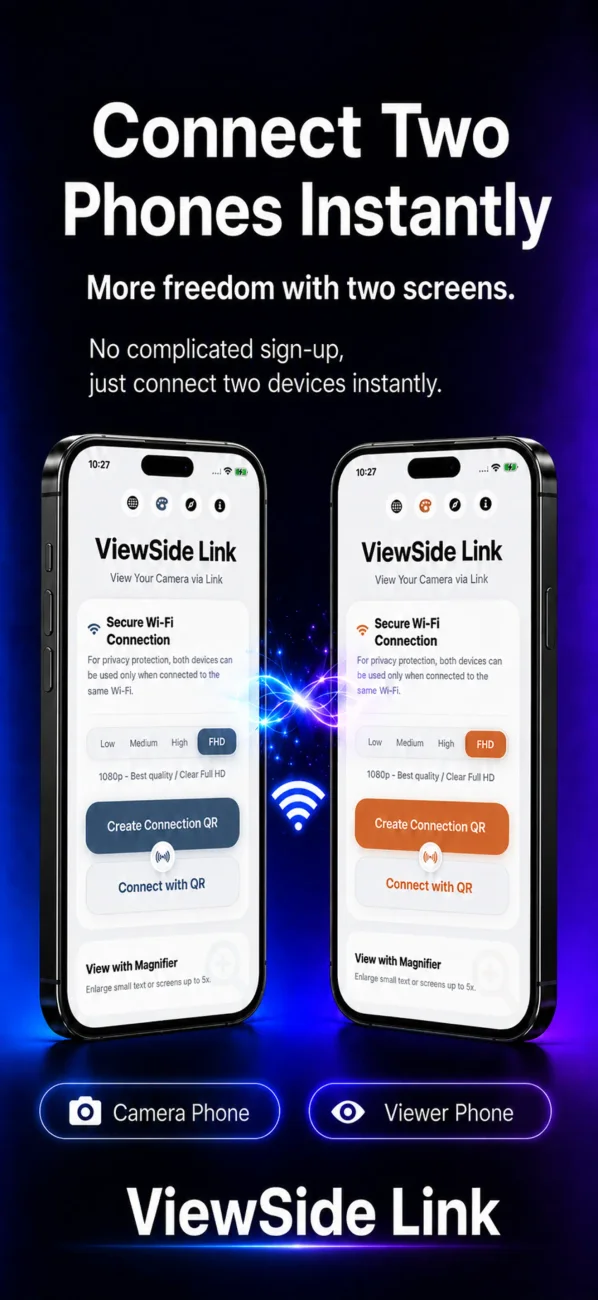
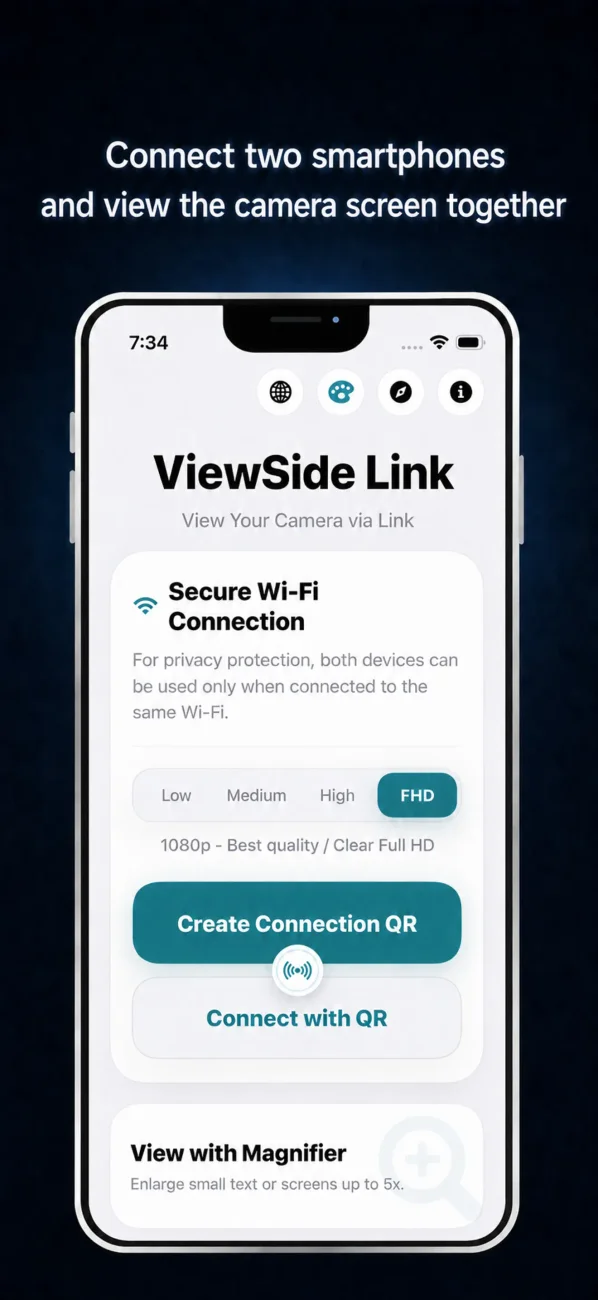
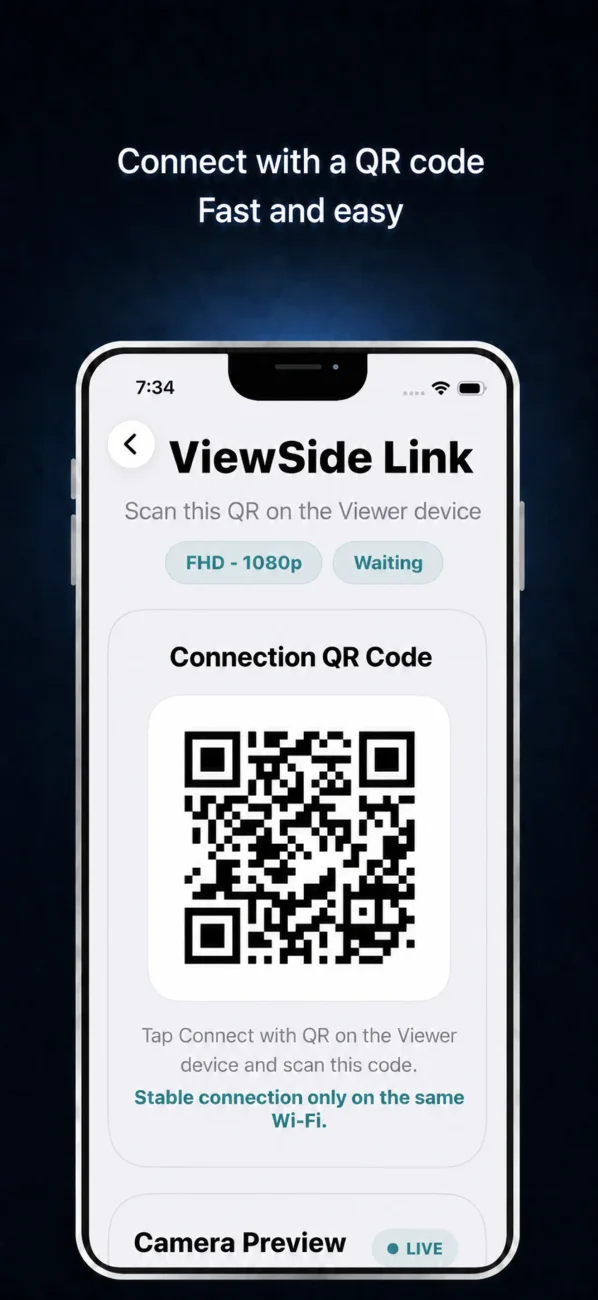
Giới thiệu
Nhà phát triển chưa cung cấp nội dung này bằng ngôn ngữ của bạn.
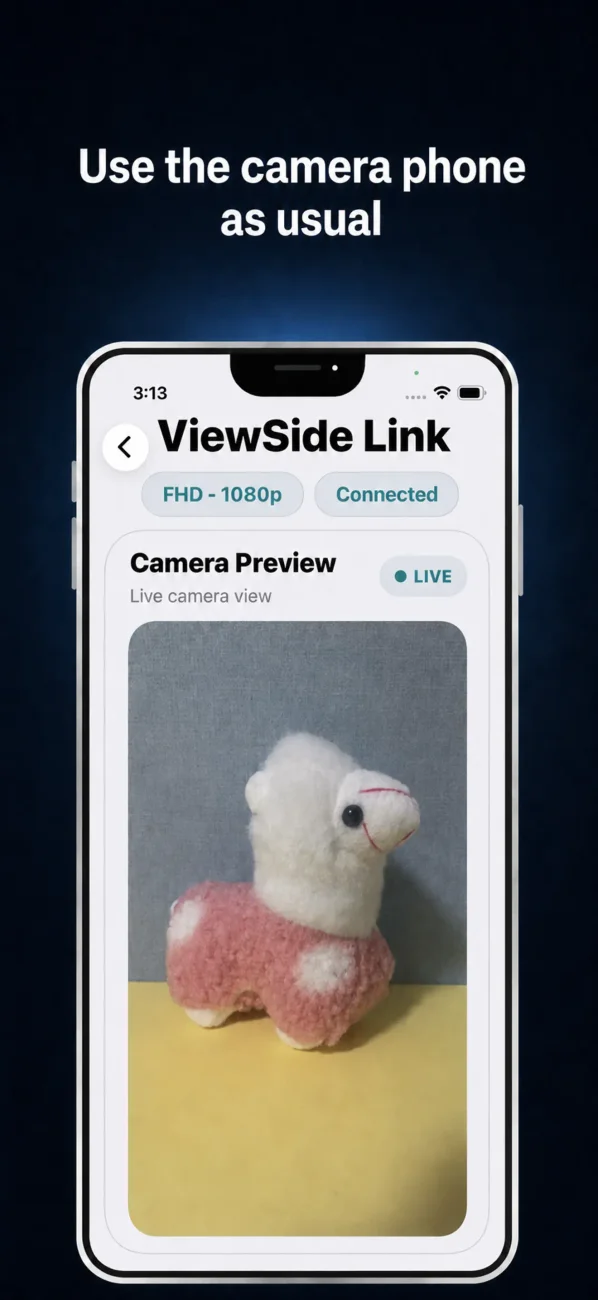
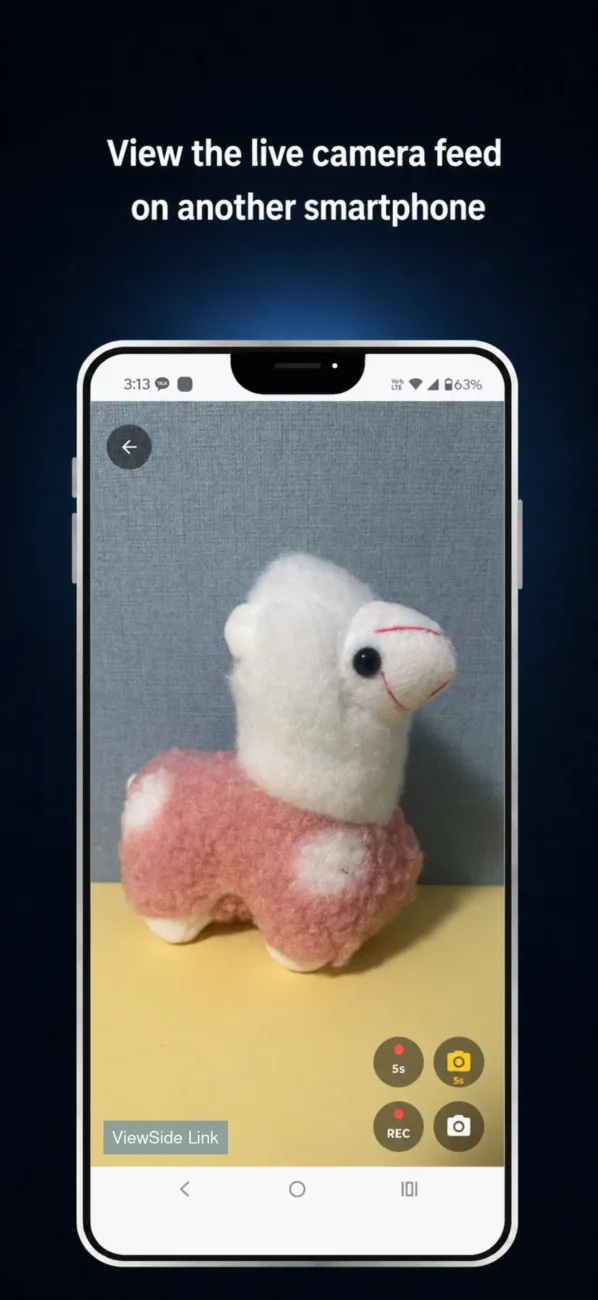
ViewSide Link is an app that connects two smartphones, allowing you to view live video from one phone's camera or transfer files between devices.
No registration or login is required. Simply connect using a QR code. Video and files are transferred directly between the two devices.
Try connecting and using ViewSide Link with any combination of iPhone and Android devices.
https://morerak.kr/link
-----------------
Notice
-----------------
Starting with version 1.2.1, the roles for video connection QR codes have changed. The phone that generates the QR code now becomes the Viewer, while the phone that scans the QR code becomes the Camera.
If you are using an older version, please update both devices to the latest version to ensure a smooth connection.
-----------------
Video Streaming
-----------------
On the phone you want to use to watch the video, tap "Generate Connection QR · Viewer".
On the phone you want to use as the camera, tap "Connect via QR · Camera" and scan the code to start capturing video immediately. You can then watch the live video on the phone that generated the QR code.
-----------------
File Transfer
-----------------
Photos and videos captured through the app are saved on the phone used as the camera.
To transfer saved photos or videos, open "File Transfer" on the home screen, select the files you want to send, and tap "Generate QR to Send".
On the receiving phone, tap "Scan QR · Receive" to scan the code, then tap "Receive" to start the transfer.
-----------------
Magnifier
-----------------
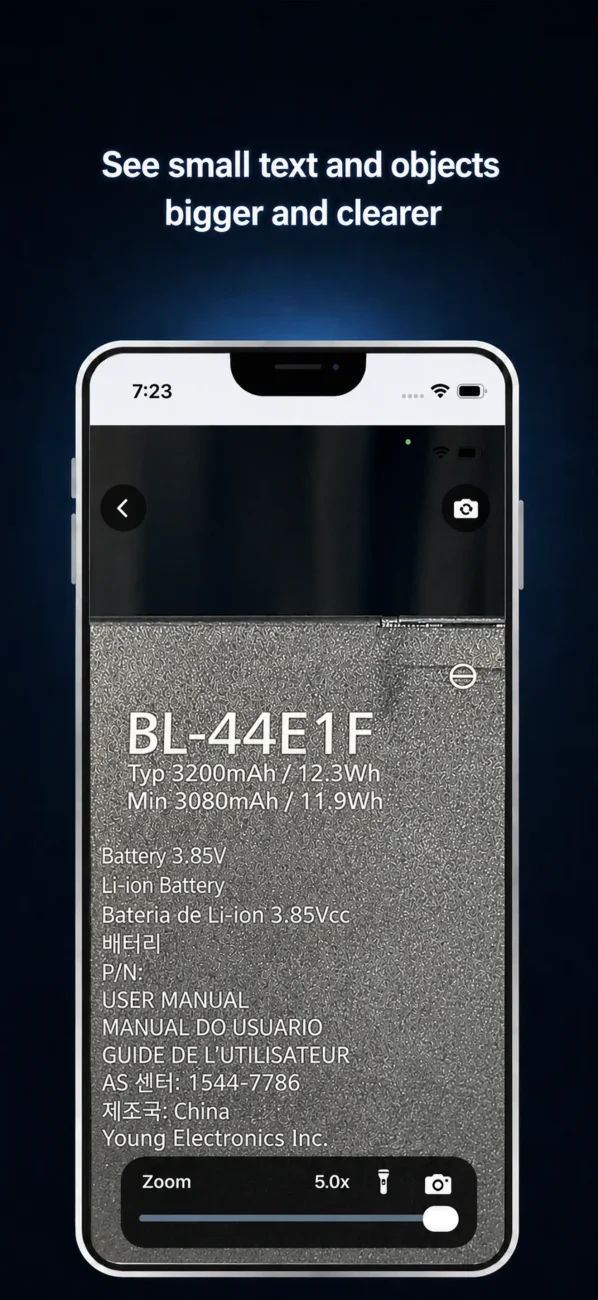
Open the Magnifier from the home screen to enlarge small text or fine details.
You can also freeze the screen, recognize text, and copy it.
-----------------
Settings
-----------------
Choose whether to use Wi-Fi only or allow mobile data connections.
Set the photo capture timer, the number of consecutive shots, and the interval between shots.
For video recording, you can set the delay before recording starts and the recording duration.
Select your preferred default video quality when launching the app, and customize or disable the watermark.
Có gì mới
Phiên bản 1.2.1 · 12/11/2026
• The QR code connection process has changed. The phone that creates the QR code acts as the viewer, and the phone that scans it becomes the camera.
• You can now take photos and record videos directly on the phone used as the camera.
• Send saved photos and videos to a connected device using a QR code.
• Added guide lines and on-screen drawing for live video, along with pause and motion detection features.
• Set the photo timer and recording duration in Settings. For interval shooting, choose the number of photos and set the interval in seconds.
• Change the watermark text or turn the watermark off.
• Choose whether to use Wi-Fi only or allow mobile data in Network Settings.
Quyền riêng tư của ứng dụng
Những gì Hyun Sik Choi khai báo trên App Store về cách ứng dụng này xử lý dữ liệu.
-
Dữ liệu không liên kết với bạn
Có thể được thu thập nhưng không liên kết với danh tính của bạn.
- Dữ liệu khác
Phương thức đảm bảo quyền riêng tư có thể khác nhau, chẳng hạn như tuỳ theo các tính năng bạn sử dụng hoặc độ tuổi của bạn.
Thông tin
- Người bán
- Hyun Sik Choi
- Danh mục
- Tiện Ích
- Phiên bản
- 1.2.1
- Cập nhật
- 12/11/2026
- Phát hành
- 20/07/2026
- Kích thước
- 19,1 MB
- Yêu cầu
- iOS 16.6 trở lên
- Độ tuổi
- 4+
- Giá
- Miễn phí
- Ngôn ngữ
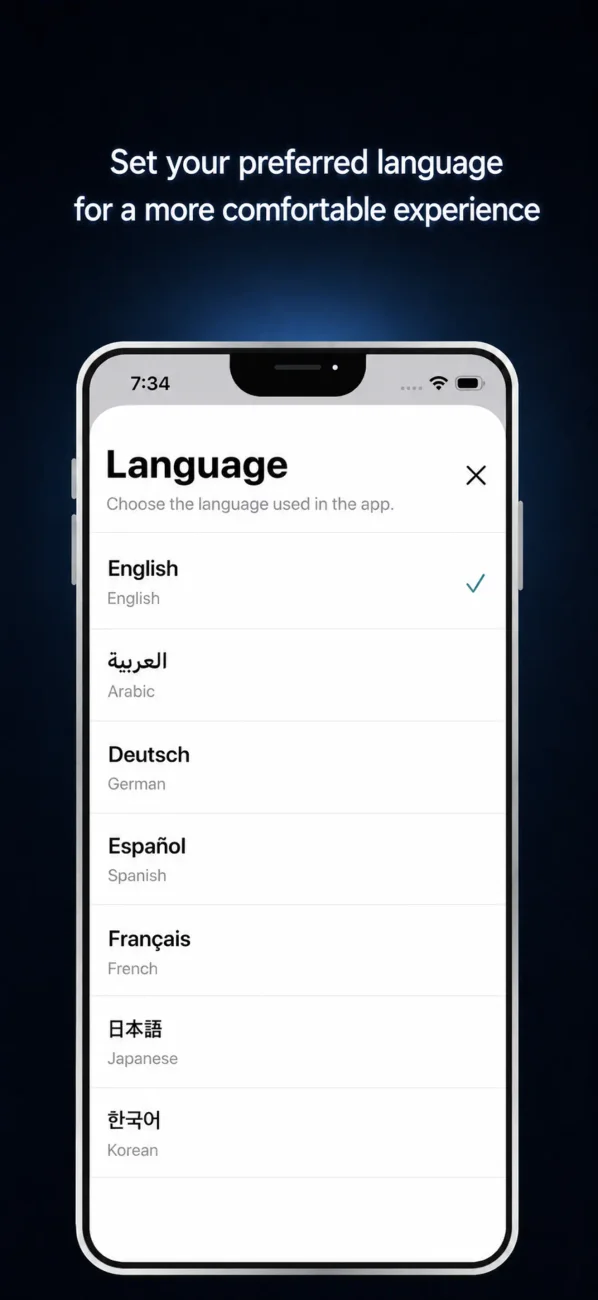
- Tiếng Anh, Tiếng Ả Rập, Tiếng Pháp, Tiếng Đức, Tiếng Nhật, Tiếng Hàn, Tiếng Tây Ban Nha
- Bản quyền
- © 2026 Hyunsik Choi
Có thể bạn cũng thích
-
 Boreal NFC: Tag WriterTiện Ích
-
 ClauseCheck - Contract DiffTiện Ích
-
 BPaaS Image RulerTiện Ích
-
 Shrimpminder: Posture AlertsTiện Ích
-
 Boat Buddy - Nautical GuideGPS thuyền, thủy triều, nhật
-
 StreamTester: RTSP HLS PlayerTiện Ích
-
 ClipCreeper for SafariTiện Ích
-
 Netsight - WiFi ToolsTiện Ích
-
 TV Remote Control: UniRemoteTiện Ích
-
 Nenrin – Same Day, Every YearTiện Ích