- Yaş sınırı4+
- KategoriYardımcılar
- GeliştiriciHyun Sik Choi
- Dillerİngilizce+ 6 dil daha
- Boyut19,1 MB
Resmi App Store sayfasına bağlanır
Download.org, ViewSide Link için hiçbir dosya barındırmaz. Düğme, uygulamanın App Store üzerindeki sayfasını açar; uygulamayı orada Hyun Sik Choi yayınlar. Sayfanın son kontrolü: 14.11.2026.
Ekran görüntüleri
Hakkında
Geliştirici bu metni dilinizde sunmamış.
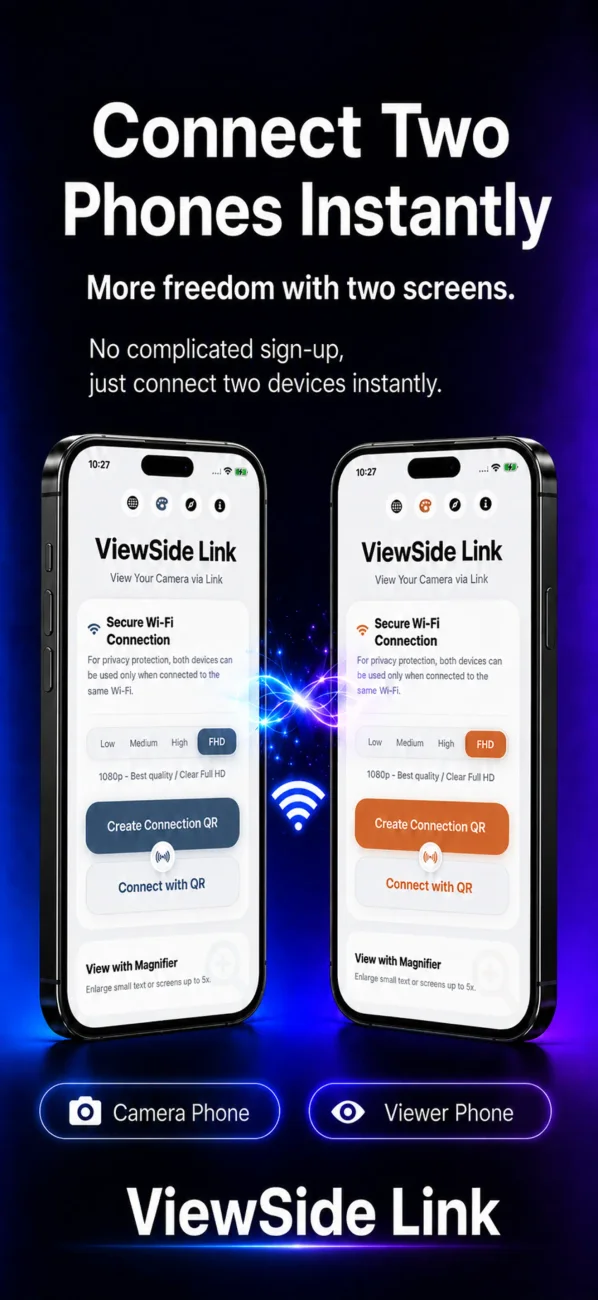
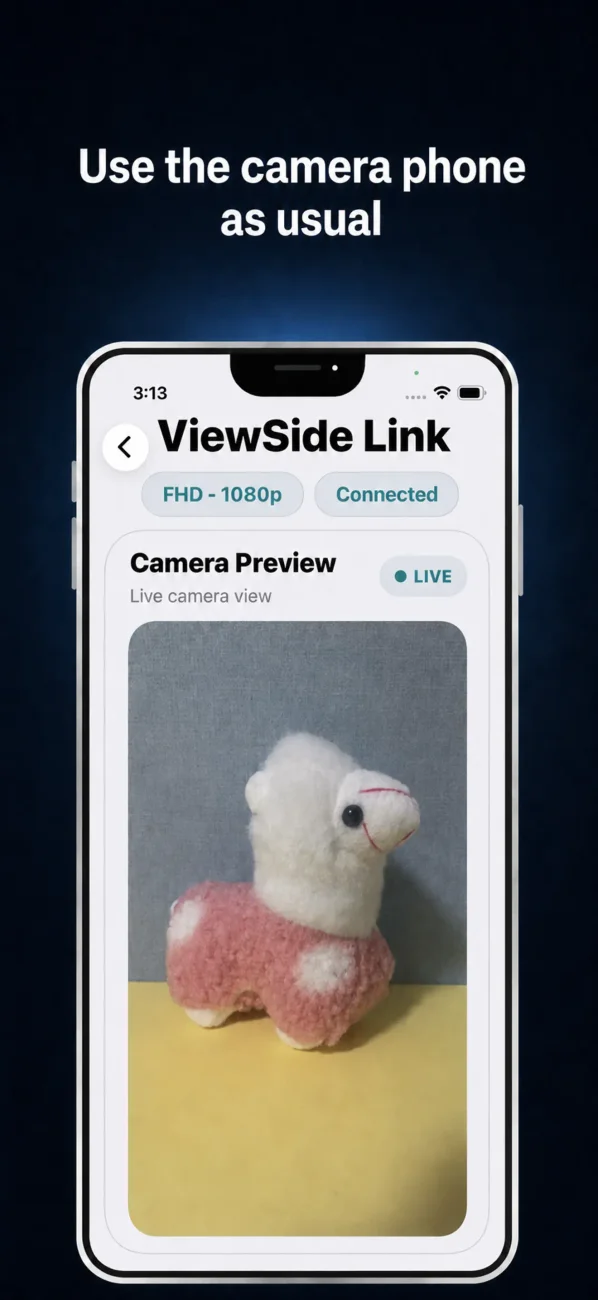
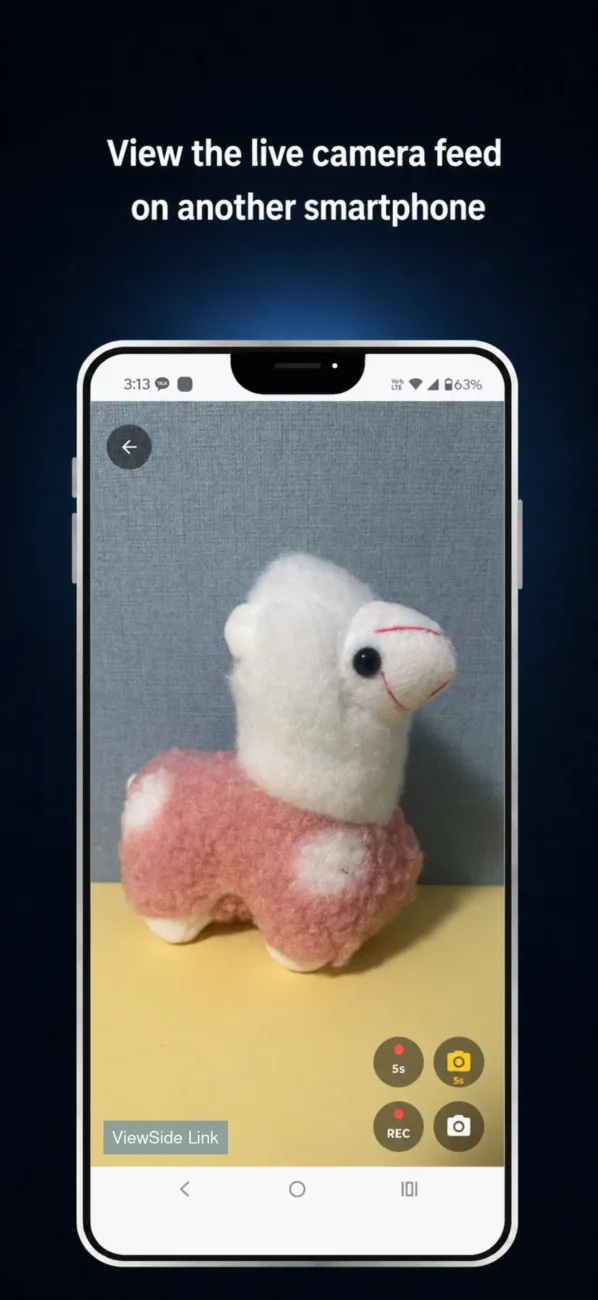
ViewSide Link is an app that connects two smartphones, allowing you to view live video from one phone's camera or transfer files between devices.
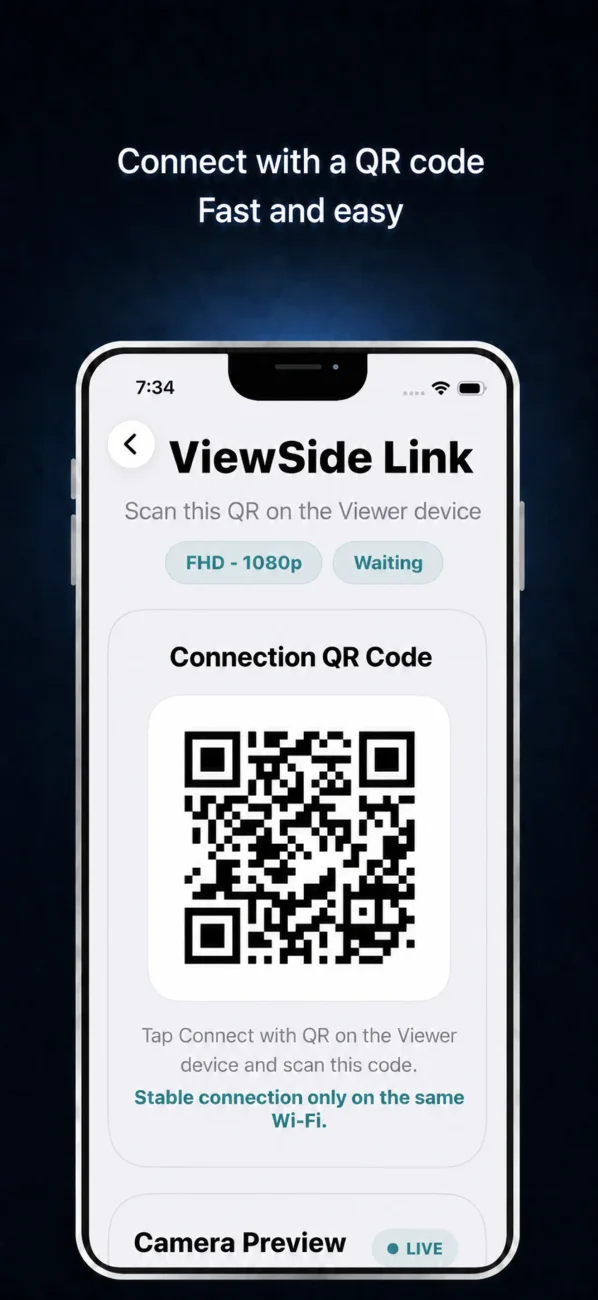
No registration or login is required. Simply connect using a QR code. Video and files are transferred directly between the two devices.
Try connecting and using ViewSide Link with any combination of iPhone and Android devices.
https://morerak.kr/link
-----------------
Notice
-----------------
Starting with version 1.2.1, the roles for video connection QR codes have changed. The phone that generates the QR code now becomes the Viewer, while the phone that scans the QR code becomes the Camera.
If you are using an older version, please update both devices to the latest version to ensure a smooth connection.
-----------------
Video Streaming
-----------------
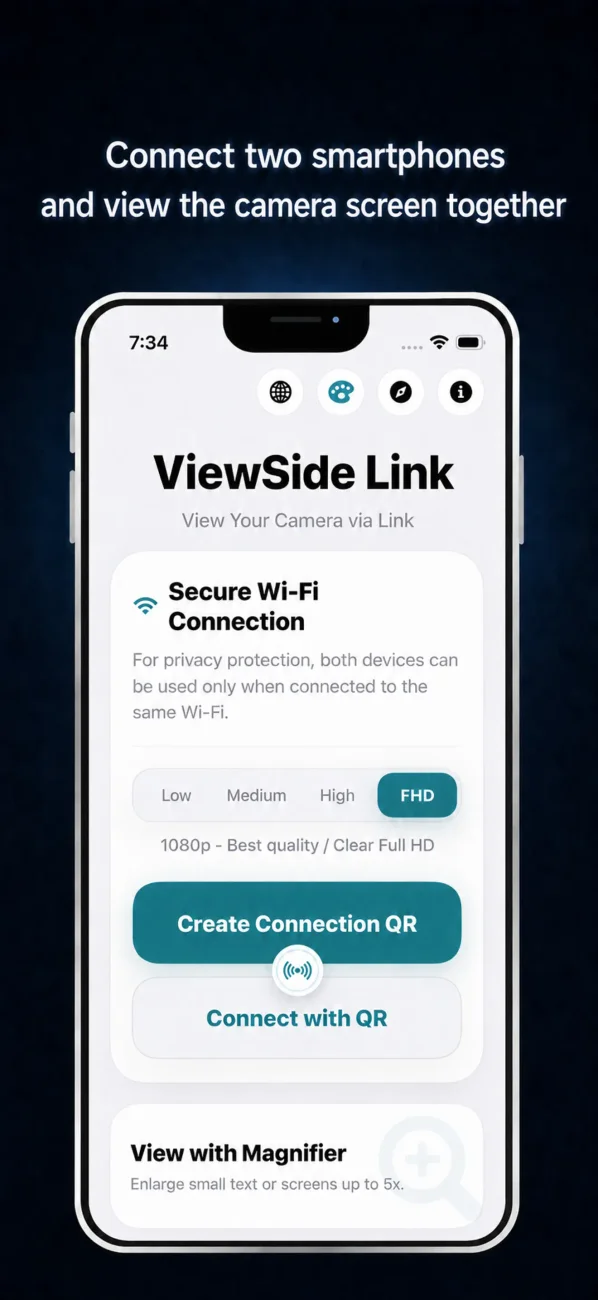
On the phone you want to use to watch the video, tap "Generate Connection QR · Viewer".
On the phone you want to use as the camera, tap "Connect via QR · Camera" and scan the code to start capturing video immediately. You can then watch the live video on the phone that generated the QR code.
-----------------
File Transfer
-----------------
Photos and videos captured through the app are saved on the phone used as the camera.
To transfer saved photos or videos, open "File Transfer" on the home screen, select the files you want to send, and tap "Generate QR to Send".
On the receiving phone, tap "Scan QR · Receive" to scan the code, then tap "Receive" to start the transfer.
-----------------
Magnifier
-----------------
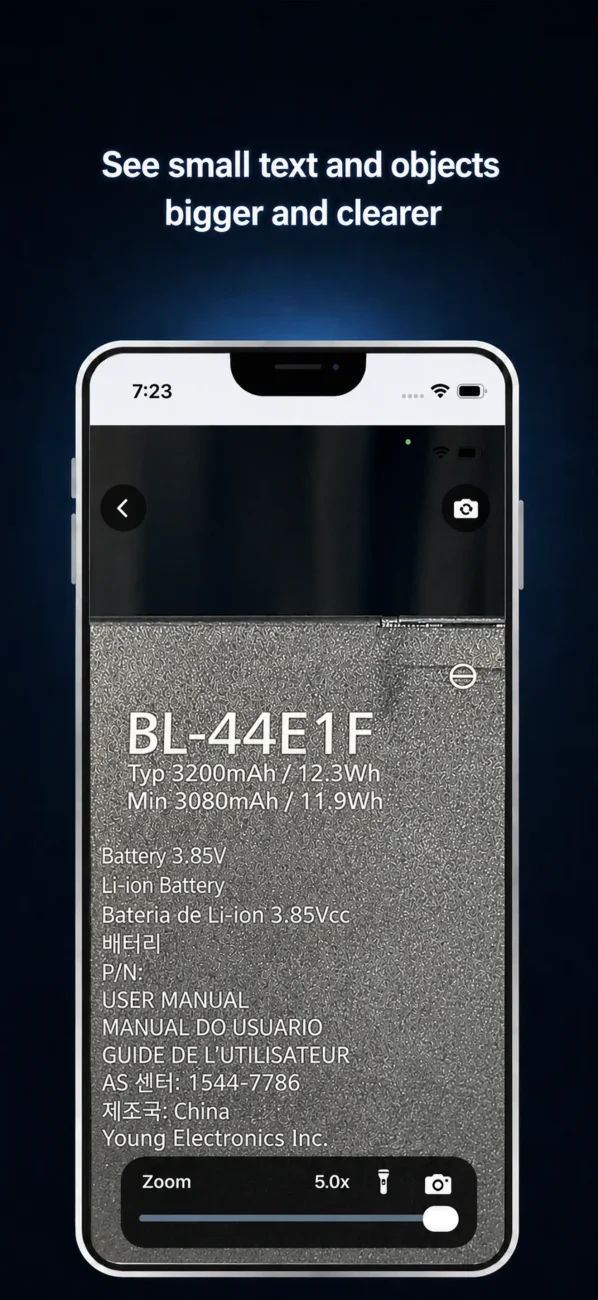
Open the Magnifier from the home screen to enlarge small text or fine details.
You can also freeze the screen, recognize text, and copy it.
-----------------
Settings
-----------------
Choose whether to use Wi-Fi only or allow mobile data connections.
Set the photo capture timer, the number of consecutive shots, and the interval between shots.
For video recording, you can set the delay before recording starts and the recording duration.
Select your preferred default video quality when launching the app, and customize or disable the watermark.
Yenilikler
Sürüm 1.2.1 · 12.11.2026
• The QR code connection process has changed. The phone that creates the QR code acts as the viewer, and the phone that scans it becomes the camera.
• You can now take photos and record videos directly on the phone used as the camera.
• Send saved photos and videos to a connected device using a QR code.
• Added guide lines and on-screen drawing for live video, along with pause and motion detection features.
• Set the photo timer and recording duration in Settings. For interval shooting, choose the number of photos and set the interval in seconds.
• Change the watermark text or turn the watermark off.
• Choose whether to use Wi-Fi only or allow mobile data in Network Settings.
Uygulama gizliliği
Bu uygulamanın verileri nasıl işlediği hakkında Hyun Sik Choi tarafından App Store üzerinde yapılan beyan.
-
Sizinle ilişkilendirilmeyen veriler
Toplanabilir ancak kimliğinizle ilişkilendirilmez.
- Diğer veriler
Gizlilik uygulamaları, örneğin kullandığınız özelliklere veya yaşınıza göre değişiklik gösterebilir.
Bilgiler
- Satıcı
- Hyun Sik Choi
- Kategori
- Yardımcılar
- Sürüm
- 1.2.1
- Güncellendi
- 12.11.2026
- Yayın tarihi
- 20.07.2026
- Boyut
- 19,1 MB
- Gereksinim
- iOS 16.6 veya sonrası
- Yaş sınırı
- 4+
- Fiyat
- Ücretsiz
- Diller
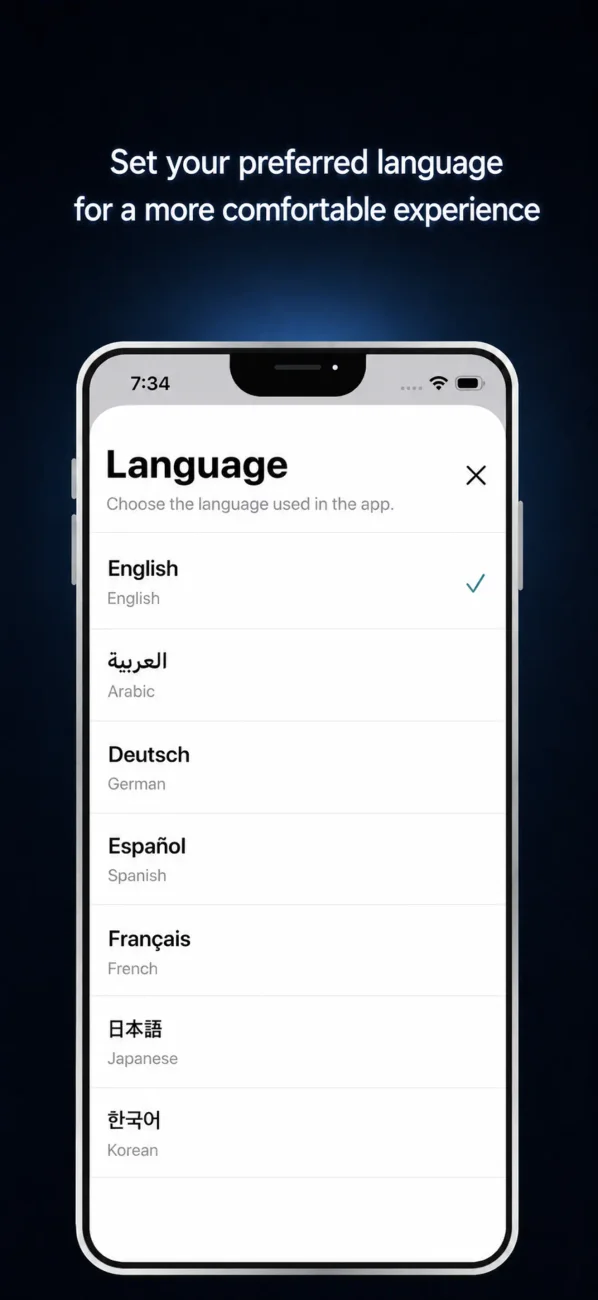
- İngilizce, Arapça, Fransızca, Almanca, Japonca, Korece, İspanyolca
- Telif hakkı
- © 2026 Hyunsik Choi
Bunları da beğenebilirsiniz
-
 Boreal NFC: Tag WriterYardımcılar
-
 ClauseCheck - Contract DiffYardımcılar
-
 BPaaS Image RulerYardımcılar
-
 Shrimpminder: Posture AlertsYardımcılar
-
 Boat Buddy - Nautical GuideTekne GPS, gelgit ve günlük
-
 StreamTester: RTSP HLS PlayerYardımcılar
-
 ClipCreeper for SafariYardımcılar
-
 Netsight - WiFi ToolsYardımcılar
-
 UniRemote: Smart TV KumandasıAkıllı TV, dokunmatik, klavye
-
 Nenrin – Same Day, Every YearYardımcılar