ZeroOne Keyboard
Pinyin · Zhuyin · Shuangpin
Conçue pour iPhone, Mac
Gratuit · Achats intégrés
- Classification d’âge4+
- CatégorieUtilitaires
- Développeur海平 吴
- LanguesAnglais+ 2 de plus
- Taille61,9 Mo
Renvoie vers la page App Store officielle
Download.org n’héberge aucun fichier de ZeroOne Keyboard. Le bouton ouvre la page de l’application sur App Store, où 海平 吴 la publie. Fiche vérifiée pour la dernière fois le 25/11/2026.
Captures d’écran

À propos
Le développeur n’a pas fourni ce texte dans votre langue.
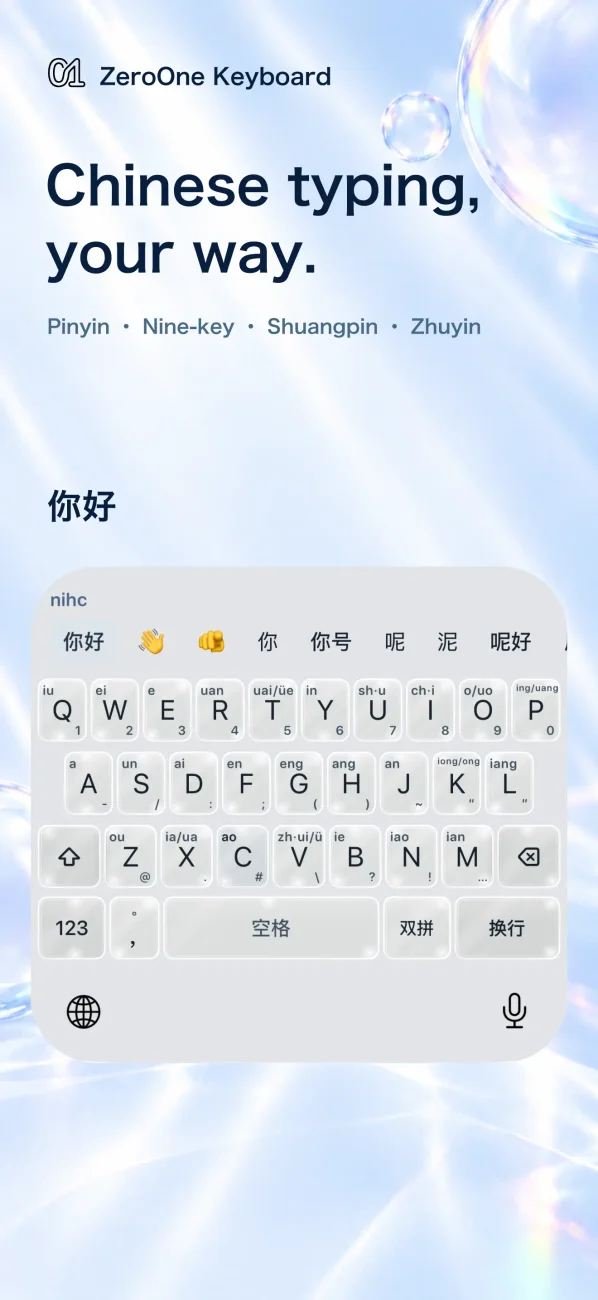
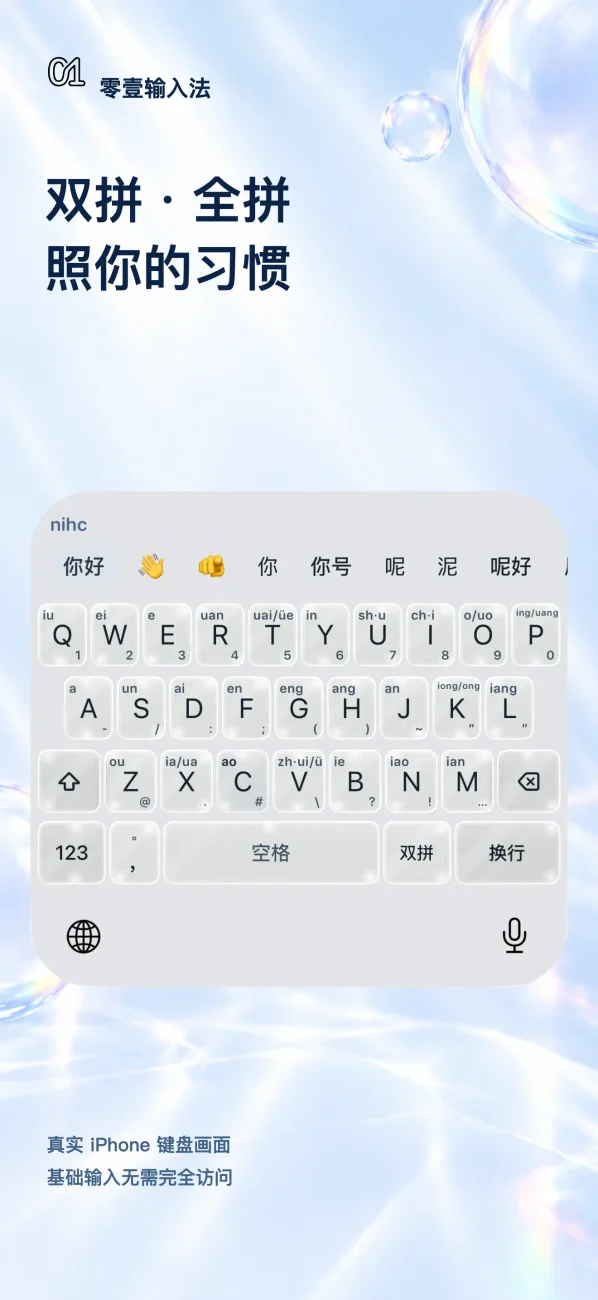
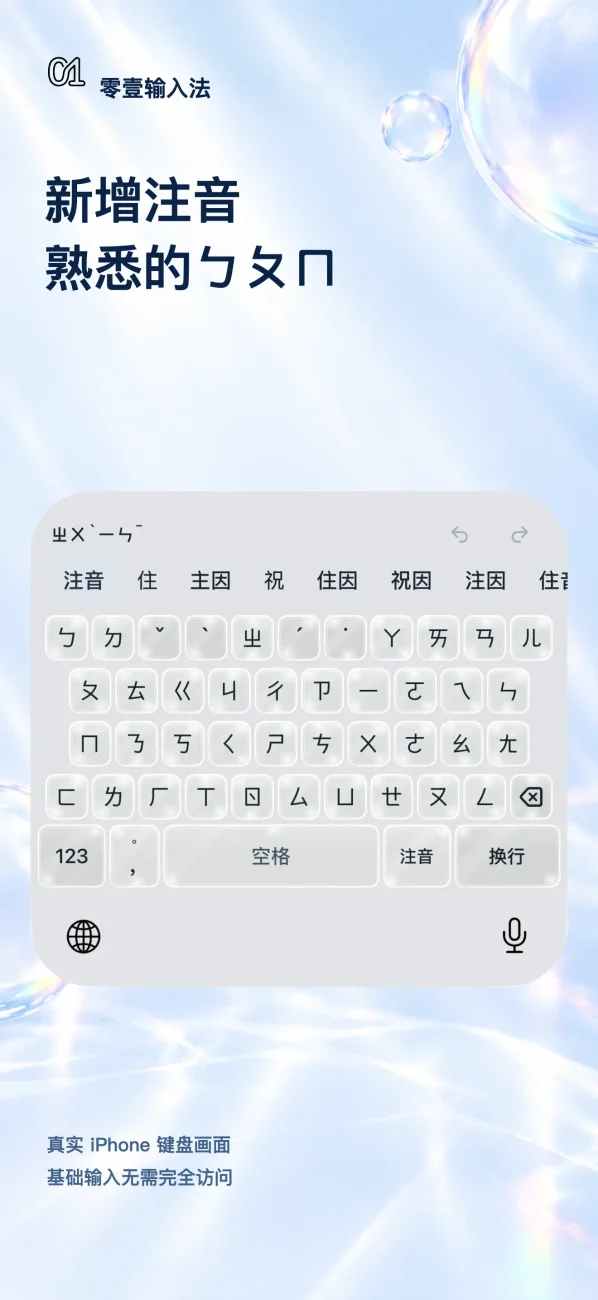
Type Chinese with the input method you know. Choose Shuangpin, Zhuyin or full Pinyin. Use sound hints with ZeroOne Shuangpin, choose Dachen or the Zhuyin Zero-Nine layout, or keep typing with full Pinyin. After installation, add ZeroOne in iPhone keyboard settings and select your input method and Chinese output preference.
Learn ZeroOne Shuangpin with on-key hints, or use a personal Shuangpin scheme.
Zhuyin supports tone-marked and tone-omitted input, Traditional Chinese candidates, phrase composition, candidate selection, undo, and redo. Choose Taiwan Traditional Chinese forms in settings.
Make the keyboard yours
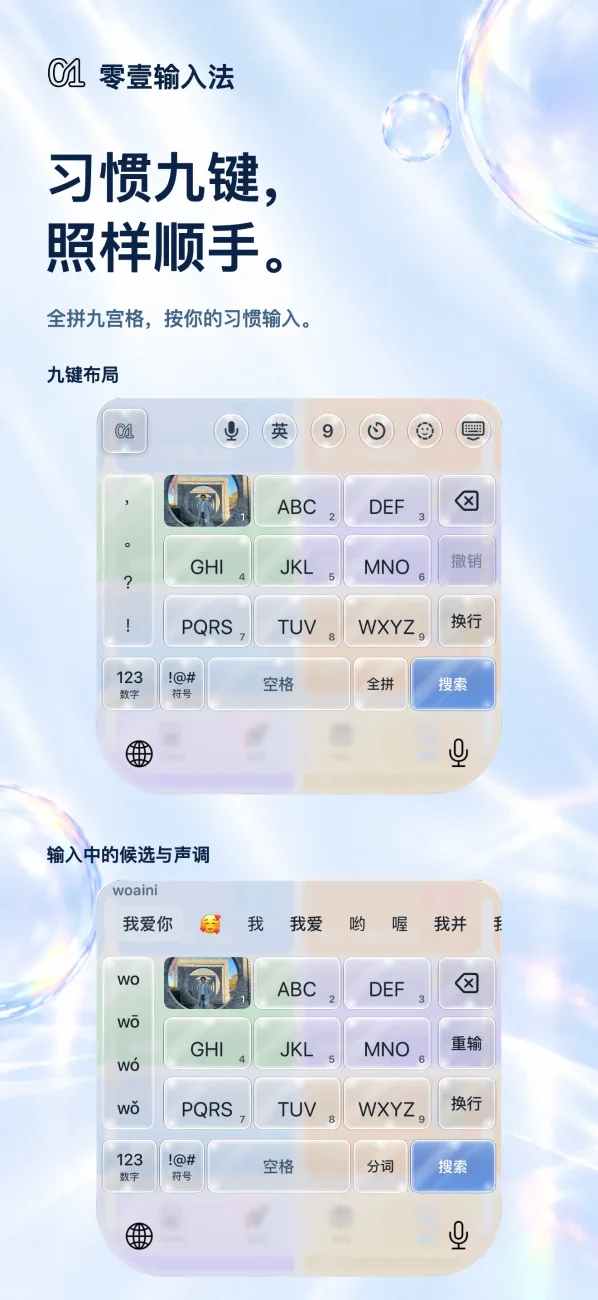
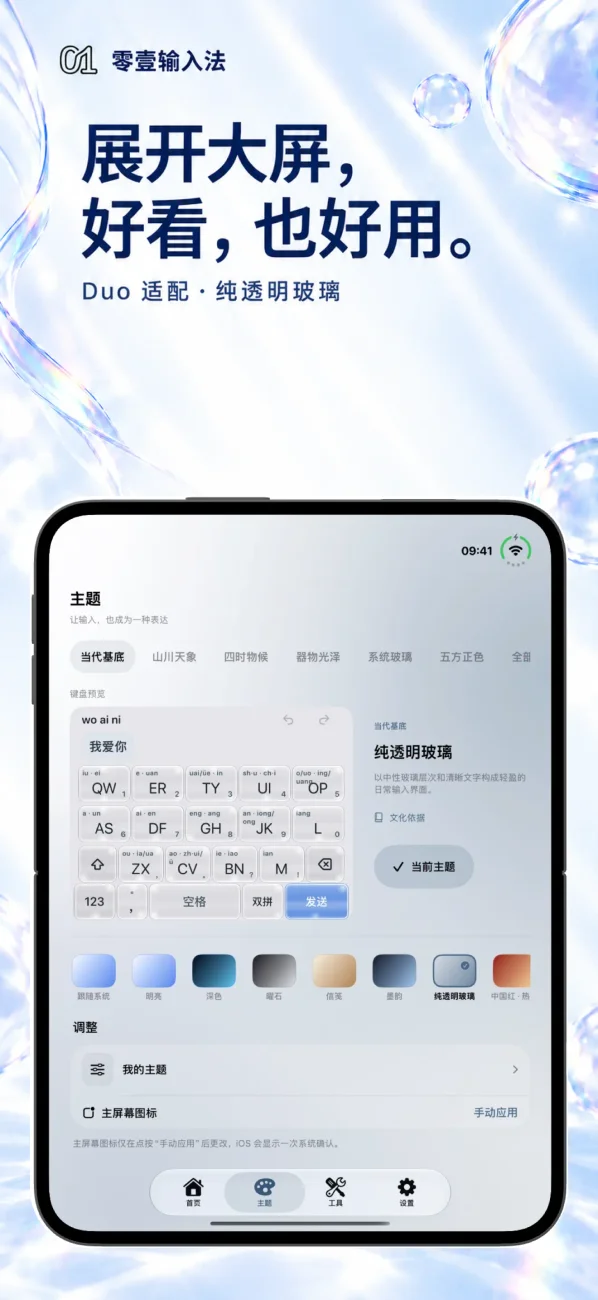
• Shuangpin, full pinyin, and nine-key layouts, personal shuangpin schemes, and auxiliary-code hints.
• Customize the nine-key 1 key: tap for your primary shortcut, hold for a function panel, or enter the digit 1.
• Preview and crop custom key photos. Settings apply immediately.
• Choose from several sound packs, including five original ZeroOne packs, with an option to play only when text is committed.
Tools while you type
Emoji categories, recents, snippets, numbers, symbols, calculations, amounts, unit conversion, dates, solar terms, and color tools.
On-device processing and optional sharing
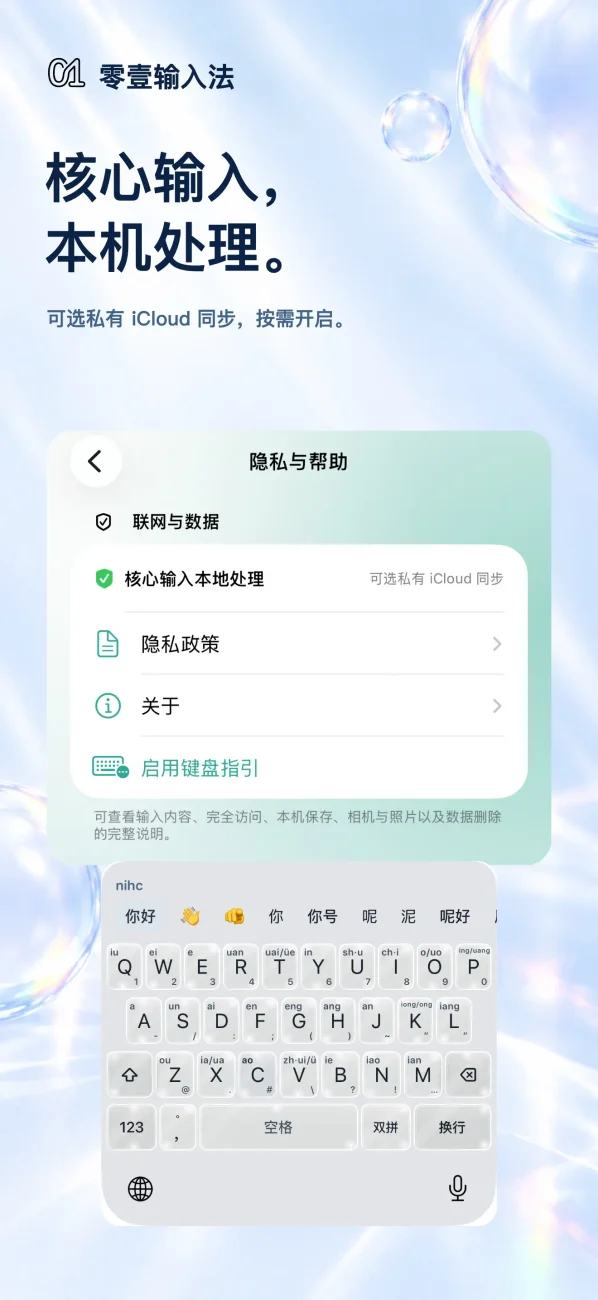
Everyday Chinese typing, candidates, and personal learning are processed on your device. Input content is not collected or uploaded to the developer. There are no ads or third-party tracking analytics.
Basic typing works without Full Access. Enable it when you want to share photos, sound settings, and preferences with the main app.
Cross-device paste is optional. When enabled, it syncs clipboard content through your own private iCloud database.
To start, add ZeroOne in Settings > General > Keyboard > Keyboards > Add New Keyboard, then hold the globe key in a text field to switch.
Terms of Use (Apple standard EULA): https://www.apple.com/legal/internet-services/itunes/dev/stdeula/
Nouveautés
Version 1.3.10 · 23/11/2026
Improved short-input suggestions in Pinyin, Double Pinyin, and Zhuyin Zero Nine, with priority for complete readings and repeatedly selected candidates.
Zhuyin Zero Nine now has equal-height rows and a syllable separator while composing. Long-press options are easier to read and select by sliding.
Fixed an issue that closed the number pad while editing a Safari address. The toolbar shows Input Scheme by default, and More Tools can open with a tap or a long press.
Confidentialité de l’application
Ce que 海平 吴 déclare sur l’App Store au sujet du traitement des données par cette application.
-
Données non collectées
Le développeur ne collecte aucune donnée à partir de cette application.
Les pratiques en matière de confidentialité peuvent varier, notamment en fonction des fonctionnalités que vous utilisez ou de votre âge.
Informations
- Vendeur
- 海平 吴
- Catégorie
- Utilitaires
- Version
- 1.3.10
- Mis à jour
- 23/11/2026
- Publié
- 31/05/2026
- Taille
- 61,9 Mo
- Nécessite
- iOS 16.0 ou version ultérieure
- Classification d’âge
- 4+
- Prix
- Gratuit
- Achats intégrés
- Oui
- Langues
- Anglais, Chinois simplifié, Chinois traditionnel
- Copyright
- © 2021 Haiping Wu
Vous aimerez peut-être aussi
-
 XYZKeyboard-玲珑键盘Utilitaires
-
 LED Banner - Pocket Sign AppUtilitaires
-
 TalkScreen-Phone show heartUtilitaires
-
 Photo Cleaner: Tri intelligentDoublons repérés, espace gagné
-
 ClusterSwipe: free up spaceUtilitaires
-
 NanoMouse - IME for AI eraUtilitaires
-
 Flicker Insight: PWM TestUtilitaires
-
 PinletUtilitaires
-
 FraisGard - Gérez vos stocksSuivi conservation denrées
-
 RecallRoll: Photo CleanerRandom Photo Review & Cleanup