ZeroOne Keyboard
Pinyin · Zhuyin · Shuangpin
iPhone, Mac için tasarlandı
Ücretsiz · Uygulama içi satın alma
- Yaş sınırı4+
- KategoriYardımcılar
- Geliştirici海平 吴
- Dillerİngilizce+ 2 dil daha
- Boyut61,7 MB
Resmi App Store sayfasına bağlanır
Download.org, ZeroOne Keyboard için hiçbir dosya barındırmaz. Düğme, uygulamanın App Store üzerindeki sayfasını açar; uygulamayı orada 海平 吴 yayınlar. Sayfanın son kontrolü: 21.11.2026.
Ekran görüntüleri

Hakkında
Geliştirici bu metni dilinizde sunmamış.
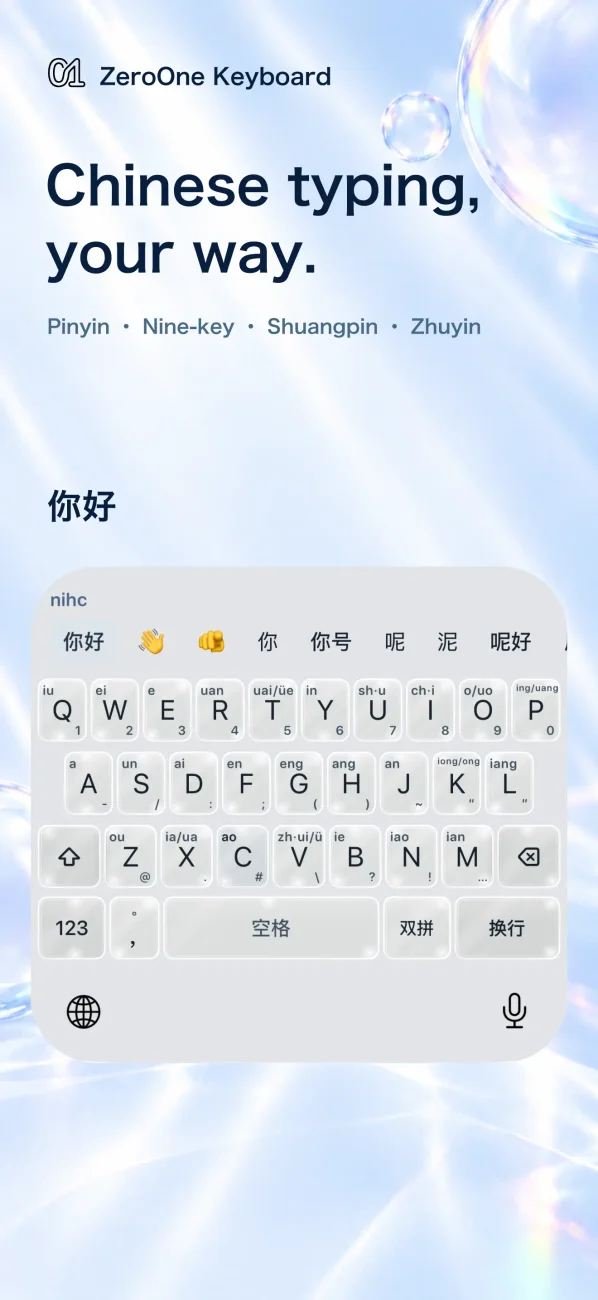
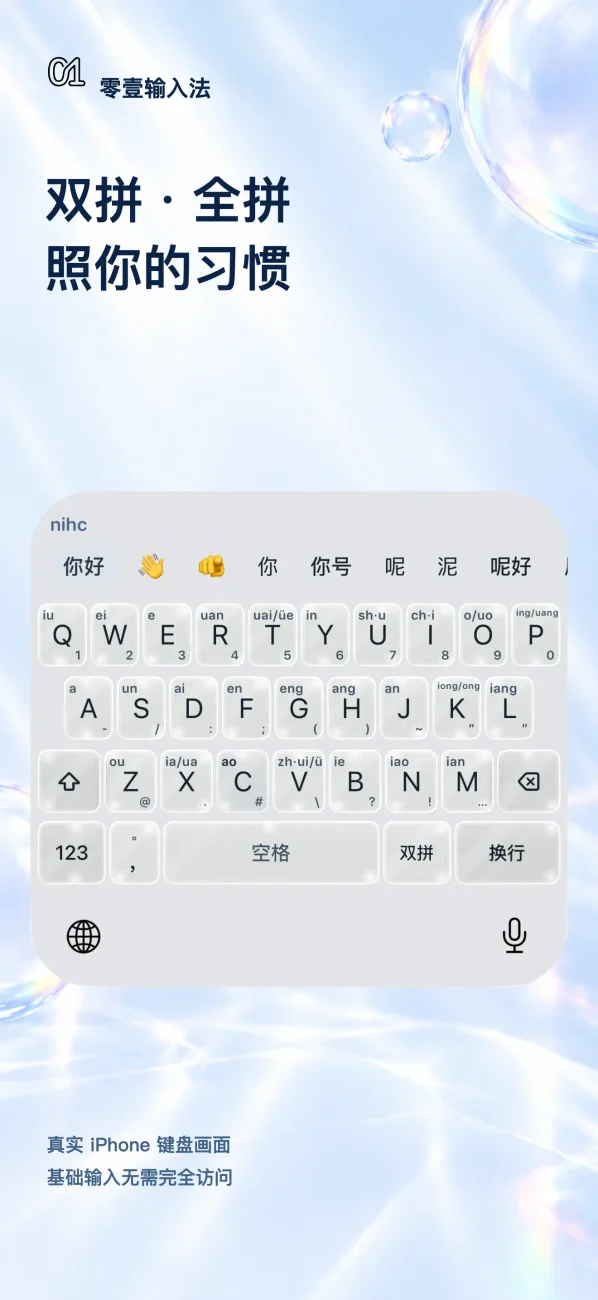
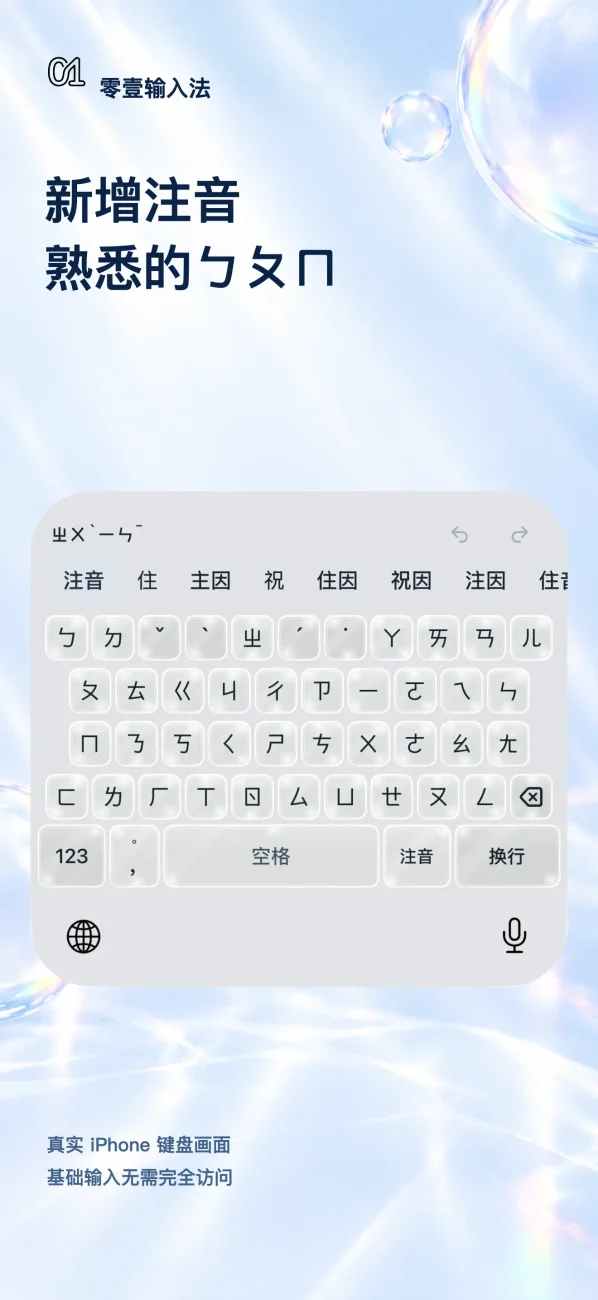
Type Chinese with the input method you know. Choose Shuangpin, Zhuyin or full Pinyin. Use sound hints with ZeroOne Shuangpin, choose Dachen or the Zhuyin Zero-Nine layout, or keep typing with full Pinyin. After installation, add ZeroOne in iPhone keyboard settings and select your input method and Chinese output preference.
Learn ZeroOne Shuangpin with on-key hints, or use a personal Shuangpin scheme.
Zhuyin supports tone-marked and tone-omitted input, Traditional Chinese candidates, phrase composition, candidate selection, undo, and redo. Choose Taiwan Traditional Chinese forms in settings.
Make the keyboard yours
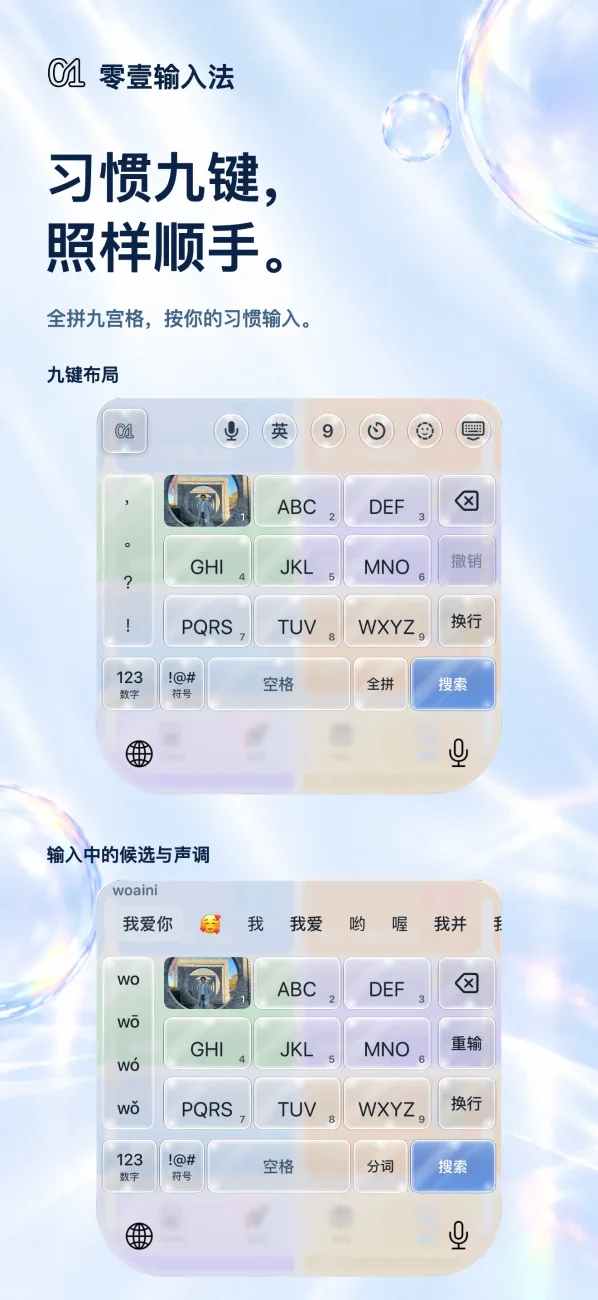
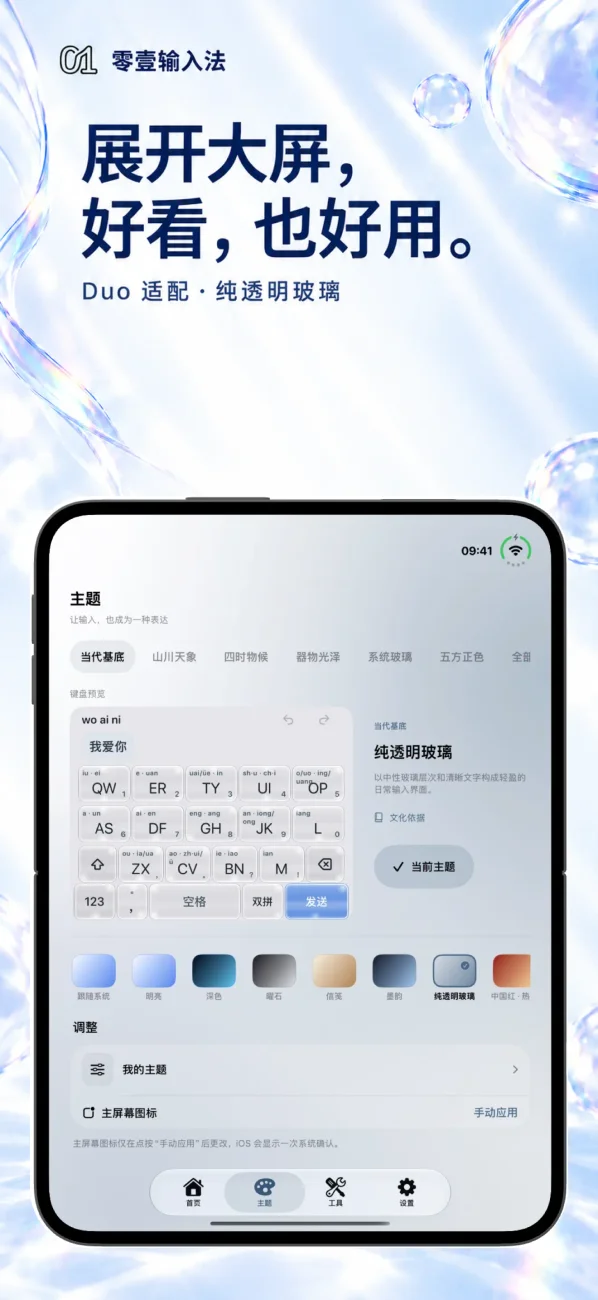
• Shuangpin, full pinyin, and nine-key layouts, personal shuangpin schemes, and auxiliary-code hints.
• Customize the nine-key 1 key: tap for your primary shortcut, hold for a function panel, or enter the digit 1.
• Preview and crop custom key photos. Settings apply immediately.
• Choose from several sound packs, including five original ZeroOne packs, with an option to play only when text is committed.
Tools while you type
Emoji categories, recents, snippets, numbers, symbols, calculations, amounts, unit conversion, dates, solar terms, and color tools.
On-device processing and optional sharing
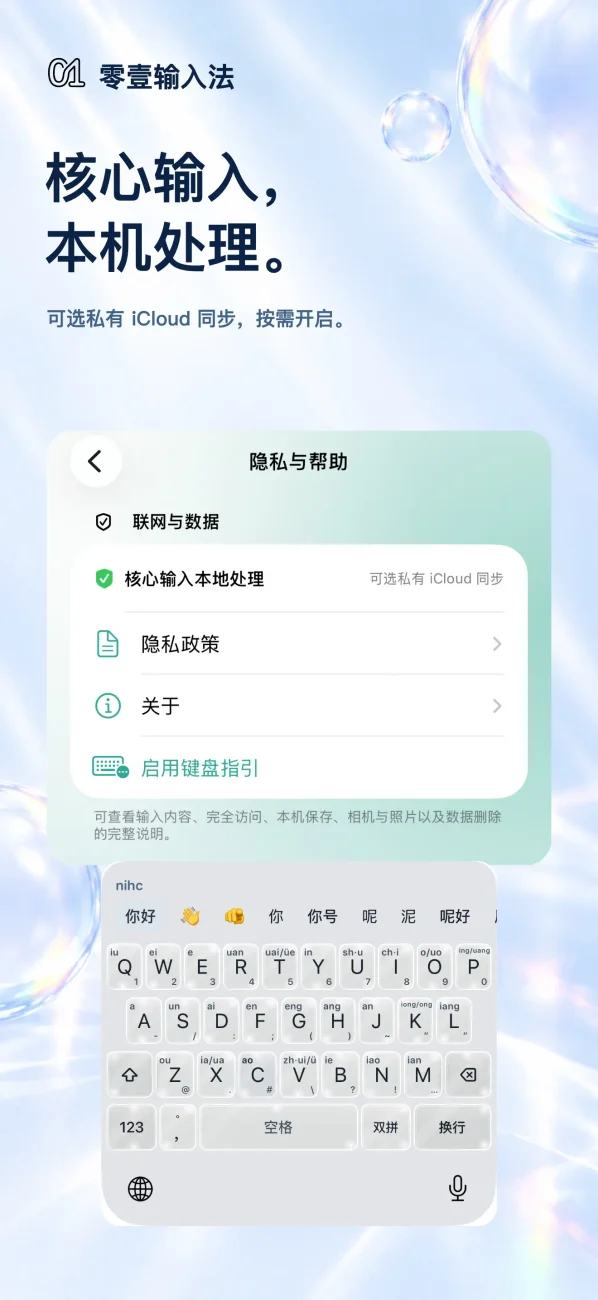
Everyday Chinese typing, candidates, and personal learning are processed on your device. Input content is not collected or uploaded to the developer. There are no ads or third-party tracking analytics.
Basic typing works without Full Access. Enable it when you want to share photos, sound settings, and preferences with the main app.
Cross-device paste is optional. When enabled, it syncs clipboard content through your own private iCloud database.
To start, add ZeroOne in Settings > General > Keyboard > Keyboards > Add New Keyboard, then hold the globe key in a text field to switch.
Terms of Use (Apple standard EULA): https://www.apple.com/legal/internet-services/itunes/dev/stdeula/
Yenilikler
Sürüm 1.3.9 · 19.11.2026
With learning enabled, the keyboard remembers phrases you assemble word by word or character by character on your device.
Long suggestions now have their own row, and single characters align in columns.
When next-word suggestions are visible, the first press of Backspace dismisses them and keeps your text.
Fixed an issue where sliding onto Clear All with next-word suggestions visible only dismissed the suggestions.
Uygulama gizliliği
Bu uygulamanın verileri nasıl işlediği hakkında 海平 吴 tarafından App Store üzerinde yapılan beyan.
-
Veri toplanmıyor
Geliştirici bu uygulamadan hiçbir veri toplamıyor.
Gizlilik uygulamaları, örneğin kullandığınız özelliklere veya yaşınıza göre değişiklik gösterebilir.
Bilgiler
- Satıcı
- 海平 吴
- Kategori
- Yardımcılar
- Sürüm
- 1.3.9
- Güncellendi
- 19.11.2026
- Yayın tarihi
- 31.05.2026
- Boyut
- 61,7 MB
- Gereksinim
- iOS 16.0 veya sonrası
- Yaş sınırı
- 4+
- Fiyat
- Ücretsiz
- Uygulama içi satın alma
- Evet
- Diller
- İngilizce, Basitleştirilmiş Çince, Geleneksel Çince
- Telif hakkı
- © 2021 Haiping Wu
Bunları da beğenebilirsiniz
-
 XYZKeyboard-玲珑键盘Yardımcılar
-
 LED Banner - Pocket Sign AppYardımcılar
-
 TalkScreen-Phone show heartYardımcılar
-
 Photo Cleaner:AI Smart CleanupYardımcılar
-
 ClusterSwipe: free up spaceYardımcılar
-
 NanoMouse - IME for AI eraYardımcılar
-
 Flicker Insight: PWM TestYardımcılar
-
 PinletYardımcılar
-
 FreshKeep-Save your groceriesYardımcılar
-
 RecallRoll: Photo CleanerYardımcılar