ZeroOne Keyboard
Pinyin · Zhuyin · Shuangpin
Được thiết kế cho iPhone, Mac
Miễn phí · Mua hàng trong ứng dụng
- Độ tuổi4+
- Danh mụcTiện Ích
- Nhà phát triển海平 吴
- Ngôn ngữTiếng Anh+ 2 ngôn ngữ khác
- Kích thước61,9 MB
Liên kết đến trang App Store chính thức
Download.org không lưu trữ tệp nào của ZeroOne Keyboard. Nút này mở trang ứng dụng trên App Store, nơi 海平 吴 phát hành ứng dụng. Trang được kiểm tra lần cuối: 25/11/2026.
Ảnh chụp màn hình

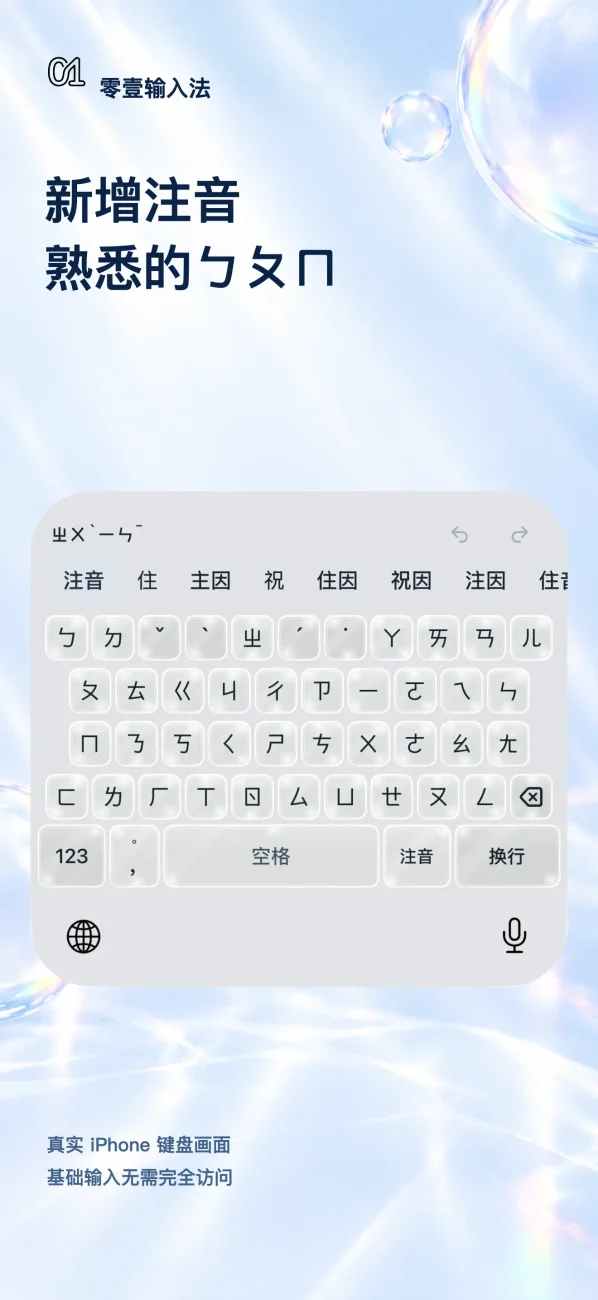
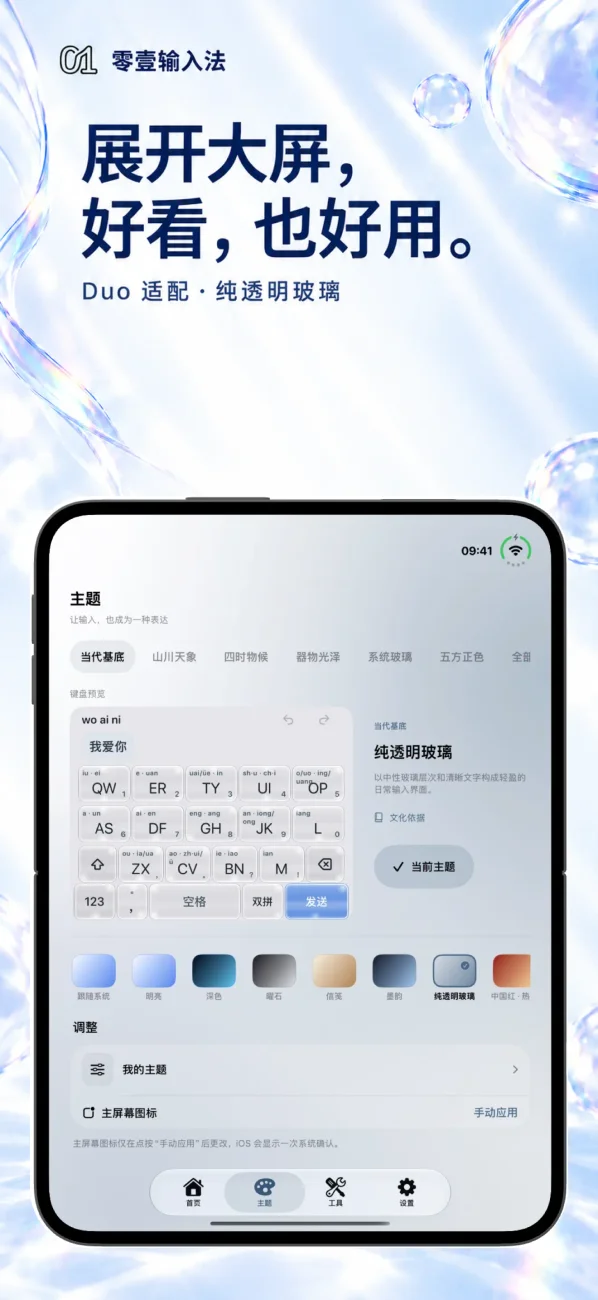
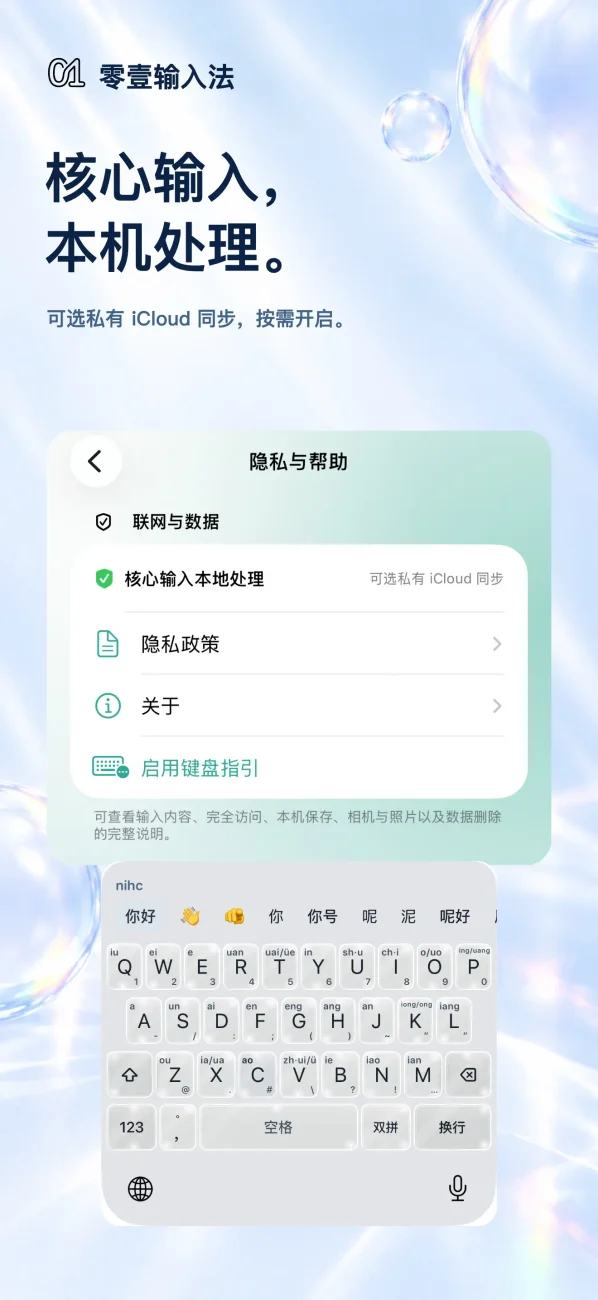
Giới thiệu
Nhà phát triển chưa cung cấp nội dung này bằng ngôn ngữ của bạn.
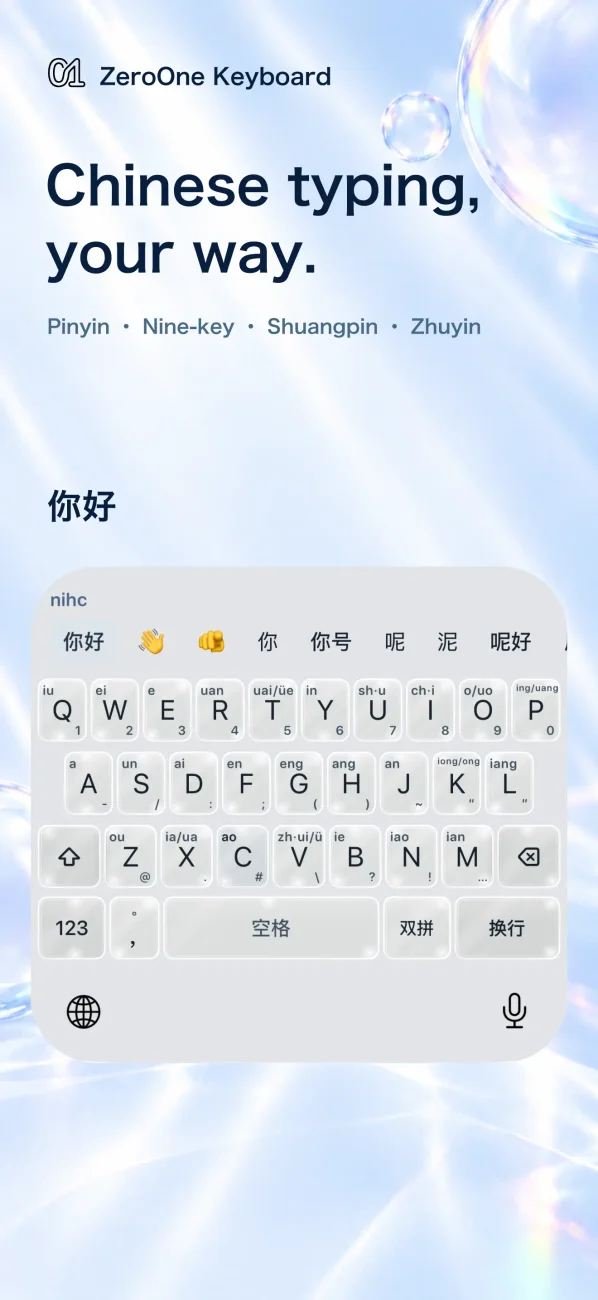
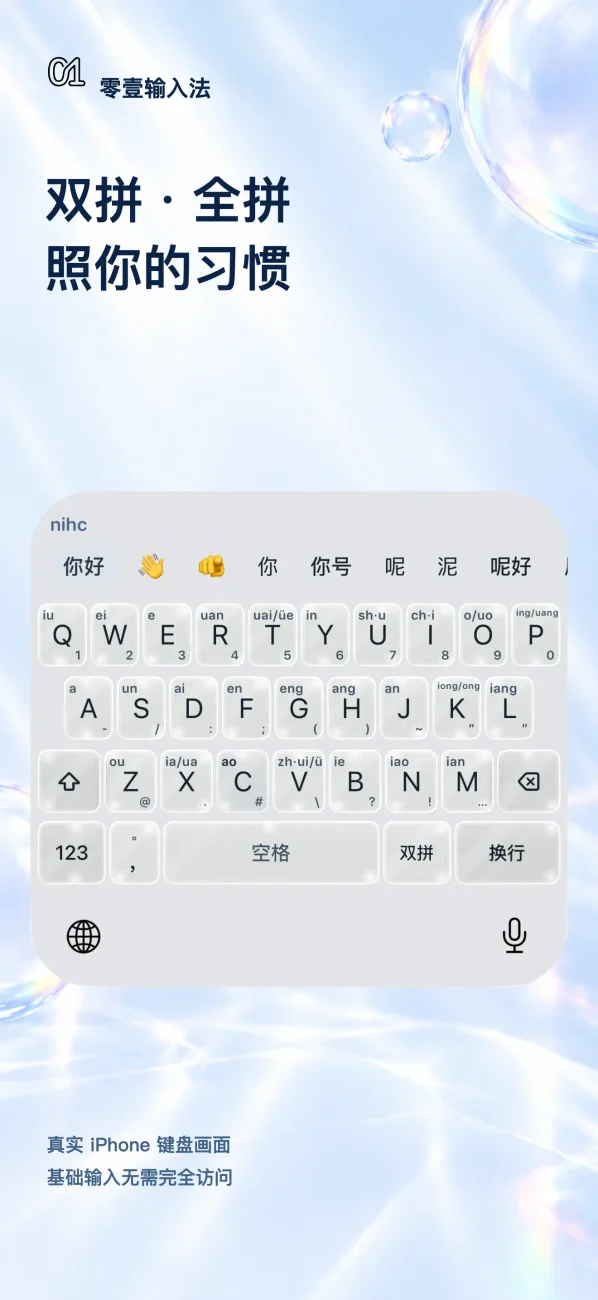
Type Chinese with the input method you know. Choose Shuangpin, Zhuyin or full Pinyin. Use sound hints with ZeroOne Shuangpin, choose Dachen or the Zhuyin Zero-Nine layout, or keep typing with full Pinyin. After installation, add ZeroOne in iPhone keyboard settings and select your input method and Chinese output preference.
Learn ZeroOne Shuangpin with on-key hints, or use a personal Shuangpin scheme.
Zhuyin supports tone-marked and tone-omitted input, Traditional Chinese candidates, phrase composition, candidate selection, undo, and redo. Choose Taiwan Traditional Chinese forms in settings.
Make the keyboard yours
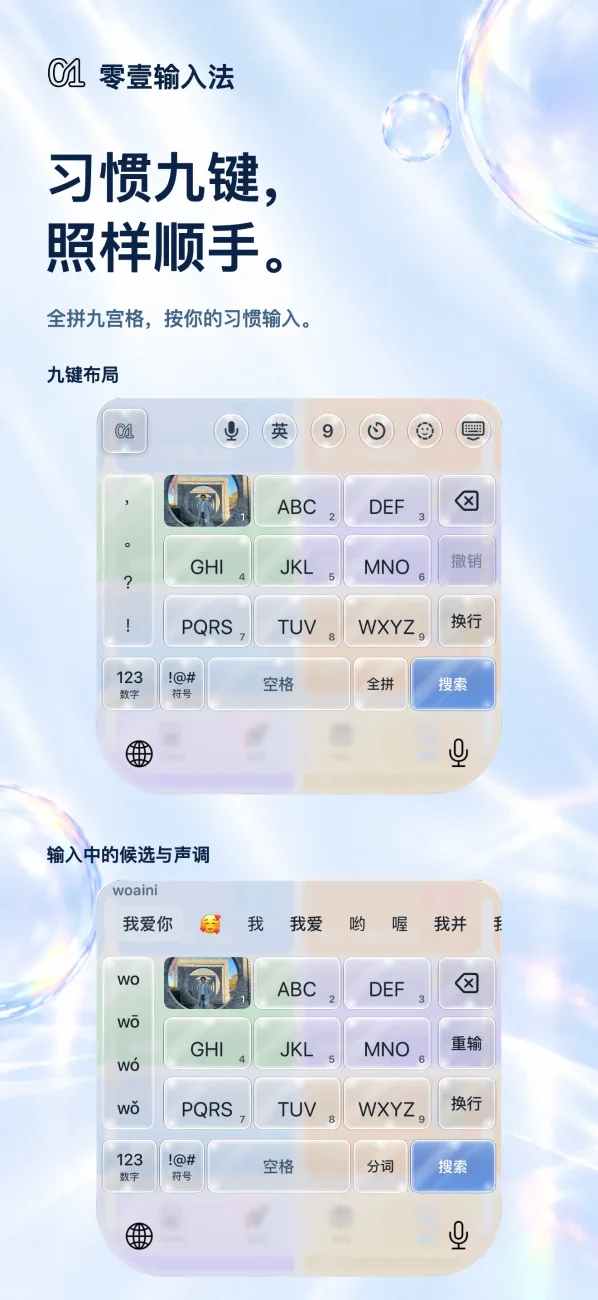
• Shuangpin, full pinyin, and nine-key layouts, personal shuangpin schemes, and auxiliary-code hints.
• Customize the nine-key 1 key: tap for your primary shortcut, hold for a function panel, or enter the digit 1.
• Preview and crop custom key photos. Settings apply immediately.
• Choose from several sound packs, including five original ZeroOne packs, with an option to play only when text is committed.
Tools while you type
Emoji categories, recents, snippets, numbers, symbols, calculations, amounts, unit conversion, dates, solar terms, and color tools.
On-device processing and optional sharing
Everyday Chinese typing, candidates, and personal learning are processed on your device. Input content is not collected or uploaded to the developer. There are no ads or third-party tracking analytics.
Basic typing works without Full Access. Enable it when you want to share photos, sound settings, and preferences with the main app.
Cross-device paste is optional. When enabled, it syncs clipboard content through your own private iCloud database.
To start, add ZeroOne in Settings > General > Keyboard > Keyboards > Add New Keyboard, then hold the globe key in a text field to switch.
Terms of Use (Apple standard EULA): https://www.apple.com/legal/internet-services/itunes/dev/stdeula/
Có gì mới
Phiên bản 1.3.10 · 23/11/2026
Improved short-input suggestions in Pinyin, Double Pinyin, and Zhuyin Zero Nine, with priority for complete readings and repeatedly selected candidates.
Zhuyin Zero Nine now has equal-height rows and a syllable separator while composing. Long-press options are easier to read and select by sliding.
Fixed an issue that closed the number pad while editing a Safari address. The toolbar shows Input Scheme by default, and More Tools can open with a tap or a long press.
Quyền riêng tư của ứng dụng
Những gì 海平 吴 khai báo trên App Store về cách ứng dụng này xử lý dữ liệu.
-
Dữ liệu không được thu thập
Nhà phát triển không thu thập bất kỳ dữ liệu nào từ ứng dụng này.
Phương thức đảm bảo quyền riêng tư có thể khác nhau, chẳng hạn như tuỳ theo các tính năng bạn sử dụng hoặc độ tuổi của bạn.
Thông tin
- Người bán
- 海平 吴
- Danh mục
- Tiện Ích
- Phiên bản
- 1.3.10
- Cập nhật
- 23/11/2026
- Phát hành
- 31/05/2026
- Kích thước
- 61,9 MB
- Yêu cầu
- iOS 16.0 trở lên
- Độ tuổi
- 4+
- Giá
- Miễn phí
- Mua hàng trong ứng dụng
- Có
- Ngôn ngữ
- Tiếng Anh, Tiếng Trung Giản thể, Tiếng Trung Phồn thể
- Bản quyền
- © 2021 Haiping Wu
Có thể bạn cũng thích
-
 XYZKeyboard-玲珑键盘Tiện Ích
-
 LED Banner - Pocket Sign AppTiện Ích
-
 TalkScreen-Phone show heartTiện Ích
-
 Photo Cleaner:AI Smart CleanupTiện Ích
-
 ClusterSwipe: free up spaceTiện Ích
-
 NanoMouse - IME for AI eraTiện Ích
-
 Flicker Insight: PWM TestTiện Ích
-
 PinletTiện Ích
-
 FreshKeep-Save your groceriesTiện Ích
-
 RecallRoll: Photo CleanerTiện Ích