ZeroOne Keyboard
Pinyin · Zhuyin · Shuangpin
Projetado para iPhone, Mac
Grátis · Compras no app
- Classificação etária4+
- CategoriaUtilidades
- Desenvolvedor海平 吴
- IdiomasInglêse mais 2
- Tamanho61,9 MB
Leva à página oficial na App Store
O Download.org não hospeda nenhum arquivo de ZeroOne Keyboard. O botão abre a página do app na App Store, onde 海平 吴 o publica. Página verificada pela última vez em 25/11/2026.
Capturas de tela

Sobre
O desenvolvedor não forneceu este texto no seu idioma.
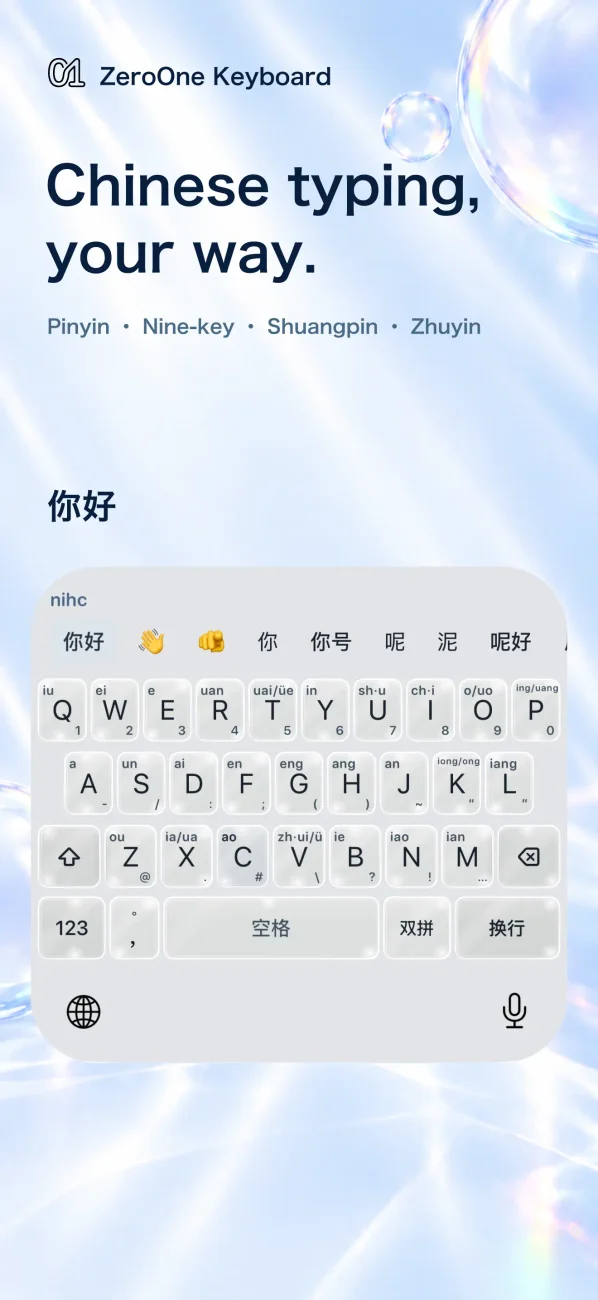
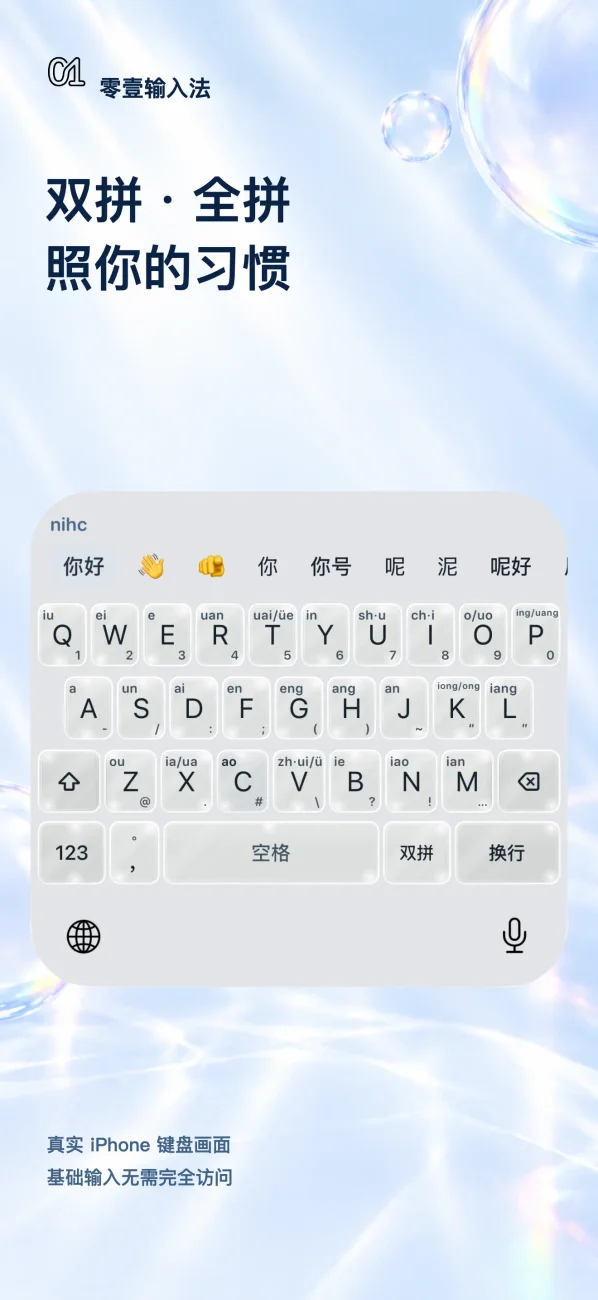
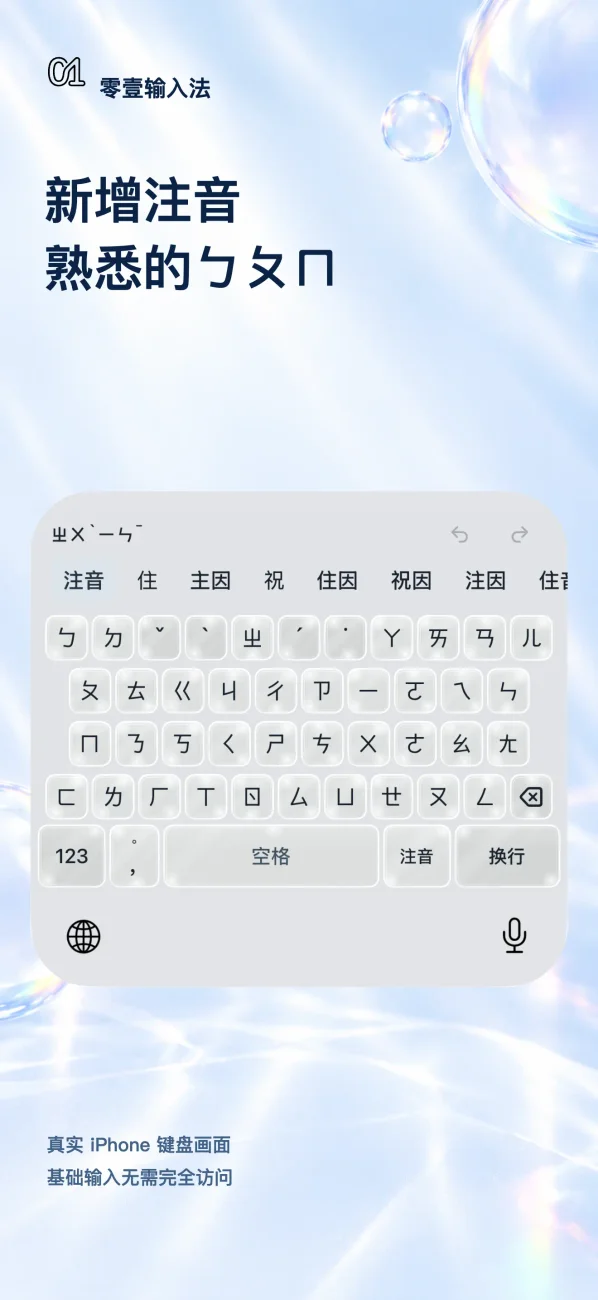
Type Chinese with the input method you know. Choose Shuangpin, Zhuyin or full Pinyin. Use sound hints with ZeroOne Shuangpin, choose Dachen or the Zhuyin Zero-Nine layout, or keep typing with full Pinyin. After installation, add ZeroOne in iPhone keyboard settings and select your input method and Chinese output preference.
Learn ZeroOne Shuangpin with on-key hints, or use a personal Shuangpin scheme.
Zhuyin supports tone-marked and tone-omitted input, Traditional Chinese candidates, phrase composition, candidate selection, undo, and redo. Choose Taiwan Traditional Chinese forms in settings.
Make the keyboard yours
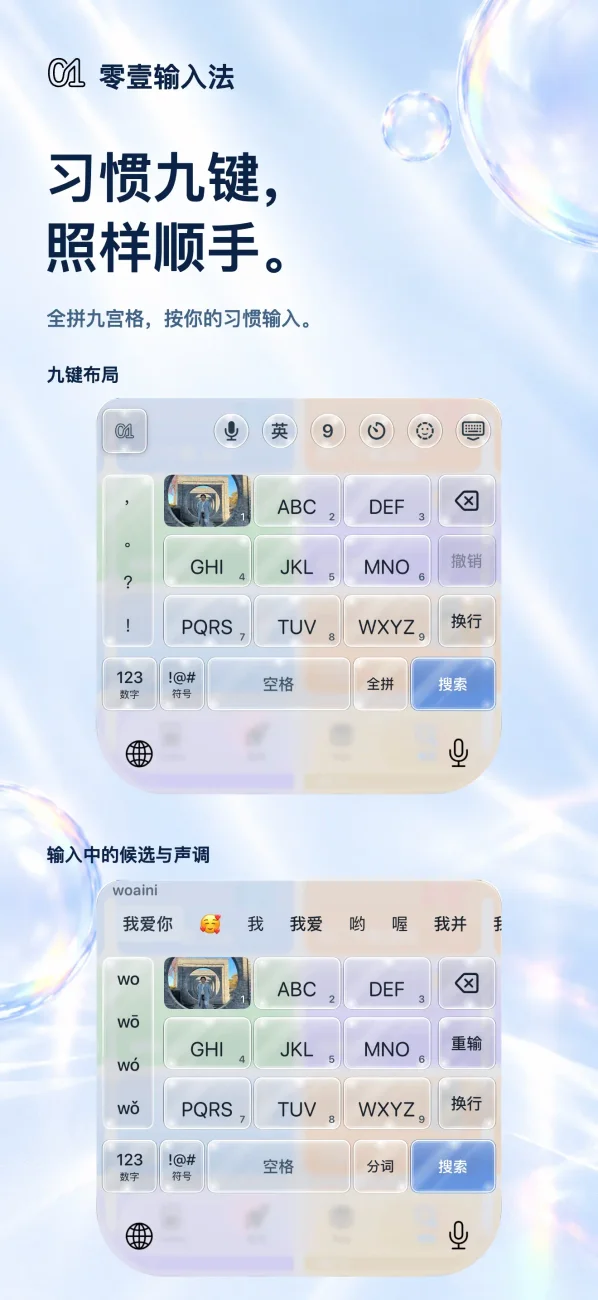
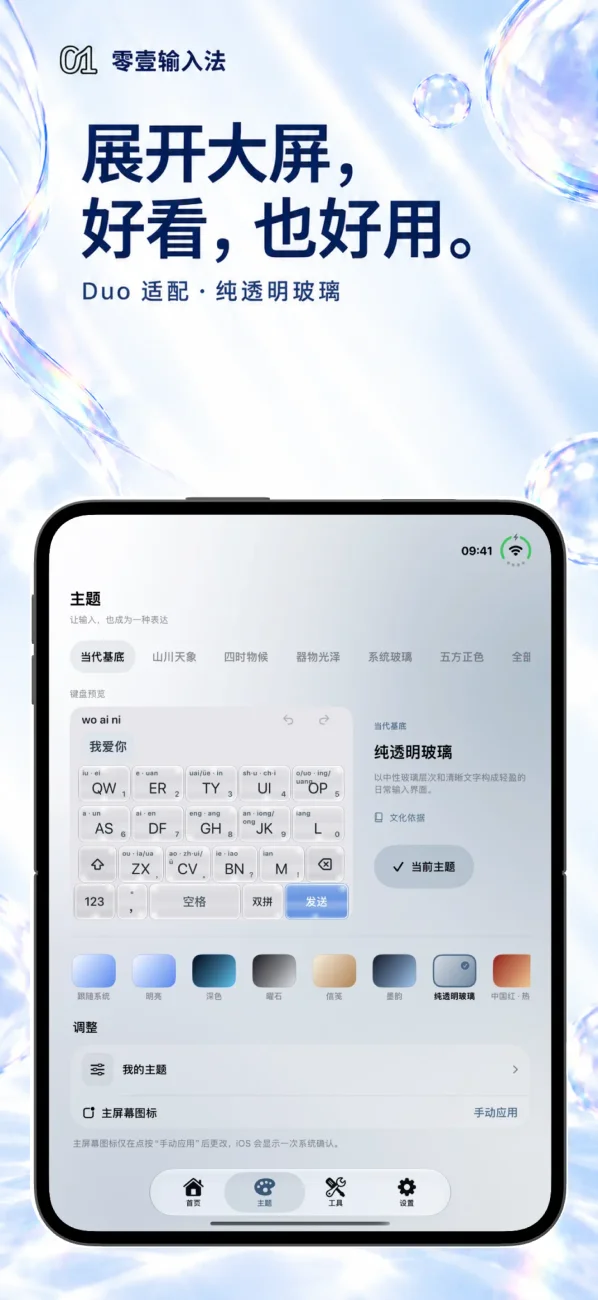
• Shuangpin, full pinyin, and nine-key layouts, personal shuangpin schemes, and auxiliary-code hints.
• Customize the nine-key 1 key: tap for your primary shortcut, hold for a function panel, or enter the digit 1.
• Preview and crop custom key photos. Settings apply immediately.
• Choose from several sound packs, including five original ZeroOne packs, with an option to play only when text is committed.
Tools while you type
Emoji categories, recents, snippets, numbers, symbols, calculations, amounts, unit conversion, dates, solar terms, and color tools.
On-device processing and optional sharing
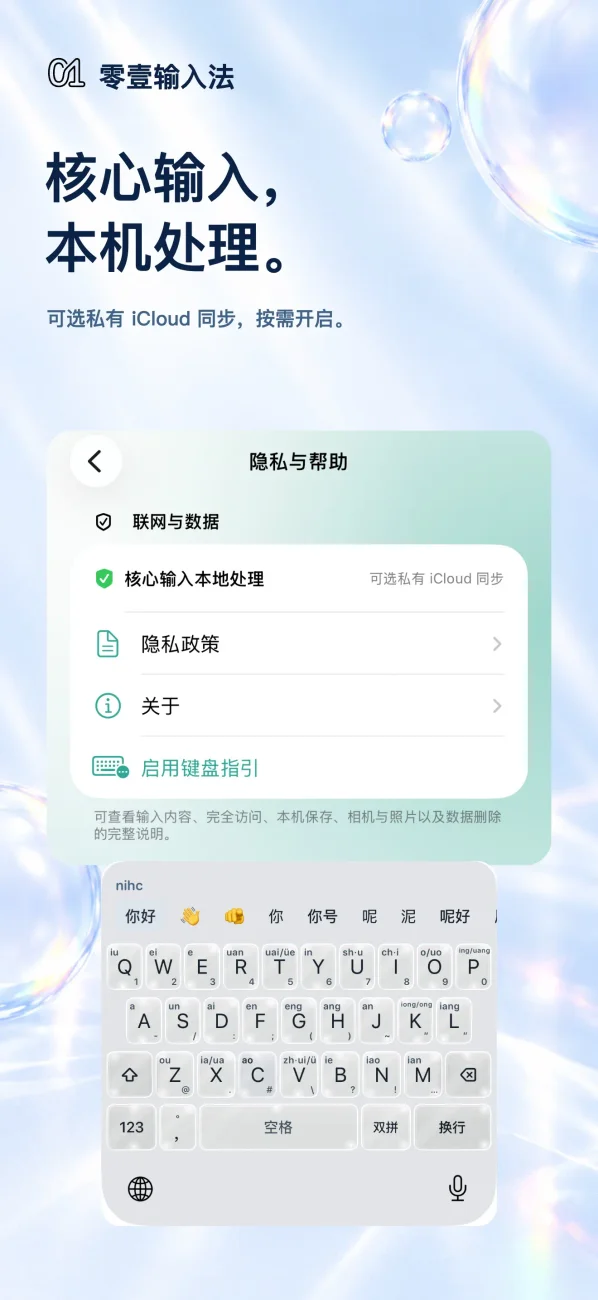
Everyday Chinese typing, candidates, and personal learning are processed on your device. Input content is not collected or uploaded to the developer. There are no ads or third-party tracking analytics.
Basic typing works without Full Access. Enable it when you want to share photos, sound settings, and preferences with the main app.
Cross-device paste is optional. When enabled, it syncs clipboard content through your own private iCloud database.
To start, add ZeroOne in Settings > General > Keyboard > Keyboards > Add New Keyboard, then hold the globe key in a text field to switch.
Terms of Use (Apple standard EULA): https://www.apple.com/legal/internet-services/itunes/dev/stdeula/
Novidades
Versão 1.3.10 · 23/11/2026
Improved short-input suggestions in Pinyin, Double Pinyin, and Zhuyin Zero Nine, with priority for complete readings and repeatedly selected candidates.
Zhuyin Zero Nine now has equal-height rows and a syllable separator while composing. Long-press options are easier to read and select by sliding.
Fixed an issue that closed the number pad while editing a Safari address. The toolbar shows Input Scheme by default, and More Tools can open with a tap or a long press.
Privacidade do app
O que 海平 吴 declara na App Store sobre como este app lida com os dados.
-
Dados não coletados
O desenvolvedor não coleta nenhum dado deste app.
As práticas de privacidade podem variar, por exemplo, com base nos recursos que você usa ou na sua idade.
Informações
- Vendedor
- 海平 吴
- Categoria
- Utilidades
- Versão
- 1.3.10
- Atualizado
- 23/11/2026
- Lançamento
- 31/05/2026
- Tamanho
- 61,9 MB
- Requer
- iOS 16.0 ou posterior
- Classificação etária
- 4+
- Preço
- Grátis
- Compras no app
- Sim
- Idiomas
- Inglês, Chinês simplificado, Chinês tradicional
- Copyright
- © 2021 Haiping Wu
Você também pode gostar
-
 XYZKeyboard-玲珑键盘Utilidades
-
 LED Banner - Pocket Sign AppUtilidades
-
 TalkScreen-Phone show heartUtilidades
-
 Photo Cleaner: Limpeza rápidaApague cópias, ganhe espaço
-
 ClusterSwipe: free up spaceUtilidades
-
 NanoMouse - IME for AI eraUtilidades
-
 Flicker Insight: PWM TestUtilidades
-
 PinletUtilidades
-
 FrescoGuard -Cuide seus stocksControle validade mantimentos
-
 RecallRoll: Photo CleanerUtilidades