
DevLocation
GPS & Location Simulator
Dirancang untuk iPhone, iPad, Mac
Gratis · Pembelian dalam aplikasi
- Batasan usia4+
- KategoriKegunaan
- PengembangWeigan Technology (Shenzhen) Co., Ltd.
- BahasaInggris+ 43 lainnya
- Ukuran14,0 MB
Tertaut ke halaman resmi App Store
Download.org tidak menyimpan file DevLocation apa pun. Tombol ini membuka halaman aplikasi di App Store, tempat Weigan Technology (Shenzhen) Co., Ltd. menerbitkannya. Halaman terakhir diperiksa pada 20/11/2026.
Tangkapan layar
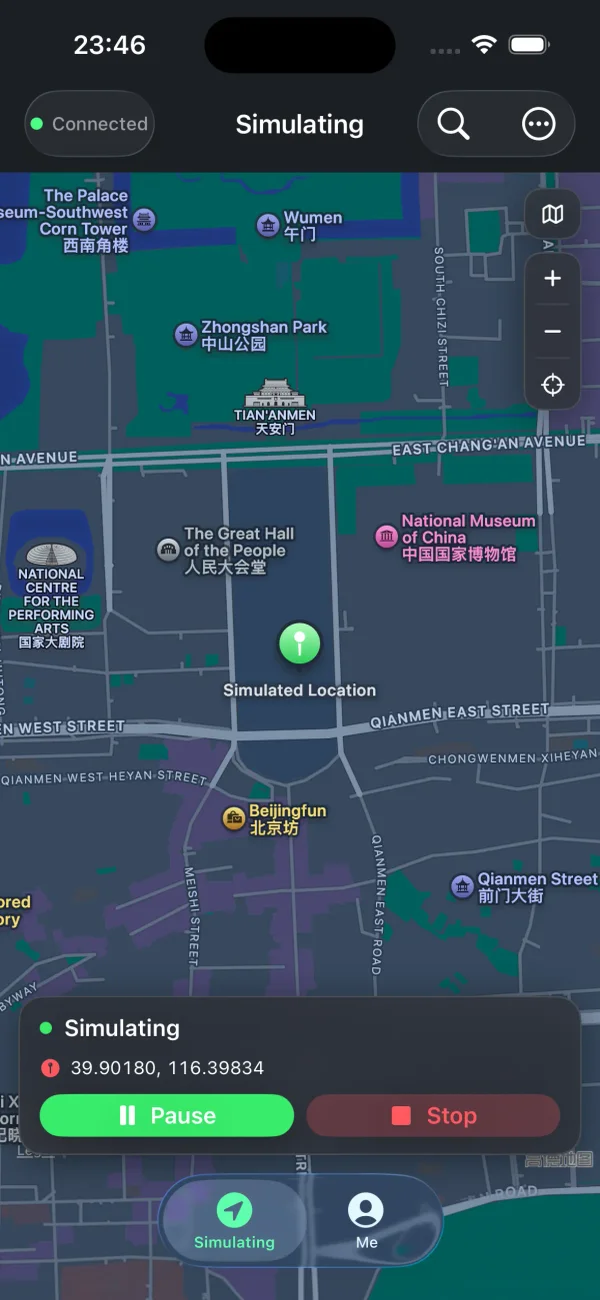
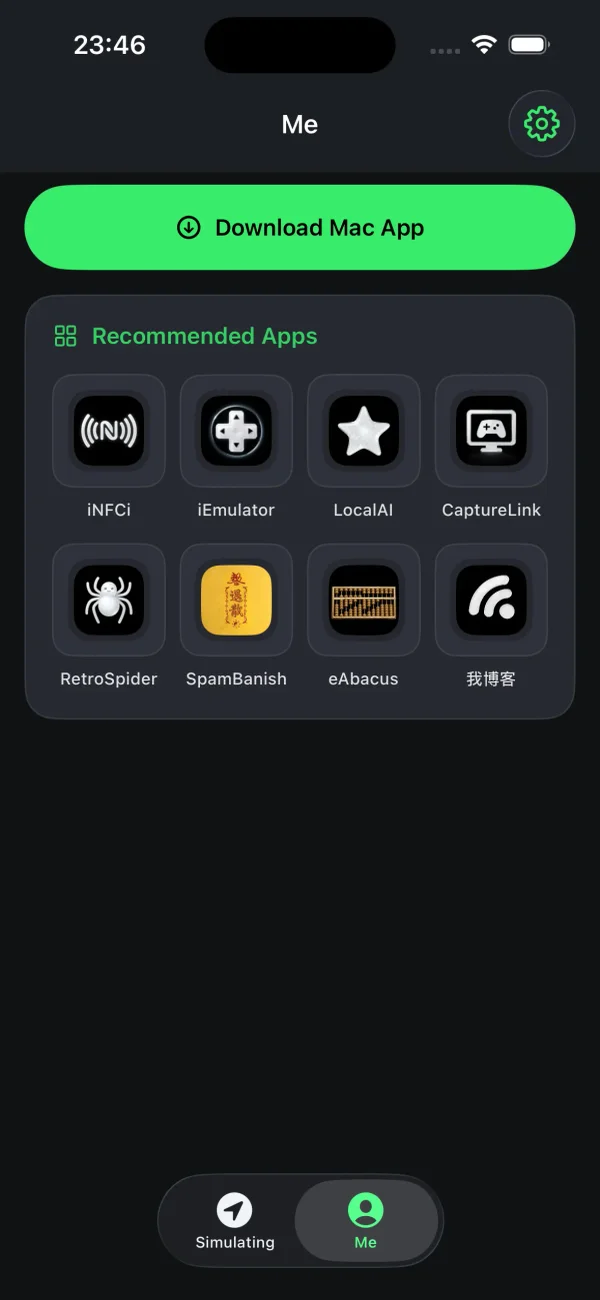

Tentang
Pengembang belum menyediakan teks ini dalam bahasa Anda.
Terms of Use (EULA): https://www.apple.com/legal/internet-services/itunes/dev/stdeula/
DevLocation is a location simulation and GPS debugging tool for iOS developers. From Mac, simulate a single coordinate or a continuous route on an iPhone with Developer Mode enabled, so you can test maps, navigation, and location-based features on a real device.
For development and functional testing only. Enable Developer Mode, connect with USB, and tap Trust. Follow local laws and the Apple Developer Agreement.
FEATURES
• Single-point mode: pick a map location, search an address, or enter coordinates
• Route mode: set start, via, and end points, then simulate walk, run, cycle, or drive
• Speed and GPS jitter: adjust speed and add slight jitter to test accuracy logic
• GPX import and export: reuse tracks or save the current route
• Follow roads: optionally generate road-aligned paths
• Favorites and history: save places and routes, replay previous sessions
• Mac and iPhone companion: sync on the same network; stop and restore from iPhone
• Shortcuts: set or stop location simulation on Mac
HOW TO USE ON IPHONE
The iPhone app is a companion. It shows status and lets you stop and restore. Simulation is started from Mac.
1. Install and open
• Install DevLocation on an iPhone with Developer Mode enabled
• Allow local network access to find the Mac on the same Wi-Fi
2. Pair with Mac
• Open DevLocation on Mac, connect this iPhone with USB, tap Trust, and connect
• Keep both devices on the same Wi-Fi
• Status syncs automatically; the home screen shows the Mac name
3. Monitor a session
• The header shows Simulating or Idle, plus connection health
• Location Preview marks the coordinate; change map style, zoom, or recenter
• Details lists device, mode, speed, coordinates, and last update
4. Stop and restore
• While simulating, tap Stop and Restore
• iPhone tells Mac to end the session and restore real location
• The button is disabled when idle
5. Tips
• Use Mac to pick points, build routes, and start
• Use iPhone to confirm on device or to stop quickly
• If status does not update, check the same network and keep the Mac app open
NOTES
• Developer Mode is required
• Use only on your own development devices to test apps you are developing
• Stop and restore when finished
• This tool does not bypass system restrictions or misrepresent location for non-development use
Yang baru
Versi 1.0.8 · 16/11/2026
Fix user-reported Bugs.
Privasi aplikasi
Yang dinyatakan Weigan Technology (Shenzhen) Co., Ltd. di App Store tentang cara aplikasi ini menangani data.
-
Data yang digunakan untuk melacak Anda
Dapat digunakan untuk melacak Anda di aplikasi dan situs web milik perusahaan lain.
- Pengenal
-
Data yang tidak ditautkan dengan Anda
Dapat dikumpulkan, tetapi tidak ditautkan dengan identitas Anda.
- Pengenal
Praktik privasi dapat bervariasi, misalnya berdasarkan fitur yang Anda gunakan atau usia Anda.
Informasi
- Penjual
- Weigan Technology (Shenzhen) Co., Ltd.
- Kategori
- Kegunaan
- Versi
- 1.0.8
- Diperbarui
- 16/11/2026
- Dirilis
- 1/9/2026
- Ukuran
- 14,0 MB
- Memerlukan
- iOS 18.0 atau yang lebih baru
- Batasan usia
- 4+
- Harga
- Gratis
- Pembelian dalam aplikasi
- Ya
- Bahasa
- Inggris, Arab, Bengali, Katalan, Kroat (Kroasia), Cheska (Republik Cheska), Dansk (Denmark), Belanda, Suomi (Finlandia), Prancis, Jerman, Yunani + 32 lainnya
- Hak cipta
- © weigan