Flatify - 2D Objects to CAD
Time. Saved.
Dirancang untuk iPhone
Gratis · Pembelian dalam aplikasi
- Batasan usia4+
- KategoriKegunaan
- PengembangSTRICS IT GmbH
- BahasaInggris+ 1 lainnya
- Ukuran15,2 MB
Tertaut ke halaman resmi App Store
Download.org tidak menyimpan file Flatify - 2D Objects to CAD apa pun. Tombol ini membuka halaman aplikasi di App Store, tempat STRICS IT GmbH menerbitkannya. Halaman terakhir diperiksa pada 14/11/2026.
Tangkapan layar
Tentang
Pengembang belum menyediakan teks ini dalam bahasa Anda.
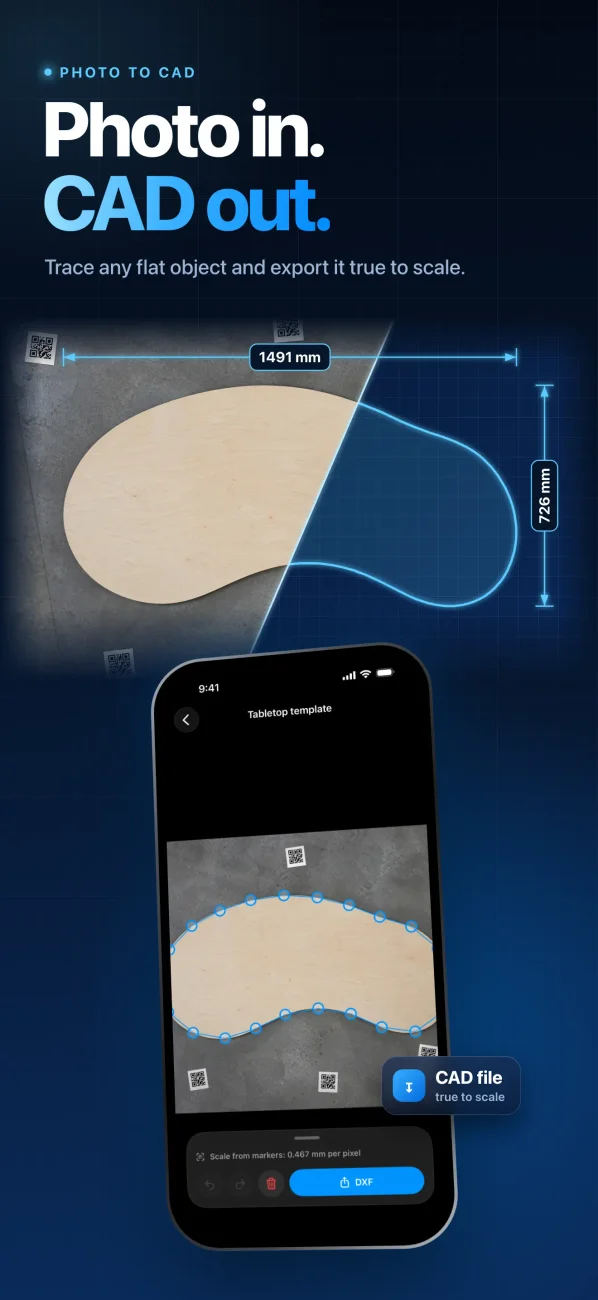
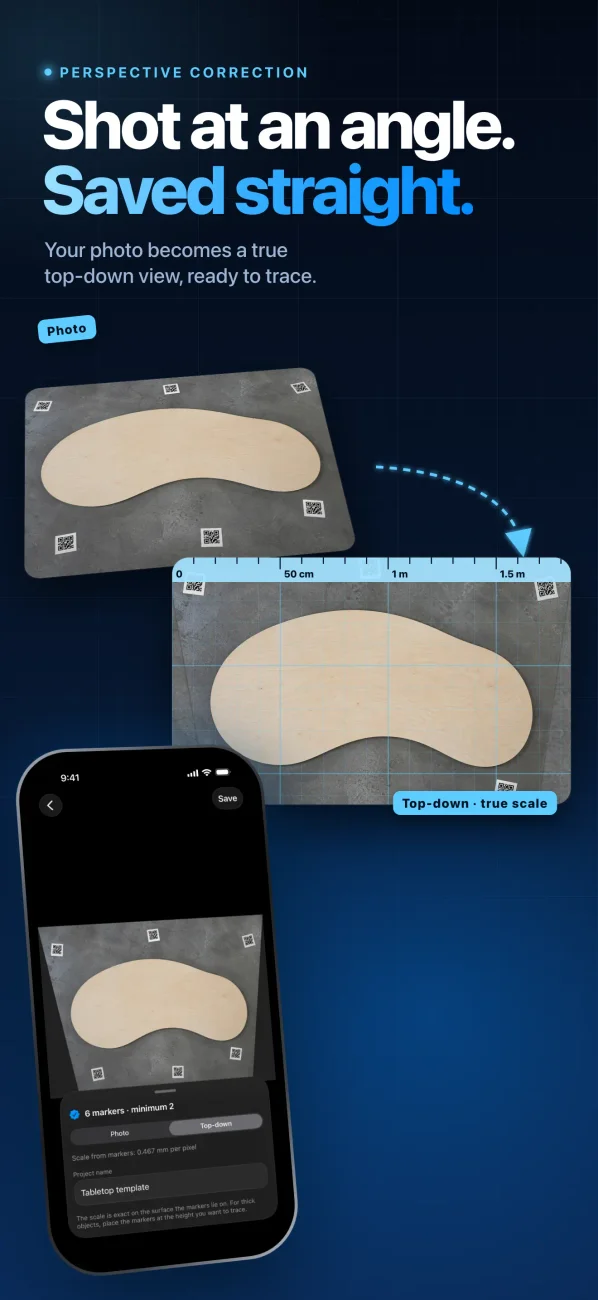
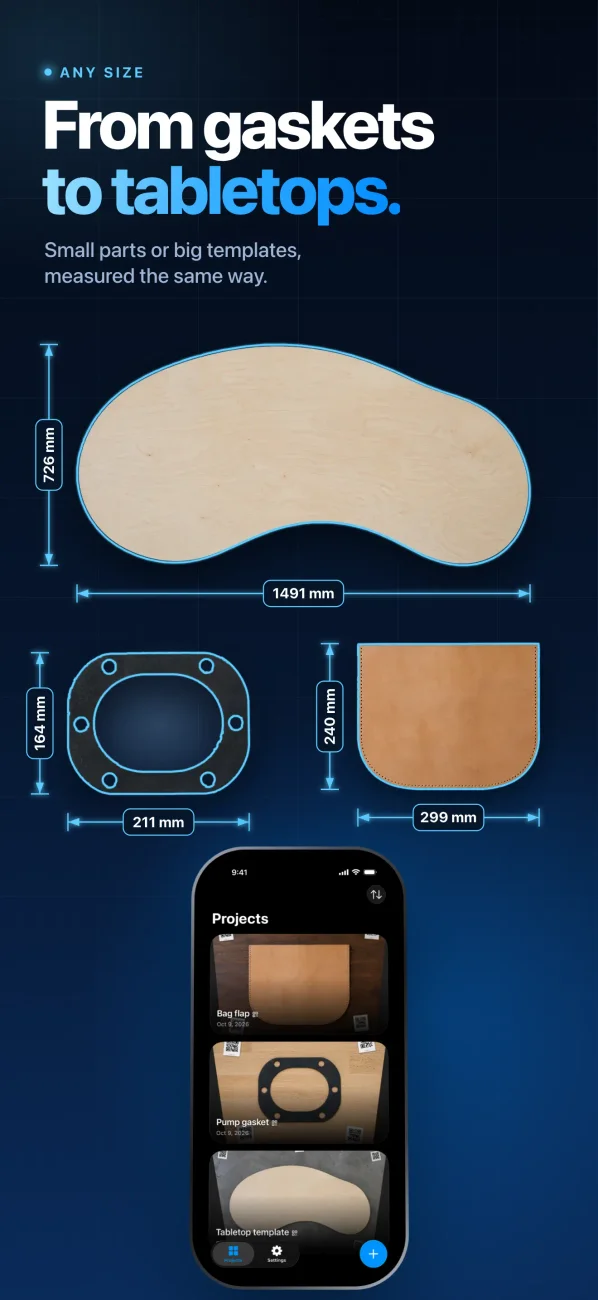
Flatify - 2D Objects to CAD is an innovative new app that revolutionizes the way you work with 2D objects. With its powerful perspective correction feature, you can easily transform any image into a top-down view, making it a breeze to trace and create detailed CAD drawings.
Our intuitive app is perfect for artists, designers, and engineers alike. Whether you need to convert a stencil or a form into a CAD file (DXF), Flatify simplifies the process and produces accurate, high-quality results every time.
Here's how it works in just four simple steps:
1. Capture the photo of your 2D object.
2. Review the image and select the reference object for perspective correction.
3. Export the corrected image.
4. Generate a CAD file using our built-in CAD tracing function or your preferred CAD tool.
Stop struggling with perspective distortion and start creating precise CAD designs with Flatify - 2D Objects to CAD. Download our app today and see the difference for yourself!
By subscribing to the Premium Plan, you agree to abide by Apple's End User License Agreement (EULA). We recommend reviewing Apple's EULA before making any in-app purchases to ensure that you are fully informed and in compliance with their terms and conditions. EULA: https://www.apple.com/legal/internet-services/itunes/dev/stdeula/
Yang baru
Versi 4.1.0 · 10/10/2026
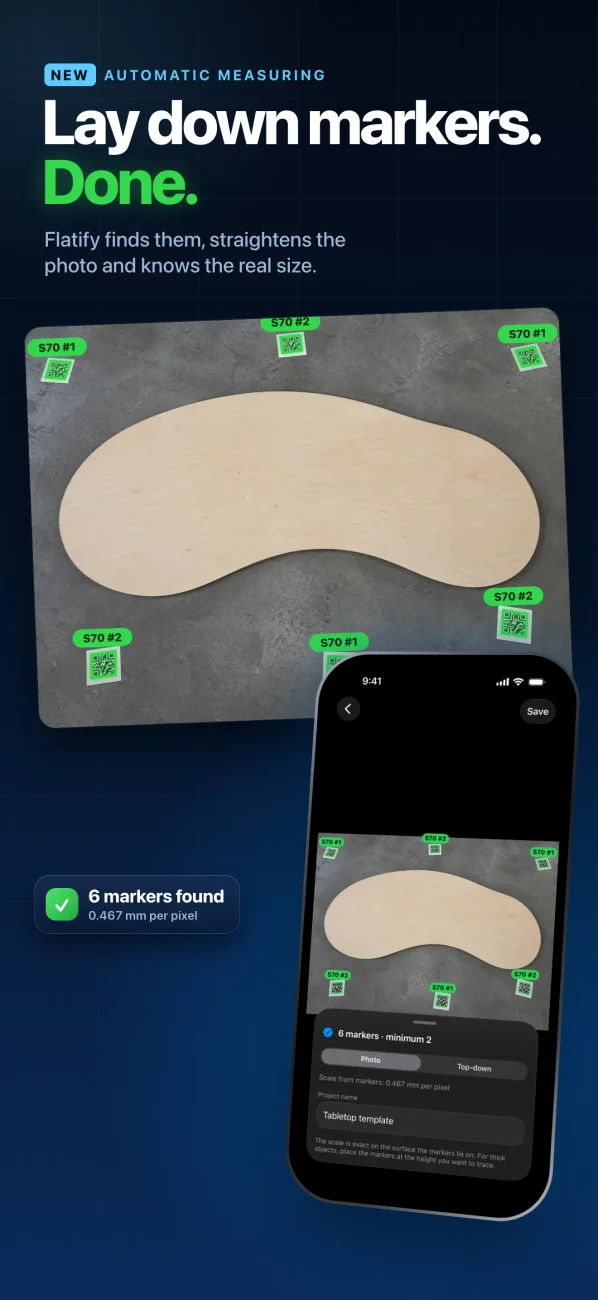
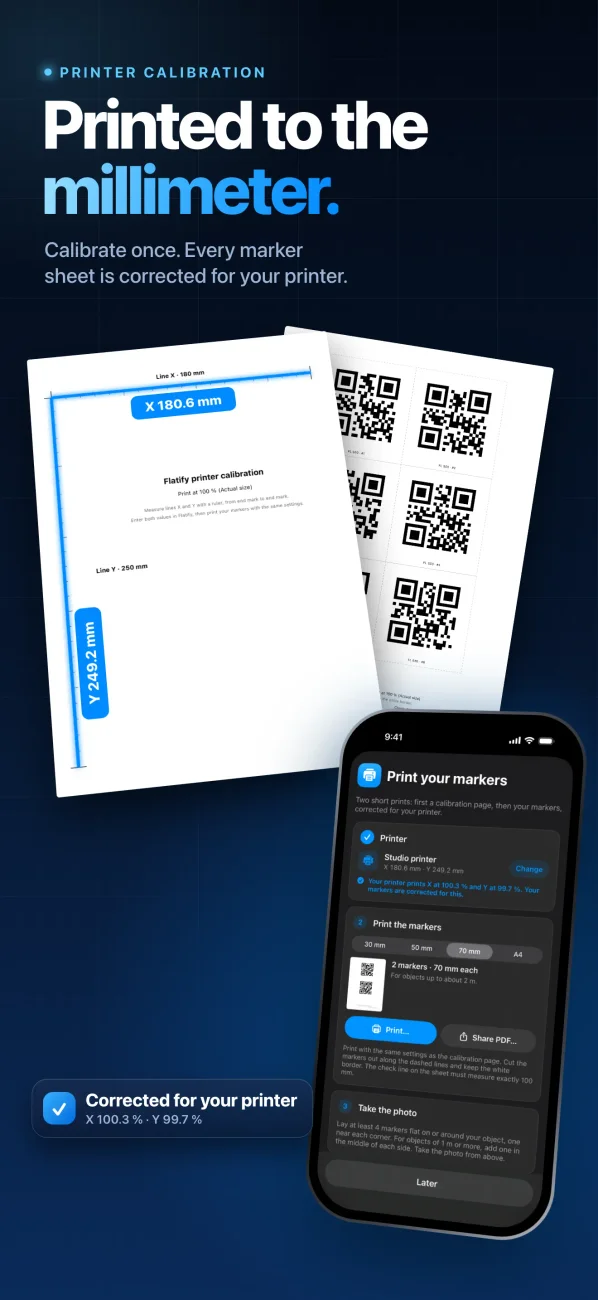
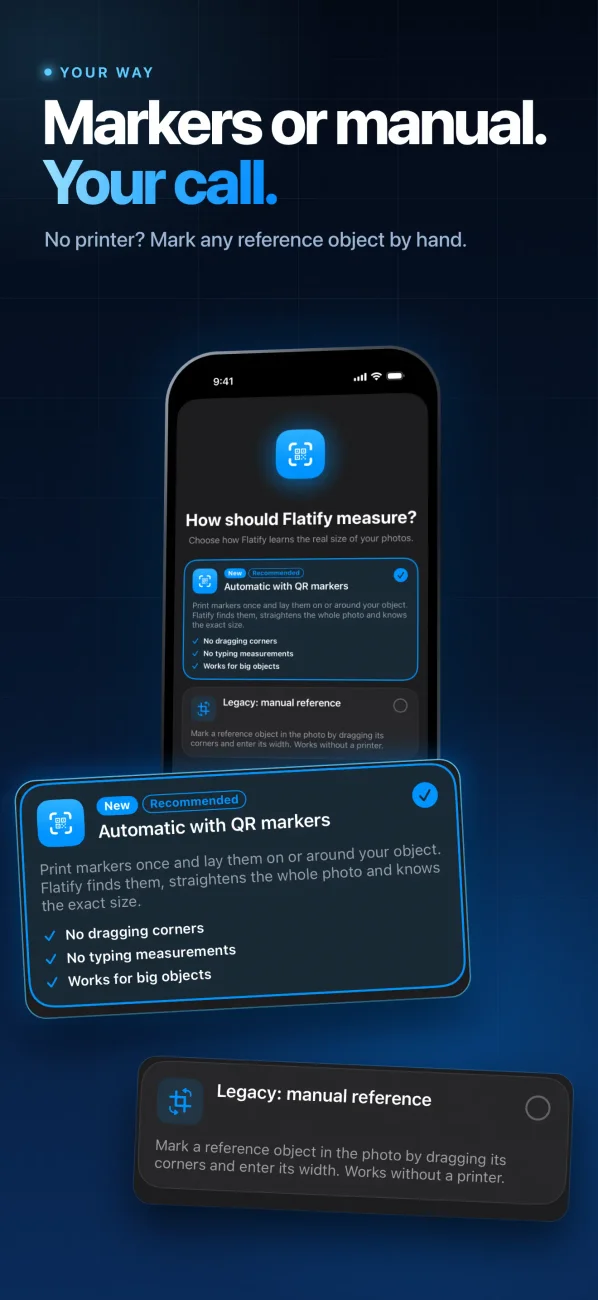
New: automatic measuring with printed markers
• Print markers once, lay them on or around your object and take a photo. Flatify finds them, straightens the whole photo and knows the real size.
• Calibrate your printer and save it by name, so your markers print in exactly the right size.
• Marker sizes from 30 mm cut-outs to a full A4 sheet, for small parts and large objects.
• The previous reference mode stays available as Legacy.
• Camera fixes and other improvements.
Privasi aplikasi
Yang dinyatakan STRICS IT GmbH di App Store tentang cara aplikasi ini menangani data.
-
Data tidak dikumpulkan
Pengembang tidak mengumpulkan data apa pun dari aplikasi ini.
Praktik privasi dapat bervariasi, misalnya berdasarkan fitur yang Anda gunakan atau usia Anda.
Informasi
- Penjual
- STRICS IT GmbH
- Kategori
- Kegunaan
- Versi
- 4.1.0
- Diperbarui
- 10/10/2026
- Dirilis
- 17/3/2023
- Ukuran
- 15,2 MB
- Memerlukan
- iOS 26.0 atau yang lebih baru
- Batasan usia
- 4+
- Harga
- Gratis
- Pembelian dalam aplikasi
- Ya
- Bahasa
- Inggris, Jerman
- Hak cipta
- © 2026 STRICS IT GmbH