Flatify - 2D Objects to CAD
Time. Saved.
Projetado para iPhone
Grátis · Compras no app
- Classificação etária4+
- CategoriaUtilidades
- DesenvolvedorSTRICS IT GmbH
- IdiomasInglêse mais 1
- Tamanho15,2 MB
Leva à página oficial na App Store
O Download.org não hospeda nenhum arquivo de Flatify - 2D Objects to CAD. O botão abre a página do app na App Store, onde STRICS IT GmbH o publica. Página verificada pela última vez em 14/11/2026.
Capturas de tela
Sobre
O desenvolvedor não forneceu este texto no seu idioma.
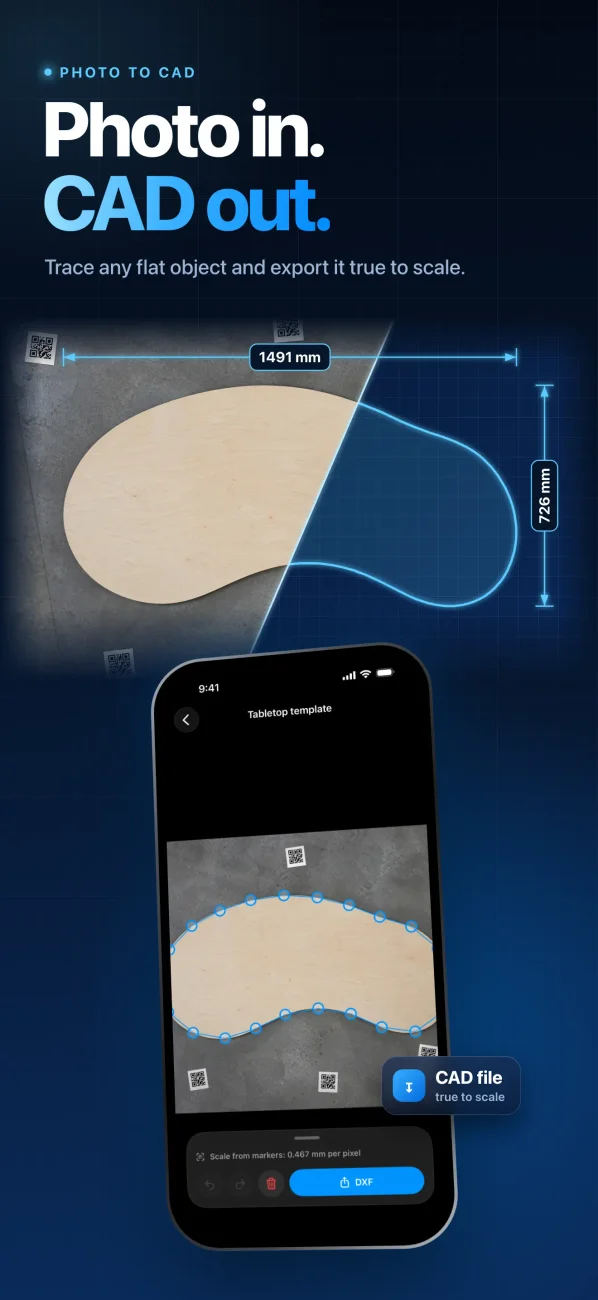
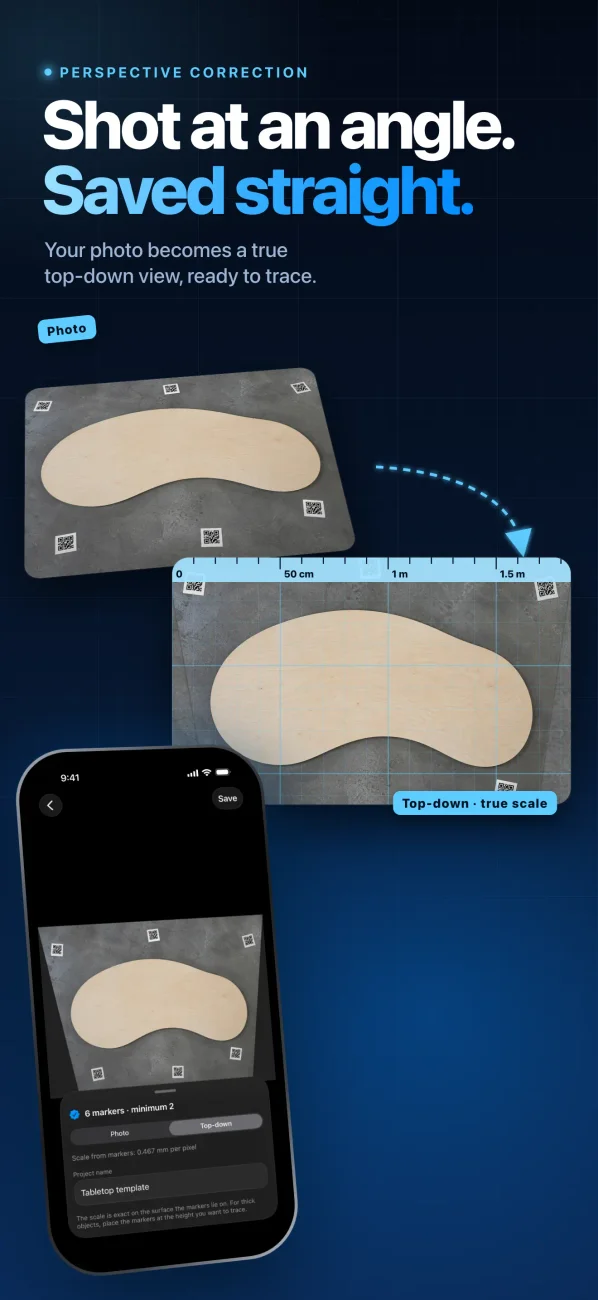
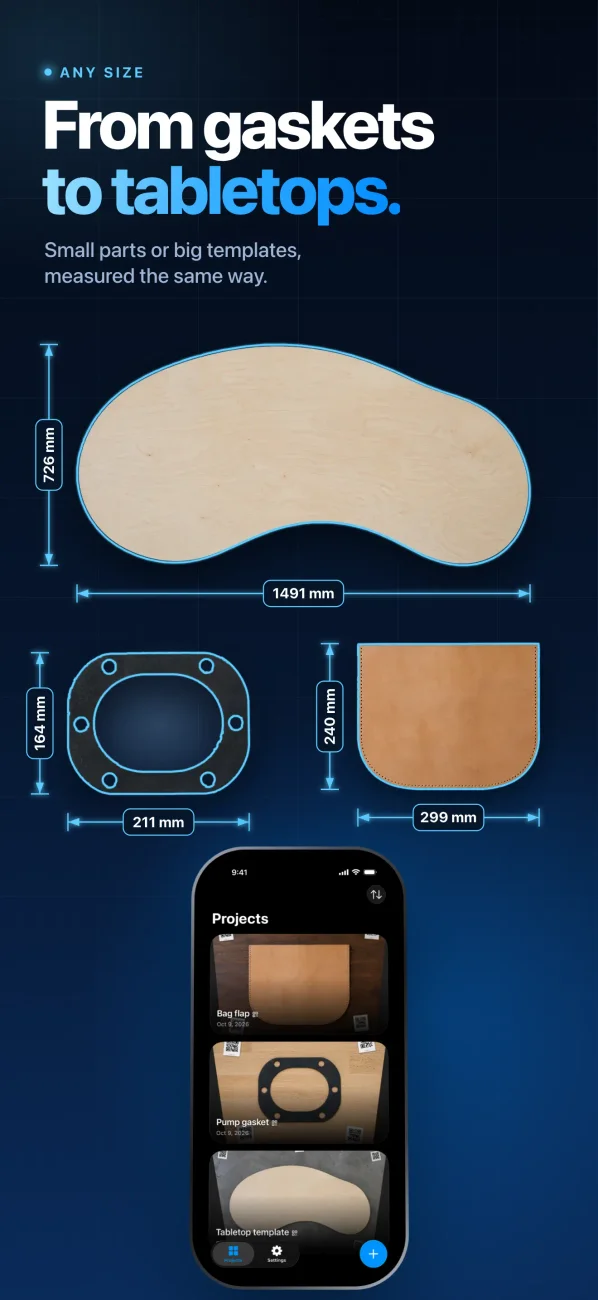
Flatify - 2D Objects to CAD is an innovative new app that revolutionizes the way you work with 2D objects. With its powerful perspective correction feature, you can easily transform any image into a top-down view, making it a breeze to trace and create detailed CAD drawings.
Our intuitive app is perfect for artists, designers, and engineers alike. Whether you need to convert a stencil or a form into a CAD file (DXF), Flatify simplifies the process and produces accurate, high-quality results every time.
Here's how it works in just four simple steps:
1. Capture the photo of your 2D object.
2. Review the image and select the reference object for perspective correction.
3. Export the corrected image.
4. Generate a CAD file using our built-in CAD tracing function or your preferred CAD tool.
Stop struggling with perspective distortion and start creating precise CAD designs with Flatify - 2D Objects to CAD. Download our app today and see the difference for yourself!
By subscribing to the Premium Plan, you agree to abide by Apple's End User License Agreement (EULA). We recommend reviewing Apple's EULA before making any in-app purchases to ensure that you are fully informed and in compliance with their terms and conditions. EULA: https://www.apple.com/legal/internet-services/itunes/dev/stdeula/
Novidades
Versão 4.1.0 · 10/10/2026
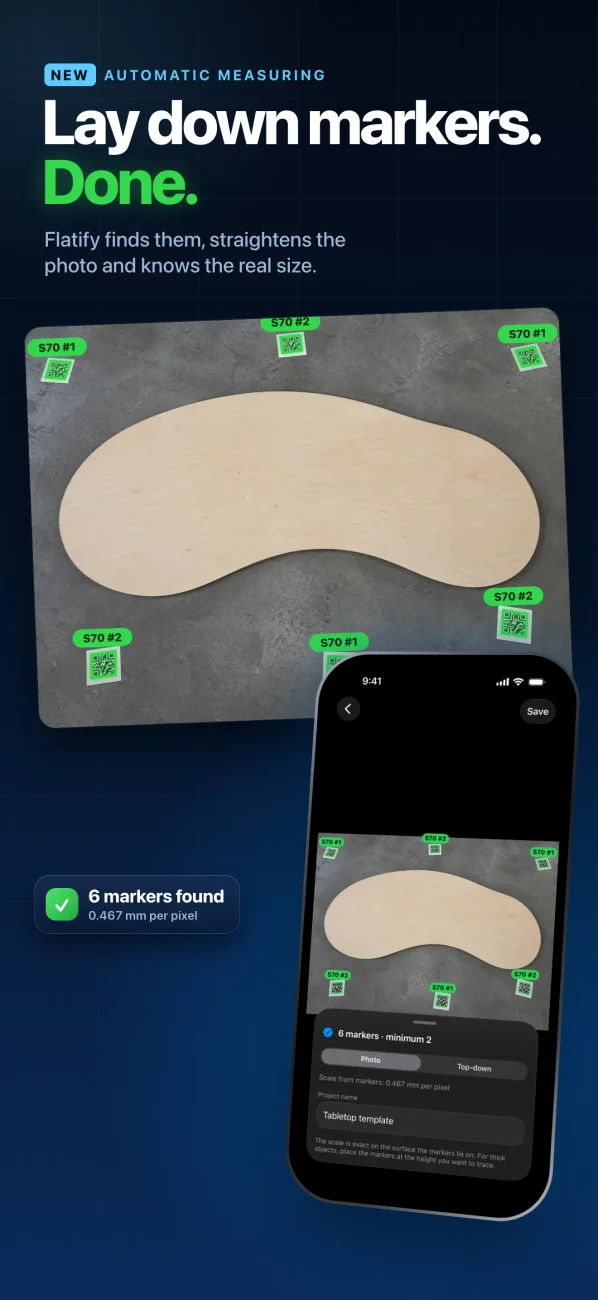
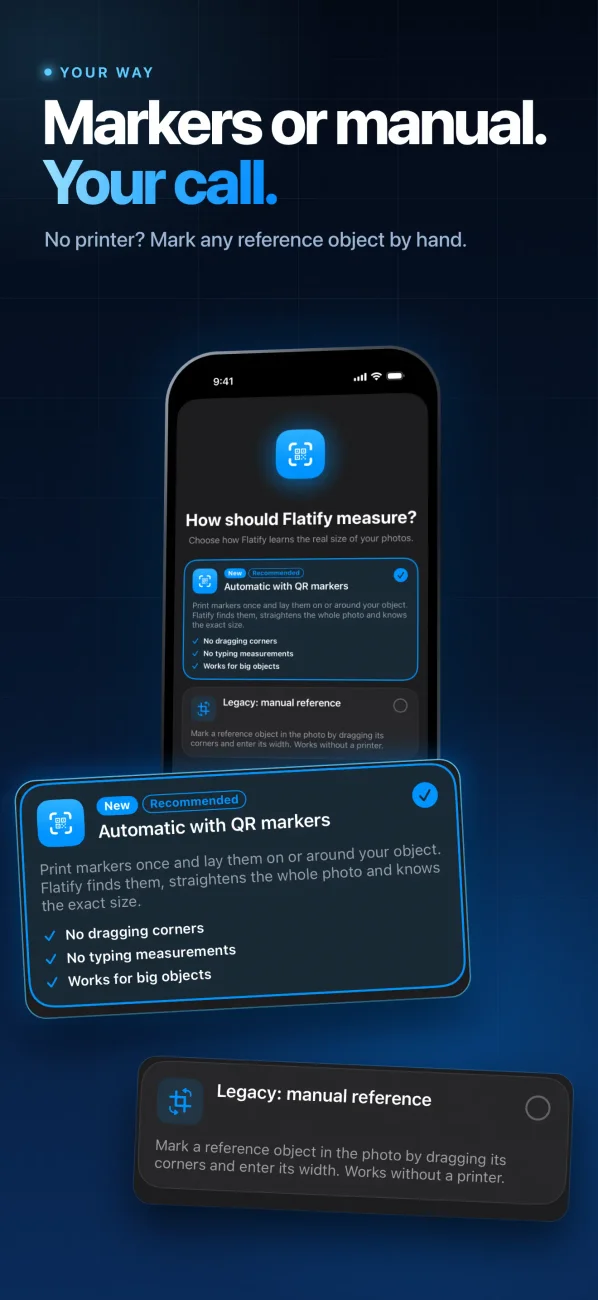
New: automatic measuring with printed markers
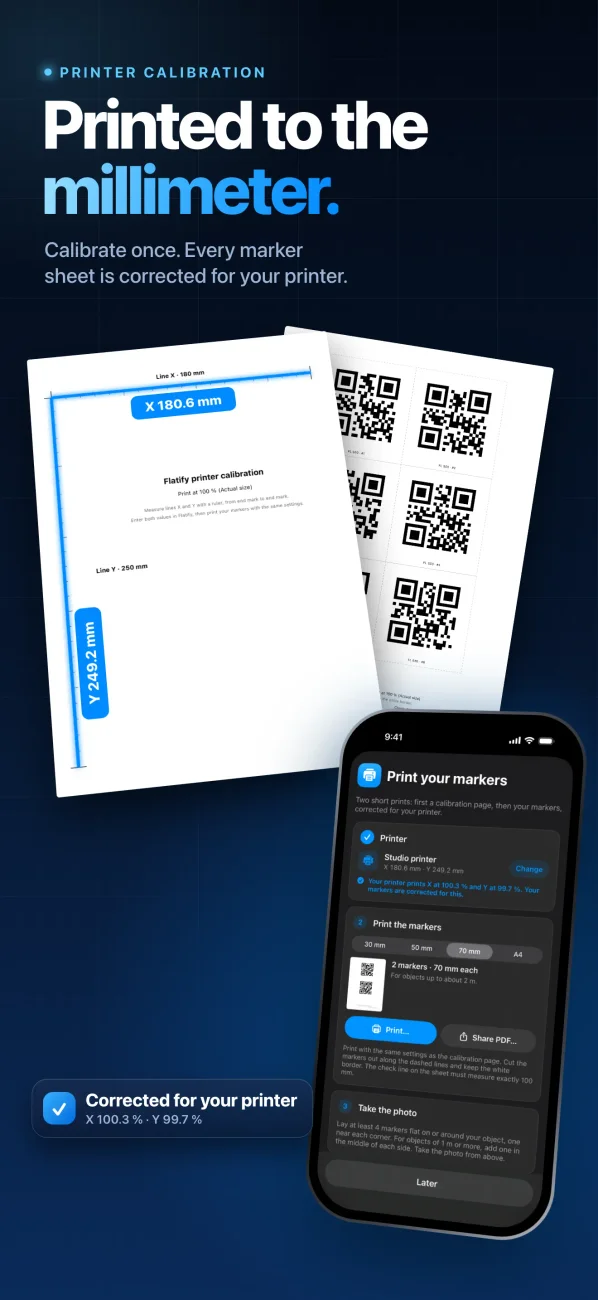
• Print markers once, lay them on or around your object and take a photo. Flatify finds them, straightens the whole photo and knows the real size.
• Calibrate your printer and save it by name, so your markers print in exactly the right size.
• Marker sizes from 30 mm cut-outs to a full A4 sheet, for small parts and large objects.
• The previous reference mode stays available as Legacy.
• Camera fixes and other improvements.
Privacidade do app
O que STRICS IT GmbH declara na App Store sobre como este app lida com os dados.
-
Dados não coletados
O desenvolvedor não coleta nenhum dado deste app.
As práticas de privacidade podem variar, por exemplo, com base nos recursos que você usa ou na sua idade.
Informações
- Vendedor
- STRICS IT GmbH
- Categoria
- Utilidades
- Versão
- 4.1.0
- Atualizado
- 10/10/2026
- Lançamento
- 17/03/2023
- Tamanho
- 15,2 MB
- Requer
- iOS 26.0 ou posterior
- Classificação etária
- 4+
- Preço
- Grátis
- Compras no app
- Sim
- Idiomas
- Inglês, Alemão
- Copyright
- © 2026 STRICS IT GmbH
Você também pode gostar
-
 Glovius - 3D CAD File ViewerUtilidades
-
 Revo Scan-3D scanner appUtilidades
-
 3dmax-3DsMax图纸3D查看器CAD快看图模型浏览器Utilidades
-
 Creality ScanUtilidades
-
 Thinger: Modelos 3D ImpressãoArquivos STL para Impressora
-
 Creality Cloud LiteUtilidades
-
 O Conversor VectorConverter para SVG, EPS e PDF
-
 ThangsUtilidades
-
 PrusaUtilidades
-
 SnapmakerUtilidades