Flatify - 2D Objects to CAD
Time. Saved.
iPhone için tasarlandı
Ücretsiz · Uygulama içi satın alma
- Yaş sınırı4+
- KategoriYardımcılar
- GeliştiriciSTRICS IT GmbH
- Dillerİngilizce+ 1 dil daha
- Boyut15,2 MB
Resmi App Store sayfasına bağlanır
Download.org, Flatify - 2D Objects to CAD için hiçbir dosya barındırmaz. Düğme, uygulamanın App Store üzerindeki sayfasını açar; uygulamayı orada STRICS IT GmbH yayınlar. Sayfanın son kontrolü: 14.11.2026.
Ekran görüntüleri
Hakkında
Geliştirici bu metni dilinizde sunmamış.
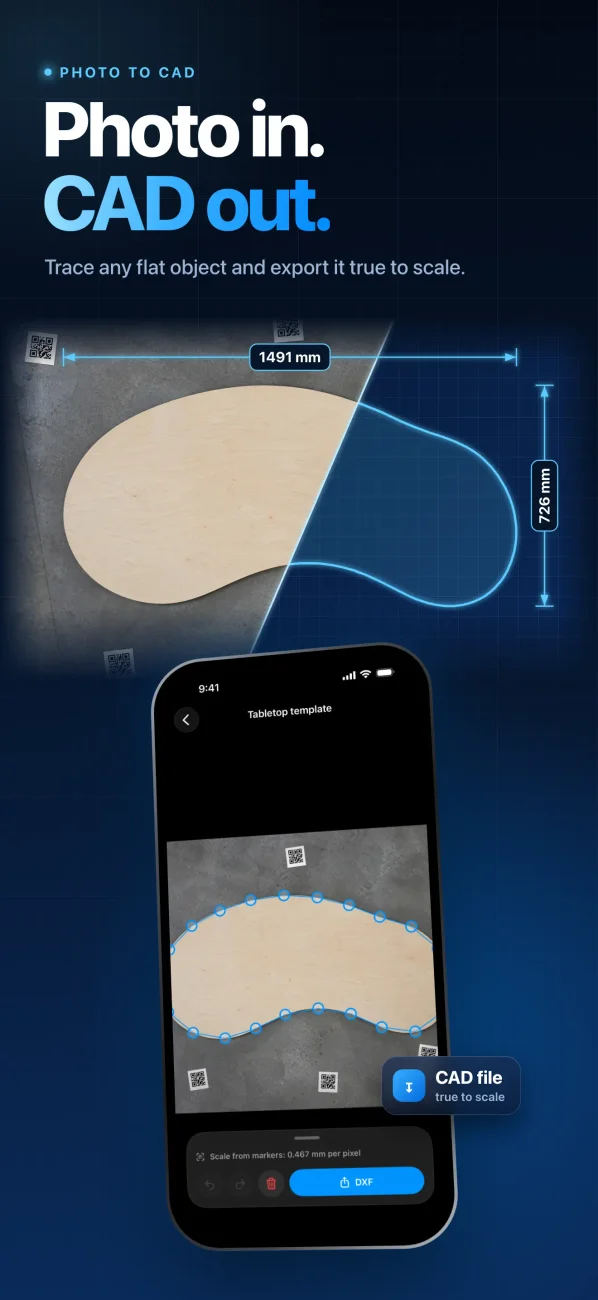
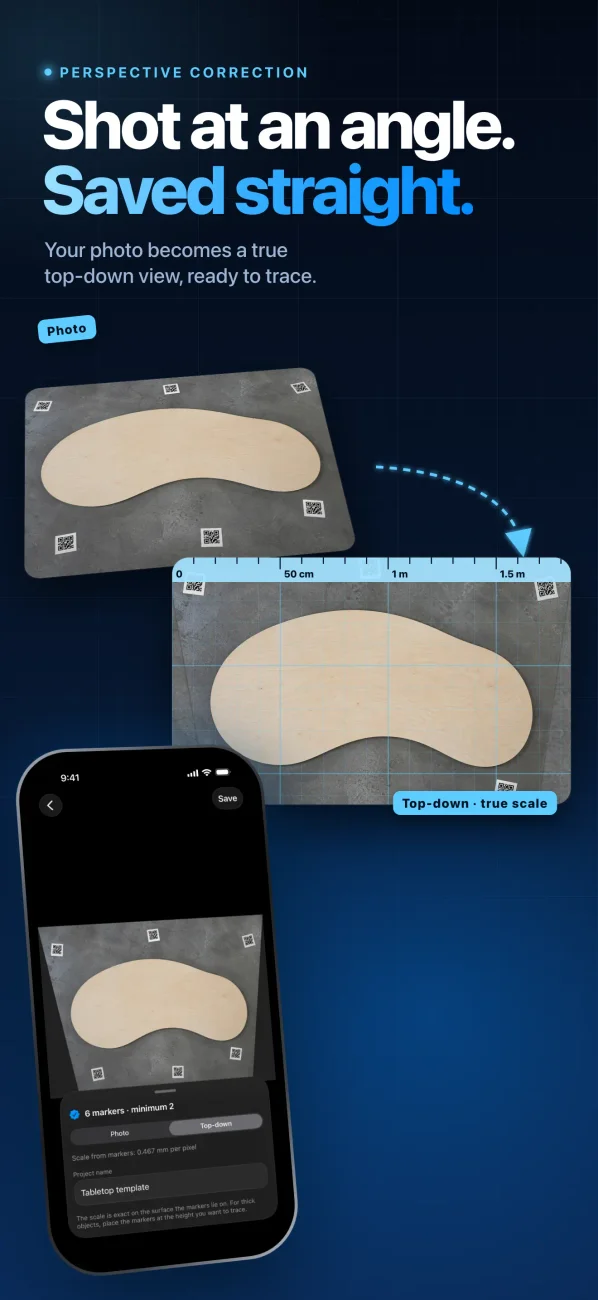
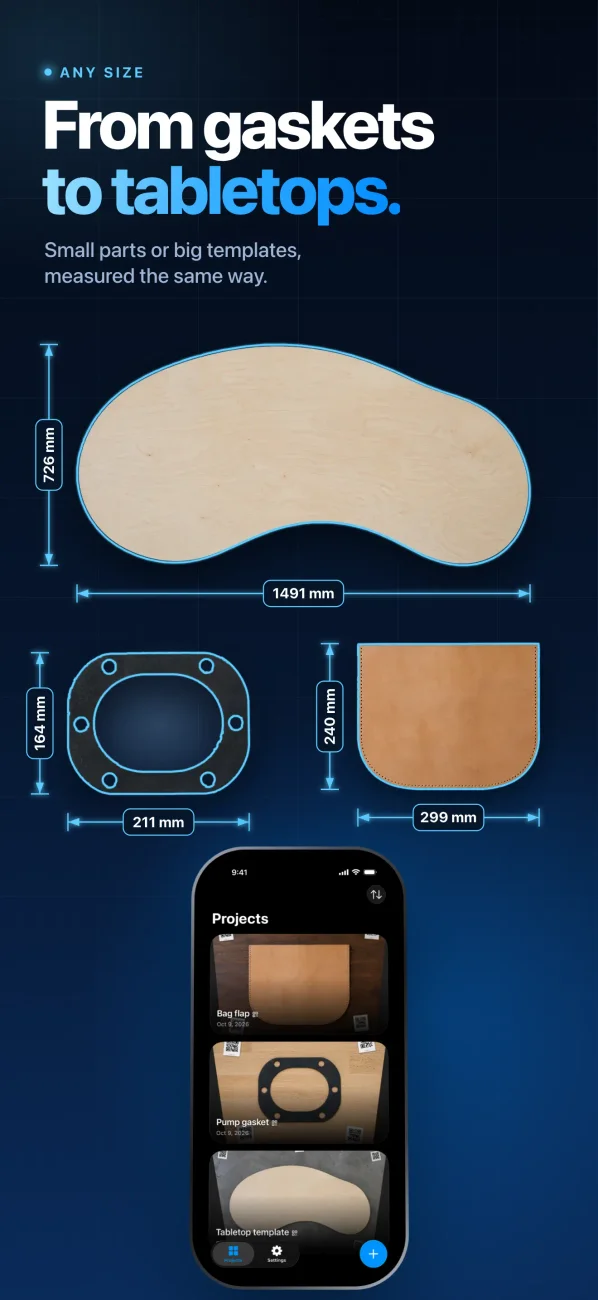
Flatify - 2D Objects to CAD is an innovative new app that revolutionizes the way you work with 2D objects. With its powerful perspective correction feature, you can easily transform any image into a top-down view, making it a breeze to trace and create detailed CAD drawings.
Our intuitive app is perfect for artists, designers, and engineers alike. Whether you need to convert a stencil or a form into a CAD file (DXF), Flatify simplifies the process and produces accurate, high-quality results every time.
Here's how it works in just four simple steps:
1. Capture the photo of your 2D object.
2. Review the image and select the reference object for perspective correction.
3. Export the corrected image.
4. Generate a CAD file using our built-in CAD tracing function or your preferred CAD tool.
Stop struggling with perspective distortion and start creating precise CAD designs with Flatify - 2D Objects to CAD. Download our app today and see the difference for yourself!
By subscribing to the Premium Plan, you agree to abide by Apple's End User License Agreement (EULA). We recommend reviewing Apple's EULA before making any in-app purchases to ensure that you are fully informed and in compliance with their terms and conditions. EULA: https://www.apple.com/legal/internet-services/itunes/dev/stdeula/
Yenilikler
Sürüm 4.1.0 · 10.10.2026
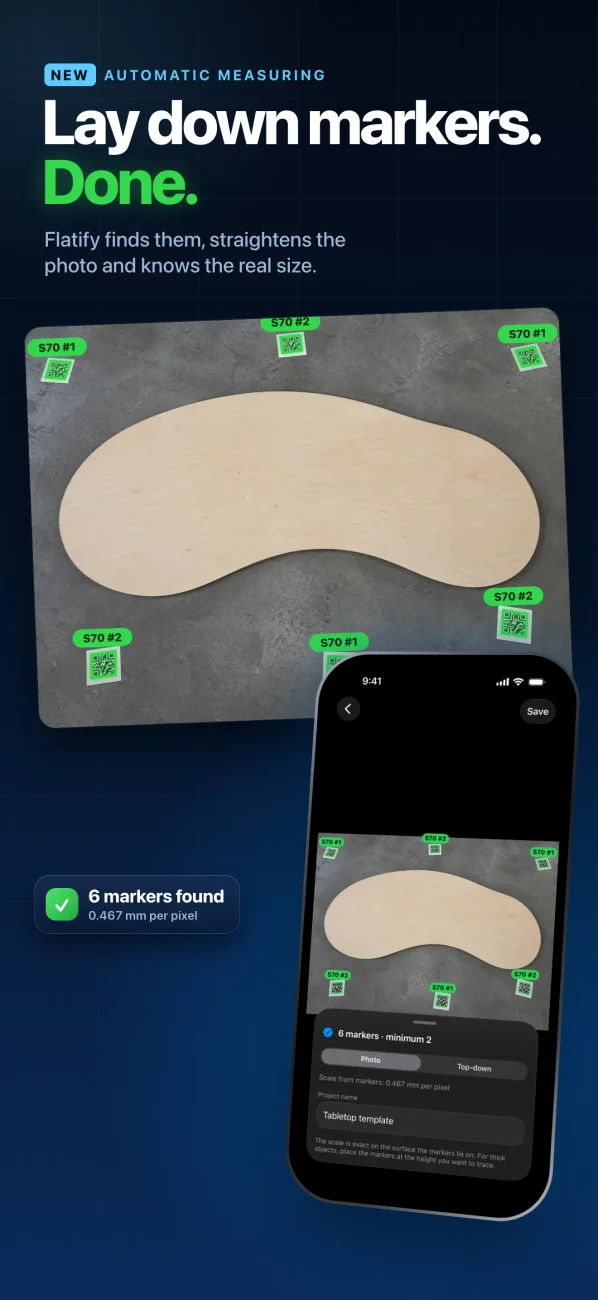
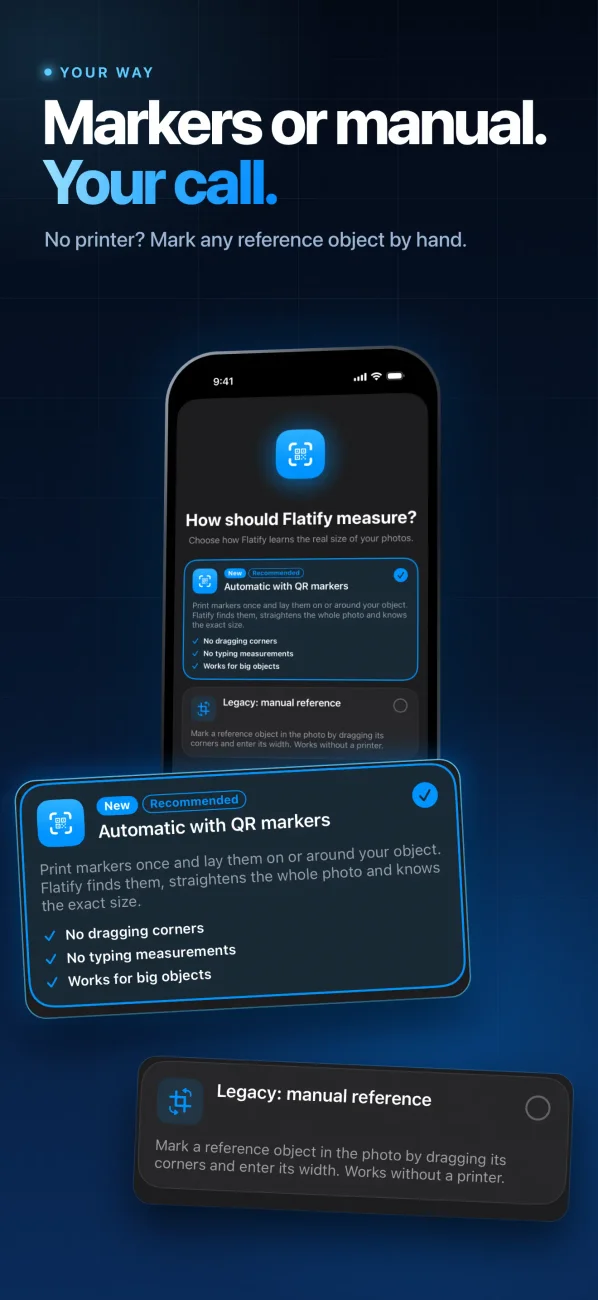
New: automatic measuring with printed markers
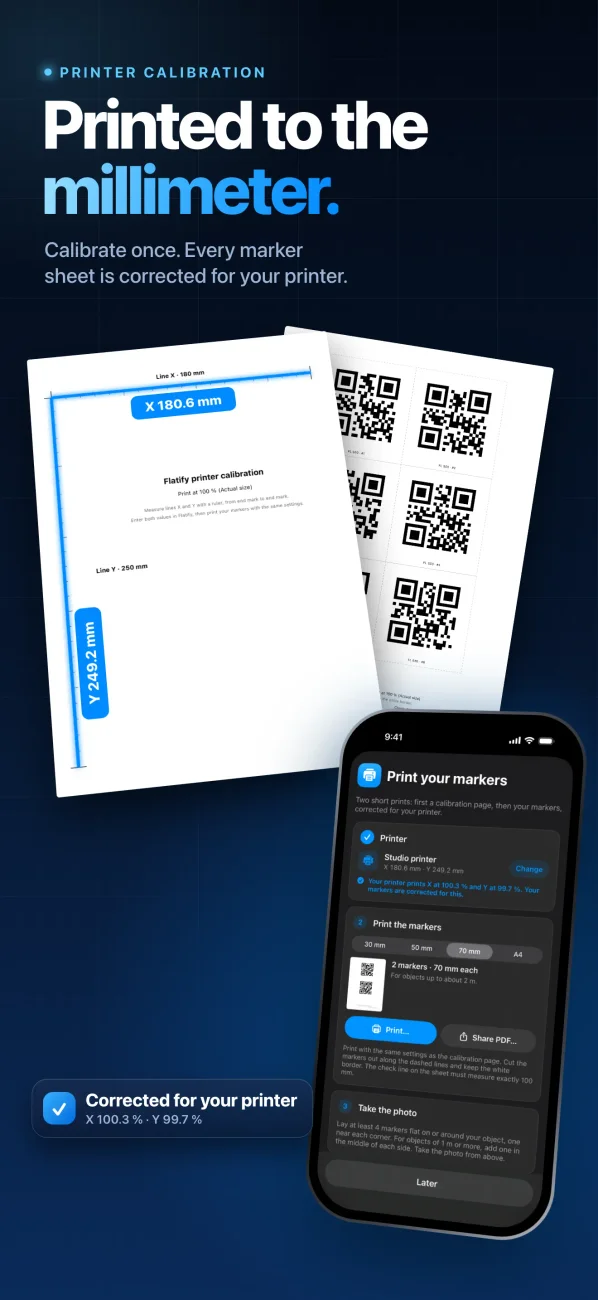
• Print markers once, lay them on or around your object and take a photo. Flatify finds them, straightens the whole photo and knows the real size.
• Calibrate your printer and save it by name, so your markers print in exactly the right size.
• Marker sizes from 30 mm cut-outs to a full A4 sheet, for small parts and large objects.
• The previous reference mode stays available as Legacy.
• Camera fixes and other improvements.
Uygulama gizliliği
Bu uygulamanın verileri nasıl işlediği hakkında STRICS IT GmbH tarafından App Store üzerinde yapılan beyan.
-
Veri toplanmıyor
Geliştirici bu uygulamadan hiçbir veri toplamıyor.
Gizlilik uygulamaları, örneğin kullandığınız özelliklere veya yaşınıza göre değişiklik gösterebilir.
Bilgiler
- Satıcı
- STRICS IT GmbH
- Kategori
- Yardımcılar
- Sürüm
- 4.1.0
- Güncellendi
- 10.10.2026
- Yayın tarihi
- 17.03.2023
- Boyut
- 15,2 MB
- Gereksinim
- iOS 26.0 veya sonrası
- Yaş sınırı
- 4+
- Fiyat
- Ücretsiz
- Uygulama içi satın alma
- Evet
- Diller
- İngilizce, Almanca
- Telif hakkı
- © 2026 STRICS IT GmbH
Bunları da beğenebilirsiniz
-
 Glovius - 3D CAD File ViewerYardımcılar
-
 Revo Scan-3D scanner appYardımcılar
-
 3dmax-3DsMax图纸3D查看器CAD快看图模型浏览器Yardımcılar
-
 Creality ScanYardımcılar
-
 Thinger: 3D Baskı Modelleri3D Yazıcı için STL Dosyaları
-
 Creality Cloud LiteYardımcılar
-
 The Vector ConverterSVG, EPS ve PDF dönüştürme
-
 ThangsYardımcılar
-
 PrusaYardımcılar
-
 SnapmakerYardımcılar