- 対象年齢4+
- カテゴリユーティリティ
- 開発元STRICS IT GmbH
- 言語英語ほか1言語
- サイズ15.2 MB
App Storeの公式ページにリンクしています
Download.orgはFlatify - 2D Objects to CADのファイルを一切ホストしていません。ボタンを押すと、STRICS IT GmbHが公開しているApp Storeのアプリページが開きます。ページの最終確認:2026/11/14。
スクリーンショット
概要
開発元はこのテキストをお使いの言語で提供していません。
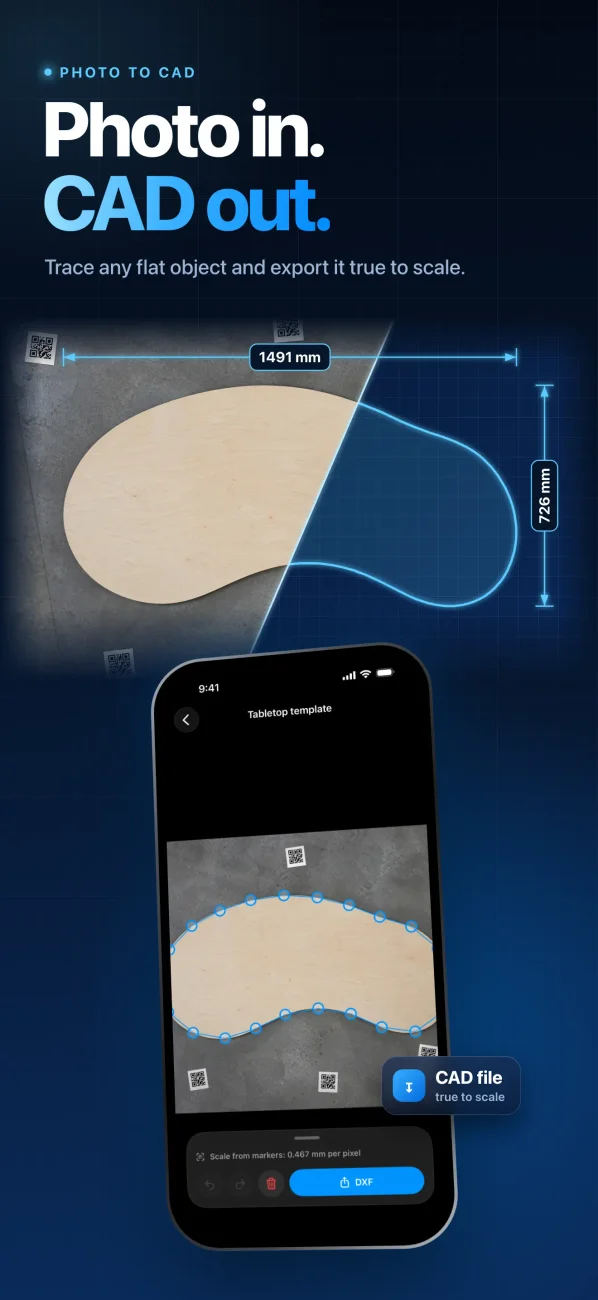
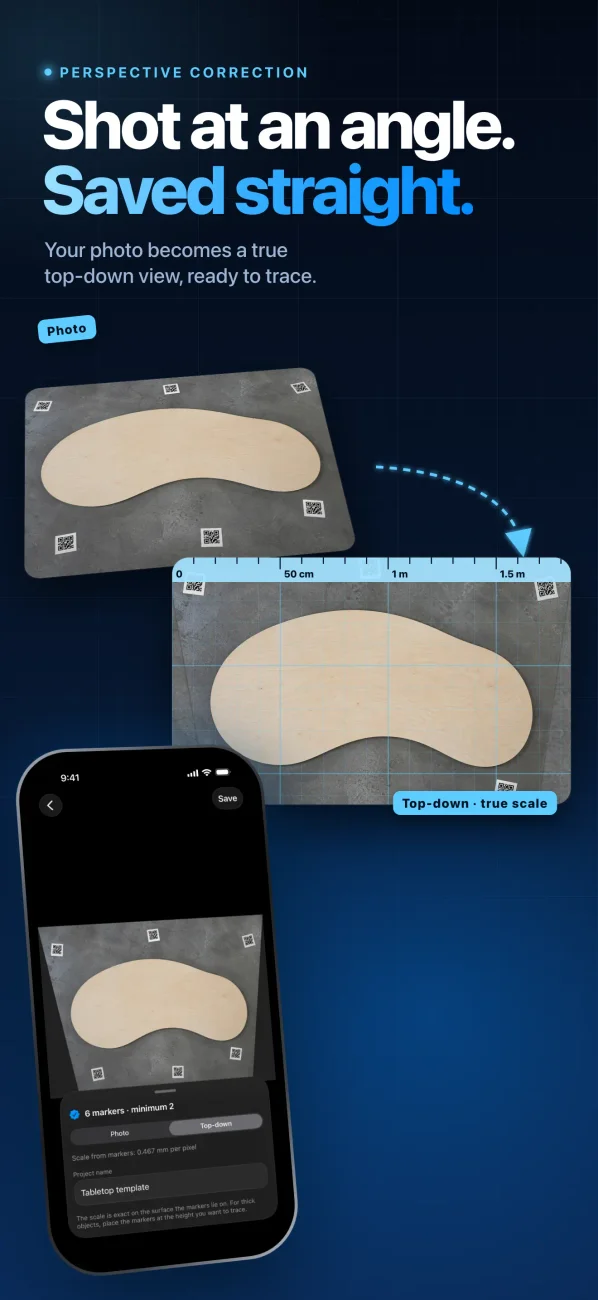
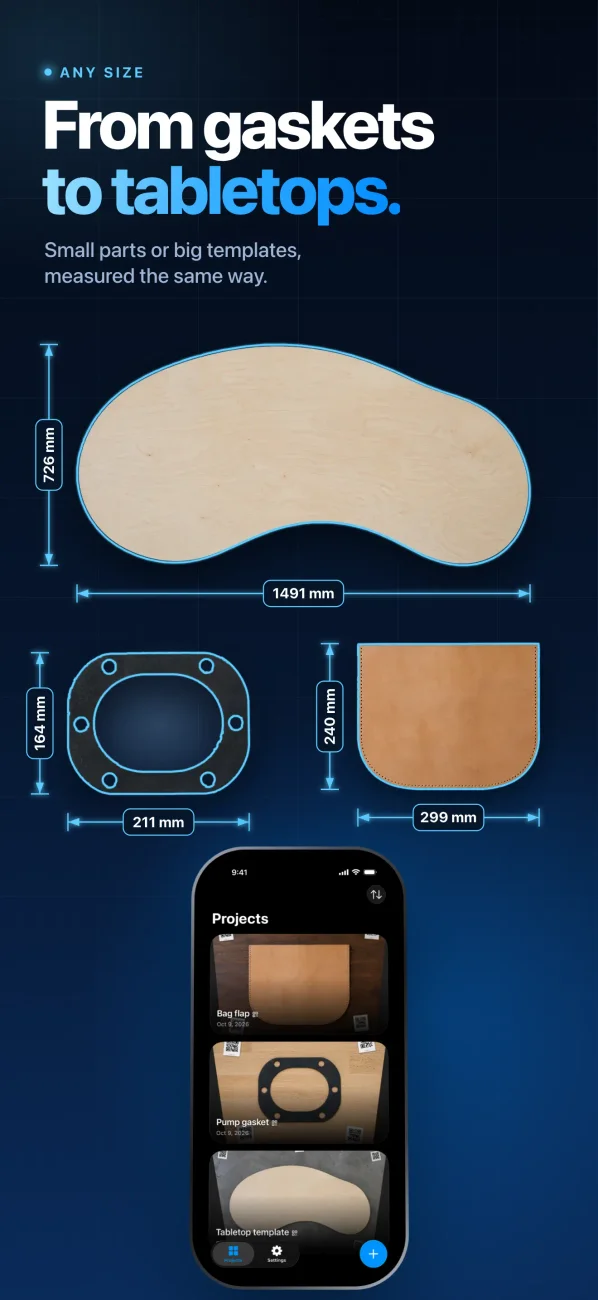
Flatify - 2D Objects to CAD is an innovative new app that revolutionizes the way you work with 2D objects. With its powerful perspective correction feature, you can easily transform any image into a top-down view, making it a breeze to trace and create detailed CAD drawings.
Our intuitive app is perfect for artists, designers, and engineers alike. Whether you need to convert a stencil or a form into a CAD file (DXF), Flatify simplifies the process and produces accurate, high-quality results every time.
Here's how it works in just four simple steps:
1. Capture the photo of your 2D object.
2. Review the image and select the reference object for perspective correction.
3. Export the corrected image.
4. Generate a CAD file using our built-in CAD tracing function or your preferred CAD tool.
Stop struggling with perspective distortion and start creating precise CAD designs with Flatify - 2D Objects to CAD. Download our app today and see the difference for yourself!
By subscribing to the Premium Plan, you agree to abide by Apple's End User License Agreement (EULA). We recommend reviewing Apple's EULA before making any in-app purchases to ensure that you are fully informed and in compliance with their terms and conditions. EULA: https://www.apple.com/legal/internet-services/itunes/dev/stdeula/
新機能
バージョン 4.1.0 · 2026/10/10
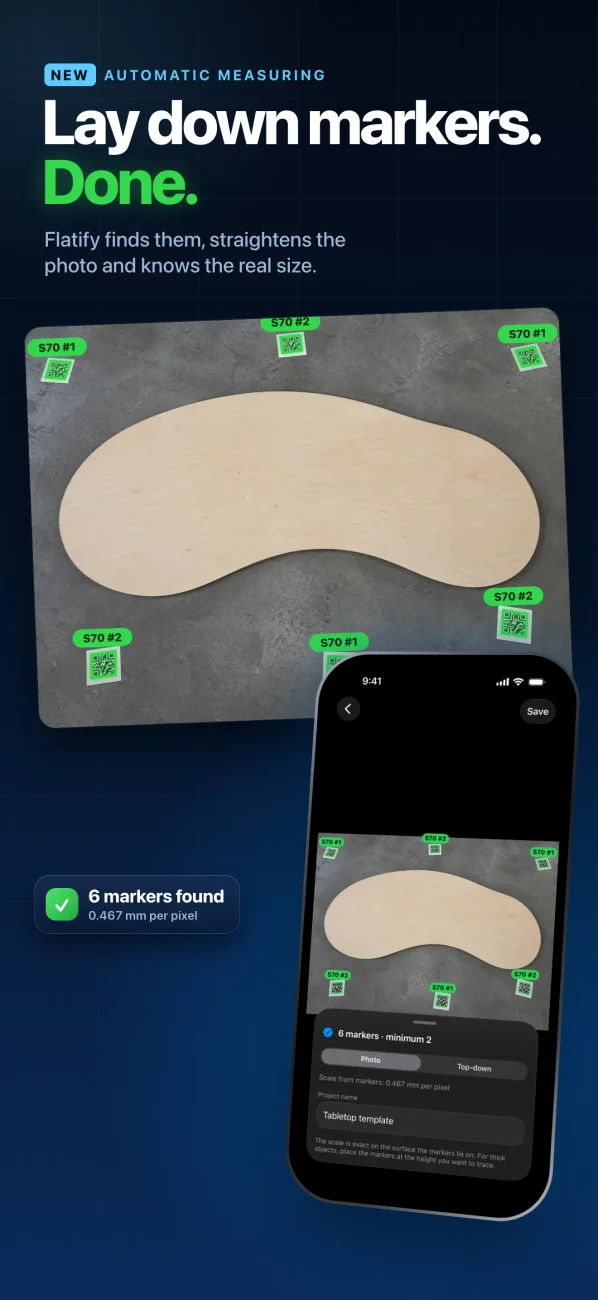
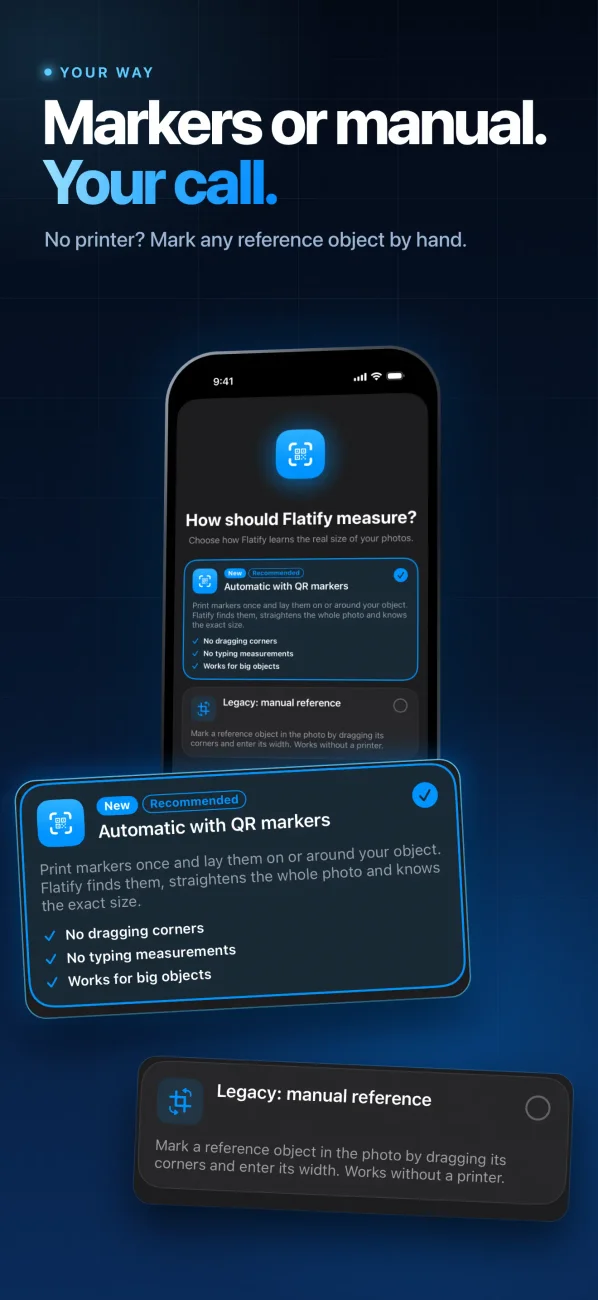
New: automatic measuring with printed markers
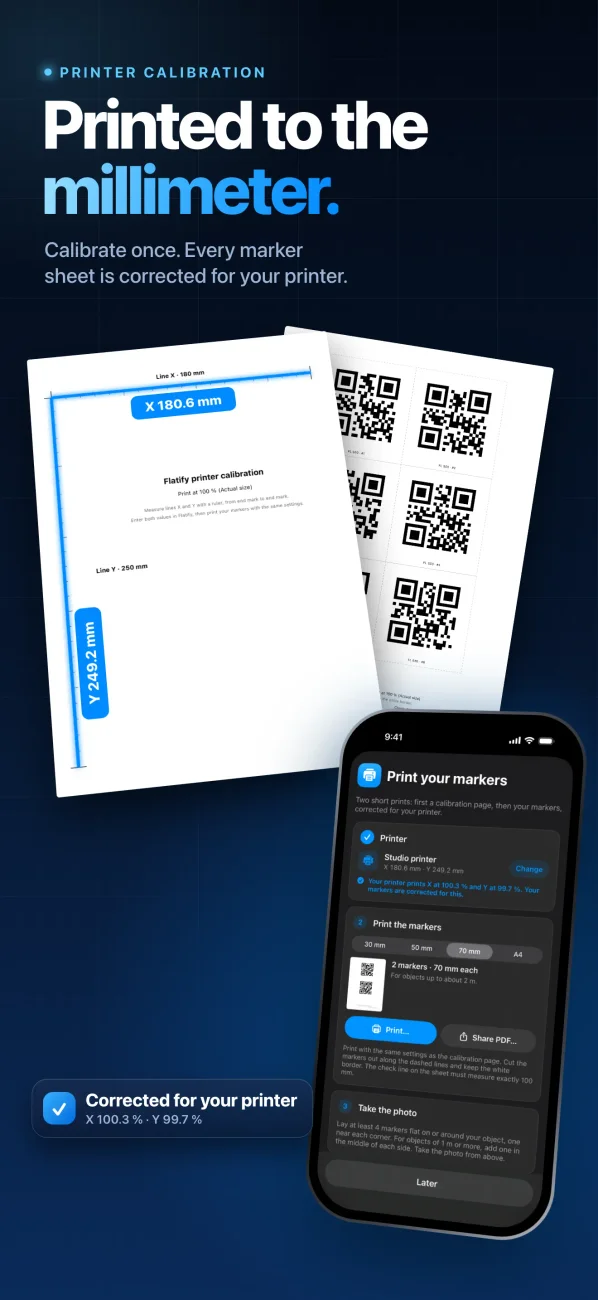
• Print markers once, lay them on or around your object and take a photo. Flatify finds them, straightens the whole photo and knows the real size.
• Calibrate your printer and save it by name, so your markers print in exactly the right size.
• Marker sizes from 30 mm cut-outs to a full A4 sheet, for small parts and large objects.
• The previous reference mode stays available as Legacy.
• Camera fixes and other improvements.
アプリのプライバシー
このアプリのデータの取り扱いについて、STRICS IT GmbHがApp Storeで申告している内容です。
-
データの収集なし
開発元はこのアプリからデータを収集しません。
プライバシーの取り扱いは、ご利用の機能やお客様の年齢などに応じて異なる場合があります。
情報
- 販売元
- STRICS IT GmbH
- カテゴリ
- ユーティリティ
- バージョン
- 4.1.0
- 更新日
- 2026/10/10
- リリース
- 2023/3/17
- サイズ
- 15.2 MB
- 必要条件
- iOS 26.0以降
- 対象年齢
- 4+
- 価格
- 無料
- アプリ内課金
- あり
- 言語
- 英語, ドイツ語
- 著作権
- © 2026 STRICS IT GmbH