- Batasan usia4+
- KategoriKegunaan
- PengembangDLC39DEGREE
- BahasaInggris+ 1 lainnya
- Ukuran2,9 MB
Tertaut ke halaman resmi App Store
Download.org tidak menyimpan file Handpad apa pun. Tombol ini membuka halaman aplikasi di App Store, tempat DLC39DEGREE menerbitkannya. Halaman terakhir diperiksa pada 12/11/2026.
Tangkapan layar


Tentang
Pengembang belum menyediakan teks ini dalam bahasa Anda.
Handpad turns your iPhone into a precision wireless trackpad and keyboard for your Mac. Whether you're presenting, watching a movie, gaming, or just working from the couch — your iPhone is your remote.
— TRACKPAD —
Slide, tap, and two-finger scroll just like a real MacBook trackpad. Sub-pixel precision, instant response, multi-touch gestures.
— SHORTCUTS THAT FIT THE MOMENT —
Customizable button grids for any scenario:
• Movies — play, pause, mute, fullscreen
• Presentations — next slide, previous, blackout
• Games — quick keys mapped to anything
Switch between layouts instantly with a swipe.
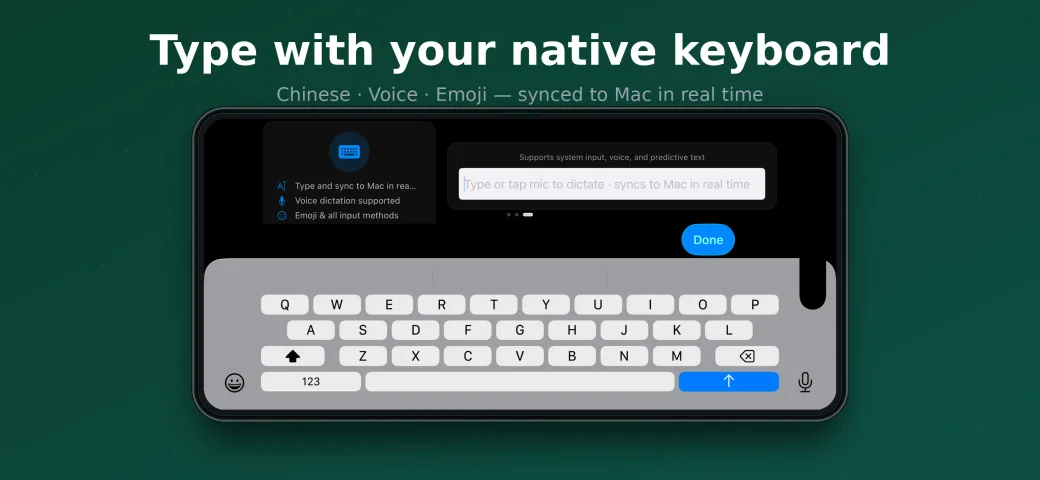
— TYPE WITH YOUR NATIVE KEYBOARD —
Use your iPhone's full iOS keyboard to type into your Mac. Chinese, Japanese, Korean, emoji, voice dictation — everything syncs to your Mac in real time. No more squinting at a remote keyboard across the room.
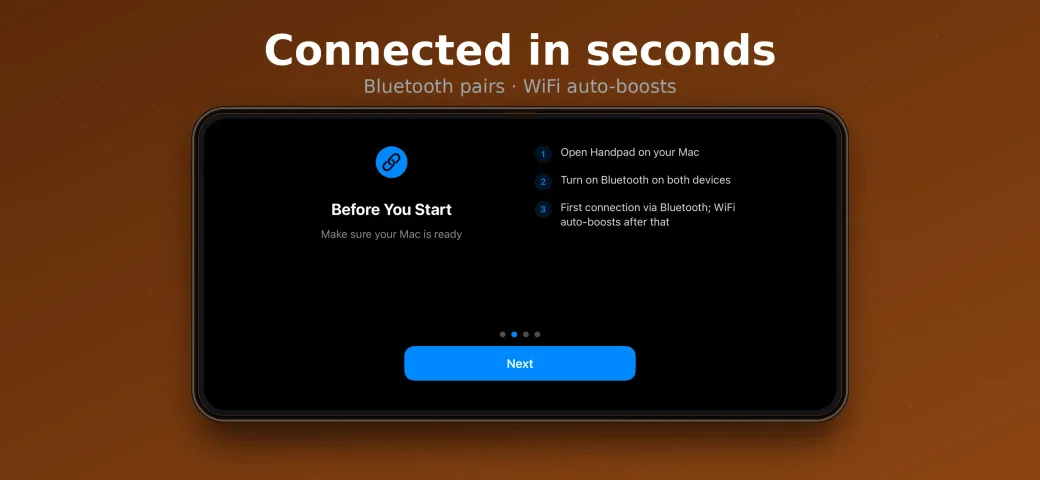
— CONNECTED IN SECONDS —
• Bluetooth pairs the first time
• WiFi auto-boosts after that for lower latency
• Works on the same local network
• No router or hotspot configuration needed
— PRIVATE BY DESIGN —
Everything stays between your iPhone and your Mac. AES-256 encrypted link. Zero internet dependency. No accounts. No telemetry. No data collection. Your inputs never leave your local network.
— REQUIREMENTS —
• Free Handpad companion app for macOS
• macOS 13 Ventura or later
• Bluetooth and WiFi enabled
• Both devices on the same local network for best performance
— FAQ —
Q: Does it work without internet?
A: Yes. The app works entirely on your local network.
Q: Does it support multiple Macs?
A: One iPhone can pair with multiple Macs, with one active connection at a time.
Q: Will my keyboard work the same?
A: Yes — Handpad uses your iPhone's native keyboard, so all your custom inputs, dictionaries, and IMEs work normally.
Made with care. No tracking. No ads. Ever.
Yang baru
Versi 1.1 · 10/6/2026
• Choose which Mac to control — tap the connection badge to switch between Macs by name
• Custom shortcut combos — build any ⌘/⇧/⌥/⌃ + key combination
• Smoother trackpad over Bluetooth
• Connection badge now shows WiFi vs Bluetooth
Privasi aplikasi
Yang dinyatakan DLC39DEGREE di App Store tentang cara aplikasi ini menangani data.
-
Data tidak dikumpulkan
Pengembang tidak mengumpulkan data apa pun dari aplikasi ini.
Praktik privasi dapat bervariasi, misalnya berdasarkan fitur yang Anda gunakan atau usia Anda.
Informasi
- Penjual
- DLC 39 DEGREE LTD
- Kategori
- Kegunaan
- Versi
- 1.1
- Diperbarui
- 10/6/2026
- Dirilis
- 8/6/2026
- Ukuran
- 2,9 MB
- Memerlukan
- iOS 16.0 atau yang lebih baru
- Batasan usia
- 4+
- Harga
- Gratis
- Bahasa
- Inggris, Tionghoa Sederhana
- Hak cipta
- © 2026 DLC39DEGREE