
Mouse Link
Mobile Remote Mouse & Keyboard
Dirancang untuk iPhone, iPad, iPod touch
Gratis · Pembelian dalam aplikasi
- Batasan usia4+
- KategoriKegunaan
- PengembangLin Chia Han
- BahasaInggris+ 1 lainnya
- Ukuran86,1 MB
Tertaut ke halaman resmi App Store
Download.org tidak menyimpan file Mouse Link apa pun. Tombol ini membuka halaman aplikasi di App Store, tempat Lin Chia Han menerbitkannya. Halaman terakhir diperiksa pada 18/11/2026.
Tangkapan layar



Tentang
Pengembang belum menyediakan teks ini dalam bahasa Anda.
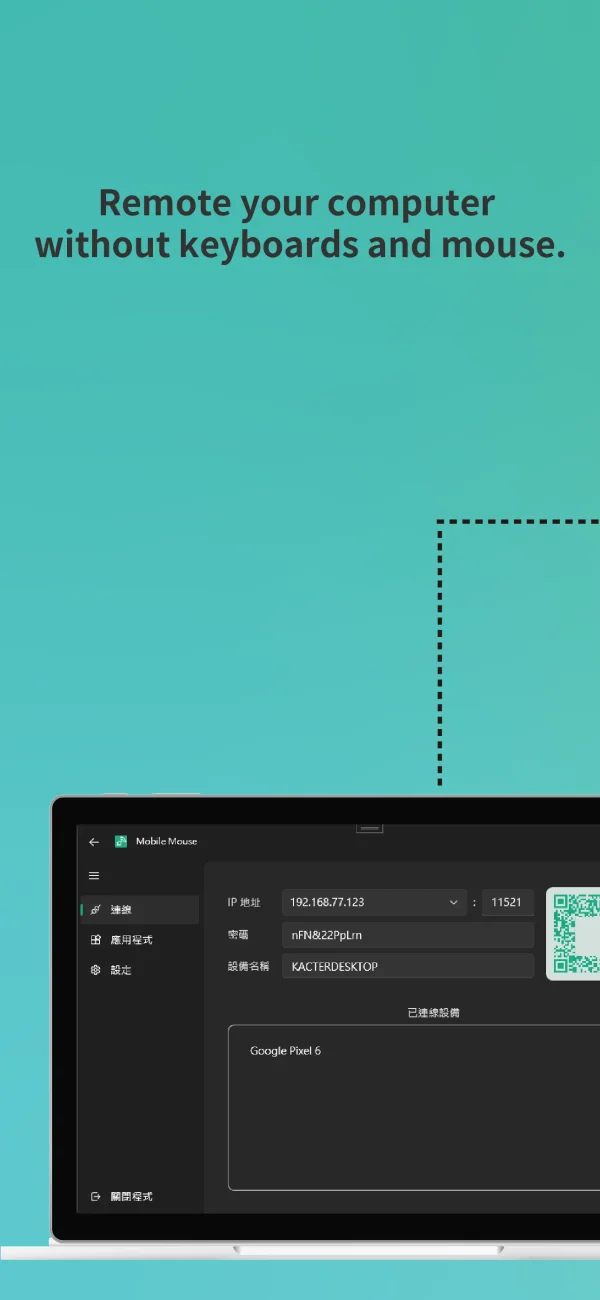
Are you having trouble receiving signals from your wireless keyboard and mouse?
Have multiple computers to control, but don’t want to buy multiple keyboards and mouse?
Or is it inconvenient to control your mouse on the sofa?
You can easily control your computer with just a smart device such as a mobile phone or tablet.
As long as there is a Wi-Fi signal, you don't have to worry about signal reception.
Now, lie back on the sofa and enjoy the convenience of Mouse Link!
** Our special features:
- Simple, intuitive and beautiful operating interface
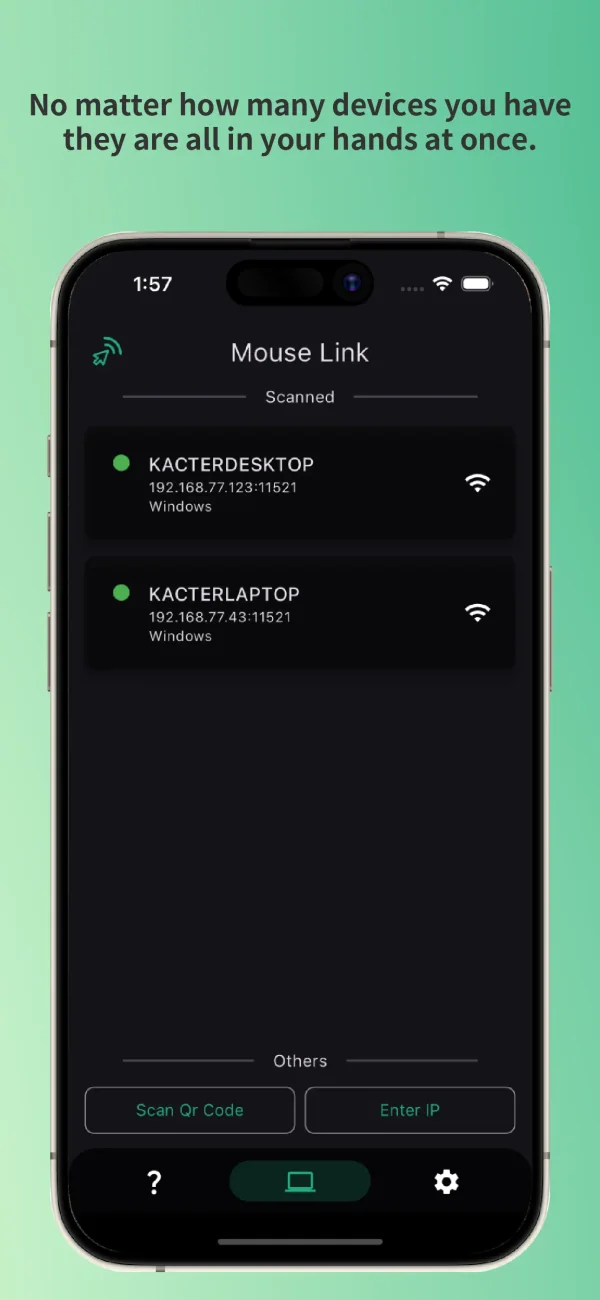
- No matter how many devices you have, you can control them all with one mobile phone
- Wi-Fi wireless transmission, no longer worry about distance issues
** About the touchpad
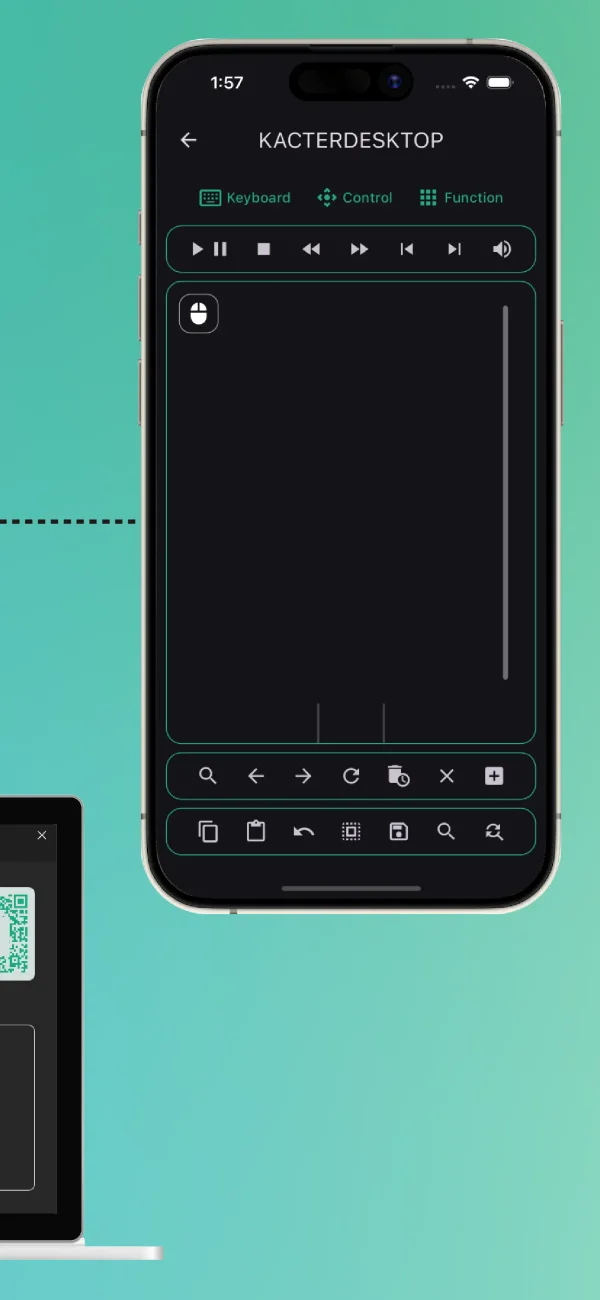
- Control your mouse with multi-finger gestures
- Easily operated by both left and right hands
- Supports side mouse buttons to easily return to the previous page
- Turn on the presentation mode to turn your phone into a presentation pen
- Experience the freedom of wireless control as your device transforms into a responsive air mouse.
** About the keyboard
- Operation is just like a physical keyboard
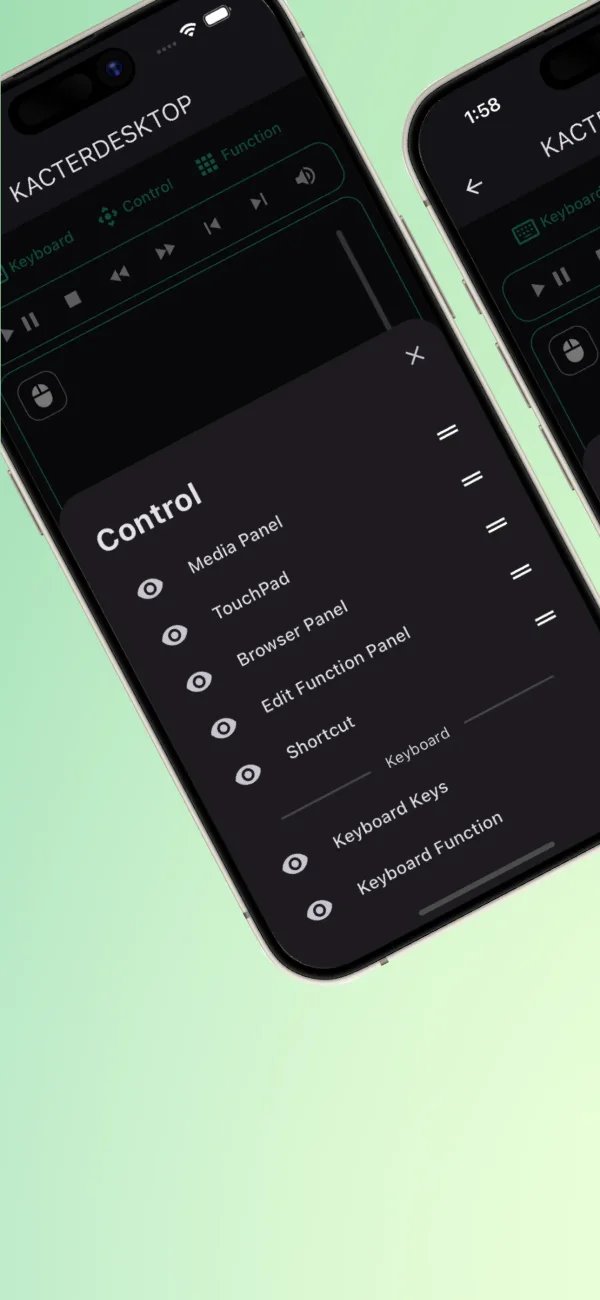
- Customize your own shortcut keys
** Presentation Mode
- Replaces presentation remotes for easy navigation between slides.
- Utilizes focus mode to replace laser pointer, ensuring the audience stays engaged with the content.
** Multimedia control
- Play, previous and next songs with just one click
- Support volume keys to directly control computer volume
** Computer control
- Browser control makes browsing the web more relaxed and enjoyable
- Open customized applications with one click
- File editing control, copy, paste, archive, select all, search, replace
- Control computer shutdown, restart, sleep, and user logout
- Transfer text and pictures between your phone and computer through clipboard
** How to get started?
1. Download and install the PC application (https://mouselink.app/)
2. Allow the application to pass the computer firewall permissions
3. Place your computer and mobile device on the same network
4. Start enjoying Mouse Link!
Terms of Use: https://www.apple.com/legal/internet-services/itunes/dev/stdeula/
Yang baru
Versi 5.0.6 · 11/11/2024
* Please update the desktop version to the latest version (v5.0.0 or above).
Add presentation focus mode
Add air mouse
Privasi aplikasi
Yang dinyatakan Lin Chia Han di App Store tentang cara aplikasi ini menangani data.
-
Data yang ditautkan dengan Anda
Dapat dikumpulkan dan ditautkan dengan identitas Anda.
- Pengenal
- Data penggunaan
- Diagnostik
Praktik privasi dapat bervariasi, misalnya berdasarkan fitur yang Anda gunakan atau usia Anda.
Informasi
- Penjual
- Lin Chia Han
- Kategori
- Kegunaan
- Versi
- 5.0.6
- Diperbarui
- 11/11/2024
- Dirilis
- 5/6/2024
- Ukuran
- 86,1 MB
- Memerlukan
- iOS 13.0 atau yang lebih baru
- Batasan usia
- 4+
- Harga
- Gratis
- Pembelian dalam aplikasi
- Ya
- Bahasa
- Inggris, Tionghoa Tradisional
- Hak cipta
- © 2024 CHIA HAN LIN
Mungkin Anda juga suka
-
 WiMouse: Remote Mouse KeyboardKegunaan
-
 Laser MouseKegunaan
-
 MouseHeroKegunaan
-
 Remote App - Mouse, KeyboardKegunaan
-
 Mobile Mouse USB RemoteKegunaan
-
 PhoneMouse – Wireless MouseKegunaan
-
 Desk Remote: Mouse controlKegunaan
-
 Peyara Remote MouseKegunaan
-
 Phone Mouse・Remote・KeyboardKegunaan
-
 Saturn RemoteKegunaan