
Mouse Link
Mobile Remote Mouse & Keyboard
iPhone, iPad, iPod touch için tasarlandı
Ücretsiz · Uygulama içi satın alma
- Yaş sınırı4+
- KategoriYardımcılar
- GeliştiriciLin Chia Han
- Dillerİngilizce+ 1 dil daha
- Boyut86,1 MB
Resmi App Store sayfasına bağlanır
Download.org, Mouse Link için hiçbir dosya barındırmaz. Düğme, uygulamanın App Store üzerindeki sayfasını açar; uygulamayı orada Lin Chia Han yayınlar. Sayfanın son kontrolü: 18.11.2026.
Ekran görüntüleri



Hakkında
Geliştirici bu metni dilinizde sunmamış.
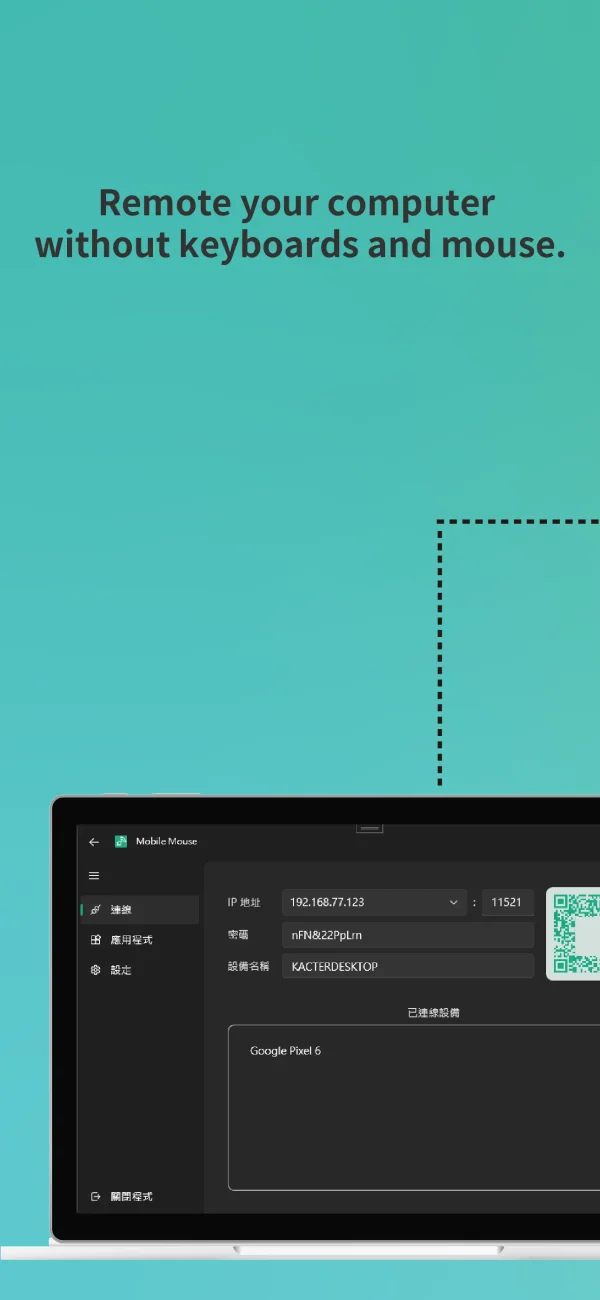
Are you having trouble receiving signals from your wireless keyboard and mouse?
Have multiple computers to control, but don’t want to buy multiple keyboards and mouse?
Or is it inconvenient to control your mouse on the sofa?
You can easily control your computer with just a smart device such as a mobile phone or tablet.
As long as there is a Wi-Fi signal, you don't have to worry about signal reception.
Now, lie back on the sofa and enjoy the convenience of Mouse Link!
** Our special features:
- Simple, intuitive and beautiful operating interface
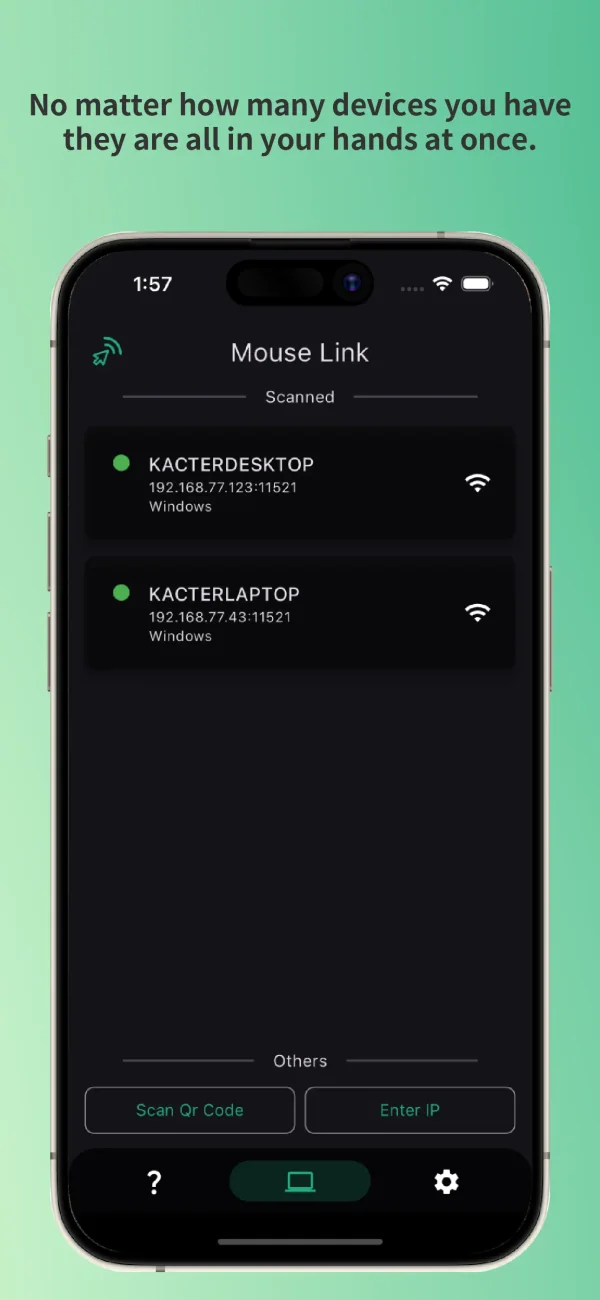
- No matter how many devices you have, you can control them all with one mobile phone
- Wi-Fi wireless transmission, no longer worry about distance issues
** About the touchpad
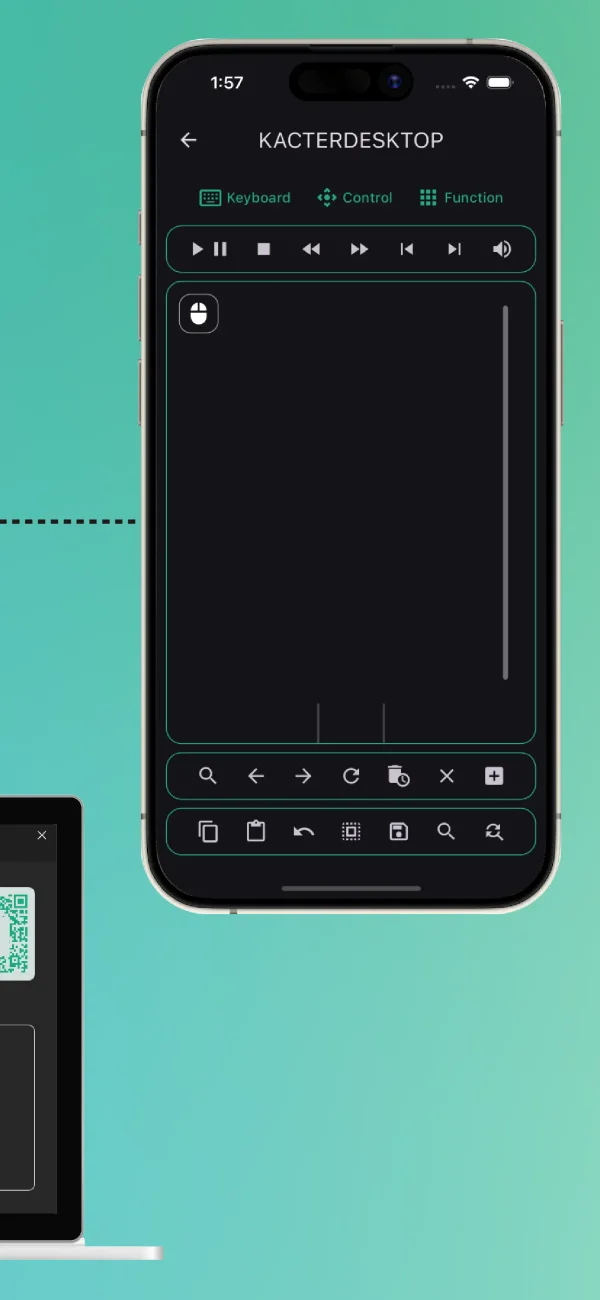
- Control your mouse with multi-finger gestures
- Easily operated by both left and right hands
- Supports side mouse buttons to easily return to the previous page
- Turn on the presentation mode to turn your phone into a presentation pen
- Experience the freedom of wireless control as your device transforms into a responsive air mouse.
** About the keyboard
- Operation is just like a physical keyboard
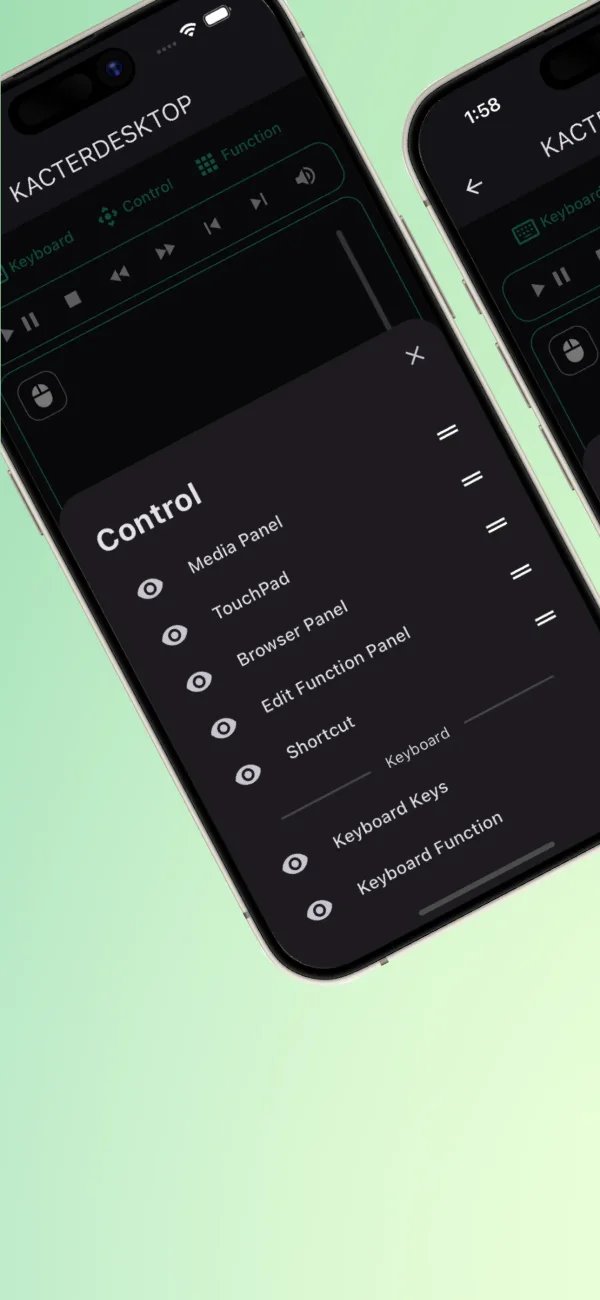
- Customize your own shortcut keys
** Presentation Mode
- Replaces presentation remotes for easy navigation between slides.
- Utilizes focus mode to replace laser pointer, ensuring the audience stays engaged with the content.
** Multimedia control
- Play, previous and next songs with just one click
- Support volume keys to directly control computer volume
** Computer control
- Browser control makes browsing the web more relaxed and enjoyable
- Open customized applications with one click
- File editing control, copy, paste, archive, select all, search, replace
- Control computer shutdown, restart, sleep, and user logout
- Transfer text and pictures between your phone and computer through clipboard
** How to get started?
1. Download and install the PC application (https://mouselink.app/)
2. Allow the application to pass the computer firewall permissions
3. Place your computer and mobile device on the same network
4. Start enjoying Mouse Link!
Terms of Use: https://www.apple.com/legal/internet-services/itunes/dev/stdeula/
Yenilikler
Sürüm 5.0.6 · 11.11.2024
* Please update the desktop version to the latest version (v5.0.0 or above).
Add presentation focus mode
Add air mouse
Uygulama gizliliği
Bu uygulamanın verileri nasıl işlediği hakkında Lin Chia Han tarafından App Store üzerinde yapılan beyan.
-
Sizinle ilişkilendirilen veriler
Toplanabilir ve kimliğinizle ilişkilendirilebilir.
- Tanımlayıcılar
- Kullanım verileri
- Tanılama
Gizlilik uygulamaları, örneğin kullandığınız özelliklere veya yaşınıza göre değişiklik gösterebilir.
Bilgiler
- Satıcı
- Lin Chia Han
- Kategori
- Yardımcılar
- Sürüm
- 5.0.6
- Güncellendi
- 11.11.2024
- Yayın tarihi
- 05.06.2024
- Boyut
- 86,1 MB
- Gereksinim
- iOS 13.0 veya sonrası
- Yaş sınırı
- 4+
- Fiyat
- Ücretsiz
- Uygulama içi satın alma
- Evet
- Diller
- İngilizce, Geleneksel Çince
- Telif hakkı
- © 2024 CHIA HAN LIN
Bunları da beğenebilirsiniz
-
 WiMouse: Remote Mouse KeyboardYardımcılar
-
 Laser MouseYardımcılar
-
 MouseHeroYardımcılar
-
 Remote App - Mouse, KeyboardYardımcılar
-
 Mobile Mouse USB RemoteYardımcılar
-
 PhoneMouse – Wireless MouseYardımcılar
-
 Desk Remote: Mouse controlYardımcılar
-
 Peyara Remote MouseYardımcılar
-
 Phone Mouse・Remote・KeyboardYardımcılar
-
 Saturn RemoteYardımcılar