
MyEngine
Engine Information Transfer
Dirancang untuk iPhone, iPad, iPod touch
Gratis
- Batasan usia4+
- KategoriBisnis
- PengembangWilliams International
- BahasaInggris
- Ukuran39,2 MB
Tertaut ke halaman resmi App Store
Download.org tidak menyimpan file MyEngine apa pun. Tombol ini membuka halaman aplikasi di App Store, tempat Williams International menerbitkannya. Halaman terakhir diperiksa pada 12/11/2026.
Tangkapan layar

Tentang
Pengembang belum menyediakan teks ini dalam bahasa Anda.
Overview
Williams International - MyEngine - Information File Transfer
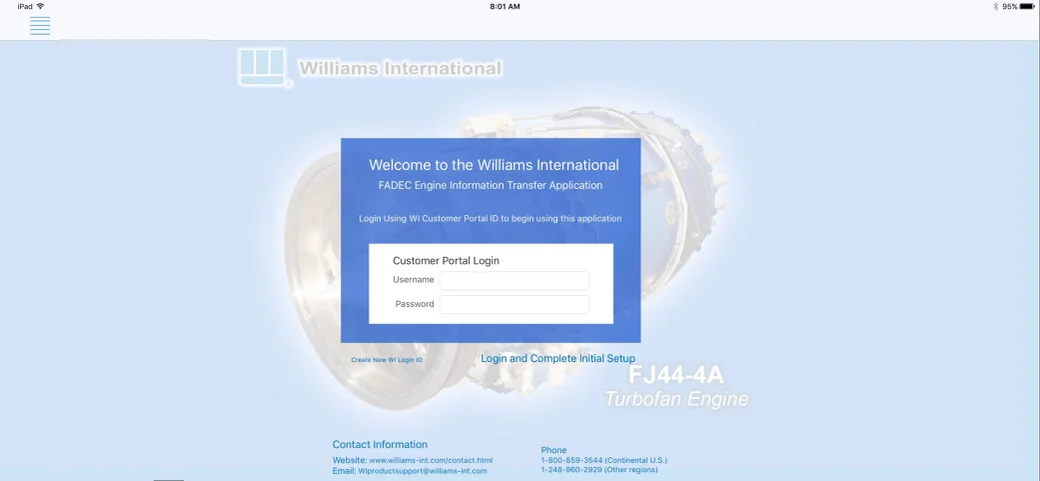
This application facilitates the transfer of Engine Information (e-info) files from an Aircraft to Williams International.
The MyEngine application has 2 Connection Modes, Aircraft and WI.
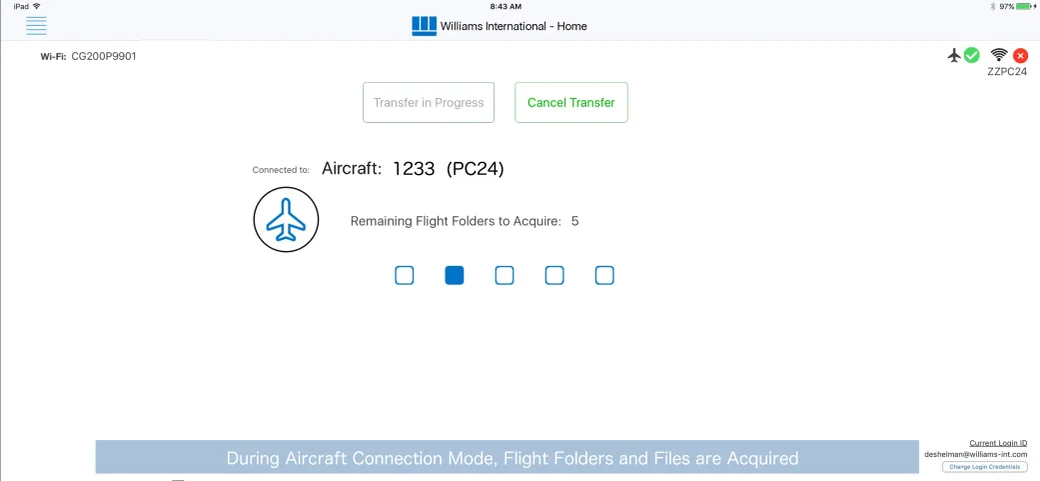
In Aircraft Connection Mode the flight files on the Aircraft are acquired by the iPad.
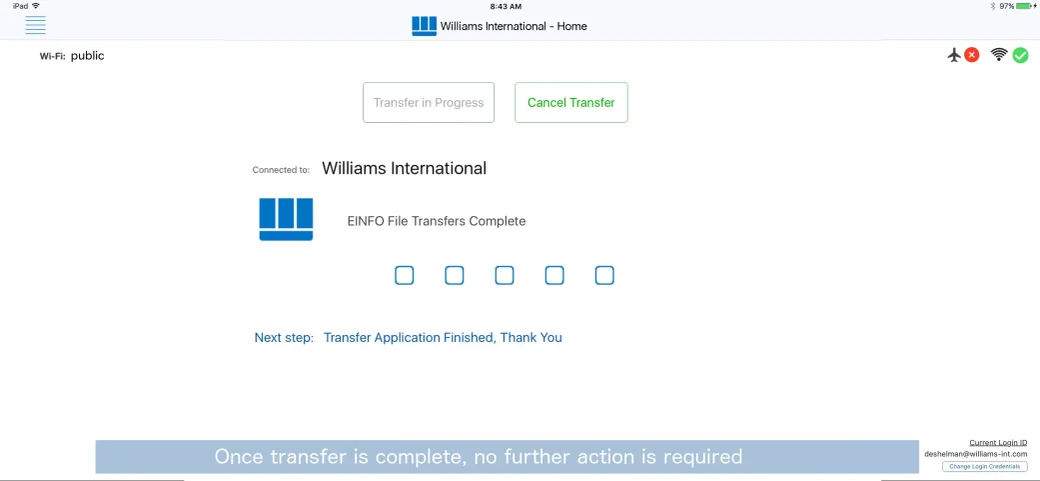
In WI Connection Mode, the e-info files are uploaded to Williams International.
Acquiring Aircraft Files
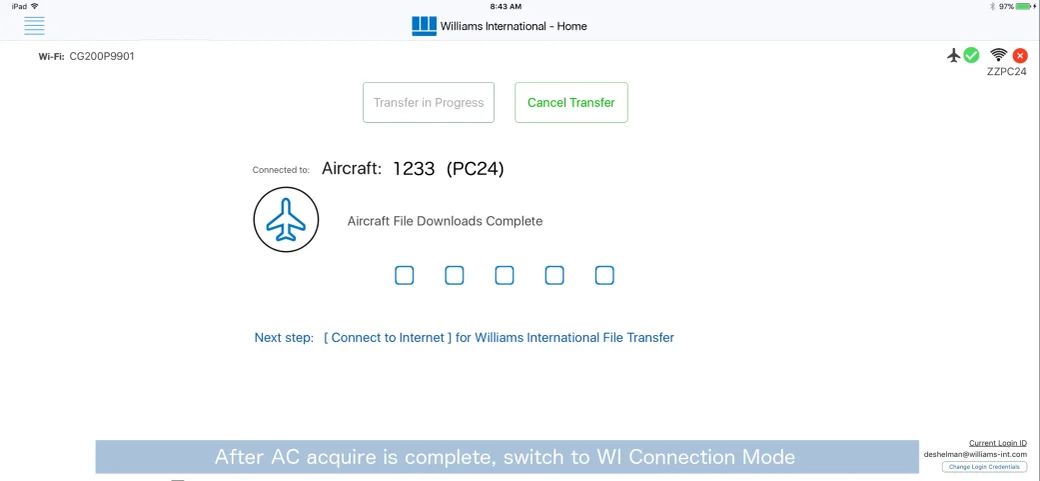
In order to acquire Aircraft flight files, change to Aircraft Connection Mode. Use the [ Make a Connection ], [ Connect to Aircraft ] or [ Connect to Internet ] button on the home page to access the iPad Settings (Wi-Fi) and select the appropriate Aircraft network.
Once the Aircraft Wi-Fi setting is selected, return to the MyEngine home page and verify Aircraft availability via the [ Wi-Fi ] display.
Aircraft file acquisition will begin automatically.
Aircraft files can be re-acquired, or a cancelled acquisition can be restarted, by using the [ Retry Transfer ] button.
Notifications will provide file acquisition progress or error messages.
Transferring Files to Williams International
After Aircraft flight files have been acquired, transfer to Williams International is available.
Change to WI Connection Mode (via Internet) by using the [ Connect to Internet ] or [ Make a Connection ] button on the home page to access the iPad Settings (Wi-Fi) and select the appropriate Internet network.
Once the Williams Connect (Internet) Wi-Fi setting is selected, return to the MyEngine home page and verify availability via the [ Wi-Fi ] display.
File transfer to Williams International will begin automatically.
Files can be re-sent, or a cancelled transfer can be restarted, by using the [ Retry Transfer ] button.
Notifications will provide file transfer progress or error messages.
Yang baru
Versi 1.11 · 1/7/2024
New release to speed up file transfers and remove interruptions to the file transfer process.
Privasi aplikasi
Yang dinyatakan Williams International di App Store tentang cara aplikasi ini menangani data.
-
Data tidak dikumpulkan
Pengembang tidak mengumpulkan data apa pun dari aplikasi ini.
Praktik privasi dapat bervariasi, misalnya berdasarkan fitur yang Anda gunakan atau usia Anda.
Informasi
- Penjual
- Williams International Co., LLC
- Kategori
- Bisnis
- Versi
- 1.11
- Diperbarui
- 1/7/2024
- Dirilis
- 15/7/2017
- Ukuran
- 39,2 MB
- Memerlukan
- iOS 11.0 atau yang lebih baru
- Batasan usia
- 4+
- Harga
- Gratis
- Bahasa
- Inggris
- Hak cipta
- © Copyright Williams International Co., LLC