Slowdial – Visual Timer
Countdown Clock, Focus & Kids
Dirancang untuk iPhone, iPad
Gratis · Pembelian dalam aplikasi
- Batasan usia4+
- KategoriPendidikan
- PengembangMinari Taniguchi
- BahasaInggris+ 17 lainnya
- Ukuran5,0 MB
Tertaut ke halaman resmi App Store
Download.org tidak menyimpan file Slowdial – Visual Timer apa pun. Tombol ini membuka halaman aplikasi di App Store, tempat Minari Taniguchi menerbitkannya. Halaman terakhir diperiksa pada 25/11/2026.
Tangkapan layar
Tentang
Pengembang belum menyediakan teks ini dalam bahasa Anda.
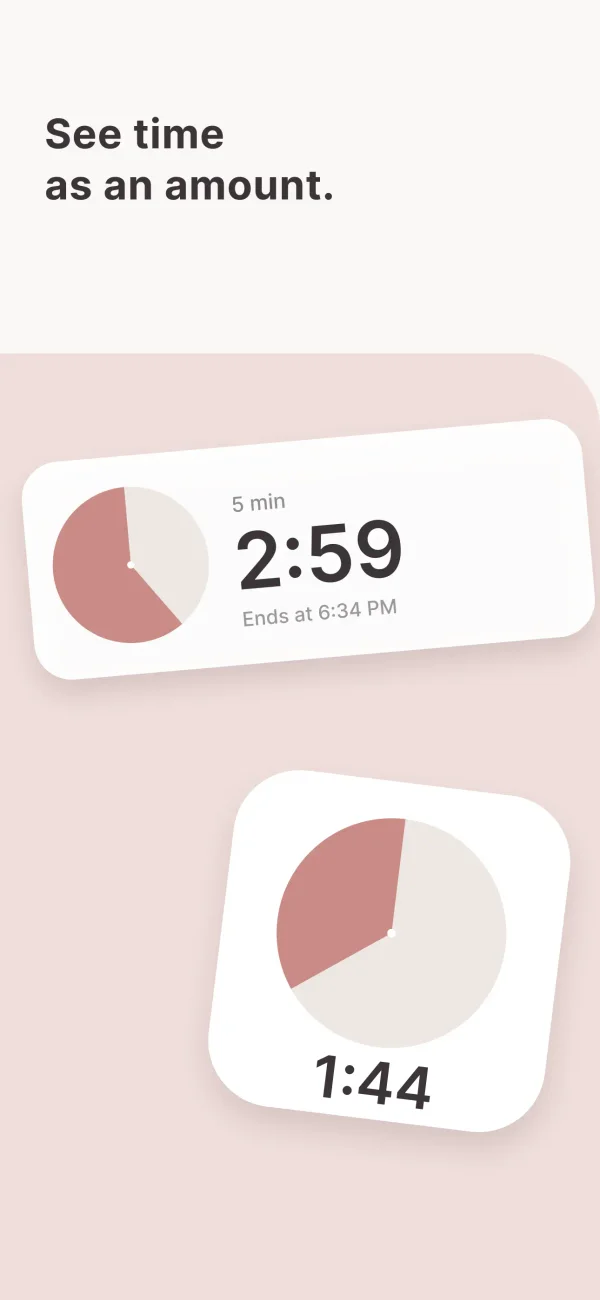
Slowdial shows time as an amount: a colored disc that shrinks as time passes. Children (and grown-ups) can see "how much is left" without reading a clock.
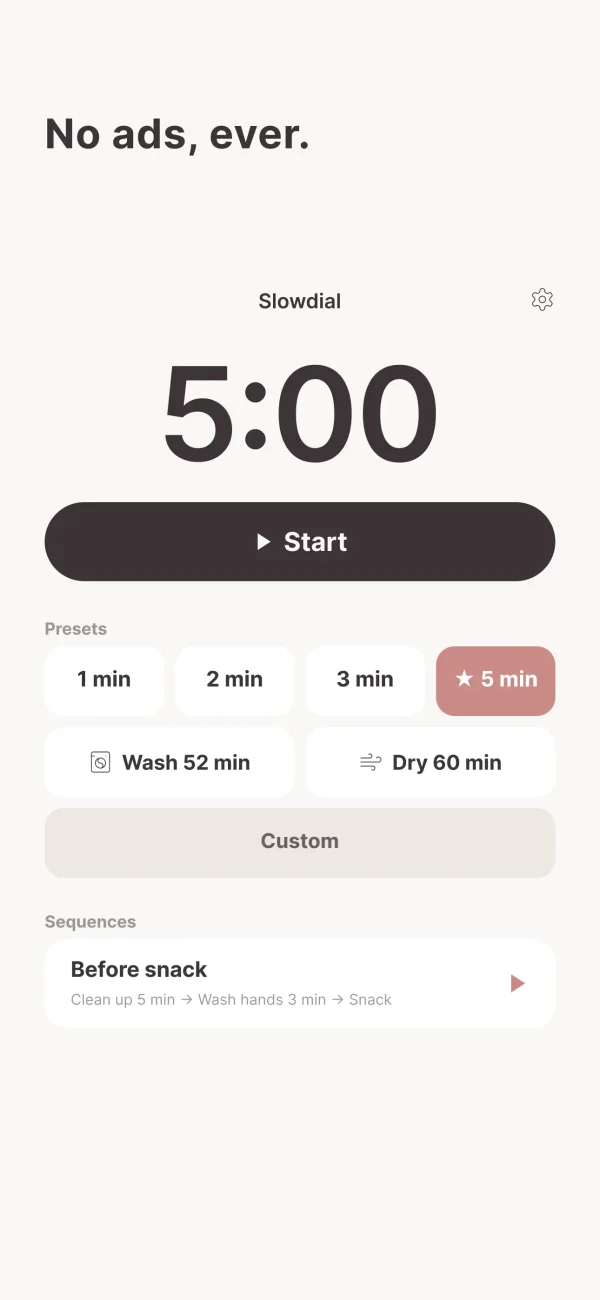
NO ADS, EVER. Slowdial never shows an ad — not before the timer, not after it. It is safe to hand to a child or to put in front of a class.
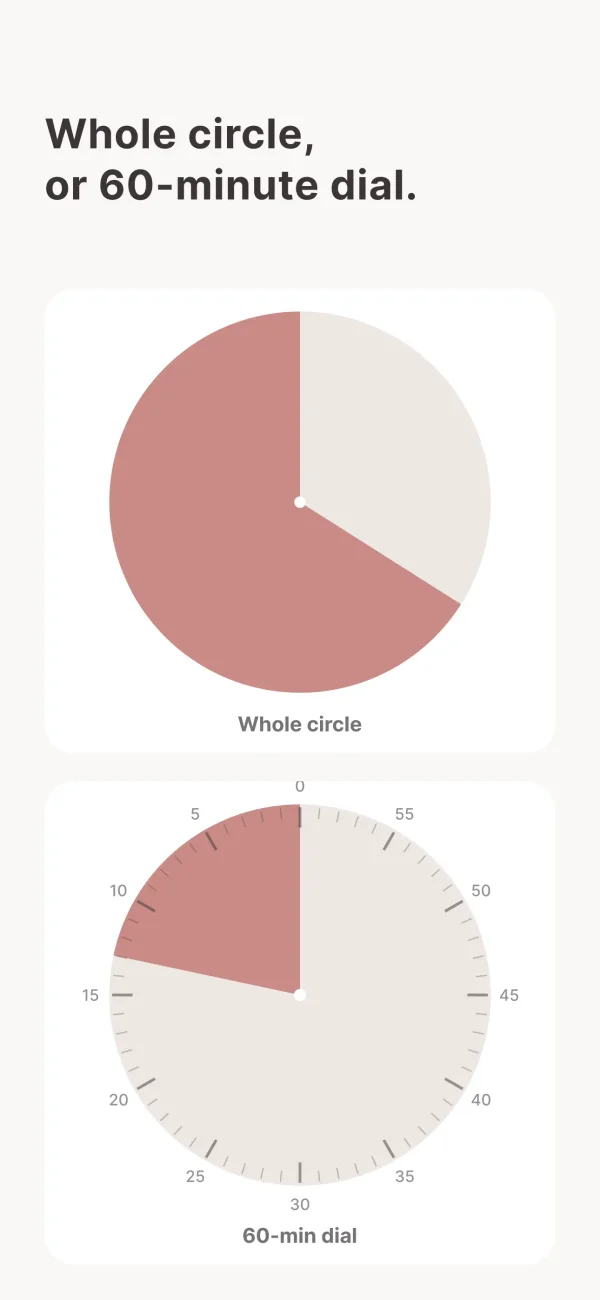
THE TIME YOU PICK FILLS THE WHOLE CIRCLE
Pick 5 minutes or 45 — the disc starts full either way. Prefer the classic 60-minute dial? Switch with one tap.
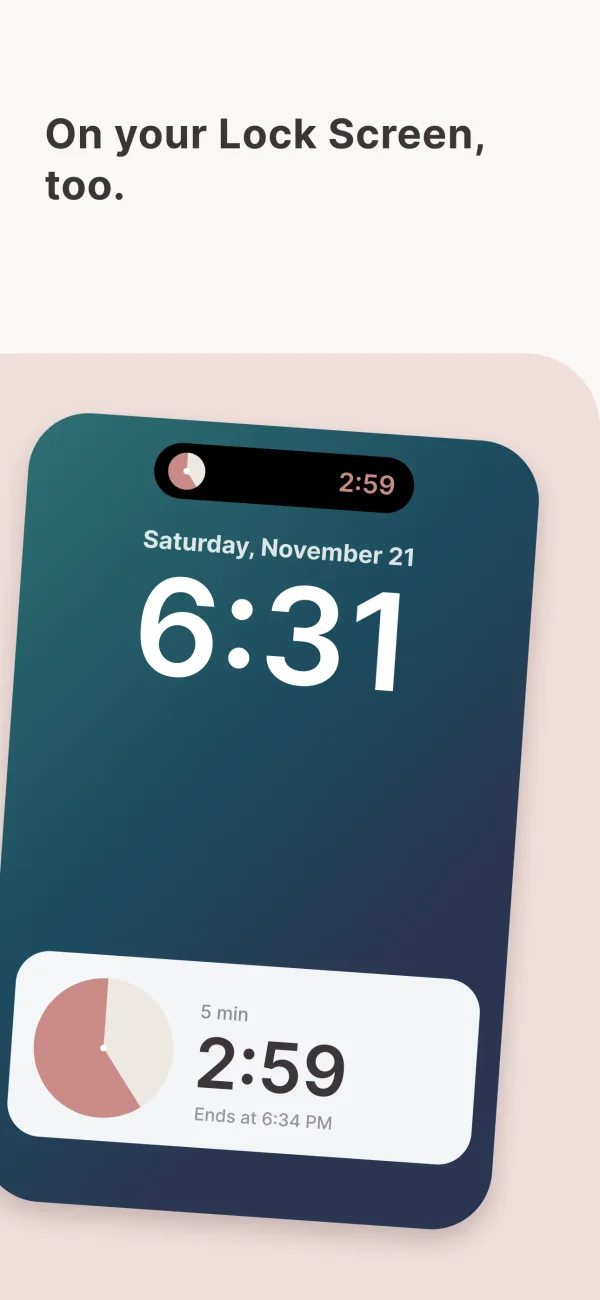
ON YOUR LOCK SCREEN TOO — FREE
The disc keeps shrinking on the Lock Screen and in the Dynamic Island, without opening the app. Use it as a laundry timer — watch the washer and dryer count down on your Lock Screen. When time is up you get a sound and a vibration, even with the screen locked.
FREE
• Full-screen shrinking disc
• Presets from 1 minute to 1 hour, Wash 52 min and Dry 60 min, or any time you like
• Whole-circle or 60-minute dial
• End sound and vibration
• Lock Screen and Dynamic Island disc
SLOWDIAL PRO — one-time purchase, no subscription
• Classroom mode: just the disc, full screen. Taps don't stop it. Hide the numbers. Pick the color.
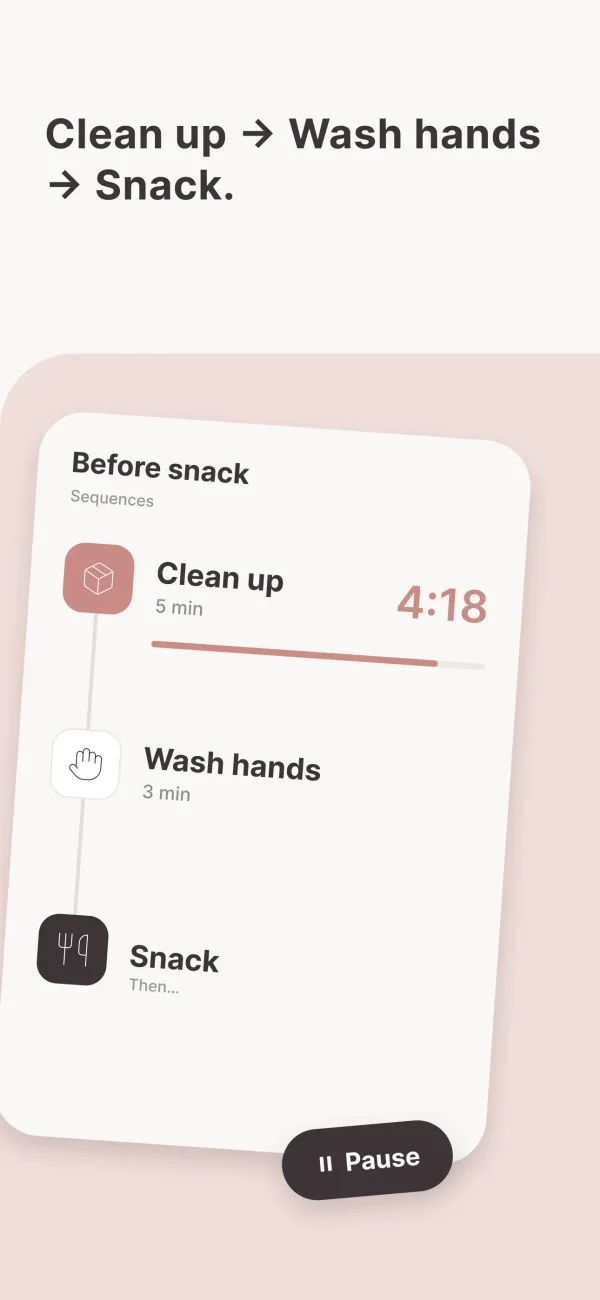
• Sequences: "Clean up 5 min → Wash hands 3 min → Snack", with a picture and a word for each step
• Intervals: get ready, then work and rest for up to 20 rounds (a Tabata sample is included). Each interval session can be saved to Apple Health as a workout if you turn it on.
• Controls (iOS 18 or later): start your favorite timer from Control Center, the Lock Screen or the Action Button
• Home Screen and Lock Screen widgets
PRIVATE BY DESIGN
• No account. Your timers stay on your devices and, with iCloud sync (Pro) on, in your own iCloud only.
• Only anonymous usage counts are sent (which parts of the app are used) — never your timer names. You can turn this off in Settings.
Yang baru
Versi 1.4 · 24/11/2026
• iPhone Duo: unfold to see two dials side by side — the running timer on the left and, in sequences and intervals, the next step on the right.
Privasi aplikasi
Yang dinyatakan Minari Taniguchi di App Store tentang cara aplikasi ini menangani data.
-
Data yang tidak ditautkan dengan Anda
Dapat dikumpulkan, tetapi tidak ditautkan dengan identitas Anda.
- Data penggunaan
Praktik privasi dapat bervariasi, misalnya berdasarkan fitur yang Anda gunakan atau usia Anda.
Informasi
- Penjual
- Minari Taniguchi
- Kategori
- Pendidikan
- Versi
- 1.4
- Diperbarui
- 24/11/2026
- Dirilis
- 30/9/2026
- Ukuran
- 5,0 MB
- Memerlukan
- iOS 17.0 atau yang lebih baru
- Batasan usia
- 4+
- Harga
- Gratis
- Pembelian dalam aplikasi
- Ya
- Bahasa
- Inggris, Belanda, Prancis, Jerman, Bahasa Indonesia, Italia, Jepang, Korea, Polski (Polandia), Portugis, Rusia, Tionghoa Sederhana + 6 lainnya
- Hak cipta
- © 2026 Minari Taniguchi
Mungkin Anda juga suka
-
 Hidaya: Islamic GuidanceReferensi
-
 いすとりミュージックPendidikan
-
 Fun Visual Timer for KidsPendidikan
-
 Animal Timer: Kids RoutinePendidikan
-
 Elevator Mechanic PrepPendidikan
-
 Master Time Management TacticsPendidikan
-
 暗算ゾンビPendidikan
-
 Flashcard Maker - Learn FasterPendidikan
-
 Kotobu: Japanese Koto & MusicPendidikan
-
 Handwriting: MontessoriPendidikan