Slowdial – Visual Timer
Countdown Clock, Focus & Kids
Projetado para iPhone, iPad
Grátis · Compras no app
- Classificação etária4+
- CategoriaEducação
- DesenvolvedorMinari Taniguchi
- IdiomasInglêse mais 17
- Tamanho5,0 MB
Leva à página oficial na App Store
O Download.org não hospeda nenhum arquivo de Slowdial – Visual Timer. O botão abre a página do app na App Store, onde Minari Taniguchi o publica. Página verificada pela última vez em 25/11/2026.
Capturas de tela
Sobre
O desenvolvedor não forneceu este texto no seu idioma.
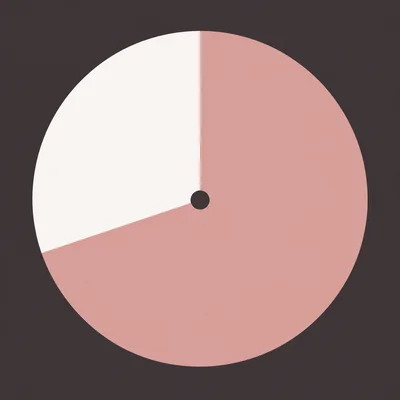
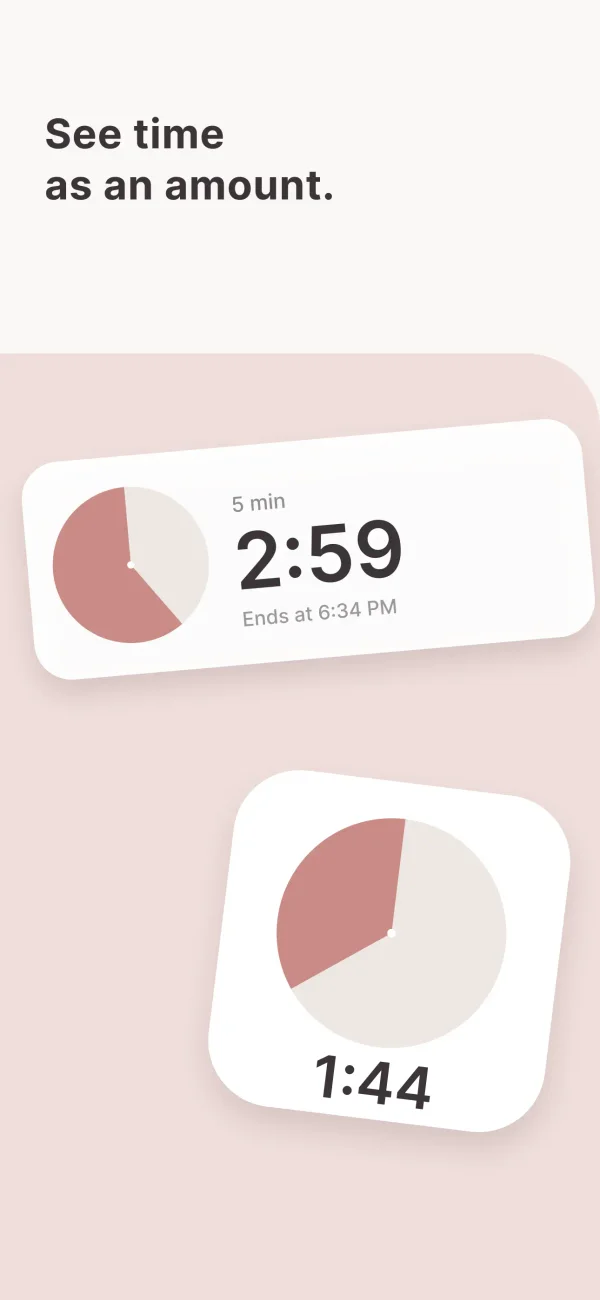
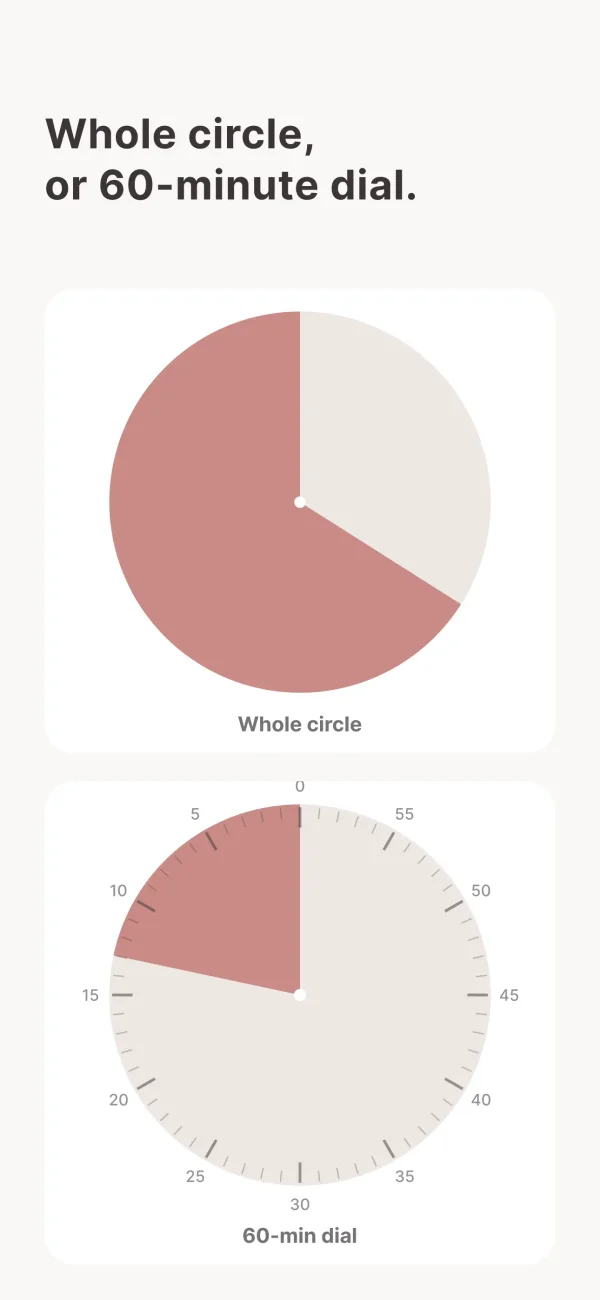
Slowdial shows time as an amount: a colored disc that shrinks as time passes. Children (and grown-ups) can see "how much is left" without reading a clock.
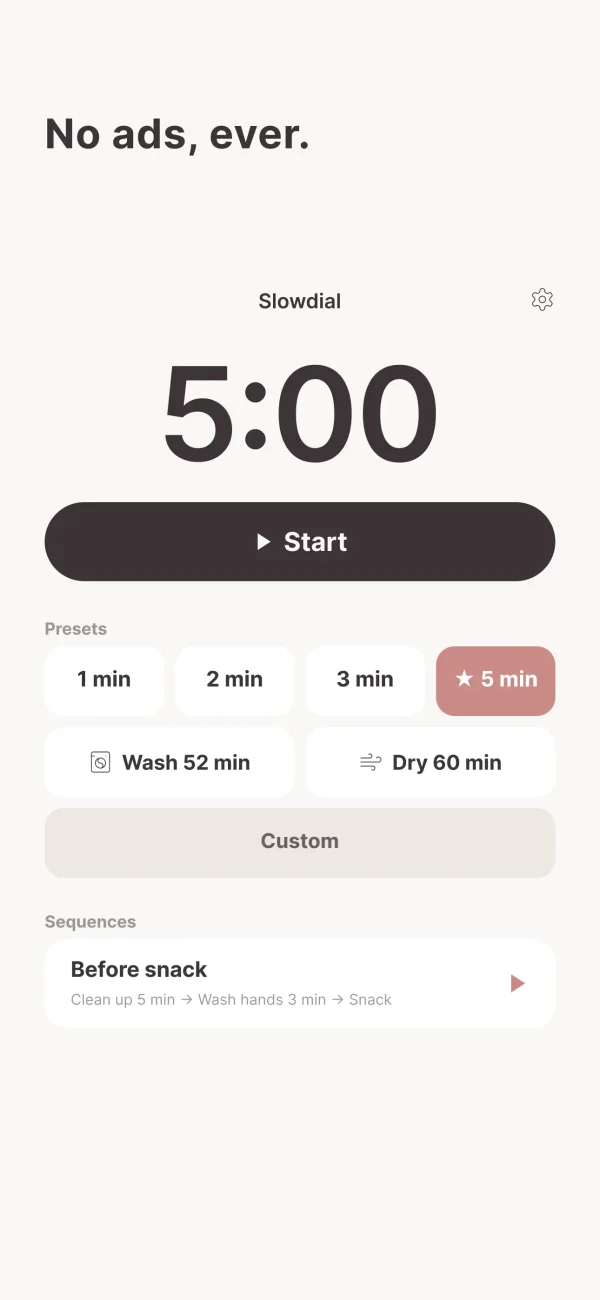
NO ADS, EVER. Slowdial never shows an ad — not before the timer, not after it. It is safe to hand to a child or to put in front of a class.
THE TIME YOU PICK FILLS THE WHOLE CIRCLE
Pick 5 minutes or 45 — the disc starts full either way. Prefer the classic 60-minute dial? Switch with one tap.
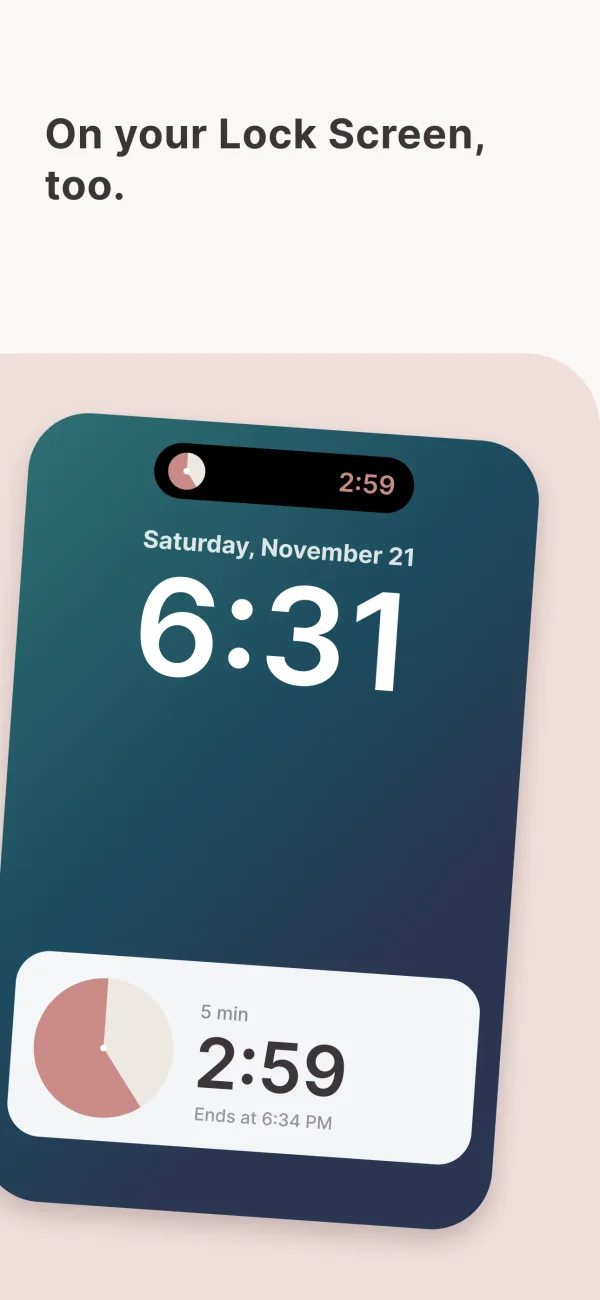
ON YOUR LOCK SCREEN TOO — FREE
The disc keeps shrinking on the Lock Screen and in the Dynamic Island, without opening the app. Use it as a laundry timer — watch the washer and dryer count down on your Lock Screen. When time is up you get a sound and a vibration, even with the screen locked.
FREE
• Full-screen shrinking disc
• Presets from 1 minute to 1 hour, Wash 52 min and Dry 60 min, or any time you like
• Whole-circle or 60-minute dial
• End sound and vibration
• Lock Screen and Dynamic Island disc
SLOWDIAL PRO — one-time purchase, no subscription
• Classroom mode: just the disc, full screen. Taps don't stop it. Hide the numbers. Pick the color.
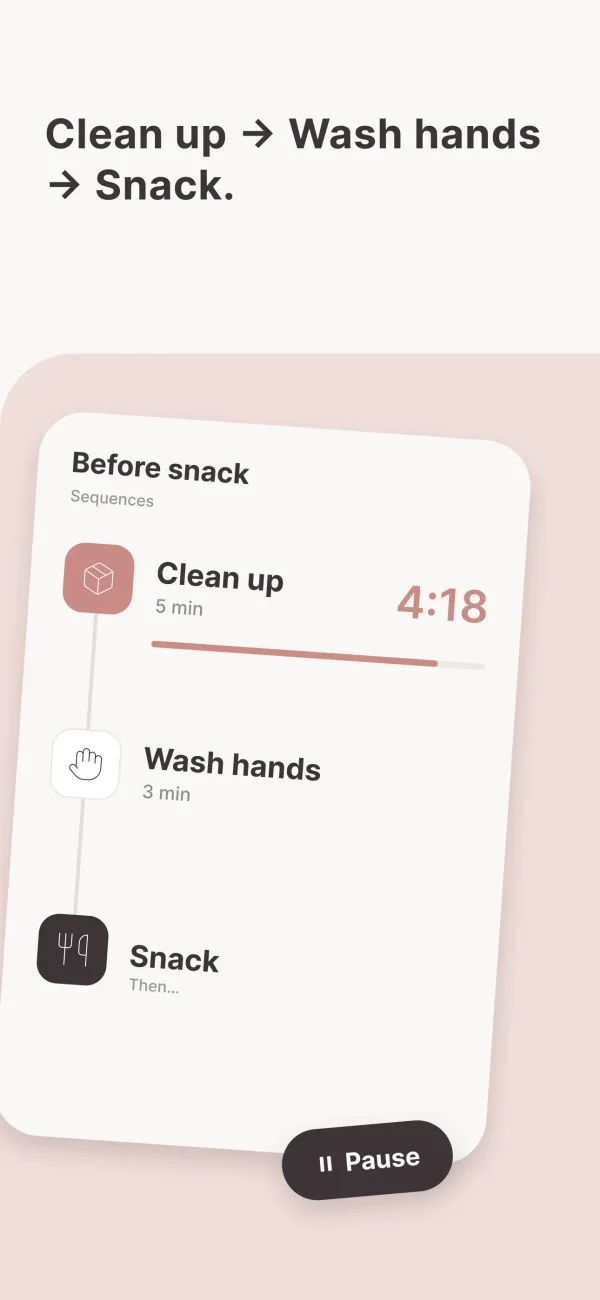
• Sequences: "Clean up 5 min → Wash hands 3 min → Snack", with a picture and a word for each step
• Intervals: get ready, then work and rest for up to 20 rounds (a Tabata sample is included). Each interval session can be saved to Apple Health as a workout if you turn it on.
• Controls (iOS 18 or later): start your favorite timer from Control Center, the Lock Screen or the Action Button
• Home Screen and Lock Screen widgets
PRIVATE BY DESIGN
• No account. Your timers stay on your devices and, with iCloud sync (Pro) on, in your own iCloud only.
• Only anonymous usage counts are sent (which parts of the app are used) — never your timer names. You can turn this off in Settings.
Novidades
Versão 1.4 · 24/11/2026
• iPhone Duo: unfold to see two dials side by side — the running timer on the left and, in sequences and intervals, the next step on the right.
Privacidade do app
O que Minari Taniguchi declara na App Store sobre como este app lida com os dados.
-
Dados não vinculados a você
Podem ser coletados, mas não são vinculados à sua identidade.
- Dados de uso
As práticas de privacidade podem variar, por exemplo, com base nos recursos que você usa ou na sua idade.
Informações
- Vendedor
- Minari Taniguchi
- Categoria
- Educação
- Versão
- 1.4
- Atualizado
- 24/11/2026
- Lançamento
- 30/09/2026
- Tamanho
- 5,0 MB
- Requer
- iOS 17.0 ou posterior
- Classificação etária
- 4+
- Preço
- Grátis
- Compras no app
- Sim
- Idiomas
- Inglês, Holandês, Francês, Alemão, Indonésio, Italiano, Japonês, Coreano, Polonês, Português, Russo, Chinês simplificado e mais 6
- Copyright
- © 2026 Minari Taniguchi
Você também pode gostar
-
 Hidaya: Islamic GuidanceReferência
-
 いすとりミュージックEducação
-
 Timer Infantil DivertidoTemporizador visual e rotinas
-
 Animal Timer: Kids RoutineEducação
-
 Elevator Mechanic PrepEducação
-
 Master Time Management TacticsEducação
-
 暗算ゾンビEducação
-
 Flashcard Maker - Learn FasterEducação
-
 Kotobu: Koto Japonês e MúsicaInstrumento Tradicional e Zen
-
 Handwriting: MontessoriEducação