Slowdial – Visual Timer
Countdown Clock, Focus & Kids
Được thiết kế cho iPhone, iPad
Miễn phí · Mua hàng trong ứng dụng
- Độ tuổi4+
- Danh mụcGiáo Dục
- Nhà phát triểnMinari Taniguchi
- Ngôn ngữTiếng Anh+ 17 ngôn ngữ khác
- Kích thước5,0 MB
Liên kết đến trang App Store chính thức
Download.org không lưu trữ tệp nào của Slowdial – Visual Timer. Nút này mở trang ứng dụng trên App Store, nơi Minari Taniguchi phát hành ứng dụng. Trang được kiểm tra lần cuối: 25/11/2026.
Ảnh chụp màn hình
Giới thiệu
Nhà phát triển chưa cung cấp nội dung này bằng ngôn ngữ của bạn.
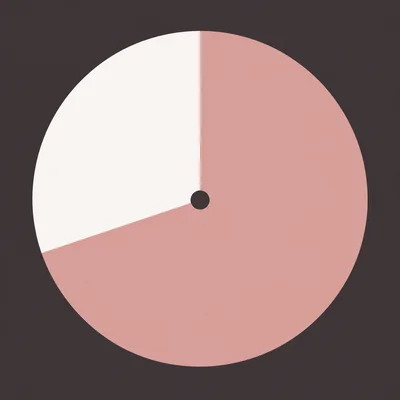
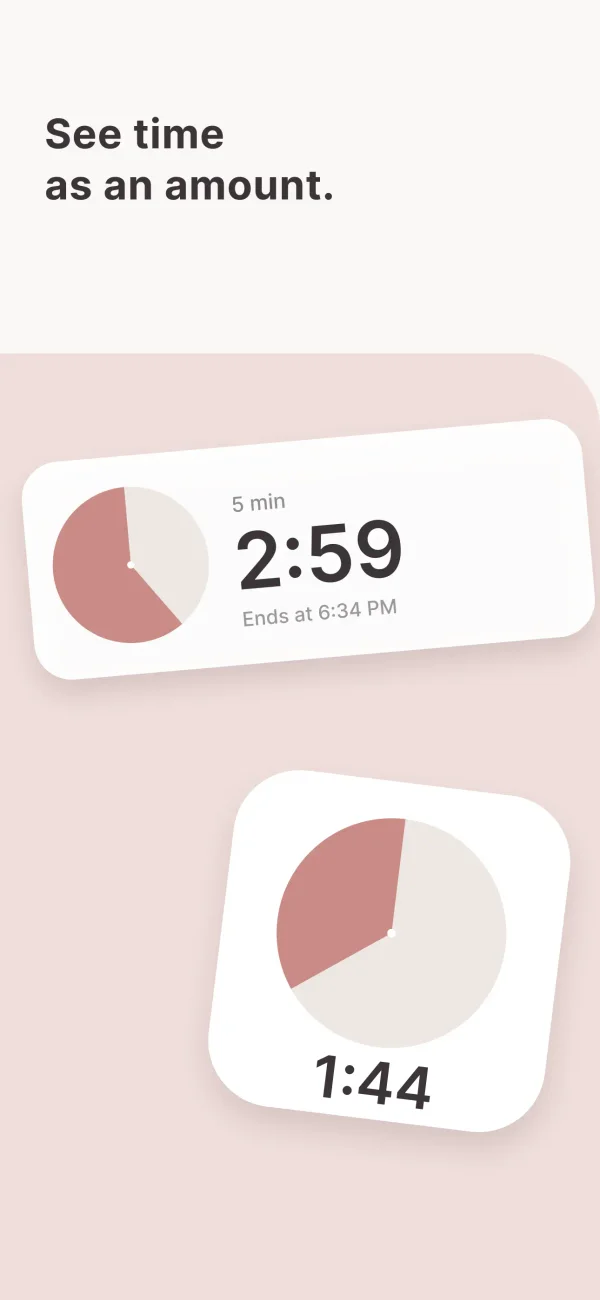
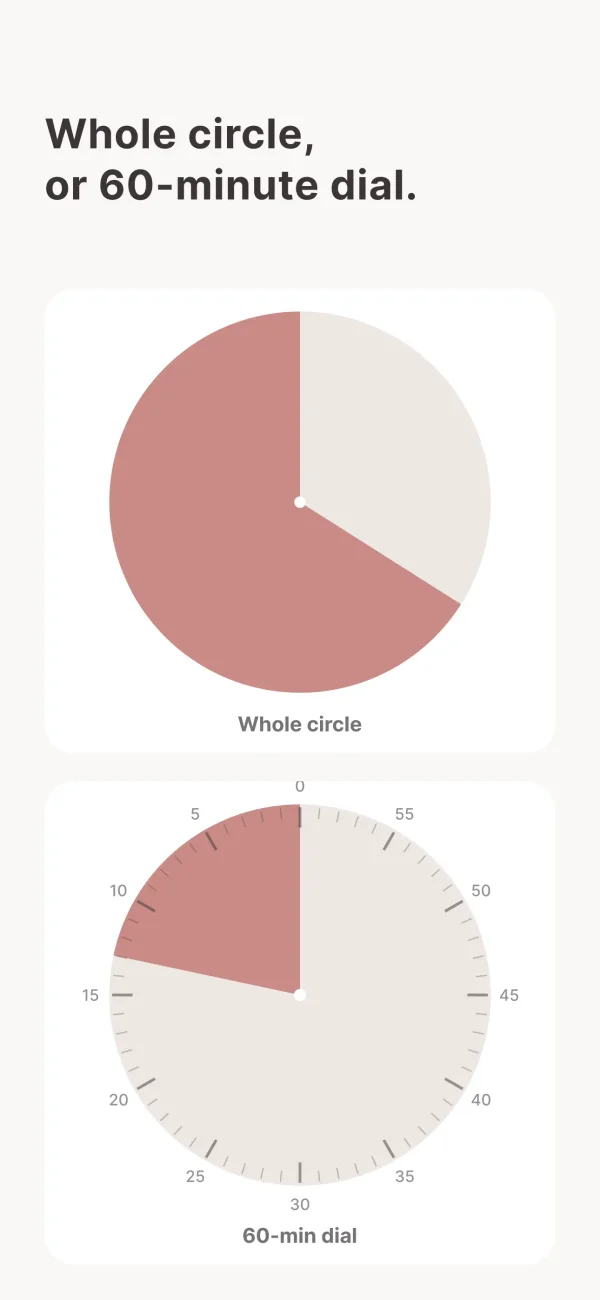
Slowdial shows time as an amount: a colored disc that shrinks as time passes. Children (and grown-ups) can see "how much is left" without reading a clock.
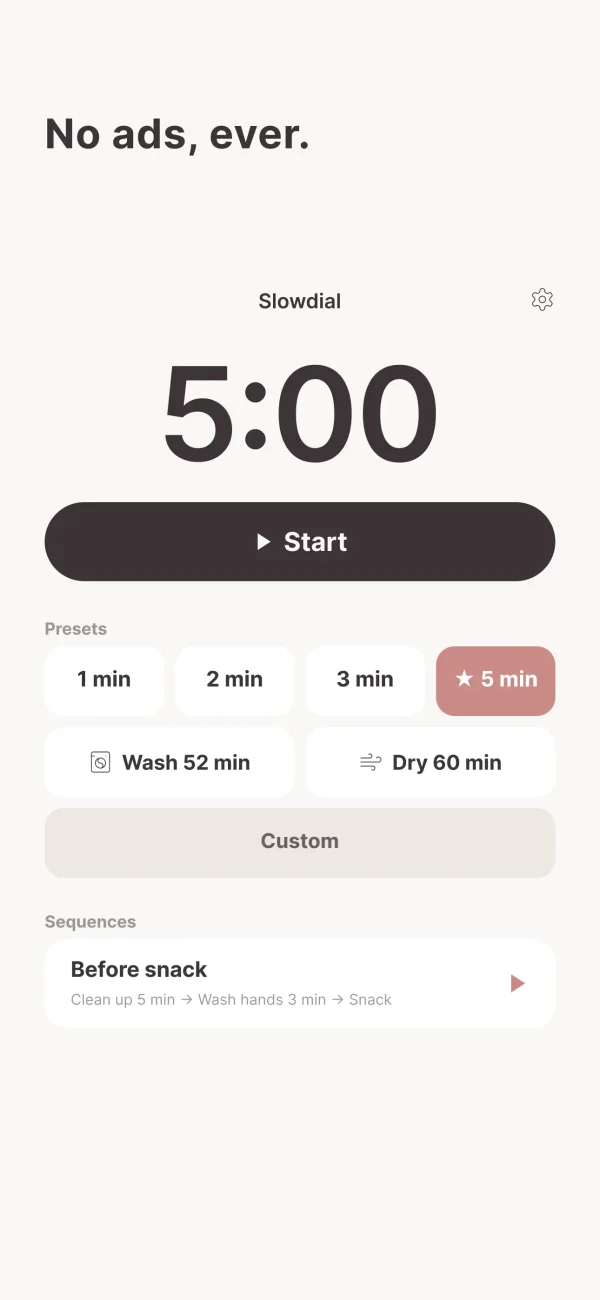
NO ADS, EVER. Slowdial never shows an ad — not before the timer, not after it. It is safe to hand to a child or to put in front of a class.
THE TIME YOU PICK FILLS THE WHOLE CIRCLE
Pick 5 minutes or 45 — the disc starts full either way. Prefer the classic 60-minute dial? Switch with one tap.
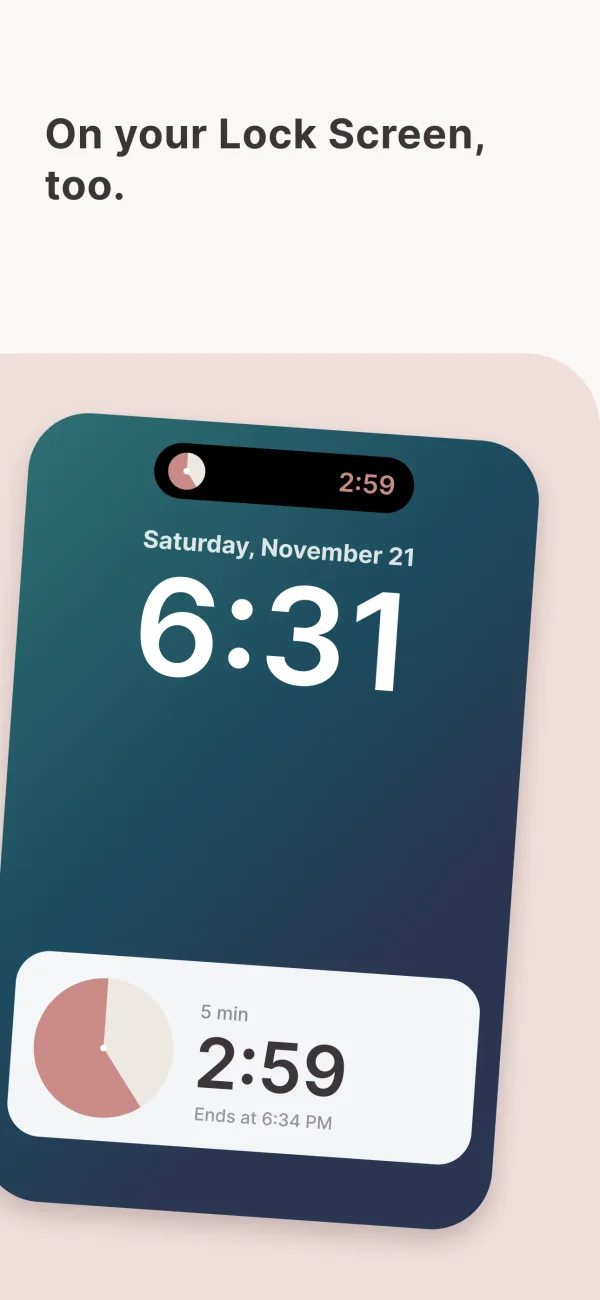
ON YOUR LOCK SCREEN TOO — FREE
The disc keeps shrinking on the Lock Screen and in the Dynamic Island, without opening the app. Use it as a laundry timer — watch the washer and dryer count down on your Lock Screen. When time is up you get a sound and a vibration, even with the screen locked.
FREE
• Full-screen shrinking disc
• Presets from 1 minute to 1 hour, Wash 52 min and Dry 60 min, or any time you like
• Whole-circle or 60-minute dial
• End sound and vibration
• Lock Screen and Dynamic Island disc
SLOWDIAL PRO — one-time purchase, no subscription
• Classroom mode: just the disc, full screen. Taps don't stop it. Hide the numbers. Pick the color.
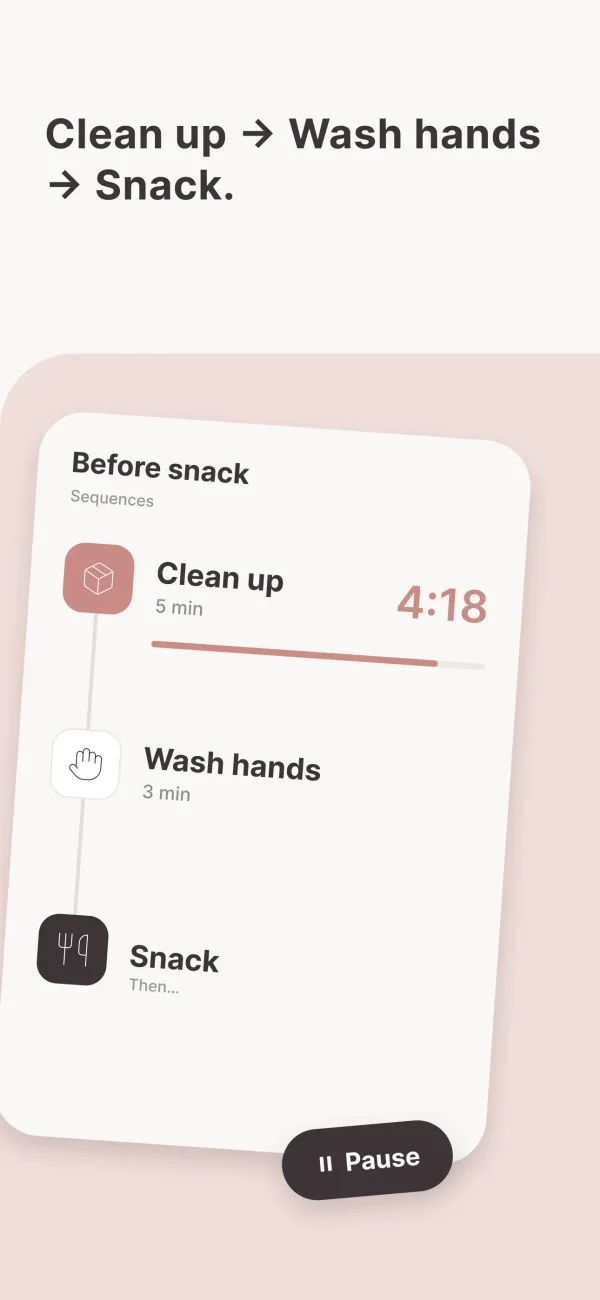
• Sequences: "Clean up 5 min → Wash hands 3 min → Snack", with a picture and a word for each step
• Intervals: get ready, then work and rest for up to 20 rounds (a Tabata sample is included). Each interval session can be saved to Apple Health as a workout if you turn it on.
• Controls (iOS 18 or later): start your favorite timer from Control Center, the Lock Screen or the Action Button
• Home Screen and Lock Screen widgets
PRIVATE BY DESIGN
• No account. Your timers stay on your devices and, with iCloud sync (Pro) on, in your own iCloud only.
• Only anonymous usage counts are sent (which parts of the app are used) — never your timer names. You can turn this off in Settings.
Có gì mới
Phiên bản 1.4 · 24/11/2026
• iPhone Duo: unfold to see two dials side by side — the running timer on the left and, in sequences and intervals, the next step on the right.
Quyền riêng tư của ứng dụng
Những gì Minari Taniguchi khai báo trên App Store về cách ứng dụng này xử lý dữ liệu.
-
Dữ liệu không liên kết với bạn
Có thể được thu thập nhưng không liên kết với danh tính của bạn.
- Dữ liệu sử dụng
Phương thức đảm bảo quyền riêng tư có thể khác nhau, chẳng hạn như tuỳ theo các tính năng bạn sử dụng hoặc độ tuổi của bạn.
Thông tin
- Người bán
- Minari Taniguchi
- Danh mục
- Giáo Dục
- Phiên bản
- 1.4
- Cập nhật
- 24/11/2026
- Phát hành
- 30/09/2026
- Kích thước
- 5,0 MB
- Yêu cầu
- iOS 17.0 trở lên
- Độ tuổi
- 4+
- Giá
- Miễn phí
- Mua hàng trong ứng dụng
- Có
- Ngôn ngữ
- Tiếng Anh, Tiếng Hà Lan, Tiếng Pháp, Tiếng Đức, Tiếng Indonesia, Tiếng Ý, Tiếng Nhật, Tiếng Hàn, Tiếng Ba Lan, Tiếng Bồ Đào Nha, Tiếng Nga, Tiếng Trung Giản thể + 6 ngôn ngữ khác
- Bản quyền
- © 2026 Minari Taniguchi
Có thể bạn cũng thích
-
 Hidaya: Islamic GuidanceTham Khảo
-
 いすとりミュージックGiáo Dục
-
 Fun Visual Timer for KidsGiáo Dục
-
 Animal Timer: Kids RoutineGiáo Dục
-
 Elevator Mechanic PrepGiáo Dục
-
 Master Time Management TacticsGiáo Dục
-
 暗算ゾンビGiáo Dục
-
 Flashcard Maker - Learn FasterGiáo Dục
-
 Kotobu: Đàn Koto Nhật BảnNhạc Cụ Truyền Thống & Nhịp
-
 Handwriting: MontessoriGiáo Dục