Slowdial – Visual Timer
Countdown Clock, Focus & Kids
Designed for iPhone, iPad
Free · In-app purchases
- Age rating4+
- CategoryEducation
- DeveloperMinari Taniguchi
- LanguagesEnglish+ 17 more
- Size5.0 MB
Links to the official App Store page
Download.org hosts no file of Slowdial – Visual Timer. The button opens its official App Store page, published by Minari Taniguchi. Listing last checked on Nov 25, 2026.
Screenshots
About
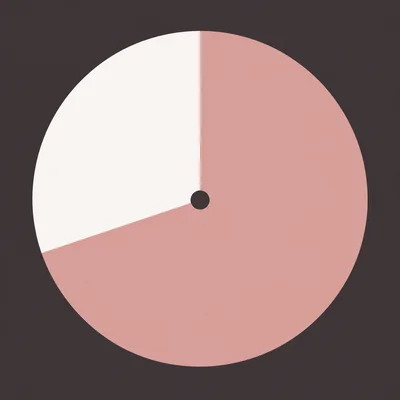
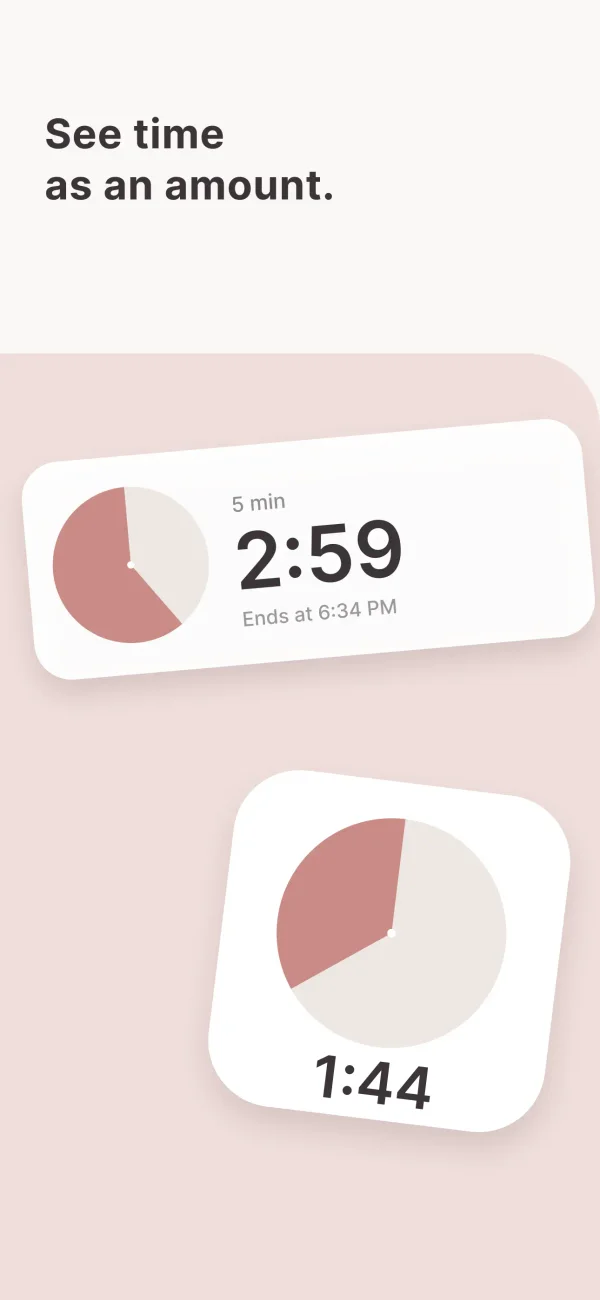
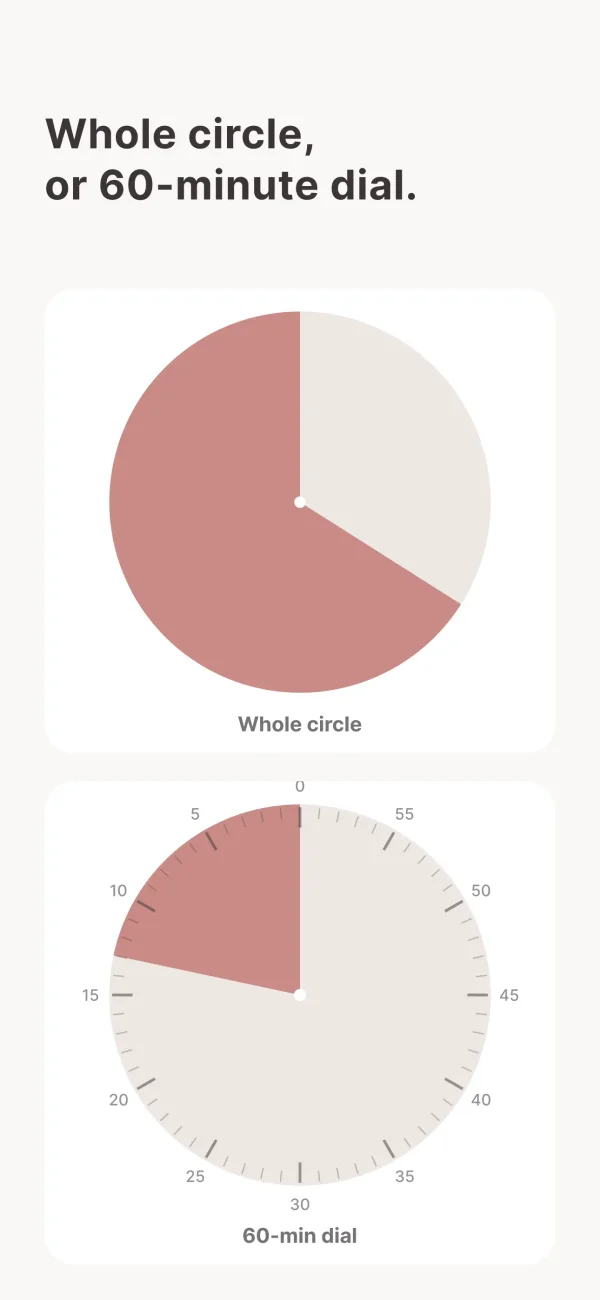
Slowdial shows time as an amount: a colored disc that shrinks as time passes. Children (and grown-ups) can see "how much is left" without reading a clock.
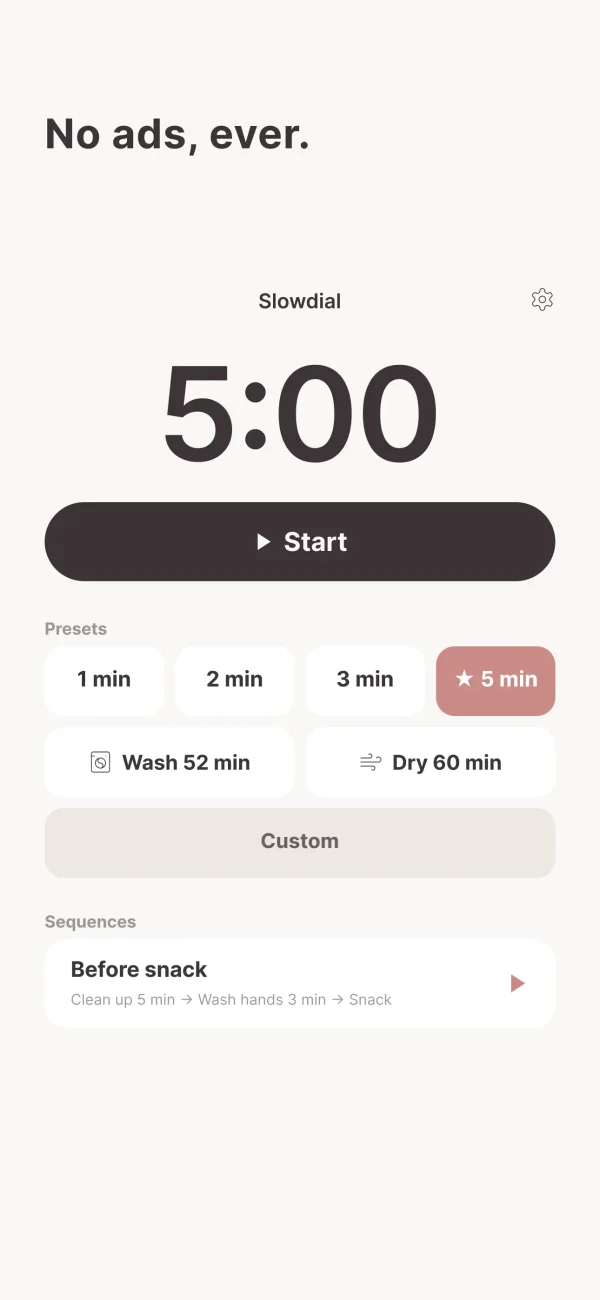
NO ADS, EVER. Slowdial never shows an ad — not before the timer, not after it. It is safe to hand to a child or to put in front of a class.
THE TIME YOU PICK FILLS THE WHOLE CIRCLE
Pick 5 minutes or 45 — the disc starts full either way. Prefer the classic 60-minute dial? Switch with one tap.
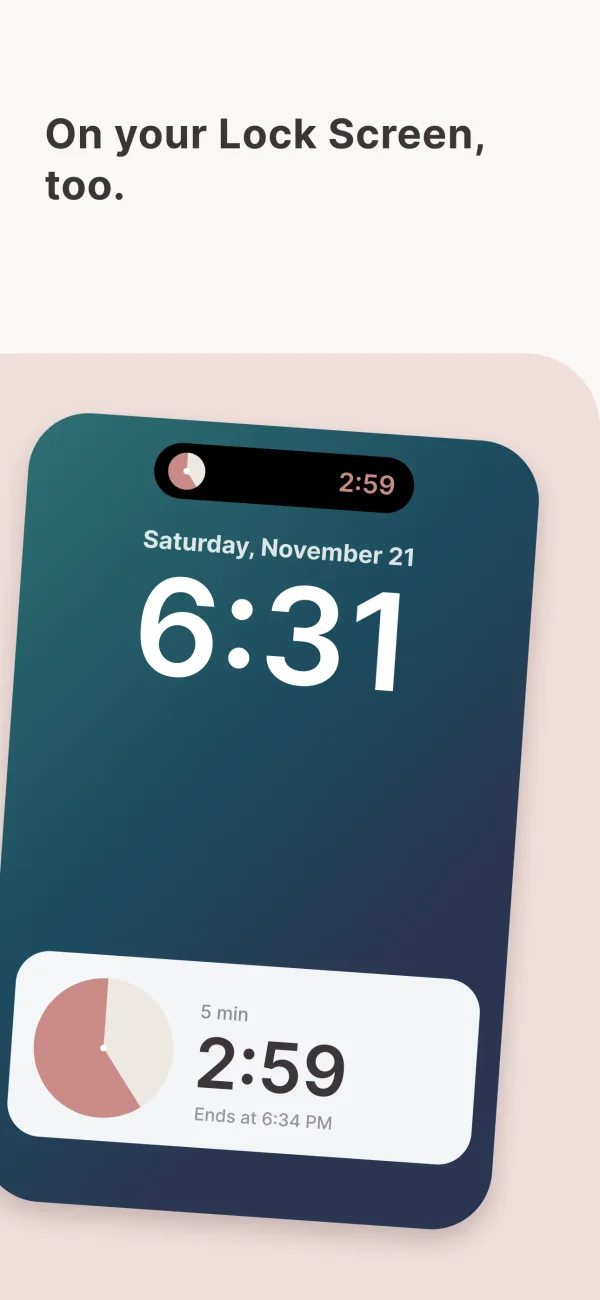
ON YOUR LOCK SCREEN TOO — FREE
The disc keeps shrinking on the Lock Screen and in the Dynamic Island, without opening the app. Use it as a laundry timer — watch the washer and dryer count down on your Lock Screen. When time is up you get a sound and a vibration, even with the screen locked.
FREE
• Full-screen shrinking disc
• Presets from 1 minute to 1 hour, Wash 52 min and Dry 60 min, or any time you like
• Whole-circle or 60-minute dial
• End sound and vibration
• Lock Screen and Dynamic Island disc
SLOWDIAL PRO — one-time purchase, no subscription
• Classroom mode: just the disc, full screen. Taps don't stop it. Hide the numbers. Pick the color.
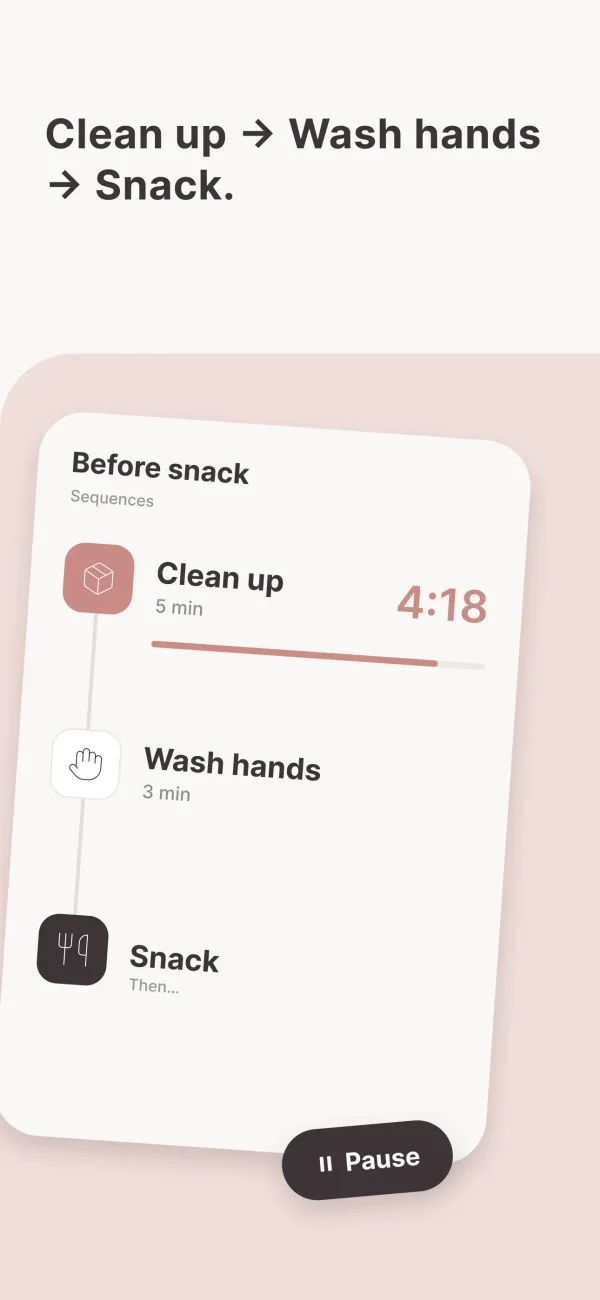
• Sequences: "Clean up 5 min → Wash hands 3 min → Snack", with a picture and a word for each step
• Intervals: get ready, then work and rest for up to 20 rounds (a Tabata sample is included). Each interval session can be saved to Apple Health as a workout if you turn it on.
• Controls (iOS 18 or later): start your favorite timer from Control Center, the Lock Screen or the Action Button
• Home Screen and Lock Screen widgets
PRIVATE BY DESIGN
• No account. Your timers stay on your devices and, with iCloud sync (Pro) on, in your own iCloud only.
• Only anonymous usage counts are sent (which parts of the app are used) — never your timer names. You can turn this off in Settings.
What’s new
Version 1.4 · Nov 24, 2026
• iPhone Duo: unfold to see two dials side by side — the running timer on the left and, in sequences and intervals, the next step on the right.
App privacy
What Minari Taniguchi declares on the App Store about how this app handles data.
-
Data not linked to you
May be collected but is not linked to your identity.
- Usage data
Privacy practices may vary, for example with the features you use or your age.
Information
- Seller
- Minari Taniguchi
- Category
- Education
- Version
- 1.4
- Updated
- Nov 24, 2026
- Released
- Sep 30, 2026
- Size
- 5.0 MB
- Requires
- iOS 17.0 or later
- Age rating
- 4+
- Price
- Free
- In-app purchases
- Yes
- Languages
- English, Dutch, French, German, Indonesian, Italian, Japanese, Korean, Polish, Portuguese, Russian, Simplified Chinese + 6 more
- Copyright
- © 2026 Minari Taniguchi
You might also like
-
 Hidaya: Islamic GuidanceAnswers for Everyday Islam
-
 いすとりミュージックEducation
-
 Fun Visual Timer for KidsToddler Countdown & Routines
-
 Animal Timer: Kids RoutineVisual Countdown for Toddlers
-
 Elevator Mechanic PrepQEI & State License Exam Study
-
 Master Time Management TacticsMaster Time, Boost Results
-
 暗算ゾンビEducation
-
 Flashcard Maker - Learn FasterPro study exam flash cards
-
 Kotobu: Japanese Koto & Music13-String Zen Instrument Game
-
 Handwriting: MontessoriEducation