AR Wifi Analyzer
See your Wi-Fi coverage in 3D
Designed for iPhone, iPad
Free · In-app purchases
- Age rating4+
- CategoryUtilities
- DeveloperPatrick Christensen
- LanguagesEnglish+ 9 more
- Size4.1 MB
Links to the official App Store page
Download.org hosts no file of AR Wifi Analyzer. The button opens its official App Store page, published by Patrick Christensen. Listing last checked on Nov 26, 2026.
Screenshots
About
Find the Wi-Fi dead spots in your home, and see exactly where they are.
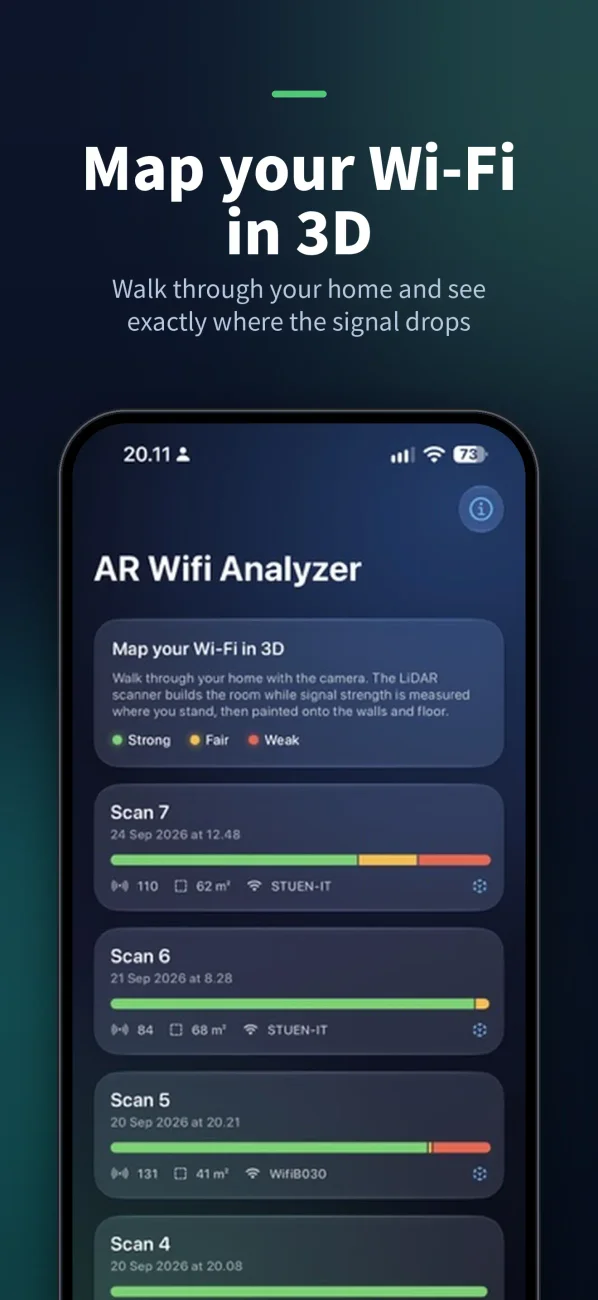
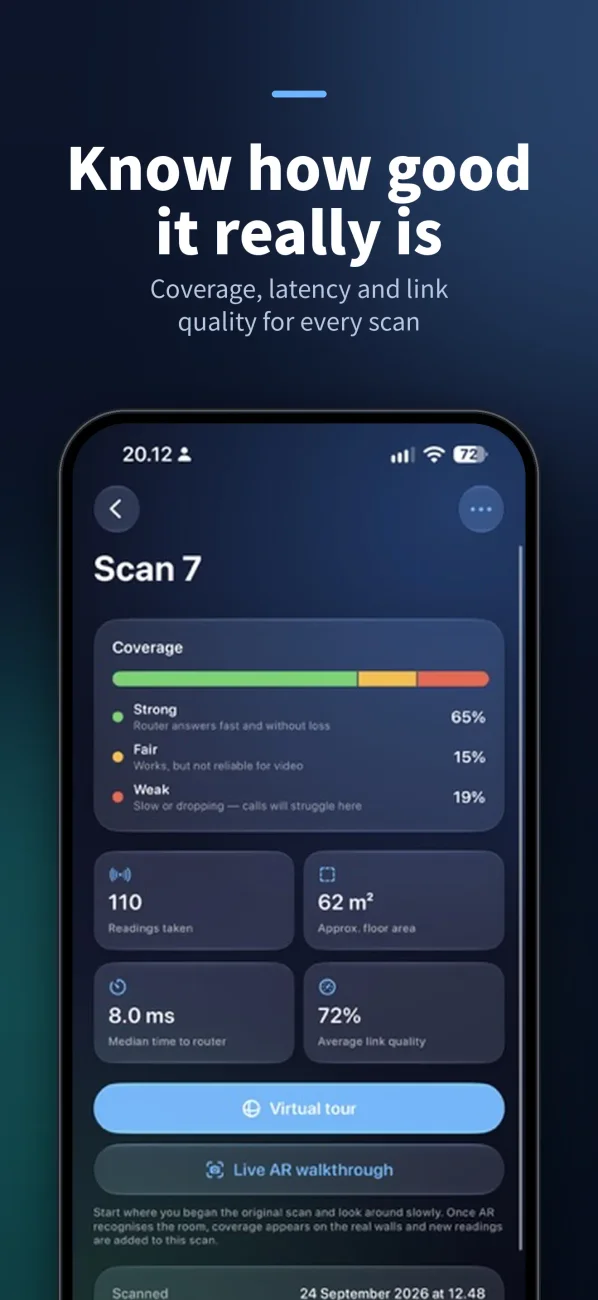
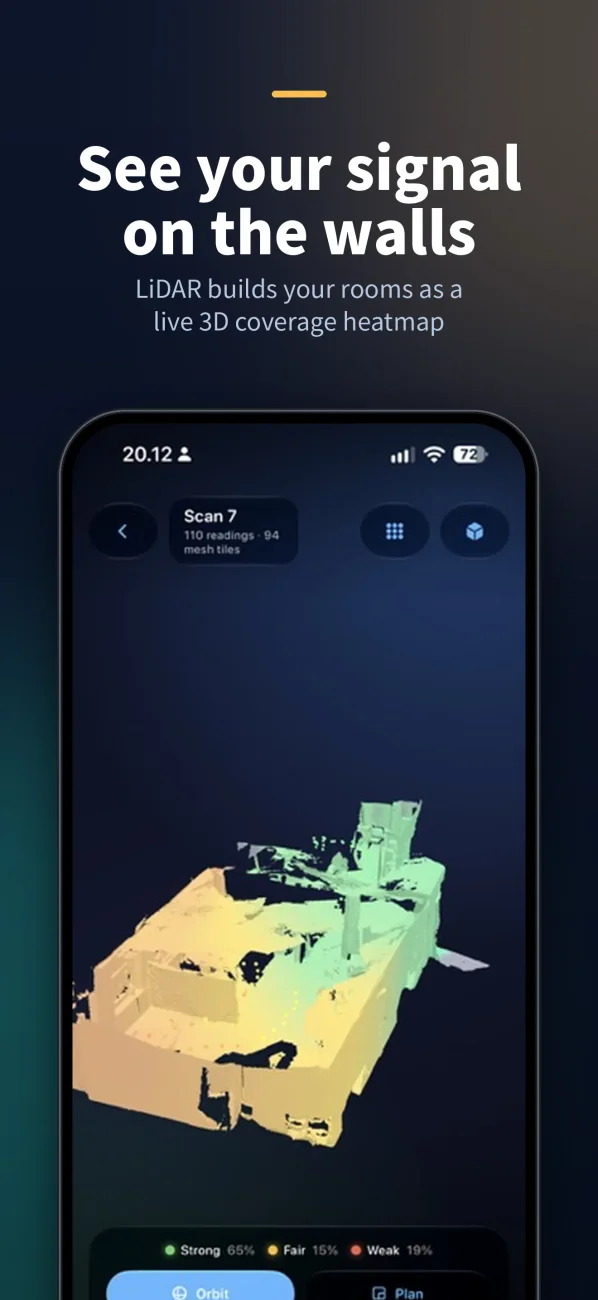
AR Wifi Analyzer uses the LiDAR scanner on your iPhone or iPad to build a 3D model of your home while it measures your Wi-Fi everywhere you walk. The result is painted straight onto the walls and floor: green where the connection is strong, yellow where it's fair and red where it struggles.
SCAN IN 3D
Walk slowly through your home. The LiDAR scanner builds the rooms around you, and every scan is cleaned up into a smooth, tidy model when you save it.
LIVE COVERAGE
Coverage is measured as you move and appears on the real walls in real time, so you see a weak spot the moment you walk into it.
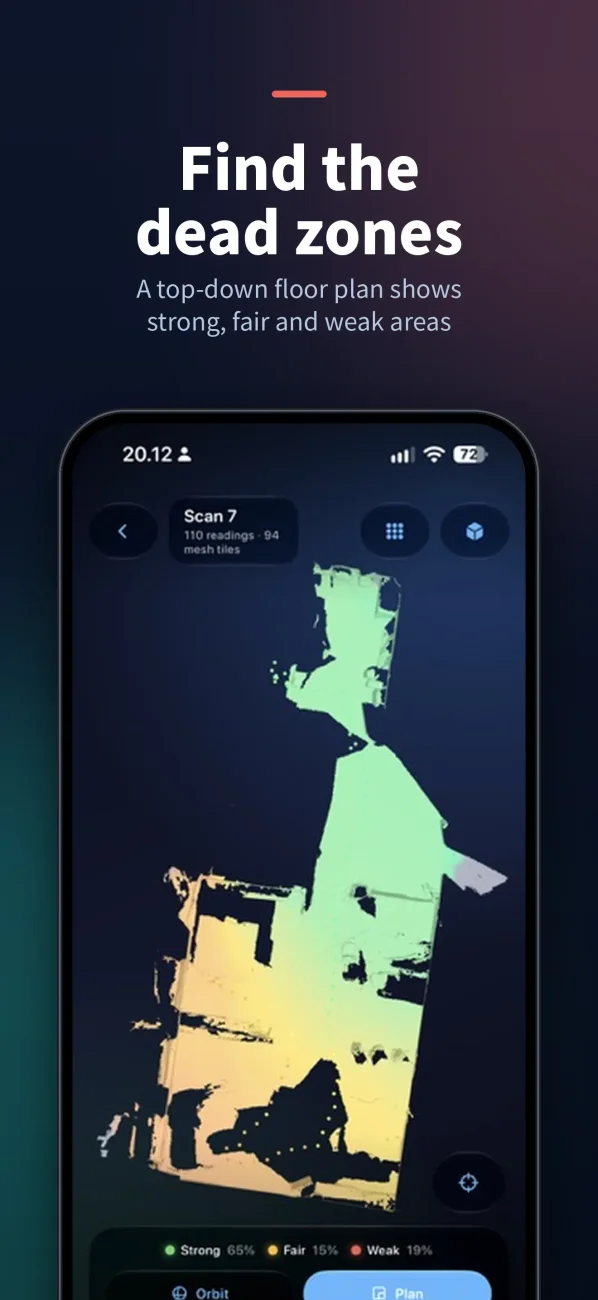
FLOOR PLAN
Look down on your whole floor, with the walls drawn in, and spot the weak rooms at a glance.
3D VIEW
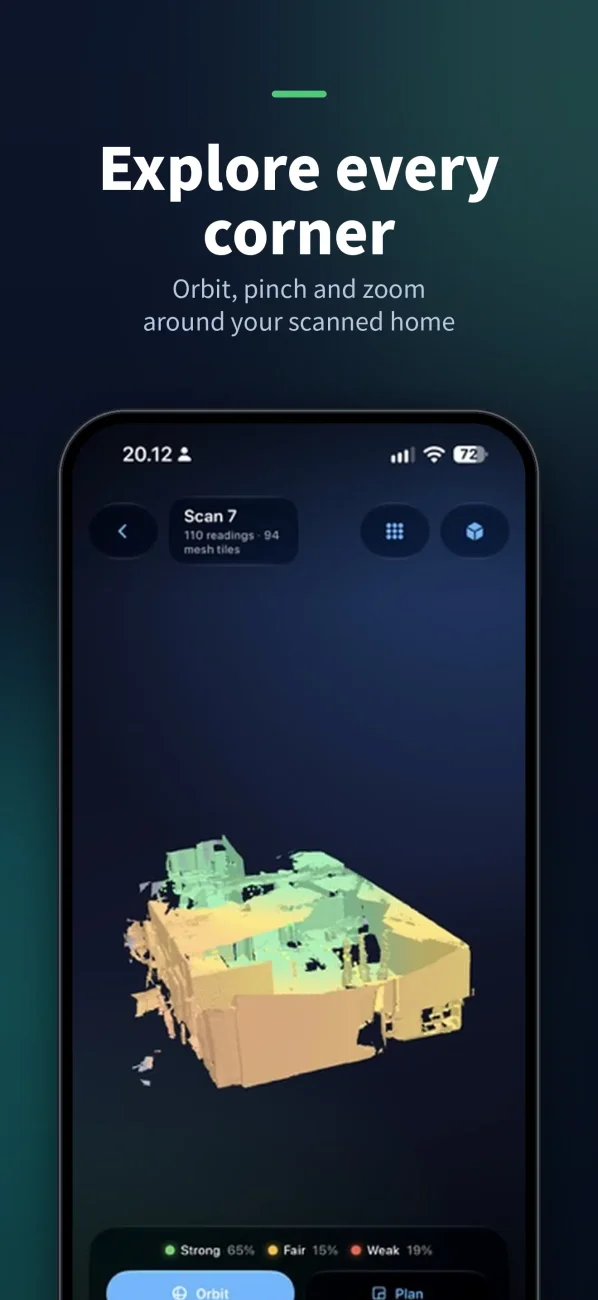
Rotate and zoom around your saved home from any angle.
WALK IT AGAIN
Return to a saved scan in AR. It lines back up with your rooms, so the saved coverage appears on the real walls again.
PRIVATE BY DESIGN
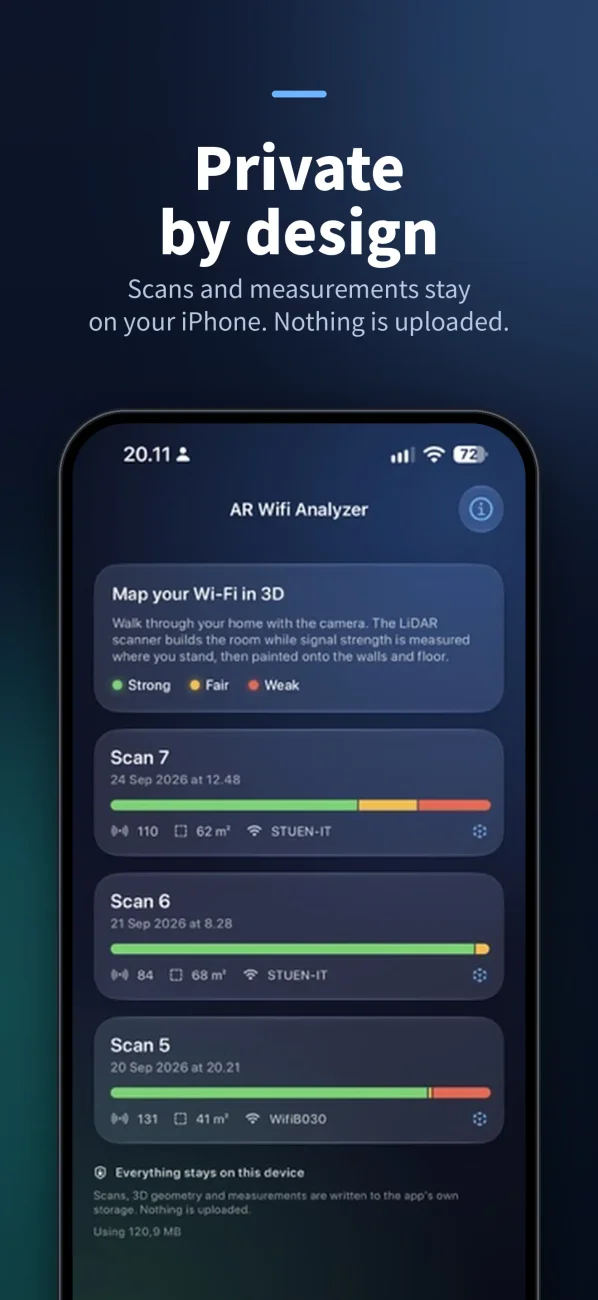
Everything stays on your device. No account, no ads, no tracking, and nothing is ever uploaded.
PRO: FROM MAP TO PLAN
Scanning, live coverage, the floor plan, the 3D view, AR walkthroughs and the PDF report are free. Pro is a one-time purchase, with no subscription, that turns your map into a plan:
• Best spot for your router: see whether moving it to the middle of your home would even out coverage.
• Where to add a mesh node: the exact spot where the signal is still strong enough to relay into each weak area, floor by floor, including when a floor needs a cable instead.
• Before & after: compare two scans of the same home and see what moving the router or adding a node really changed.
• Pro PDF report: add your client's name and address, your own name and notes, and the recommended spots on a map. Ready to hand over.
Try before you buy: the first placement tip for every scan is free.
GREAT FOR
• Finding the best place for your router
• Deciding where a mesh node or extender will actually help
• Checking the home office before an important video call
• Scanning again after a change to see if it made a difference
HOW IT MEASURES
iOS doesn't let apps read raw Wi-Fi signal strength. Instead, AR Wifi Analyzer measures what you actually notice: how quickly and how reliably your router answers from each spot. Slow or missing answers are what make video calls stutter and pages hang.
REQUIREMENTS
Requires an iPhone or iPad with a LiDAR scanner (iPhone 12 Pro or later Pro models, iPad Pro 2020 or later) running iOS 26 or later.
What’s new
Version 2.7 · Nov 25, 2026
Safer long scans and a clearer Pro preview.
• Your scan is saved every minute while you walk. If the app is closed or crashes, it's waiting in your library as "(unfinished)".
• The app warns you before memory runs out on a very large home, and keeps recording readings instead of crashing.
• The Pro screen now shows your own floor with the spots it has already worked out.
Now in more languages: Danish, German, French, Spanish, Italian, Portuguese (Brazil), Japanese, Korean and Simplified Chinese.
App privacy
What Patrick Christensen declares on the App Store about how this app handles data.
-
Data not collected
The developer does not collect any data from this app.
Privacy practices may vary, for example with the features you use or your age.
Information
- Seller
- Patrick Christensen
- Category
- Utilities
- Version
- 2.7
- Updated
- Nov 25, 2026
- Released
- Sep 30, 2026
- Size
- 4.1 MB
- Requires
- iOS 26.0 or later
- Age rating
- 4+
- Price
- Free
- In-app purchases
- Yes
- Languages
- English, Danish, French, German, Italian, Japanese, Korean, Portuguese, Simplified Chinese, Spanish
- Copyright
- © Patrick Christensen
You might also like
-
 SignalMap WiFi AnalyzerHeatmap & Mesh Roaming
-
 WiFi Heatmap & Coverage MapSignal Strength Meter in 3D
-
 WiFi ProberUtilities
-
 Wifi AnalyserSpeed Test & Network Scanner
-
 WiFi Explorer PiRemote Wi-Fi Scanner
-
 WiFi Analyzer and Heat MapSurvey your WiFi performance
-
 Wifi Analyzer -Internet Tester Speed Test Map
-
 NetSpot WiFi AnalyzerWiFi Heat Map & Speed Test
-
 AR WiFi&5GLook at your network in AR
-
 Wifi Signal Strength AnalyzerSignal Strength -Speed Test