
Wifi Analyzer -
Internet Tester Speed Test Map
Designed for iPhone, iPad, Mac
Free · In-app purchases
- Age rating4+
- CategoryUtilities
- DeveloperRivia Corp s.r.o.
- LanguagesEnglish+ 43 more
- Size8.0 MB
Links to the official App Store page
Download.org hosts no file of Wifi Analyzer -. The button opens its official App Store page, published by Rivia Corp s.r.o. Listing last checked on Nov 23, 2026.
Screenshots

About
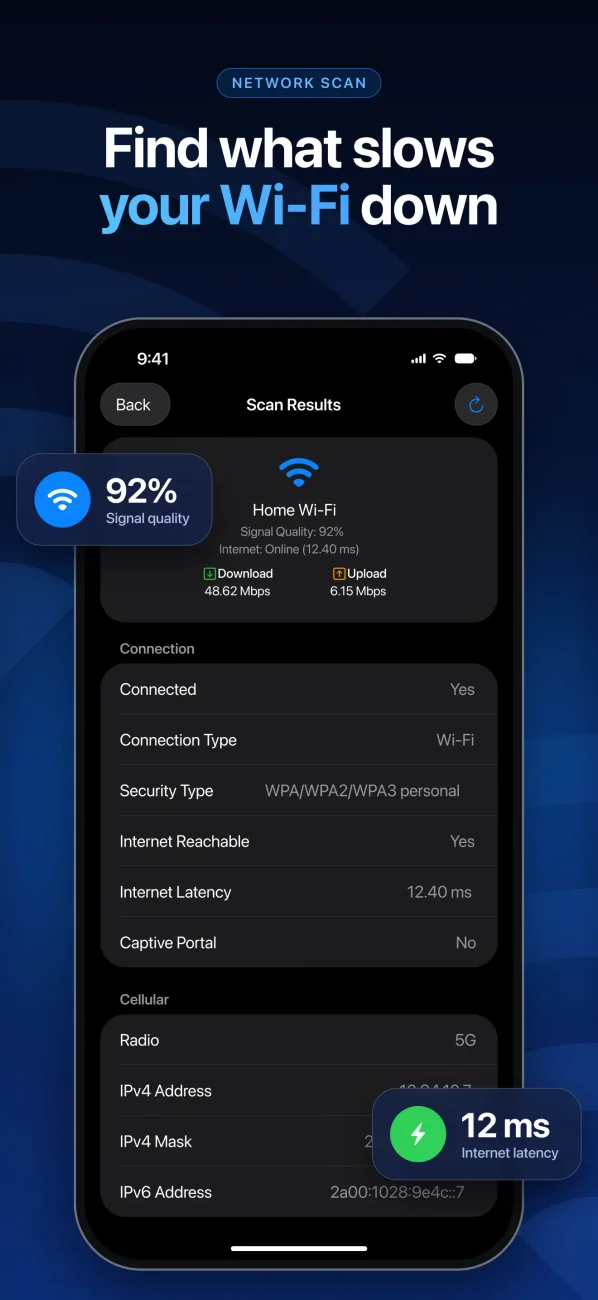
See what's really happening on your Wi-Fi. Wifi Analyzer shows your connection details, finds the devices on your network, measures speed and latency, and gives you the network tools you need to track down problems.
NETWORK DETAILS
Check the Wi-Fi network you're connected to: network name, signal strength, security type, connection type, and your IP addresses.
DEVICE DISCOVERY
Scan your whole subnet to see every device connected to your network. You can tell your router apart from other devices and see each device's IP address.
SPEED TEST
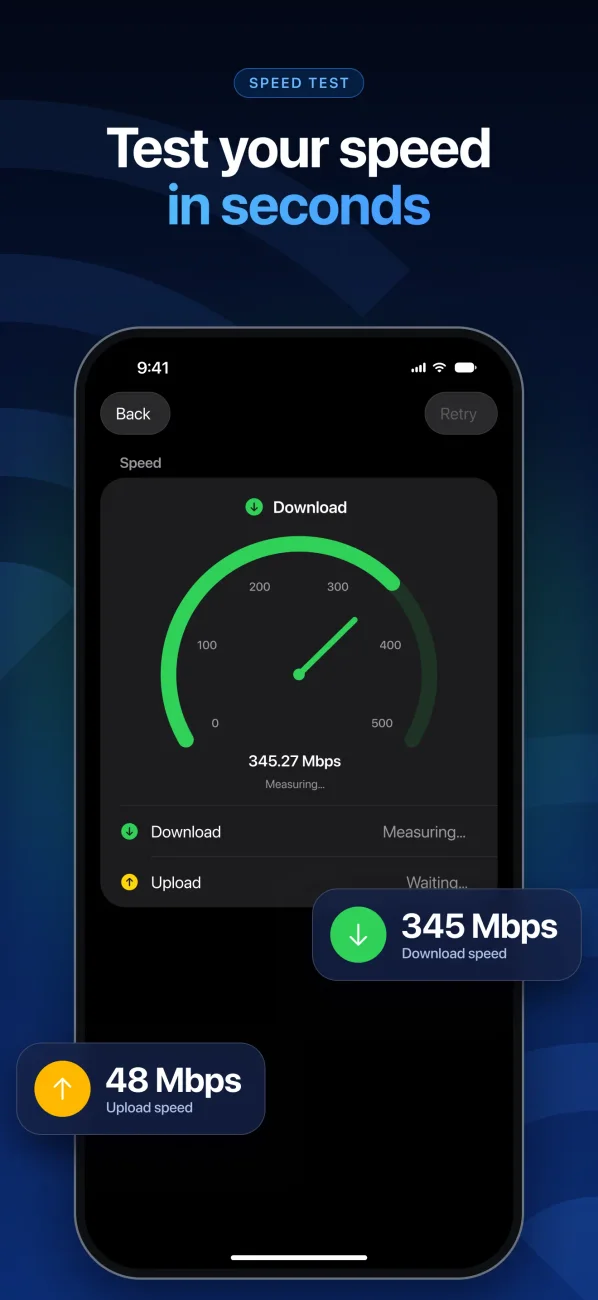
Measure download and upload speed with a live gauge, then see both results side by side.
NETWORK TOOLS
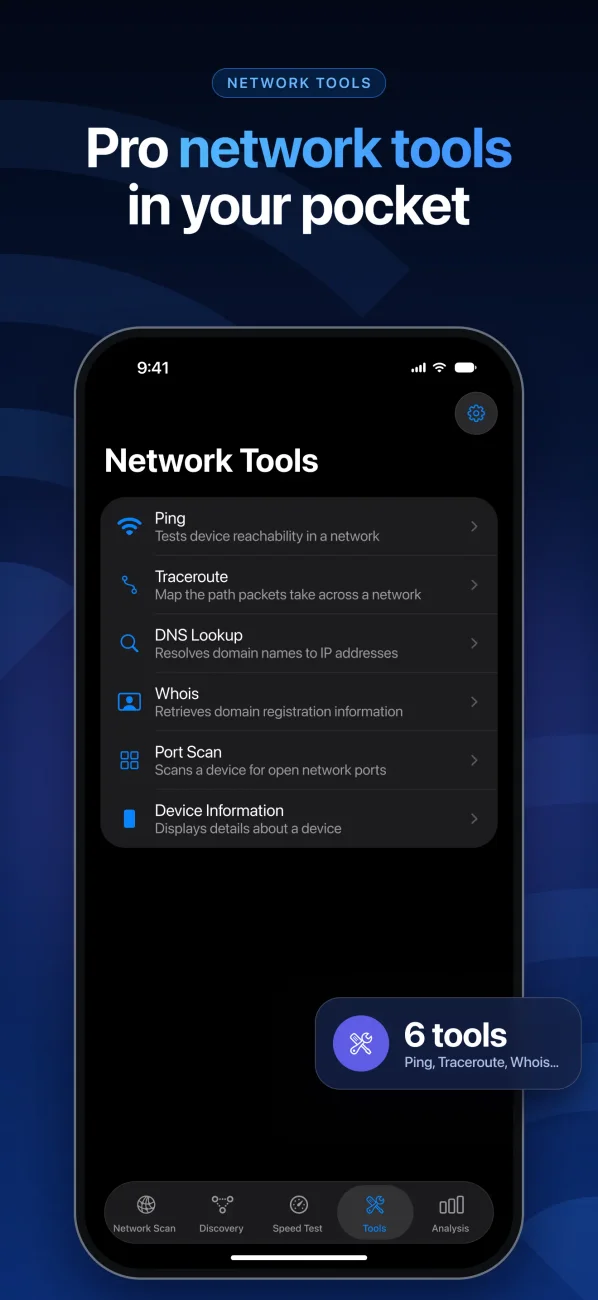
- Ping: check whether a host is reachable and how fast it responds.
- Traceroute: follow the path your data takes, hop by hop, and find where it slows down.
- Port Scan: find open TCP ports on a host within a range you choose.
- DNS Lookup: turn a domain name into its IP addresses.
- Whois: look up who registered a domain, when it expires, and its name servers.
- Device Information: check your iPhone or iPad's battery, CPU usage, and more.
Each tool includes a short explanation of what it does, so you don't need to be a network engineer to use it. Share Port Scan and Traceroute results as a text report.
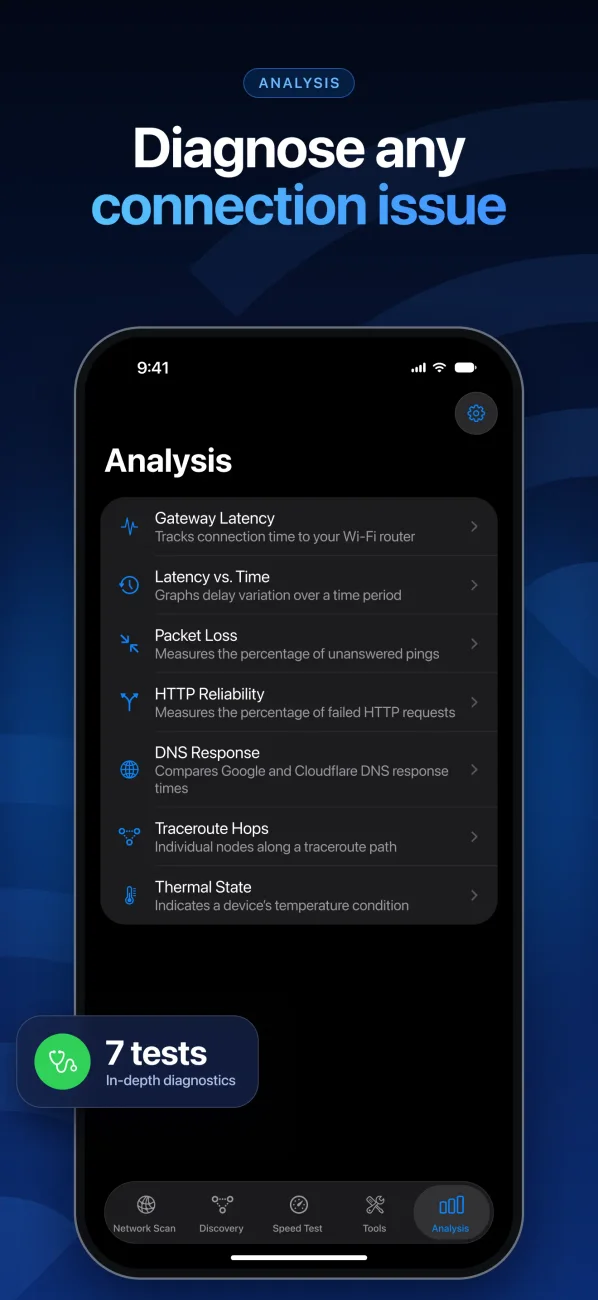
ANALYSIS (PREMIUM)
Go deeper with tests that start as soon as you open them:
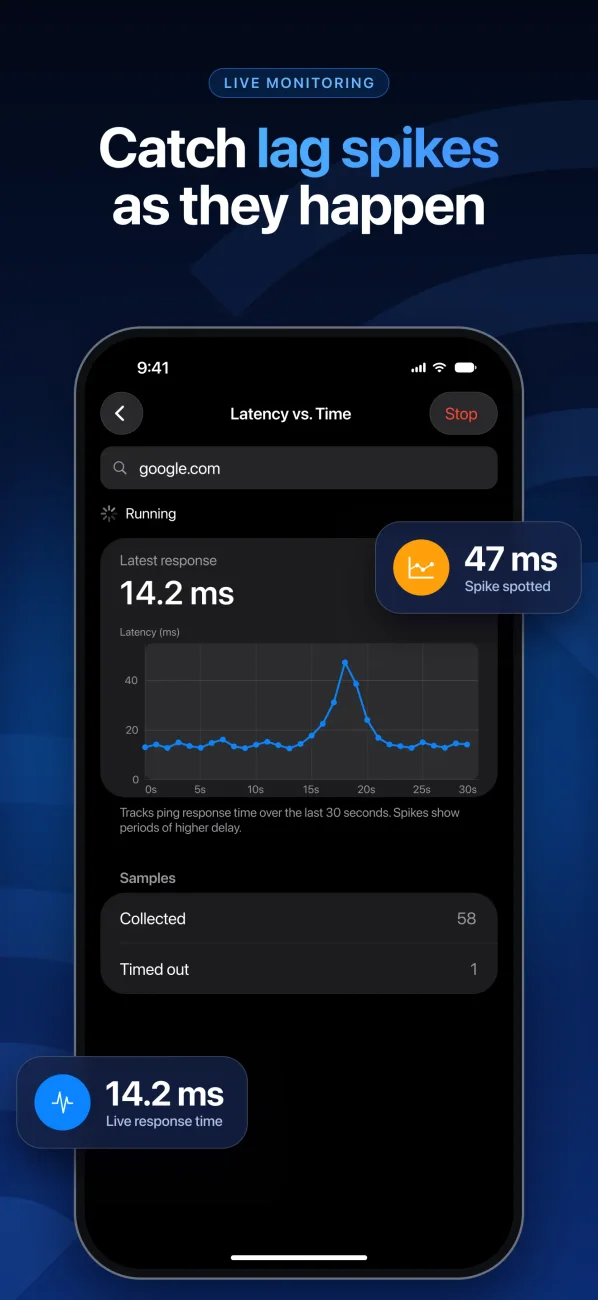
- Latency vs. Time: chart how latency changes over time and spot spikes.
- Gateway Latency: measure the response time of your router.
- Packet Loss: see how many packets don't make it.
- DNS Response: compare Google and Cloudflare DNS response times.
- HTTP Reliability: check how consistently websites respond.
- Traceroute Hops: see the delay at each step of the route.
- Thermal State: check whether your device is running hot.
PREMIUM
Premium unlocks all Analysis tests, unlimited use of the tools, custom app colors, and App Lock with Face ID, Touch ID, or your passcode. Without Premium, you get a limited number of free tool runs each day.
Privacy Policy: https://riviacorp.com/policy-wi-fi-analyzer/
Terms of Service: https://riviacorp.com/terms-wi-fi-analyzer/
Support: https://riviacorp.com/
What’s new
Version 1.3.0 · Nov 18, 2026
- minor bug fixes
App privacy
What Rivia Corp s.r.o. declares on the App Store about how this app handles data.
-
Data not collected
The developer does not collect any data from this app.
Privacy practices may vary, for example with the features you use or your age.
Information
- Seller
- Rivia Corp s.r.o.
- Category
- Utilities
- Version
- 1.3.0
- Updated
- Nov 18, 2026
- Released
- Feb 5, 2026
- Size
- 8.0 MB
- Requires
- iOS 17.0 or later
- Age rating
- 4+
- Price
- Free
- In-app purchases
- Yes
- Languages
- English, Arabic, Bengali, Catalan, Croatian, Czech, Danish, Dutch, Finnish, French, German, Greek + 32 more
- Copyright
- © Rivia Corp s.r.o.
You might also like
-
 NetSpot WiFi AnalyzerWiFi Heat Map & Speed Test
-
 nOversight - WiFi AnalyzerSee Wi-Fi as your phone does
-
 Network Analyzer: WiFi ScannerWiFi Analyzer, Network Scanner
-
 Wifi Signal Strength AnalyzerSignal Strength -Speed Test
-
 Network Analyzer: WiFi ScanLAN scanner, ping, DNS & whois
-
 WiFi Network Scanner, AnalyzerScan Bluetooth & Find Device
-
 WiFiy Analyzer- Internet SpeedNetwork Scanner & Tester
-
 WiFi Analyzer and Heat MapSurvey your WiFi performance
-
 Speed Test & Wi-Fi AnalyzerTested by Millions Worldwide
-
 WiFi Explorer PiRemote Wi-Fi Scanner