
Cherri Shortcuts
Write Shortcuts as code
Designed for iPhone
Free · In-app purchases
- Age rating4+
- CategoryDeveloper Tools
- DeveloperStefan Alexander Hottel
- LanguagesEnglish
- Size23.2 MB
Links to the official App Store page
Download.org hosts no file of Cherri Shortcuts. The button opens its official App Store page, published by Stefan Alexander Hottel. Listing last checked on Nov 23, 2026.
Screenshots


About
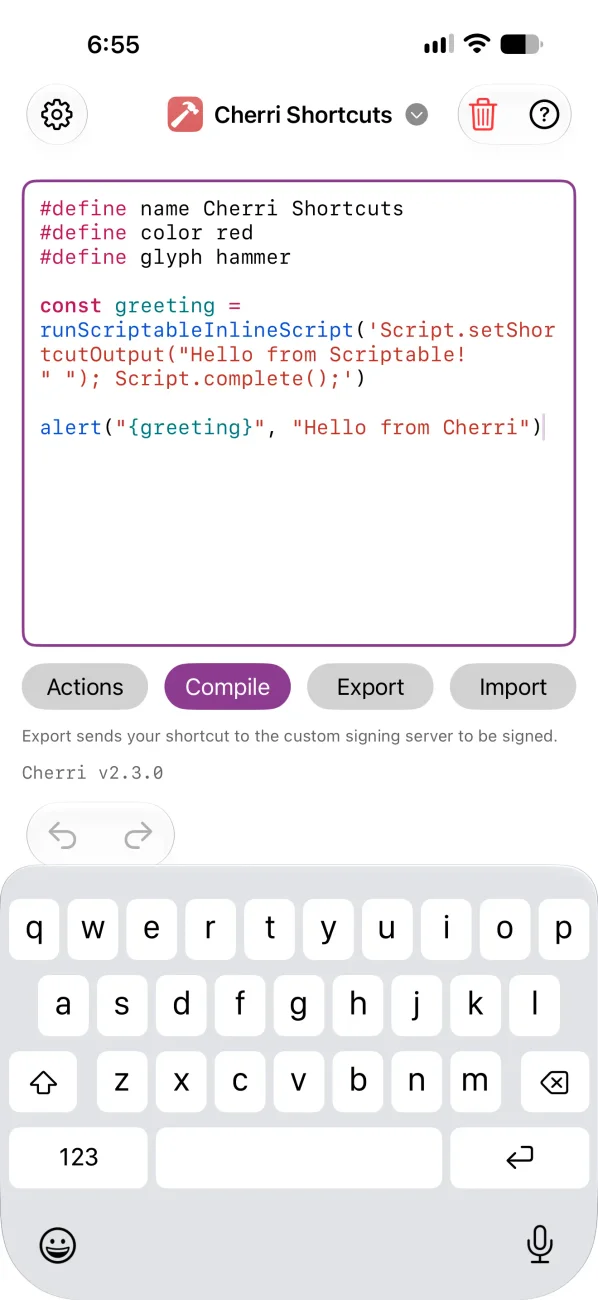
Cherri Shortcuts lets you write Apple Shortcuts as code. Type a script in Cherri, a compiled language for Shortcuts, tap Compile, and export a working shortcut straight into the Shortcuts app.
WRITE
• A code editor built for Cherri, with syntax highlighting, undo and redo, and your choice of font and size
• An actions picker with parameter help, Quick Add, and favorites you can reorder
• Actions for third-party apps, including Scriptable, Pythonista, Menu Box, Craft and Actions by Sindre Sorhus
• Set your shortcut's name, color and icon right from the title bar
IMPORT
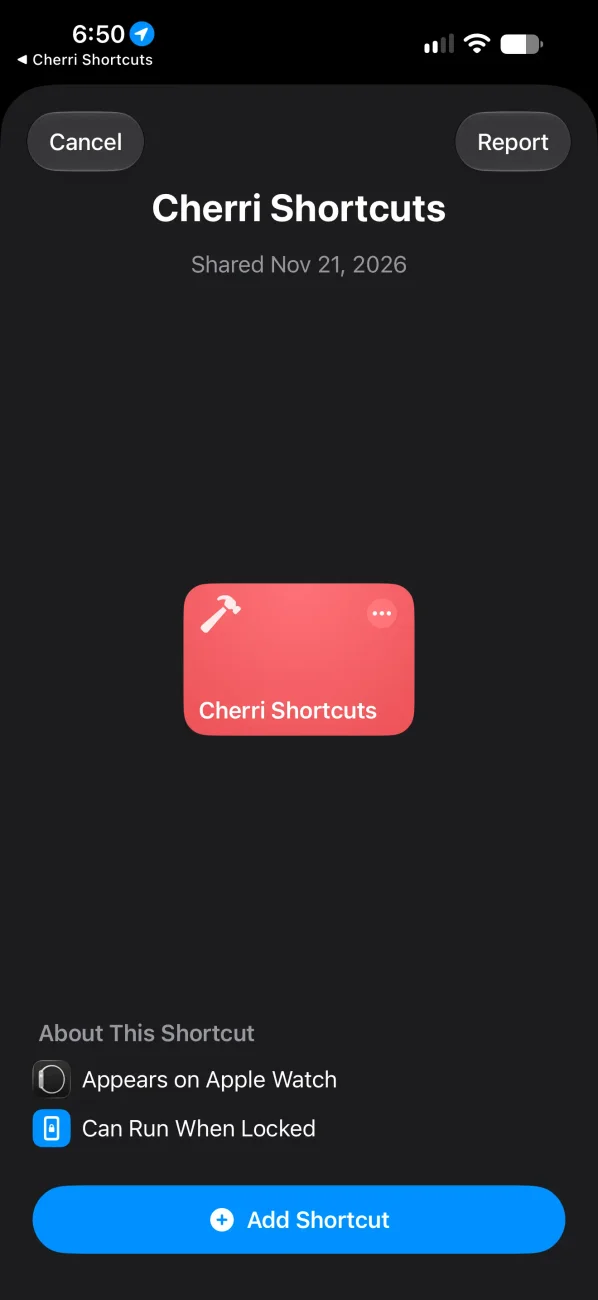
• Bring in an existing shortcut from its iCloud link, or share it to Cherri Shortcuts straight from the Shortcuts app, and turn it back into Cherri code
COMPILE
• Compiles right on your device, so your code stays on your phone while you work
• Clear error messages that point to what went wrong
EXPORT
• Sign and export your finished shortcut, then tap Shortcuts in the share sheet to add it
• By default, Export sends your compiled shortcut and its name to a custom signing server, run by the app's developer, so the Shortcuts app will accept the file. Nothing else from your code is sent, and the server doesn't keep a copy.
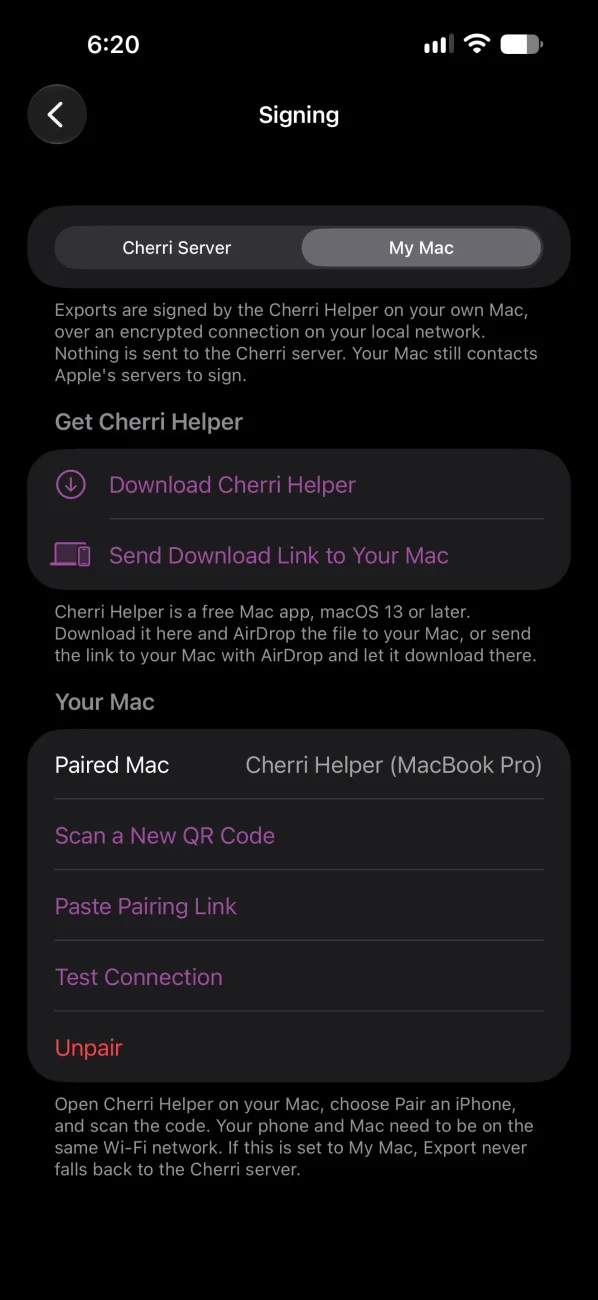
SIGN ON YOUR OWN MAC
• Install Cherri Helper, a free companion app for your Mac, and pair it with your iPhone once by scanning a QR code
• Choose My Mac under Settings, then Signing, and Export signs your shortcuts on your own Mac over your local network instead of using the server
• In this mode nothing is sent to the signing server. Your Mac signs with Apple's own signing tool, which may contact Apple.
• Download Cherri Helper right from Settings, or send the link to your Mac with AirDrop
• Needs a Mac with macOS 13 or later on the same Wi-Fi network as your iPhone. It's optional, and Export works without it.
CHERRI PREMIUM (optional, one-time purchase)
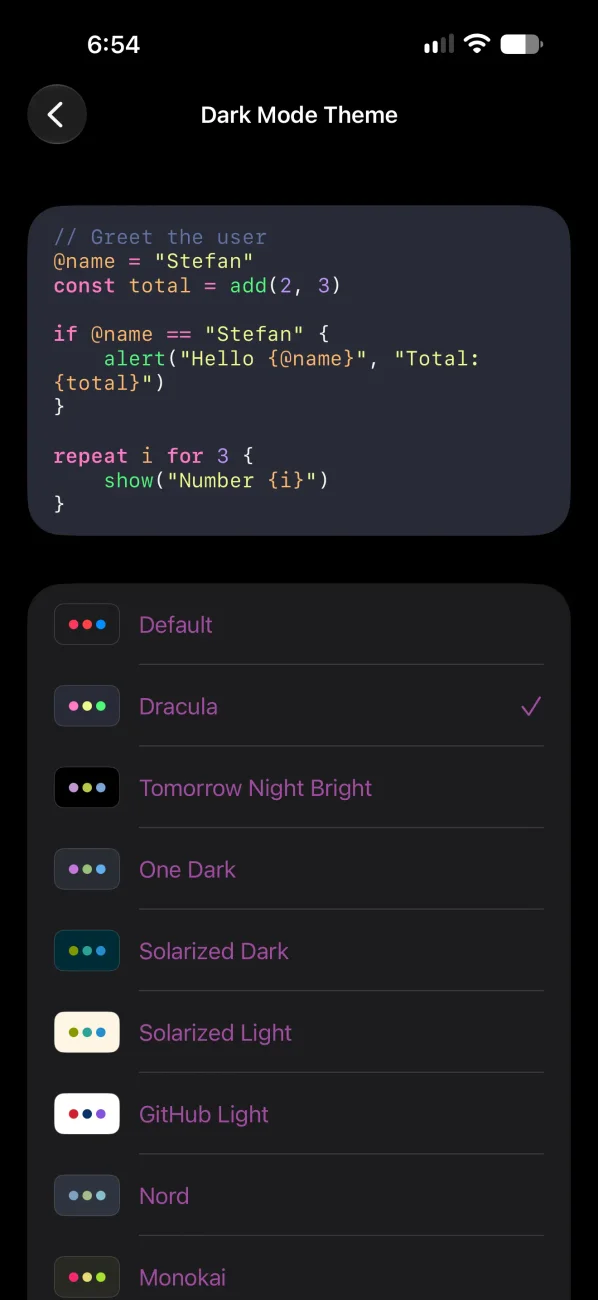
Extra editor themes and alternate app icons. No subscription. The editor, compiler and every action stay free.
Cherri is an open-source language created by electrikmilk and contributors. Cherri Shortcuts is an independent app. It is not made or maintained by the Cherri developers, and neither is its signing server or Cherri Helper. It is not affiliated with Apple. The app's source code is on GitHub.
What’s new
Version 1.0.5 · Nov 22, 2026
• Sign on your own Mac. Export can now be signed by Cherri Helper, a free companion app for your Mac, instead of the server. Pair it once with a QR code, and your shortcuts are signed on your own Mac over your local network. Find it under Settings → Signing → My Mac, where you can download it right from your phone or send the link to your Mac with AirDrop. The default is unchanged: if you don't set it up, Export works exactly as before.
• A new default icon. The Cherri cherry is now the default app icon. Original (the previous default) is still available in the App Icon settings.
• A new alternate icon: Minimal.
• Bug fixes and improvements: Importing certain shortcuts, typically very large ones, no longer crashes.
App privacy
What Stefan Alexander Hottel declares on the App Store about how this app handles data.
-
Data not linked to you
May be collected but is not linked to your identity.
- User content
- Identifiers
Privacy practices may vary, for example with the features you use or your age.
Information
- Seller
- Stefan Alexander Hottel
- Category
- Developer Tools
- Version
- 1.0.5
- Updated
- Nov 22, 2026
- Released
- Oct 28, 2026
- Size
- 23.2 MB
- Requires
- iOS 26.2 or later
- Age rating
- 4+
- Price
- Free
- In-app purchases
- Yes
- Languages
- English
- Copyright
- © 2026 Stefan Hottel
You might also like
-
 amux - agent multiplexerAI Coding Agent Dashboard
-
 42 Editor: Code & Text EditorEdit code, config & CSV files
-
 KKCode - OpenCode MobileAI Coding Agent on Mobile
-
 Neon Vision EditorNative Code & Markdown Editor
-
 OpenClient for OpenCodeClient for OpenCode
-
 JellyCutsSupercharge your Shortcuts
-
 SixDfor SwiftUI x Design
-
 Scripting: AI Agent & ToolsScripts, Widgets & Automation
-
 Code AppDesktop-class code editing
-
 Docker Manager GUI - WhaleDeckUnraid & Linux Server Monitor