
Control.Click
Remote Mouse Clipboard & Media
Designed for iPhone, iPad, iPod touch
Free · In-app purchases
- Age rating4+
- CategoryUtilities
- DeveloperMohammadmehdı MADAHZADEHZOGHI
- Size82.5 MB
Links to the official App Store page
Download.org hosts no file of Control.Click. The button opens its official App Store page, published by Mohammadmehdı MADAHZADEHZOGHI. Listing last checked on Nov 18, 2026.
Screenshots


About
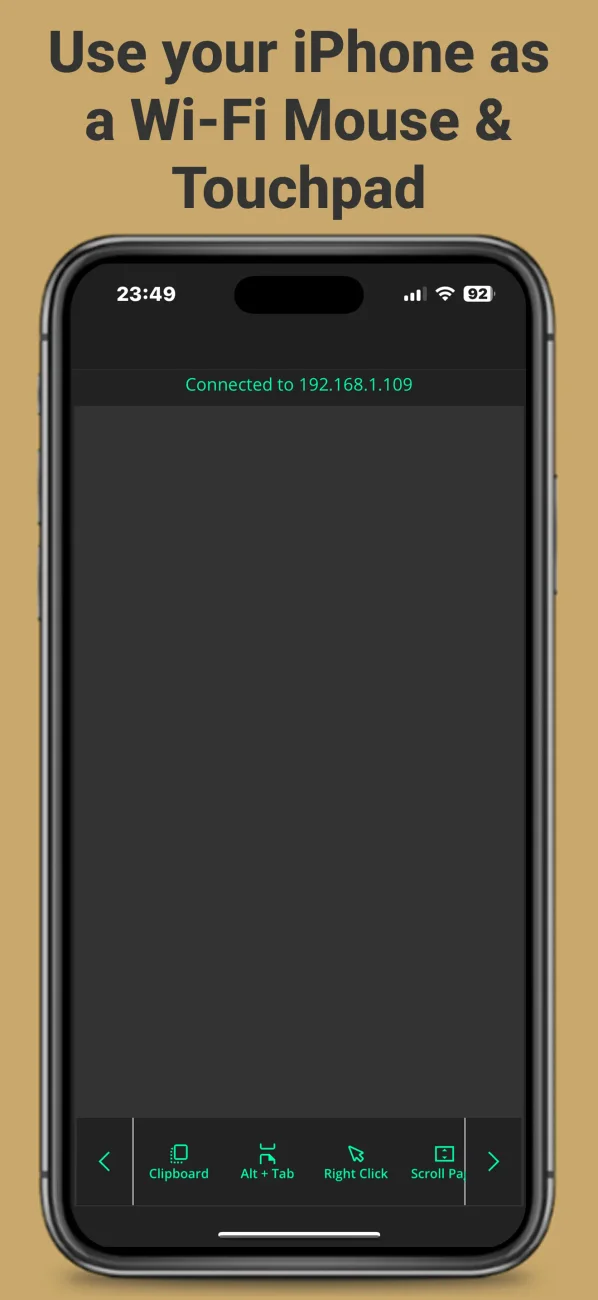
Turn your iPhone into a Wi-Fi mouse / touchpad for your PC.
Control your computer from the couch: mouse, clipboard, media, browser tabs, and shortcuts — with an ethical, transparent model.
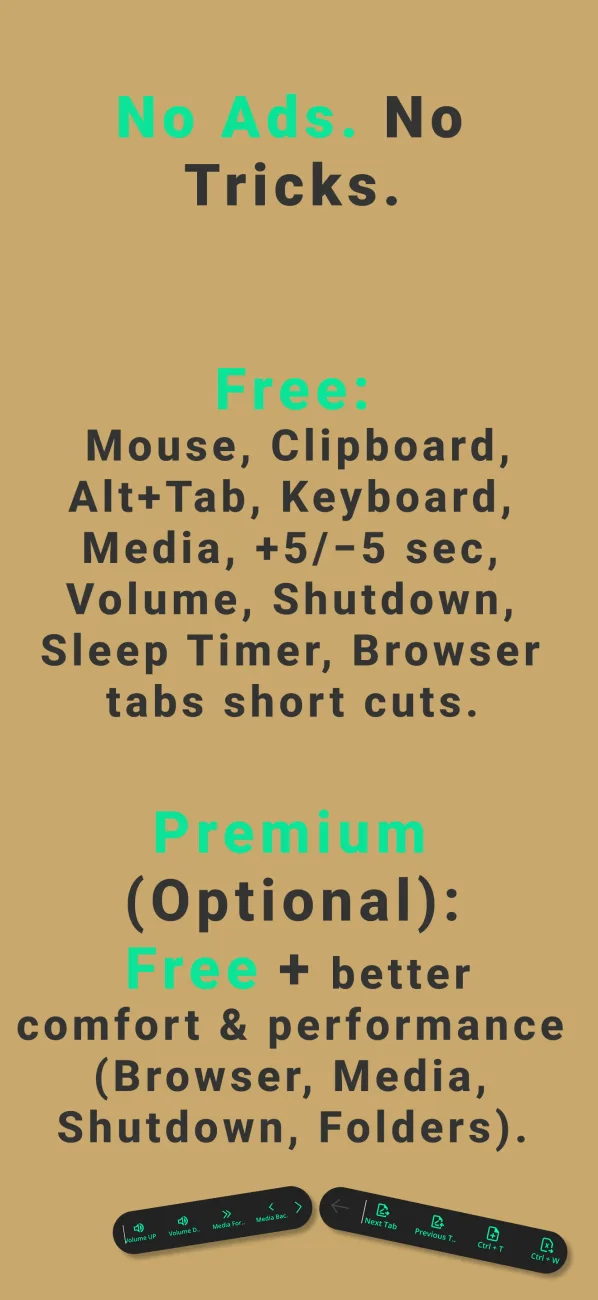
What you can do (Free — No Ads, No Tricks)
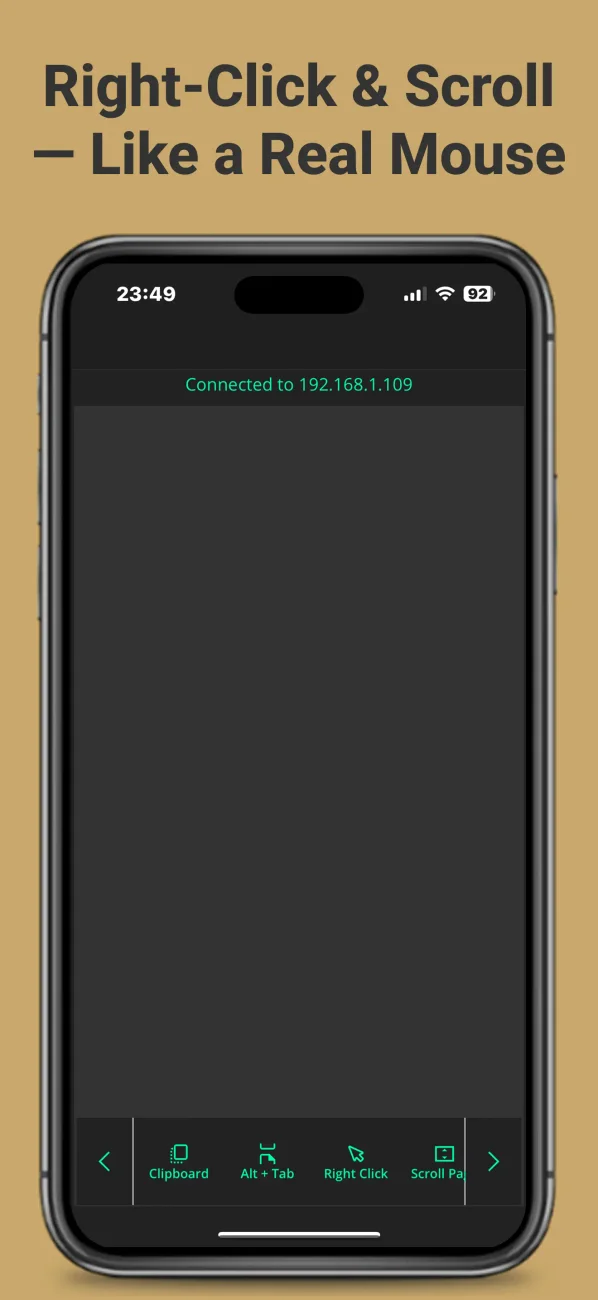
Wi-Fi Mouse & Touchpad control
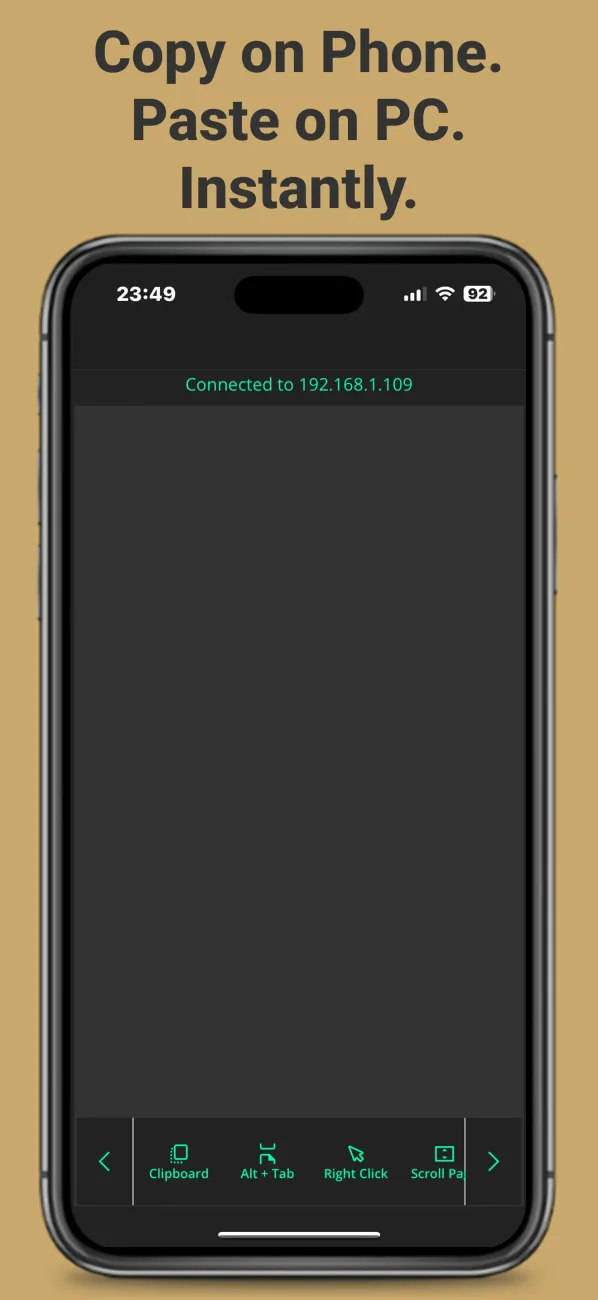
Clipboard: copy on iPhone → paste on PC
Alt+Tab app switching
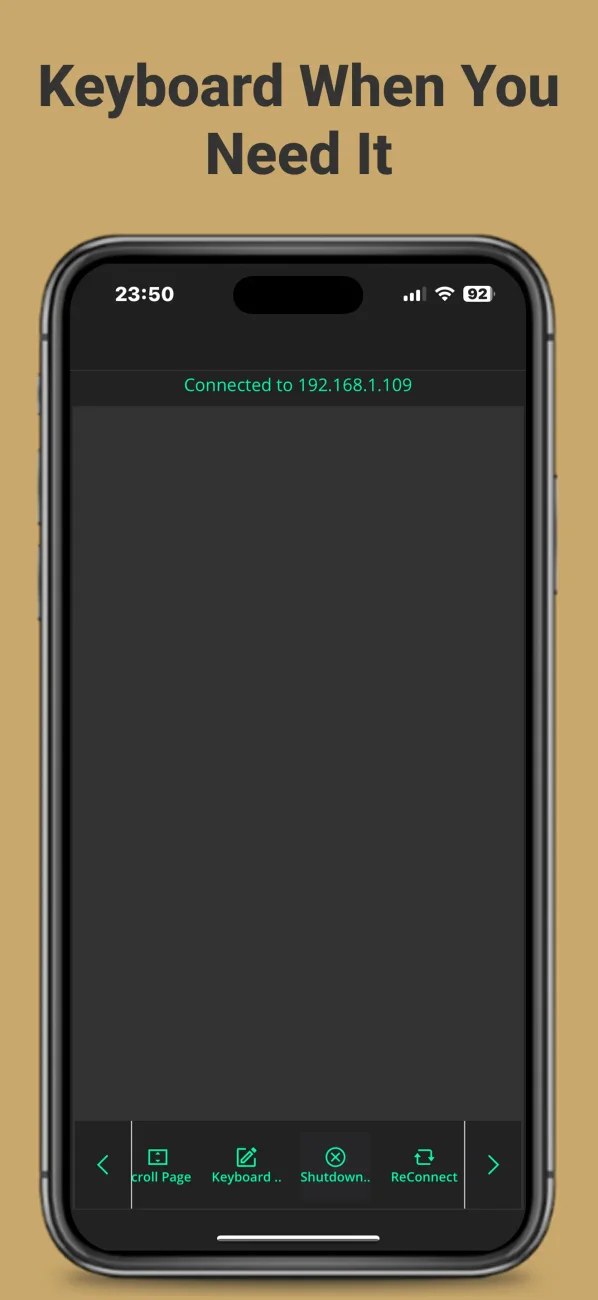
Keyboard when you need it
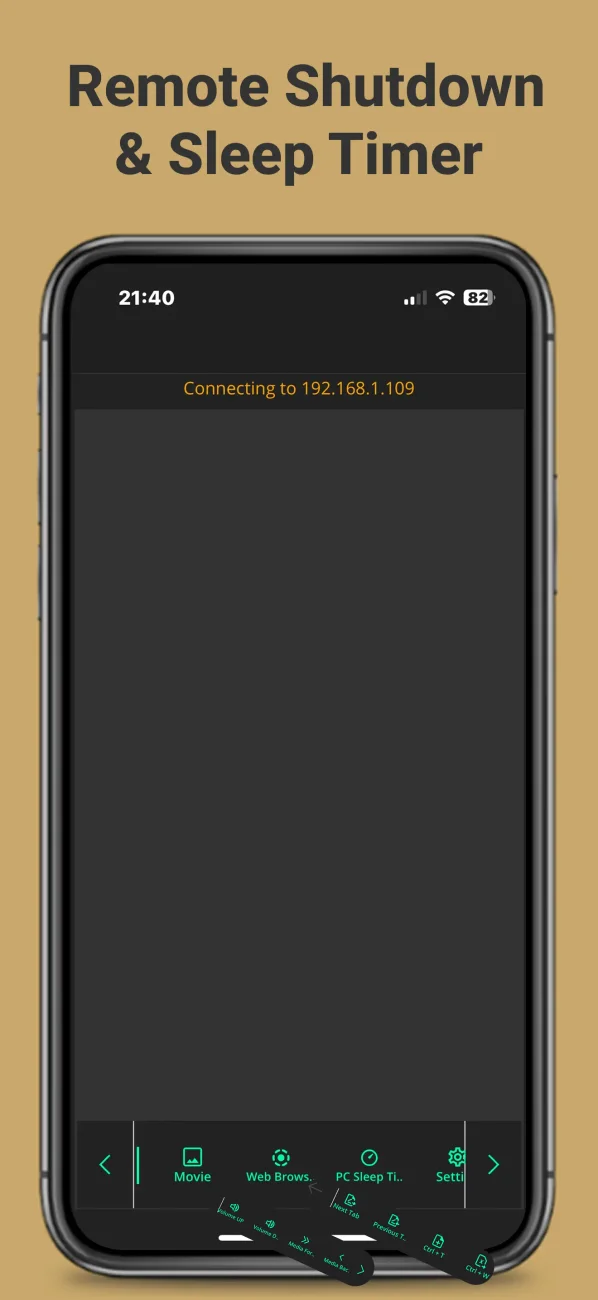
Media controls: volume up/down, next/previous
Movie controls: +5s / −5s (one tap)
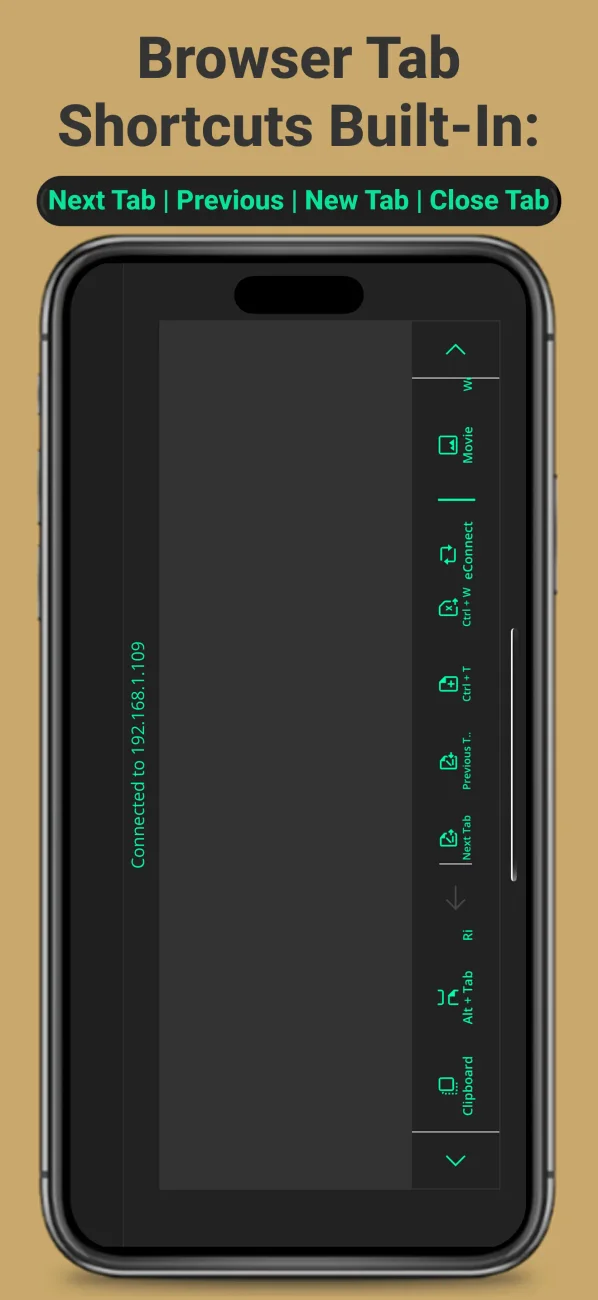
Browser shortcuts: next tab, previous tab, new tab, close tab
Remote Shutdown & Sleep Timer
Premium (Optional)
Everything in Free, plus improved comfort & performance for Browser, Media, Shutdown actions, and Folder-related features.
Ethical Policy
No ads. No bait-and-switch paywalls.
Core features stay free — premium is only for extra comfort/performance.
Requirements
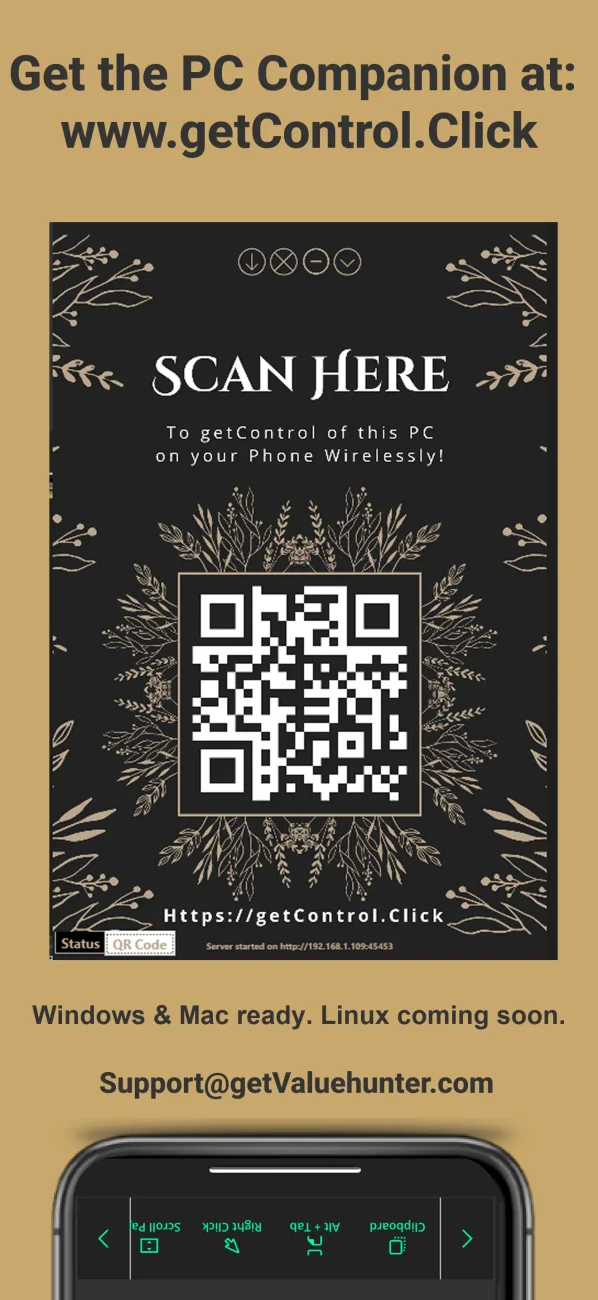
Install the PC Companion from: getControl.click
iPhone and PC must be on the same Wi-Fi / local network.
Privacy
Works over your local network. No account required.
Support: support@getvaluehunter.com
— Subscription —
Control Premium is an auto-renewable subscription. Premium Monthly: $0.99 USD/month. Payment is charged to your Apple ID account at confirmation of purchase. The subscription automatically renews unless auto-renew is turned off at least 24 hours before the end of the current period. Your account is charged for renewal within 24 hours prior to the end of the current period. You can manage or cancel your subscription in your App Store account settings after purchase.
Terms of Use (EULA): https://www.apple.com/legal/internet-services/itunes/dev/stdeula/
Privacy Policy: https://getcontrol.click/privacy
What’s new
Version 32 · Sep 14, 2026
$1 Lifetime premium is back !!! ( for a limited time)
In-app purchase issues fixed.
This release focuses on a faster first-time setup and a more reliable connection between your phone and your computer.
A redesigned guided onboarding
Setting up getControl is now simpler than ever. A short, video-based walkthrough shows you exactly how to connect your phone to your Windows PC or Mac, with clear step-by-step instructions and a live setup checklist so you know the moment you are ready to start controlling your computer.
More reliable Wi-Fi pairing no need QR code Even!
We improved how getControl discovers your computer on the same Wi-Fi network. Your PC or Mac now appears automatically and connects faster, so you can go from opening the app to controlling your desktop in seconds.
A complete wireless remote for your computer
Precision trackpad with tap, right-click, scroll and drag
Full wireless keyboard for typing on your computer from your phone
Media controls for play, pause, seek and volume
Browser shortcuts for new tab, close tab and switching tabs
Clipboard sharing between your phone and your computer
PC sleep, shutdown and sleep-timer controls
Premium experience
Upgrade to Premium for a cleaner, distraction-free experience, advanced controls and access to all future features. Prefer to install the desktop companion later? You can now email yourself the download link and set up your PC or Mac in just a few taps.
Performance and polish
Smoother animations, refined layouts and a range of stability improvements across the app.
Thank you for using getControl. Turn your phone into the ultimate wireless remote for your PC or Mac and control your computer from anywhere in the room, no cables required.
App privacy
What Mohammadmehdı MADAHZADEHZOGHI declares on the App Store about how this app handles data.
-
Data not collected
The developer does not collect any data from this app.
Privacy practices may vary, for example with the features you use or your age.
Information
- Seller
- Mohammadmehdı MADAHZADEHZOGHI
- Category
- Utilities
- Version
- 32
- Updated
- Sep 14, 2026
- Released
- Jan 2, 2026
- Size
- 82.5 MB
- Requires
- iOS 15.0 or later
- Age rating
- 4+
- Price
- Free
- In-app purchases
- Yes
- Copyright
- © Muhammed Mehdi Mert
You might also like
-
 Desk Remote: Mouse controlTrackpad & Keyboard for Mac
-
 Duo Trackpad - Touch ControlTrackpad, gestures & shortcuts
-
 MouseMeUse your I phone as a mouse!
-
 Remote Mouse for MacWireless trackpad for your Mac
-
 Laser MouseUtilities
-
 QuickPad - Touch & ControlWireless Mouse, Keys & Macros
-
 JOYVANUtilities
-
 iSteeringRemote control over ADB
-
 Clean ScreenshotsDelete 1000s of Screenshots
-
 Chroma Key FX - Green ScreenMake transparent images