- Age rating4+
- CategoryProductivity
- DeveloperGoogle
- LanguagesEnglish+ 67 more
- Size431.2 MB
Links to the official App Store page
Download.org hosts no file of Google Slides. The button opens its official App Store page, published by Google. Listing last checked on Nov 23, 2026.
Screenshots
About
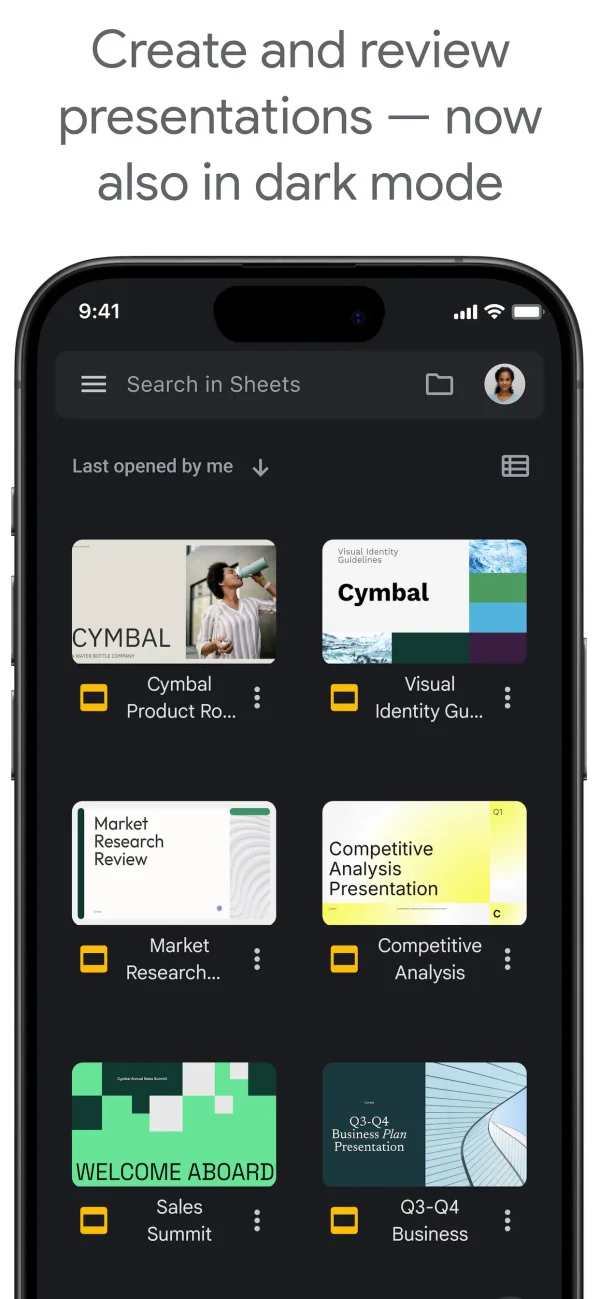
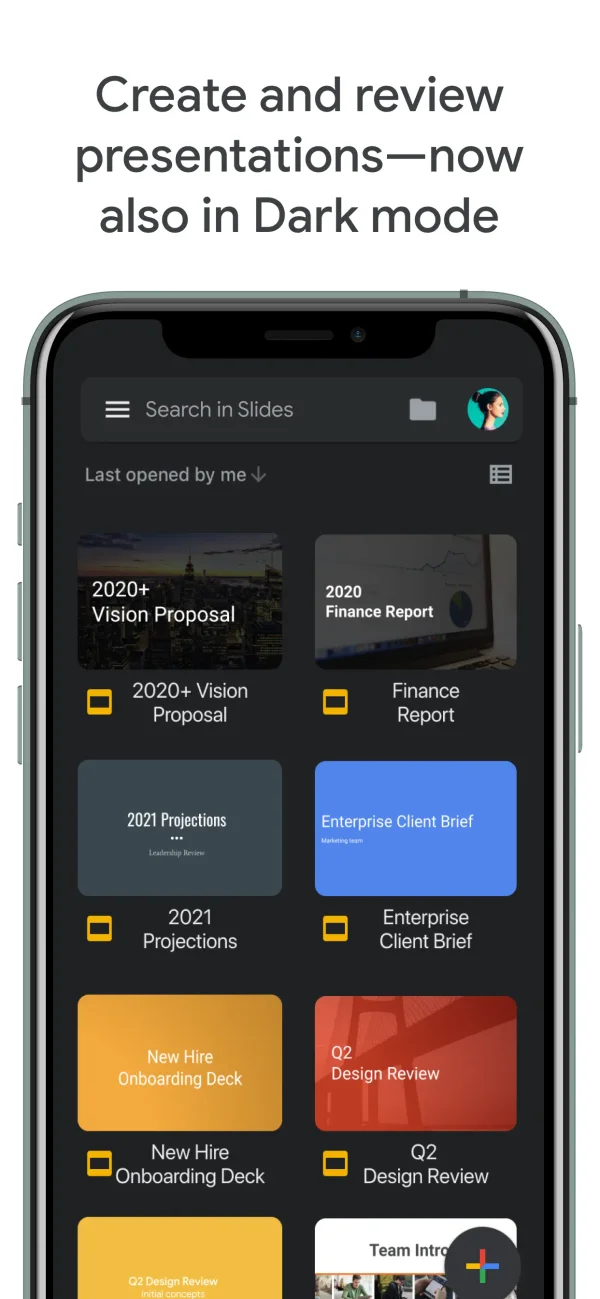
Create, edit, and collaborate on presentations with the Google Slides app. With Slides you can:
* Create new presentations or edit existing ones
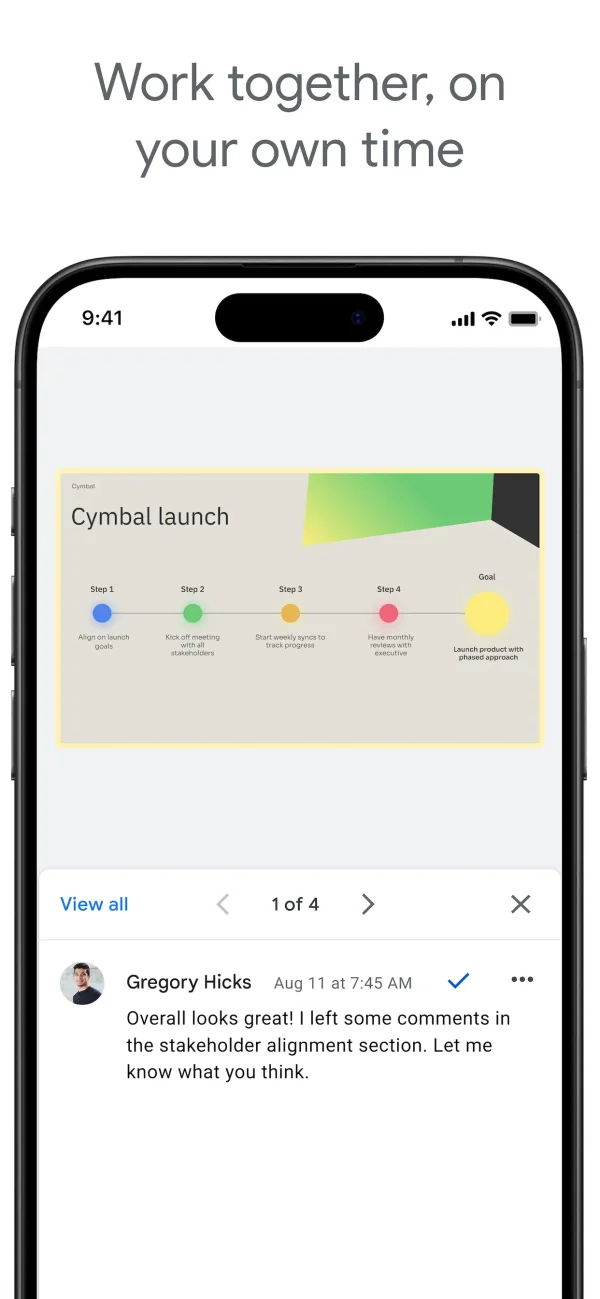
* Share presentations and collaborate with others in the same presentation at the same time
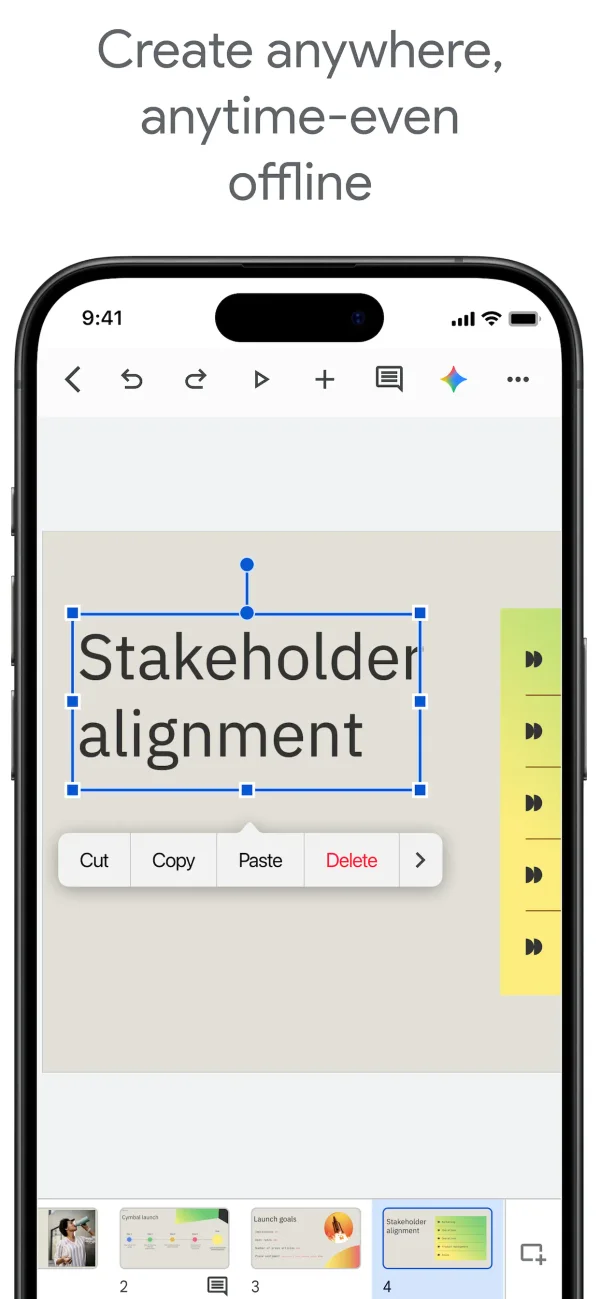
* Work anywhere, anytime - even offline
* Add and rearrange slides, format text and shapes, and more
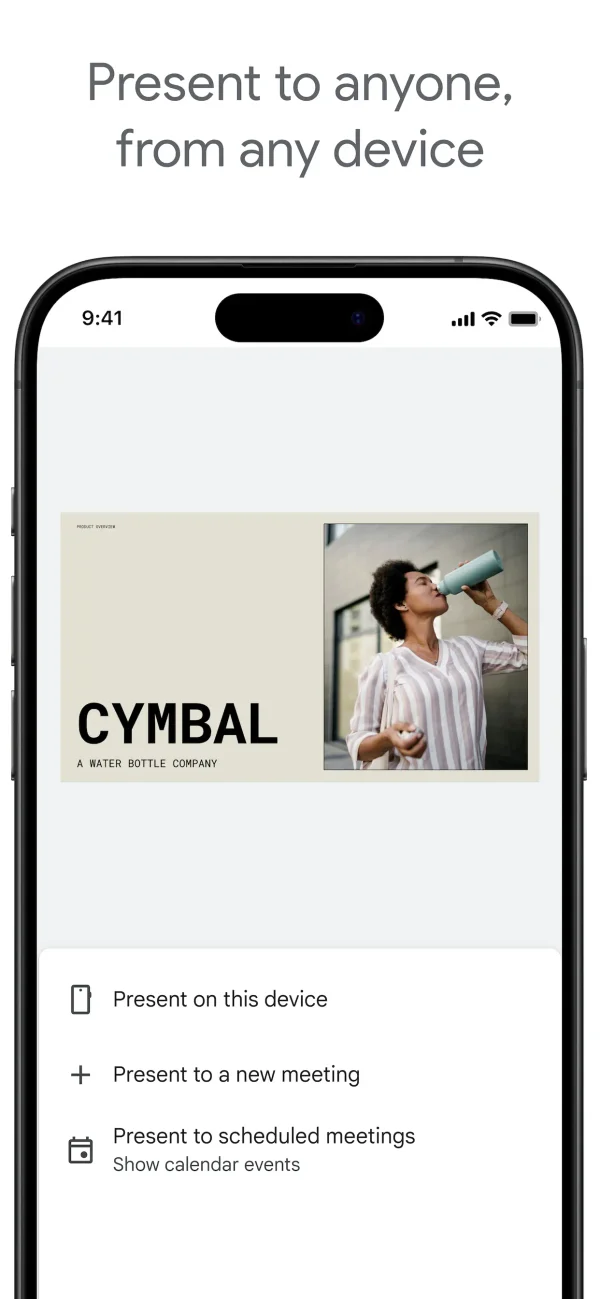
* Present right from your device
* Never worry about losing your work -- everything is automatically saved as you type
* Present slides to video calls - scheduled meetings will automatically appear
* Open, edit, and save PowerPoint files
Google Slides is part of Google Workspace: where teams of any size can chat, create, and collaborate.
Google Workspace subscribers have access to additional Google Slides features, including:
* Collaborating on a single presentation online with your business partner, your whole team, or external contacts. You control who gets permission to edit, view, or just add comments.
* Starting from scratch or expediting the process by choosing a template. You can enhance your presentations with videos, images, drawings, and smooth transitions.
* Working across PCs, Macs, mobiles, and tablets—View or even present your slides from your phone or tablet, so you have the option to practice your presentation up until the last minute.
Permissions Notice
Camera: This is used for camera mode in video calls and to insert images taken with the camera.
Microphone: This is used to transmit audio in video calls.
Photos: This is used to access photos under the control of Photos application to let the users pick images to insert into slides.
What’s new
Version 1.2026.47103 · Nov 19, 2026
* Security improvements, bug fixes, and performance improvements.
App privacy
What Google declares on the App Store about how this app handles data.
-
Data linked to you
May be collected and linked to your identity.
- Location
- Contact info
- Contacts
- User content
- Search history
- Identifiers
- Usage data
- Diagnostics
- Other data
Privacy practices may vary, for example with the features you use or your age.
Information
- Seller
- Google LLC
- Category
- Productivity
- Version
- 1.2026.47103
- Updated
- Nov 19, 2026
- Released
- Aug 26, 2014
- Size
- 431.2 MB
- Requires
- iOS 17.0 or later
- Age rating
- 4+
- Price
- Free
- Languages
- English, Afrikaans, Amharic, Arabic, Armenian, Azerbaijani, Basque, Belarusian, Bengali, Bulgarian, Cambodian, Catalan + 56 more
- Copyright
- © Google Inc.
You might also like
-
 Forms for Google DocsCreate Forms & View Responses
-
 Microsoft PowerPointDesign Slideshow Presentations
-
 Form+ for Google FormsSurveys, Quizzes & Responses
-
 Saturn CalendarManage and share your time
-
 Miro: your visual workspaceBuild the next big thing
-
 Notability: AI Notes & StudyHandwriting, PDF & audio
-
 CollaNote: Notes & PDF Markup25+ Pens to Take Better Notes
-
 MyScript Notes: AI HandwritingSmart note taking, PDF & study
-
 PadletVisual collaboration tools
-
 Noteful: Notes & PDF MarkupHighlight. Write. Learn.