Microsoft PowerPoint
Design Slideshow Presentations
Designed for iPhone, iPad
Free · In-app purchases
- Age rating4+
- CategoryProductivity
- DeveloperMicrosoft Corporation
- LanguagesEnglish+ 32 more
- Size471.5 MB
Links to the official App Store page
Download.org hosts no file of Microsoft PowerPoint. The button opens its official App Store page, published by Microsoft Corporation. Listing last checked on Nov 23, 2026.
Screenshots
About
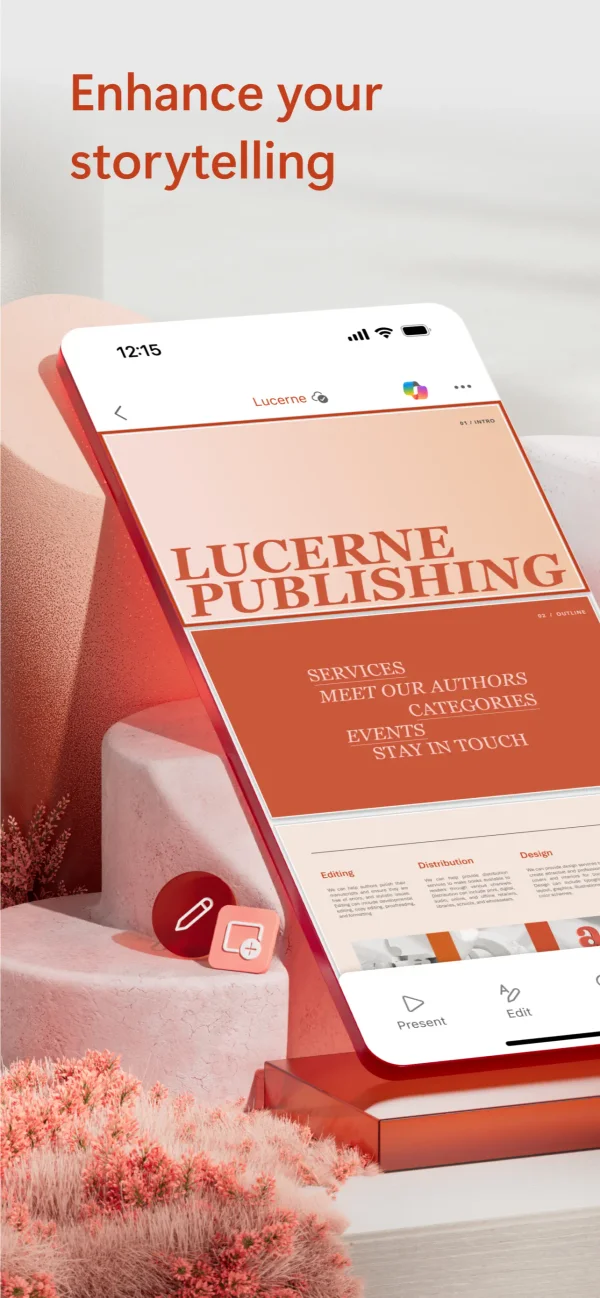
Create, edit, view, present and share presentations with ease, whether you're on your phone or switching between devices.
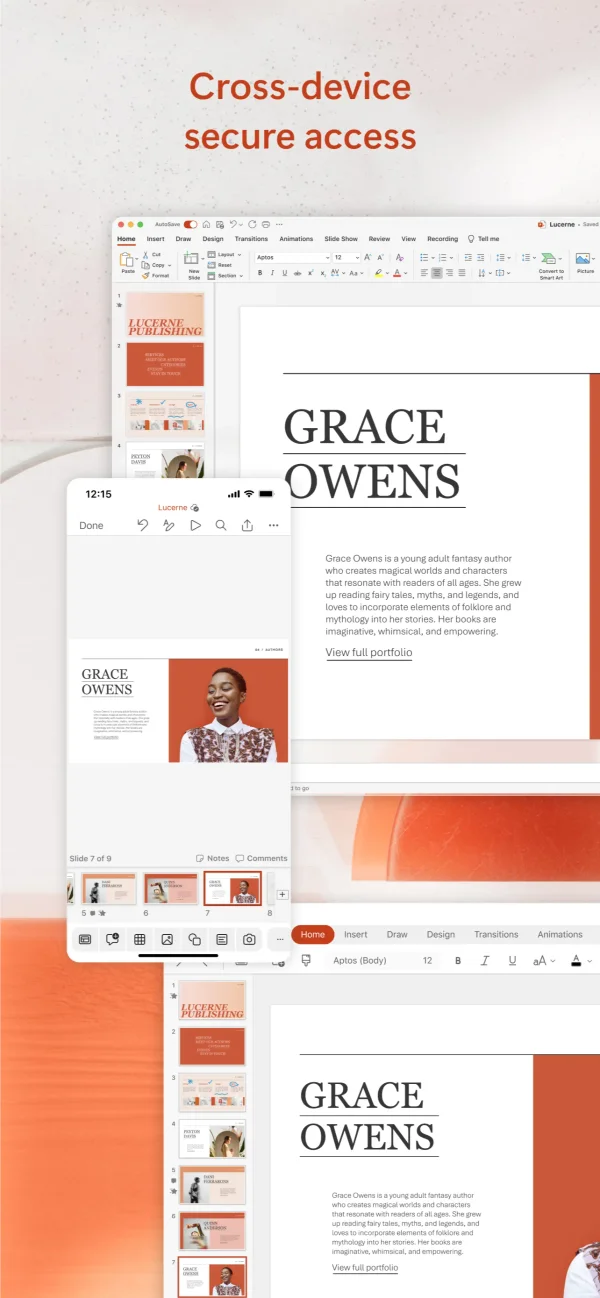
Quickly access your recent presentations and slides across all your devices. OneDrive syncing keeps your work up to date, so you can start on your PC and continue editing on mobile without worrying about version conflicts.
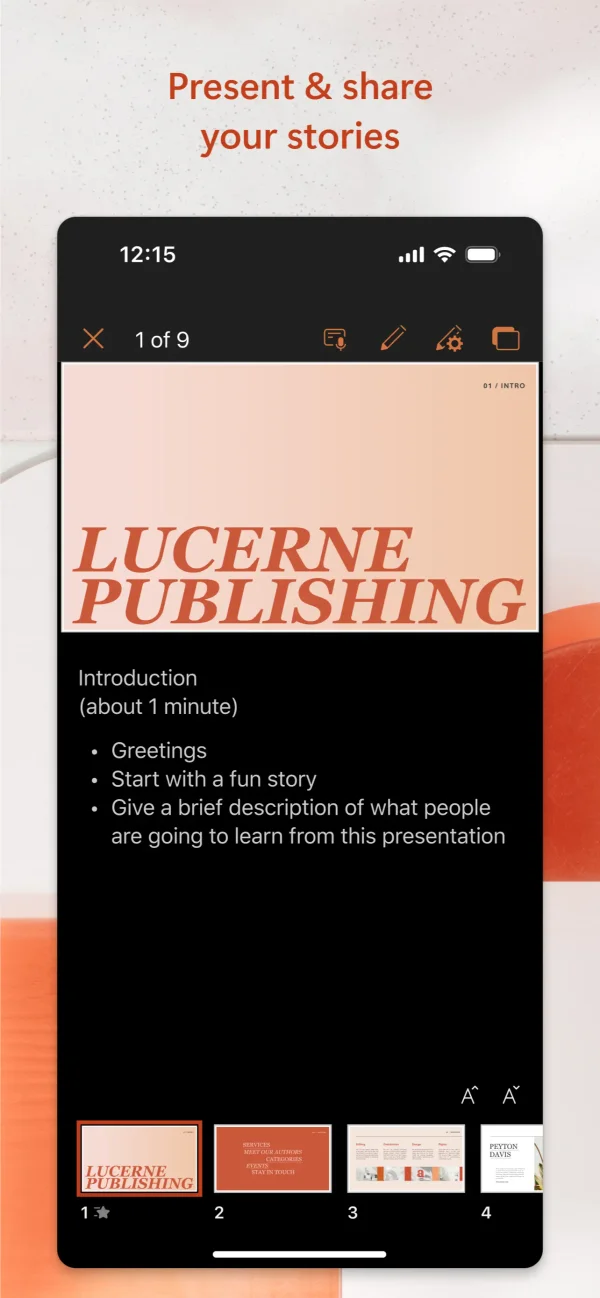
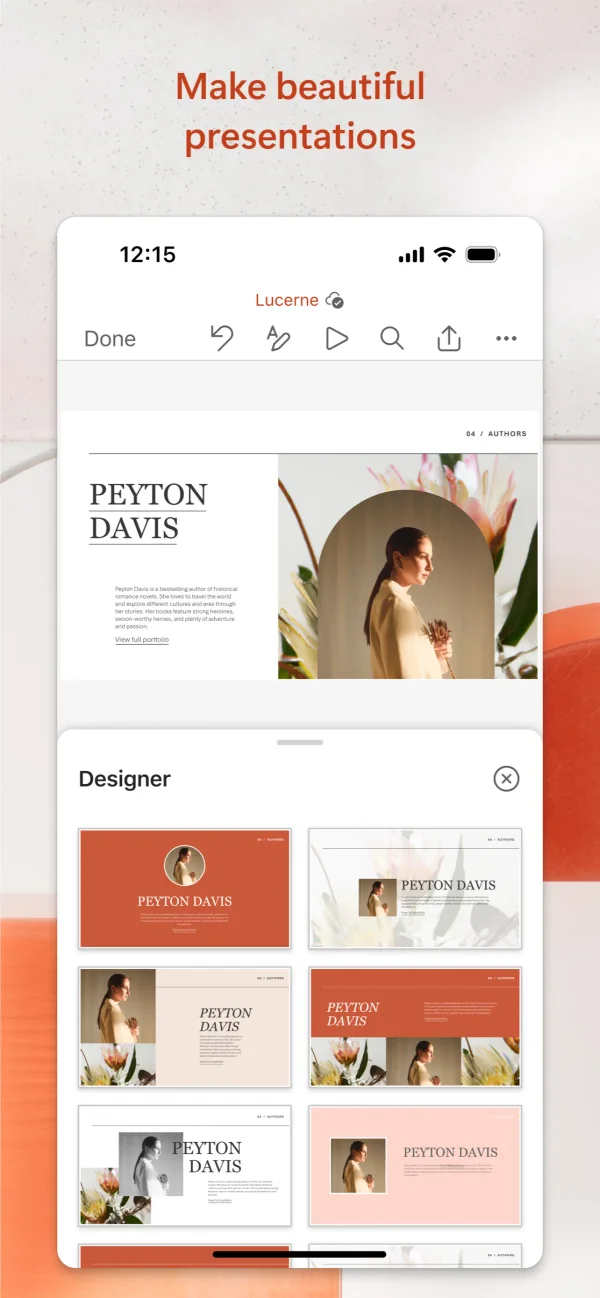
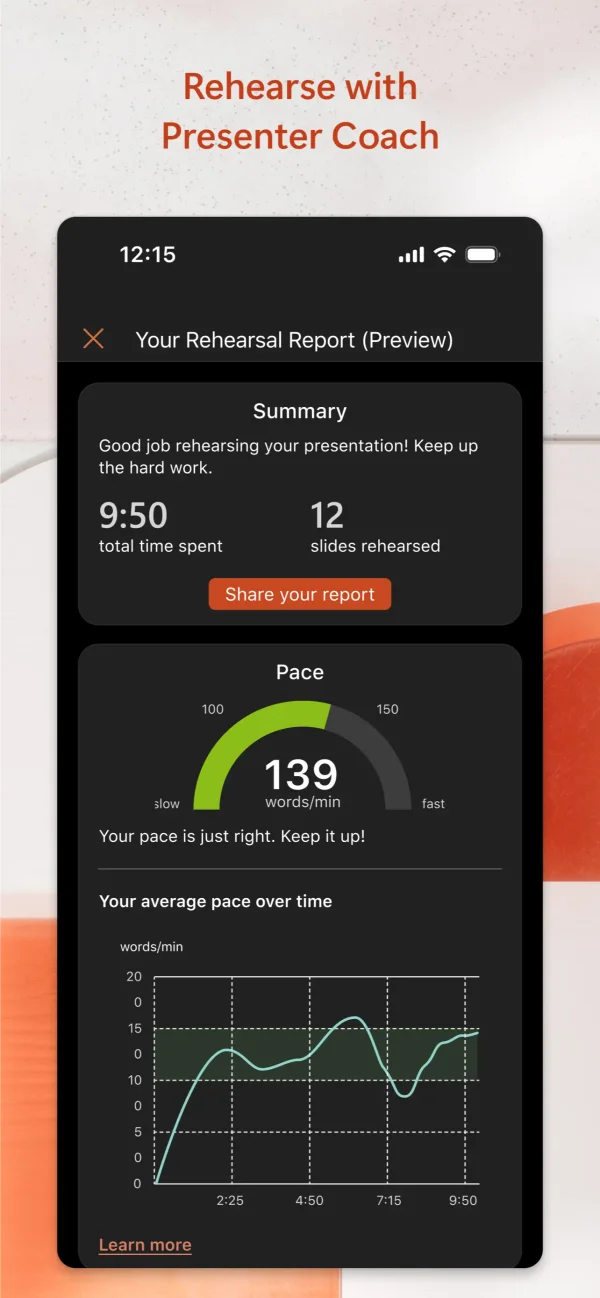
Make an impact with customizable, professional-looking slides. Use templates and design ideas to build polished presentations fast. Present confidently with Presenter Coach, an AI tool that offers real time suggestions to help you improve your pace, reduce filler words and speak naturally. (Microsoft 365 subscription required.)
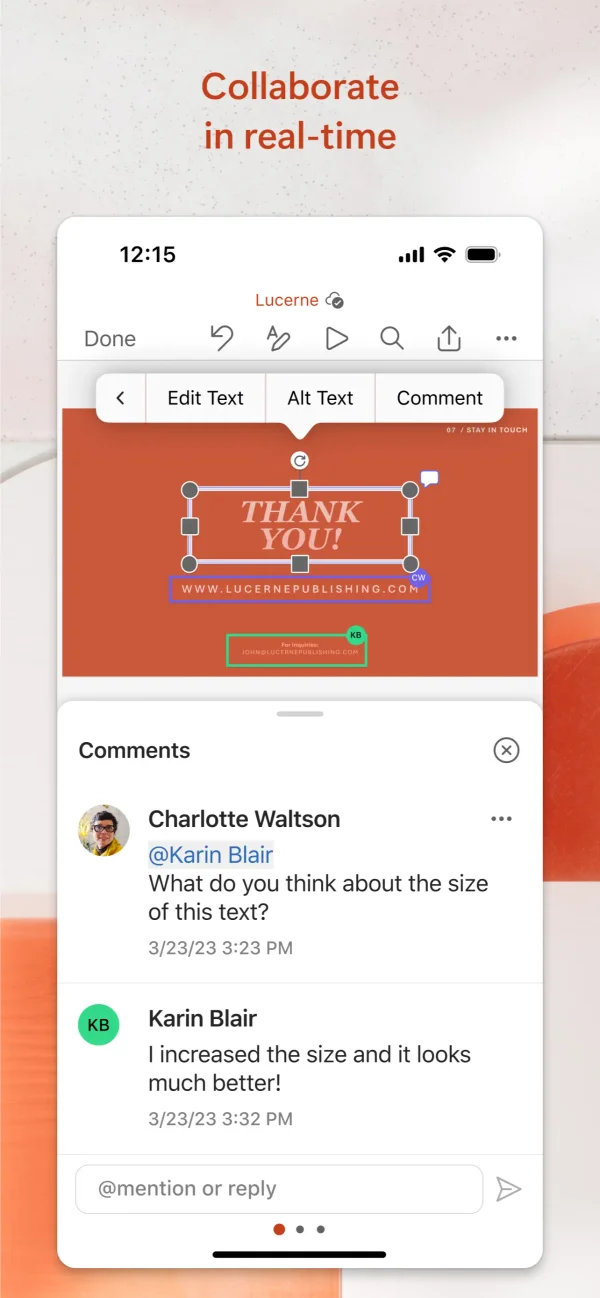
Collaborate in real time – share presentations with one tap, see who’s working with you, manage permissions and track comments and changes as your deck evolves.
Get more done with Copilot – your built in AI assistant for PowerPoint.*
• Summarize lengthy presentation decks
• Get suggested Q&As to prep for meetings
• Research a topic using Copilot Chat
Present with Confidence
• Create or continue presentations on the go
• Seamless OneDrive syncing across devices
• Practice with Presenter Coach for personalized feedback
Customizable Slideshow Maker
• Start from templates or build slides from scratch
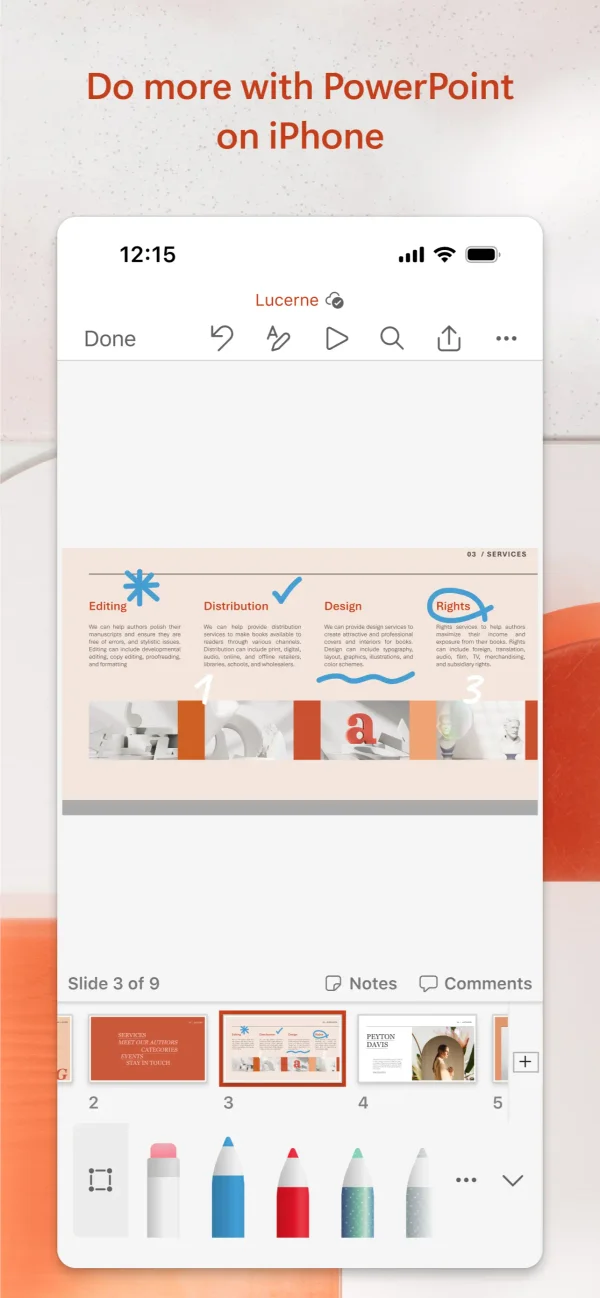
• Powerful editing tools help your work stand out
Collaborate on Presentations
• Invite others to edit or review with one click sharing
• Manage access and see who’s active in your deck
• View comments and compare changes over time
Requirements
• 1 GB RAM or above
*Unlock the full Microsoft 365 experience with a qualifying Microsoft 365 subscription for your phone, tablet, PC or Mac.
Microsoft 365 subscriptions purchased in app are billed to your App Store account and auto renew unless disabled in account settings. Subscriptions cannot be cancelled during the active period.
This app may be provided by Microsoft or a third party publisher and is subject to its own privacy statement and terms. Data may be transferred to or stored in the United States or other regions where Microsoft or its service providers operate.
EULA: http://aka.ms/eula
What’s new
Version 2.116 · Nov 16, 2026
• General quality and performance enhancements.
App privacy
What Microsoft Corporation declares on the App Store about how this app handles data.
-
Data linked to you
May be collected and linked to your identity.
- Location
- Contact info
- Contacts
- User content
- Identifiers
- Usage data
- Diagnostics
Privacy practices may vary, for example with the features you use or your age.
Information
- Seller
- Microsoft Corporation
- Category
- Productivity
- Version
- 2.116
- Updated
- Nov 16, 2026
- Released
- Mar 27, 2014
- Size
- 471.5 MB
- Requires
- iOS 26.0 or later
- Age rating
- 4+
- Price
- Free
- In-app purchases
- Yes
- Languages
- English, Arabic, Catalan, Croatian, Czech, Danish, Dutch, Finnish, French, German, Greek, Hebrew + 21 more
- Copyright
- © 2025 Microsoft Corporation.
You might also like
-
 Goodnotes: AI Notes, Docs, PDFNote taking, Planner & Journal
-
 Notability: AI Notes & StudyHandwriting, PDF & audio
-
 MyScript Notes: AI HandwritingSmart note taking, PDF & study
-
 Freenotes®: AI Notes TakingDocs PDF Memo Planner Pencil
-
 CollaNote: Notes & PDF Markup25+ Pens to Take Better Notes
-
 Noteful: Notes & PDF MarkupHighlight. Write. Learn.
-
 Kilonotes-Notes & Mark up PDFHandwritten Notes, PDF Editing
-
 Google SlidesProductivity
-
 ZoteroYour research assistant
-
 Office Word:Edit Word DocumentRead, Create & Edit Word docs