
iPerf Falcon
LAN Testing & SSH Automation
Designed for iPhone, iPad, Mac
Free · In-app purchases
- Age rating4+
- CategoryUtilities
- Developer博 邢
- LanguagesEnglish+ 8 more
- Size13.6 MB
Links to the official App Store page
Download.org hosts no file of iPerf Falcon. The button opens its official App Store page, published by 博 邢. Listing last checked on Nov 24, 2026.
Screenshots



About
Measure network throughput from your iPhone, iPad, or Mac to a computer, NAS, or server. Compare Wi-Fi speeds from room to room, or see what changes when you replace your router or switch to Ethernet.
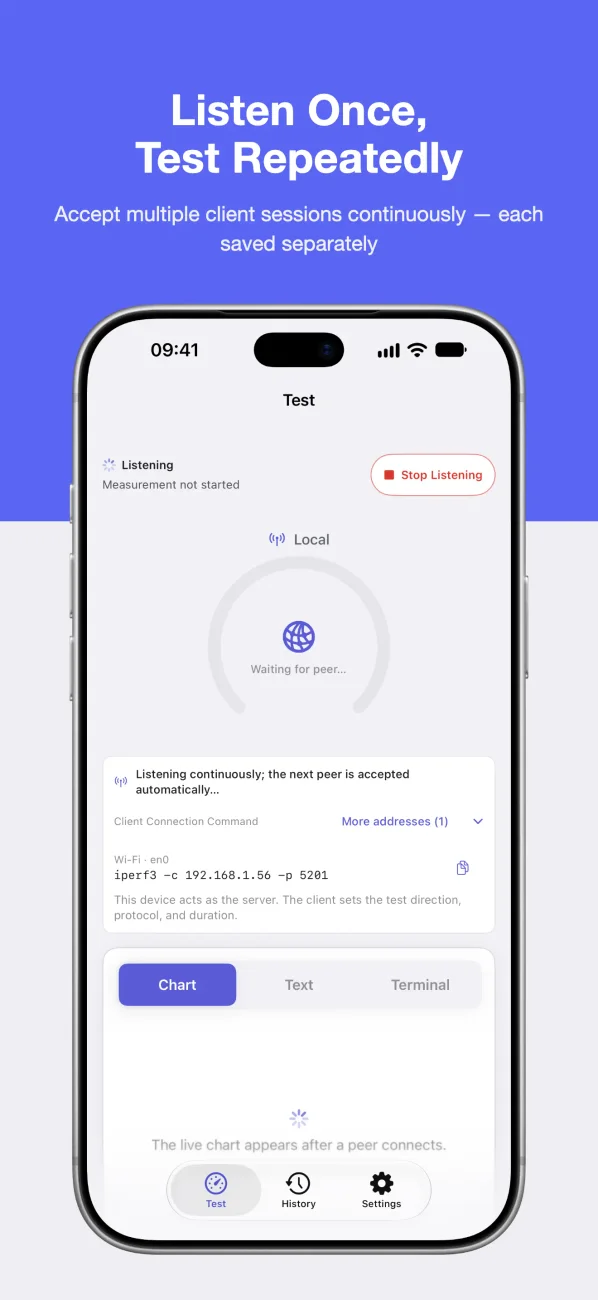
Start listening in Falcon on one device. On another device on the same local network, select it under “Nearby test devices.” Falcon fills in the address and port. Select “Start Test” to measure throughput.
Basic tests and server mode
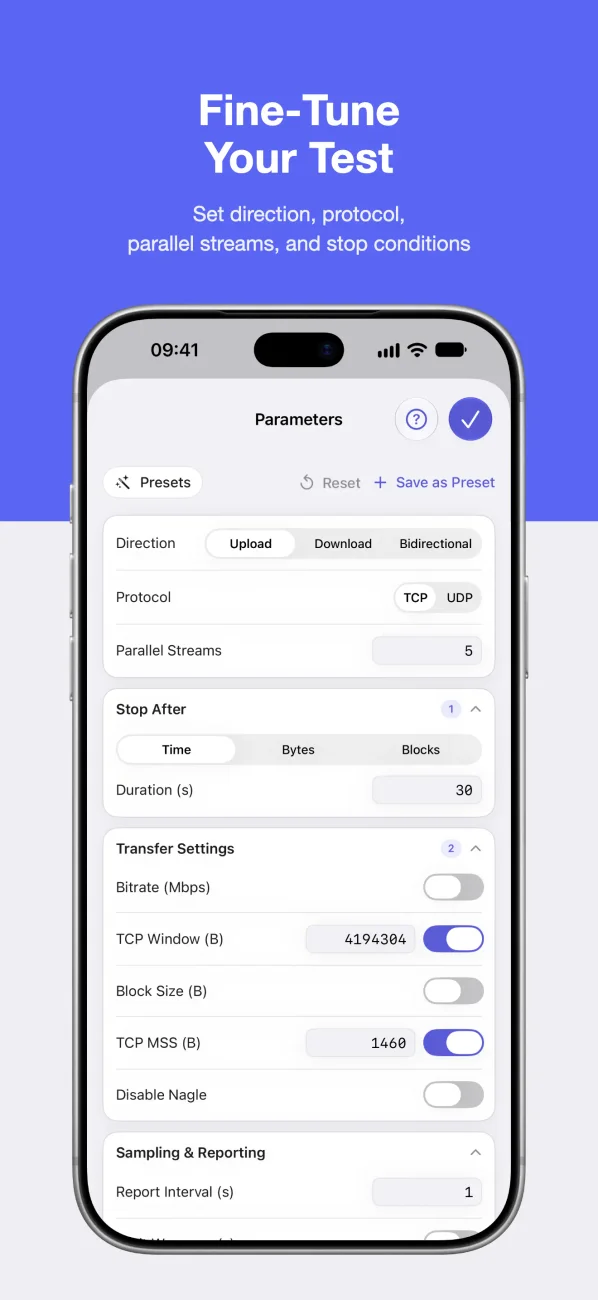
Basic testing and running Falcon as a local iPerf server are free. Built-in iPerf3 and iPerf2 support upload and download tests over TCP or UDP. iPerf3 can also test both directions at once.
Enter the address and port of a compatible iPerf server or choose a third-party public server. Falcon can also listen as an iPerf server on your device so other clients can connect and run tests.
View and save results
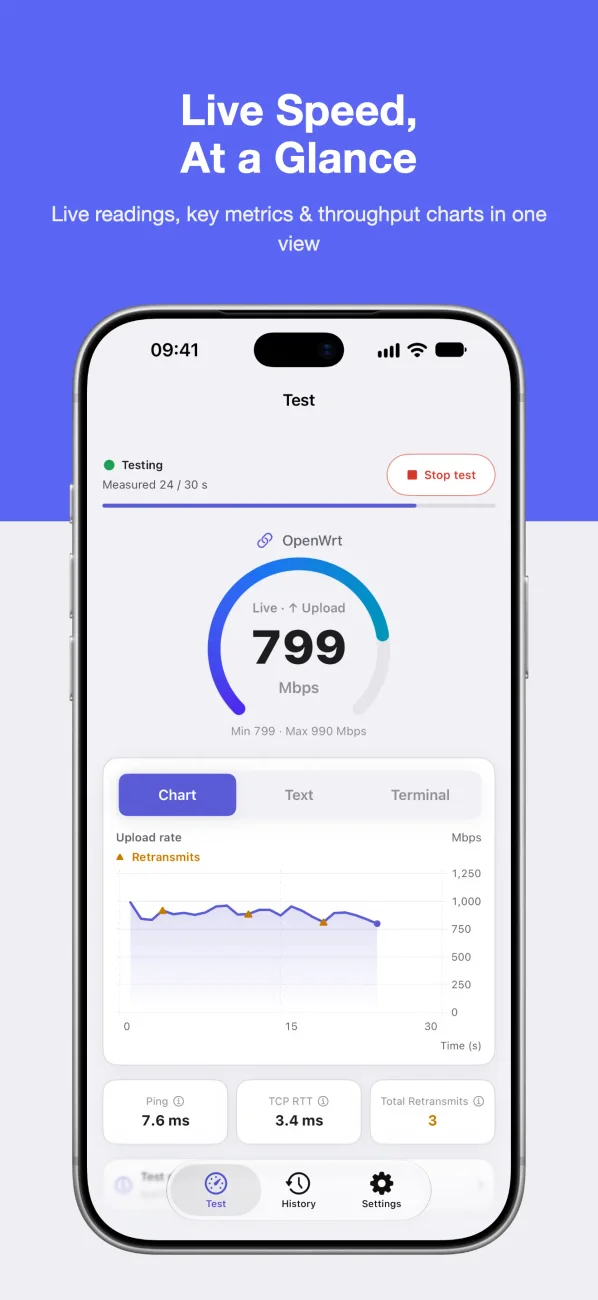
See how throughput changes on a live chart, with separate upload and download readings in bidirectional tests. Depending on the protocol and available data, you can also see TCP round-trip time and retransmissions, or UDP jitter and packet loss.
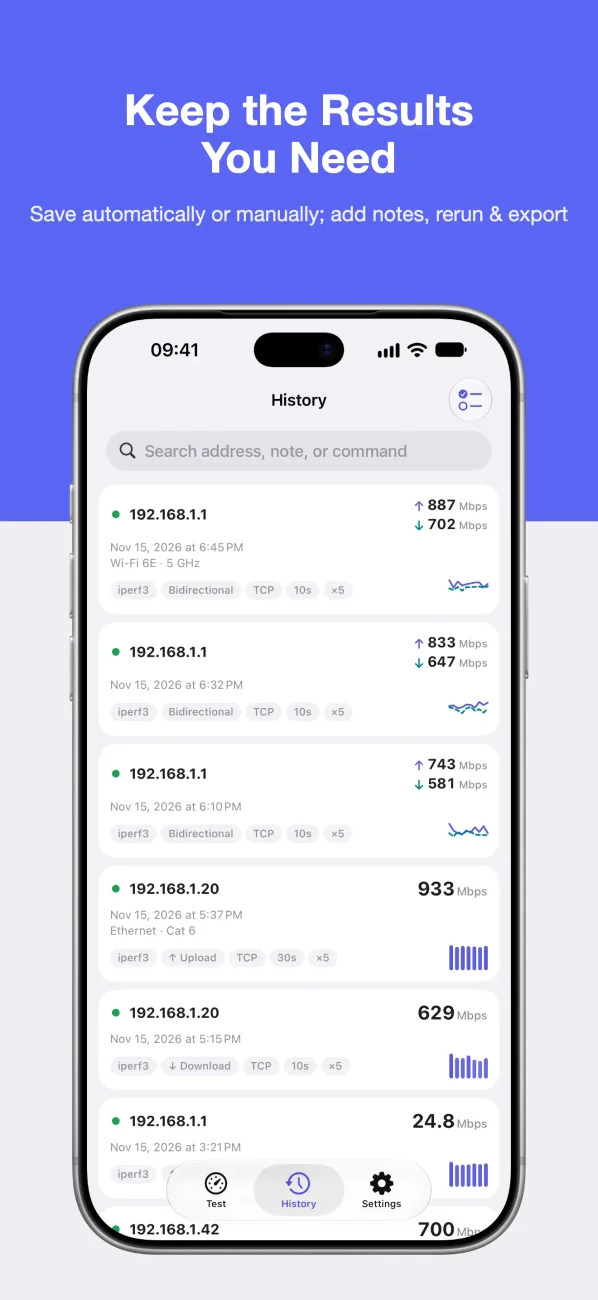
Save results automatically or manually, search your history, and add notes. Load a past test’s settings to run it again. Export an individual result as CSV or JSON, or create a share card.
Falcon Pro
One purchase unlocks Pro on iPhone, iPad, and Mac.
• Nearby device discovery. Find Falcon listeners on your local network.
• SSH automation. Connect to a device such as an OpenWrt router or Linux server. Falcon starts iPerf remotely and cleans up after the test. It can also listen locally and let the remote device initiate the test.
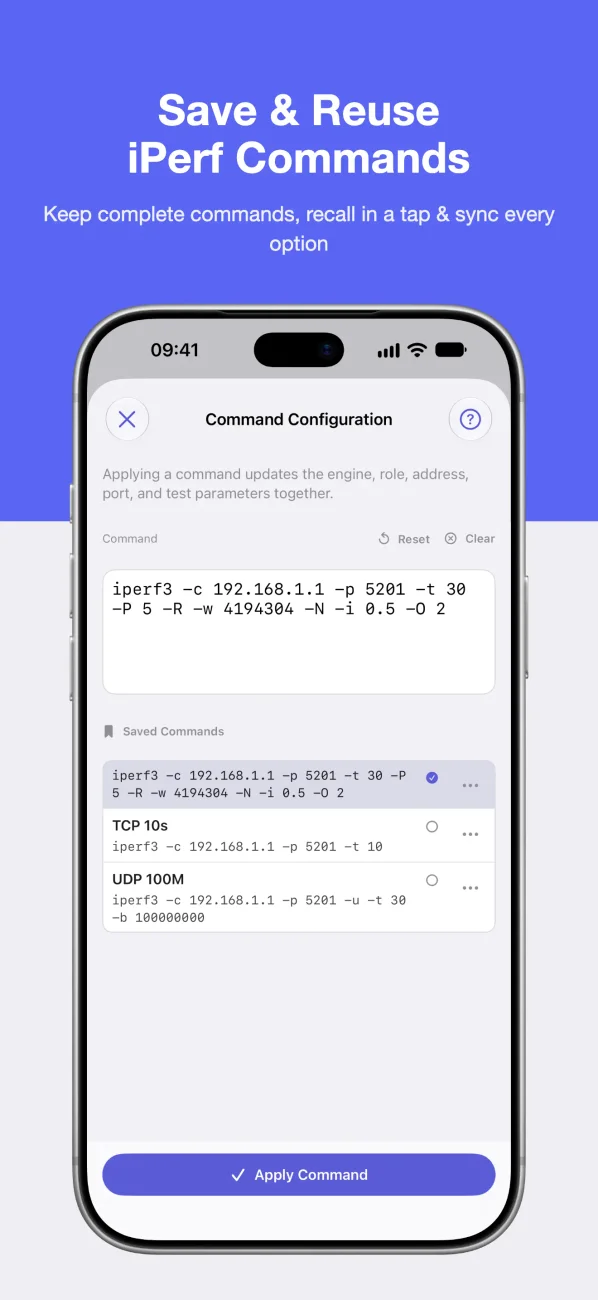
• Advanced settings and commands. Adjust advanced settings in the form, or paste an iPerf command to fill it in. Save frequently used commands.
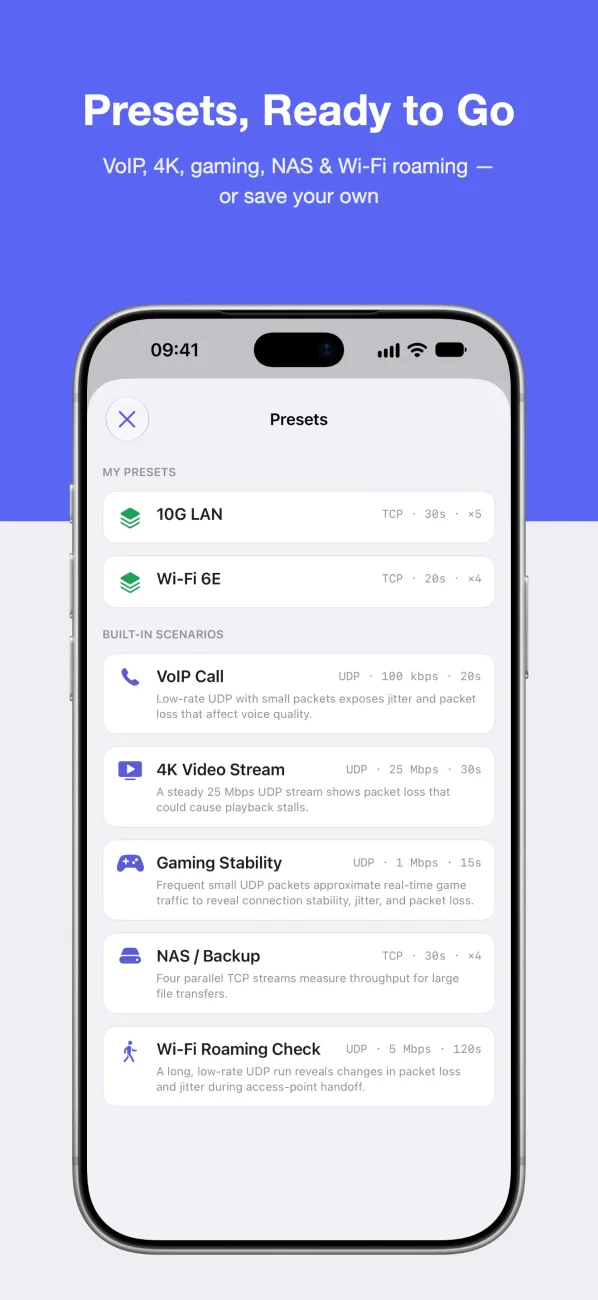
• Test presets and saved targets. Use built-in presets for tasks such as 4K video and NAS backups, or save your own test settings and frequently used addresses.
• Compare and export in batches. Compare charts and metrics for up to six results, or export multiple results as CSV or JSON.
No sign-up, ads, or analytics tracking. Test history stays on your device. SSH passwords and private keys are stored in the system Keychain.
What’s new
Version 1.17.0 · Nov 23, 2026
• Find nearby test devices with Falcon Pro. Start listening in Falcon on another device on the same local network, then select it on the Connect screen to fill in the address and port. Once discovery is enabled, the device list refreshes when you reopen Connect.
• Fixed an issue that could prevent an iPerf2 listener from stopping while waiting for a connection or a TCP handshake. You can now restart listening on the same port after stopping.
• Fixed Wi-Fi interfaces being labeled as wired on some Macs, so you can see the correct network type when choosing a listening address.
App privacy
What 博 邢 declares on the App Store about how this app handles data.
-
Data not collected
The developer does not collect any data from this app.
Privacy practices may vary, for example with the features you use or your age.
Information
- Seller
- 博 邢
- Category
- Utilities
- Version
- 1.17.0
- Updated
- Nov 23, 2026
- Released
- Jun 24, 2026
- Size
- 13.6 MB
- Requires
- iOS 17.0 or later
- Age rating
- 4+
- Price
- Free
- In-app purchases
- Yes
- Languages
- English, French, German, Japanese, Korean, Russian, Simplified Chinese, Spanish, Traditional Chinese
- Copyright
- © 2026 Bo Xing
You might also like
-
 iPerf NetTestUtilities
-
 Throughput: iPerf3 Speed TestNetwork speed tests and charts
-
 TestIperf3Utilities
-
 YgciPerf3iPerf3 UI
-
 iPerf3 Client & ServerProfessional Network Testing
-
 ByteBlower Wireless EndpointUtilities
-
 TessabyteProfessional network testing
-
 NetDiagProfessional Network Toolkit
-
 iPerfmanAn iPerf3 tool
-
 PocketAdmin – AI IT ToolkitSysadmin & Homelab SSH Tools