LilDisplay
Second display for your Mac
Designed for iPhone, iPad, iPod touch
Free · In-app purchases
- Age rating4+
- CategoryProductivity
- DeveloperSaeed Garmeh
- LanguagesEnglish
- Size1.6 MB
Links to the official App Store page
Download.org hosts no file of LilDisplay. The button opens its official App Store page, published by Saeed Garmeh. Listing last checked on Nov 17, 2026.
Screenshots

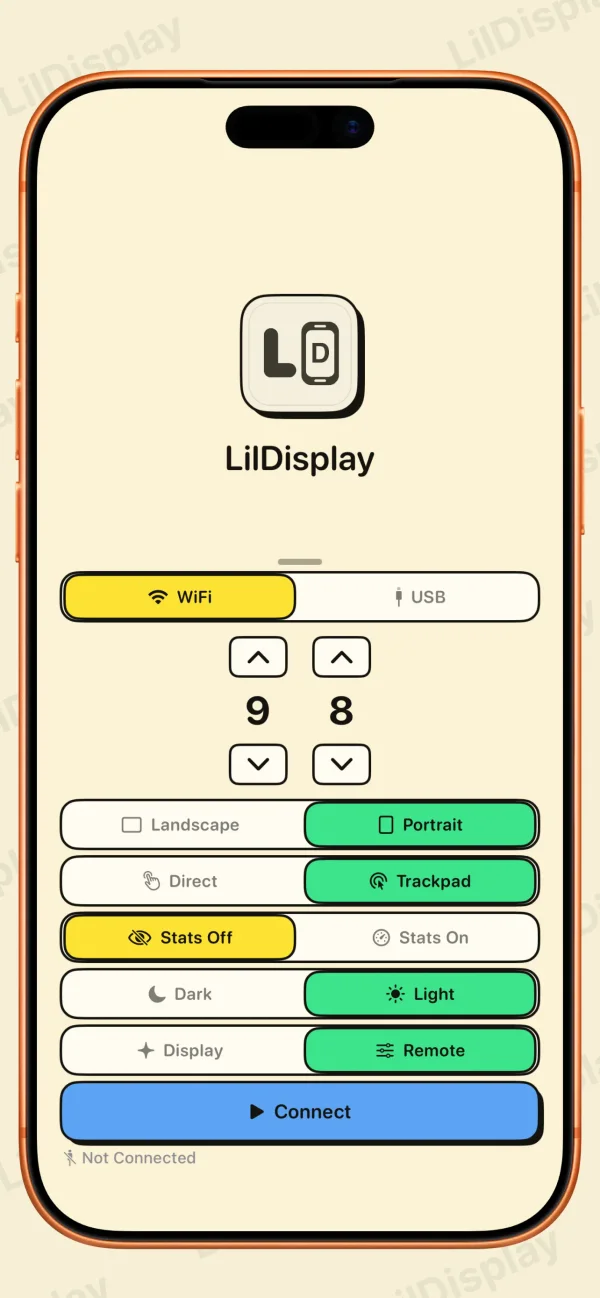
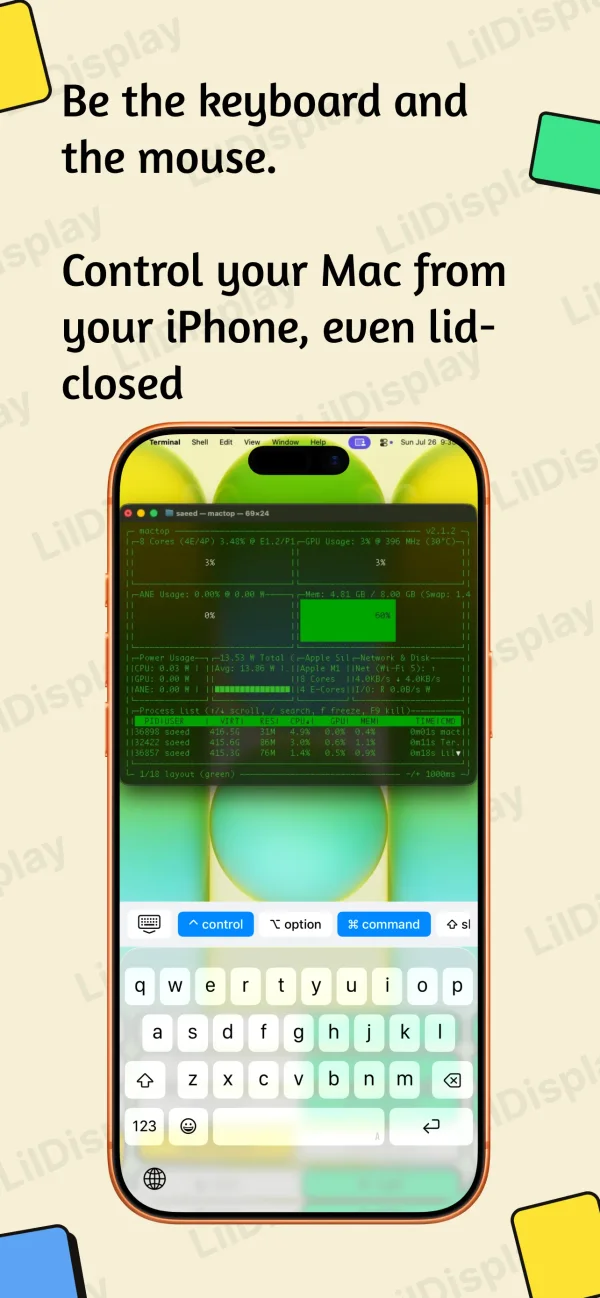
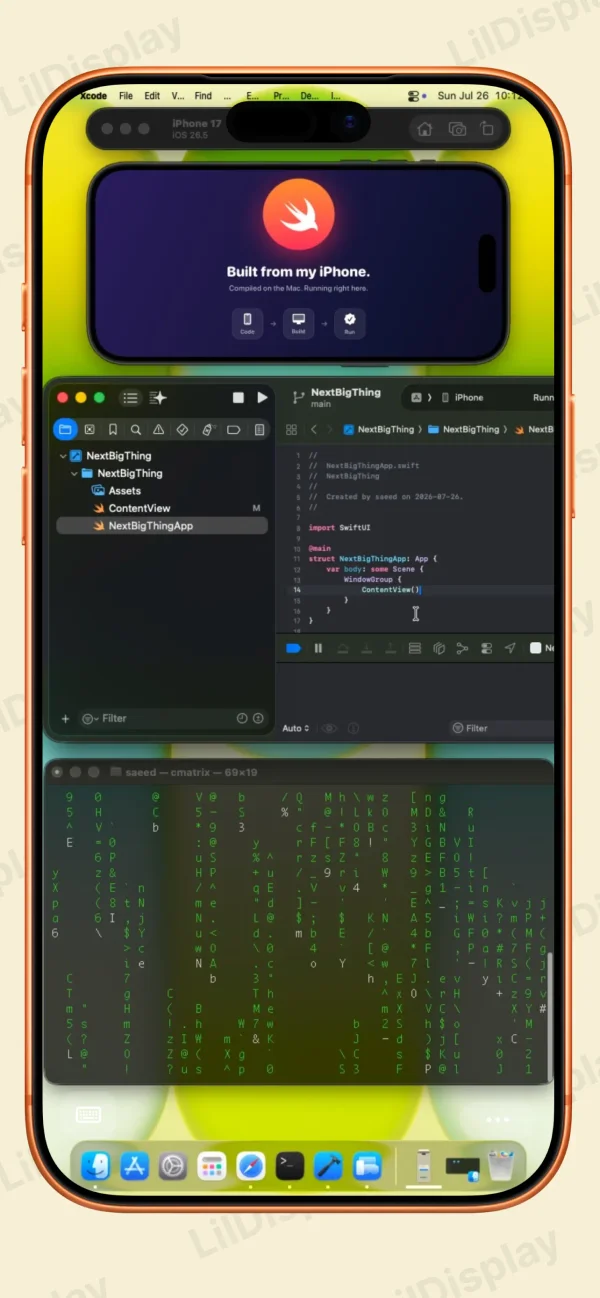
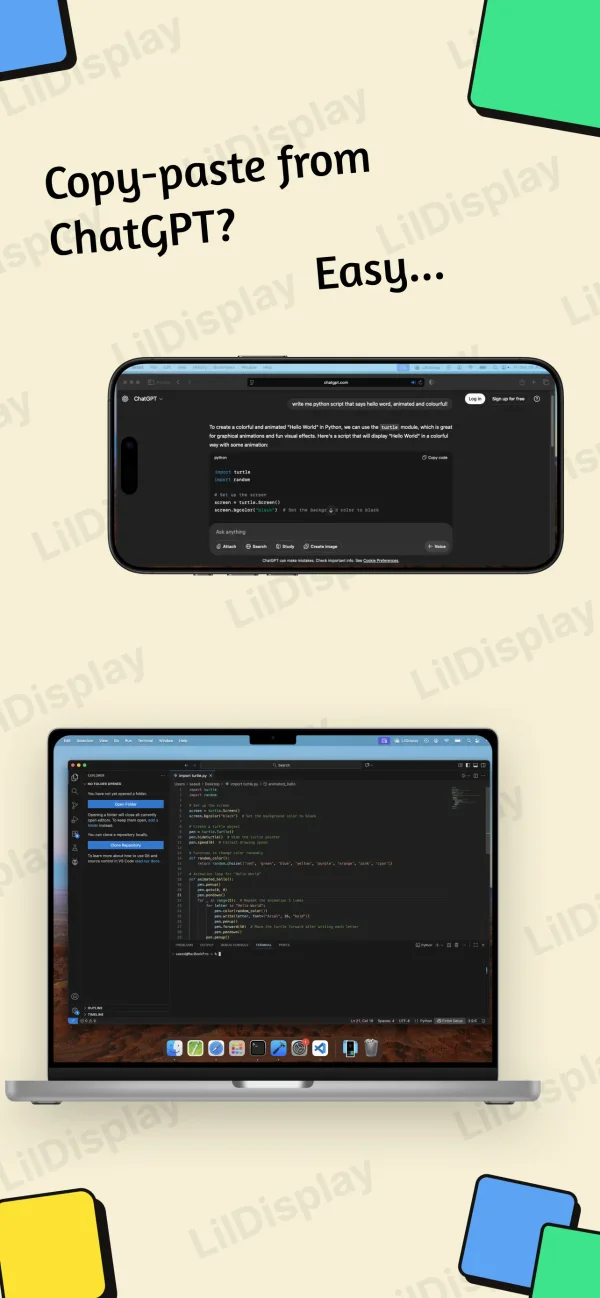

About
LilDisplay — Turn your iPhone or iPad into a touchscreen Mac display
Give your Mac a second screen you can actually touch — and control. No extra hardware, no subscriptions. Just your device, a free Mac app, and you're set.
Super-fast — USB for 5–10ms latency, or Wi-Fi for wireless freedom.
Touch your Mac — Tap, scroll, and drag right on screen.
Take full control — Use your iPhone or iPad as a keyboard and mouse for your Mac. Even run it lid-closed, with your device as the only controller.
A true external display — Extend your desktop and run fullscreen apps.
Works everywhere — iPhone and iPad, back to iOS 15.
FEELS LIKE A MAC TRACKPAD
Swipe with three or four fingers to switch Spaces, open Mission Control or App Exposé.
Download the free Mac app at lildisplay.app
Requires iOS/iPadOS 15+ and macOS 14 (Sonoma) or later.
What’s new
Version 3.2 · Oct 27, 2026
NEW
• iPhone Duo support: LilDisplay fits whichever screen you're using and adjusts instantly when you fold or unfold.
• Apple Pencil: tap to click, drag to select or move things, and hover to move the Mac pointer. Your palm is ignored while you draw.
• Orientation setting: choose Auto to follow your phone as you turn it, or lock the display to Portrait or Landscape.
IMPROVED
• Rotating is now almost instant: the Mac display resizes without disconnecting or restarting.
• A sharper picture by default, with one simple Display Quality menu on your Mac (Smooth, Balanced, Sharp, Full Resolution).
Instant rotation and the sharper picture need LilDisplay for Mac 3.2, a free update at lildisplay.app. Everything else works with your current Mac app.
App privacy
What Saeed Garmeh declares on the App Store about how this app handles data.
-
Data not collected
The developer does not collect any data from this app.
Privacy practices may vary, for example with the features you use or your age.
Information
- Seller
- Saeed Garmeh
- Category
- Productivity
- Version
- 3.2
- Updated
- Oct 27, 2026
- Released
- Jan 7, 2026
- Size
- 1.6 MB
- Requires
- iOS 15.6 or later
- Age rating
- 4+
- Price
- Free
- In-app purchases
- Yes
- Languages
- English
- Copyright
- © 2026 LilDisplay
You might also like
-
 Any Display: Second MonitoriPad as Screen, Pen & Webcam
-
 XeOS: External Display DesktopPro Full Screen Desktop Mode
-
 OpenDisplayUse your iPad as a Mac Monitor
-
 Connect My ComputerDesigned for Mac computers
-
 Duet Air - Remote DesktopThe fastest Remote Desktop
-
 Duet DisplayBe Twice As Productive
-
 UTM Remote Virtual MachinesRemote desktop for VMs
-
 DeskIn Remote DesktopAccess any device from mobile
-
 RealVNC Viewer: Remote DesktopProductivity
-
 spacedesk - USB Display for PCPortable Multi Monitor Display