Goodnotes: AI Notes, Docs, PDF
Note taking, Planner & Journal
Designed for iPhone, iPad, Mac
Free · In-app purchases
- Age rating4+
- CategoryProductivity
- DeveloperGoodnotes Limited
- LanguagesEnglish+ 14 more
- Size780.8 MB
Links to the official App Store page
Download.org hosts no file of Goodnotes: AI Notes, Docs, PDF. The button opens its official App Store page, published by Goodnotes Limited. Listing last checked on Nov 23, 2026.
Screenshots





About
Goodnotes has always been the place to capture your ideas — from quick notes to big plans. Now, it goes further. With powerful AI and new ways to capture information, Goodnotes helps you connect the dots, unlock insights, and turn ideas into action.
*Existing Goodnotes 5 users can continue to use Goodnotes 5 indefinitely or upgrade to the new Goodnotes. Either way, your notes are safe!*
For professionals: Increase productivity at work
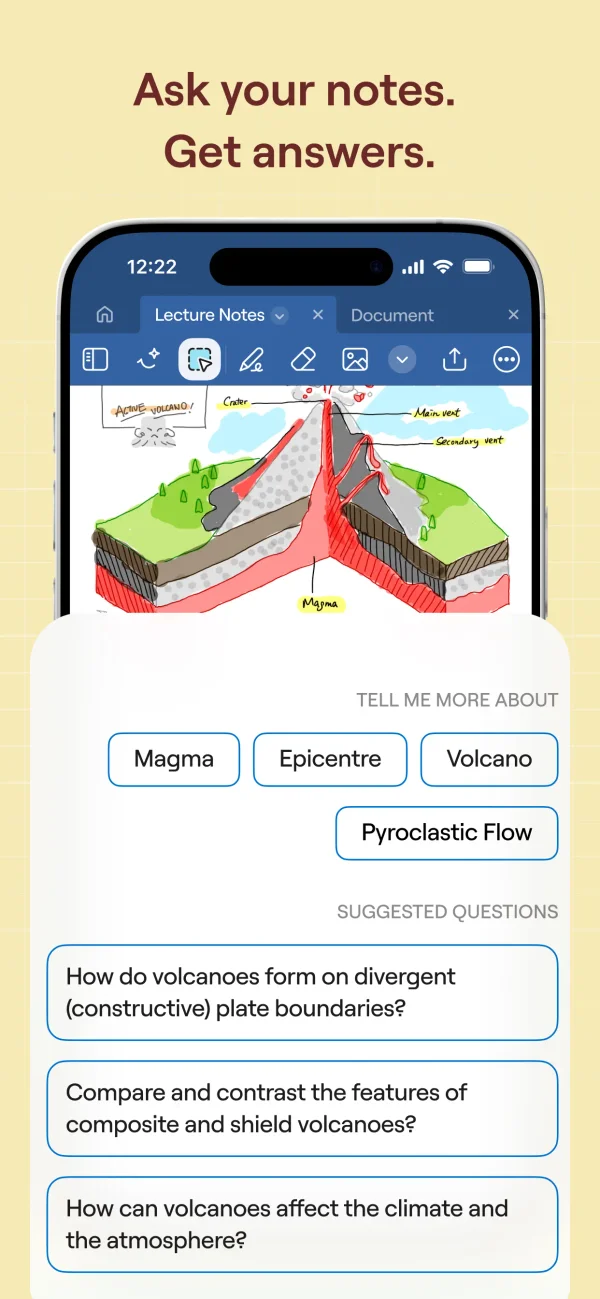
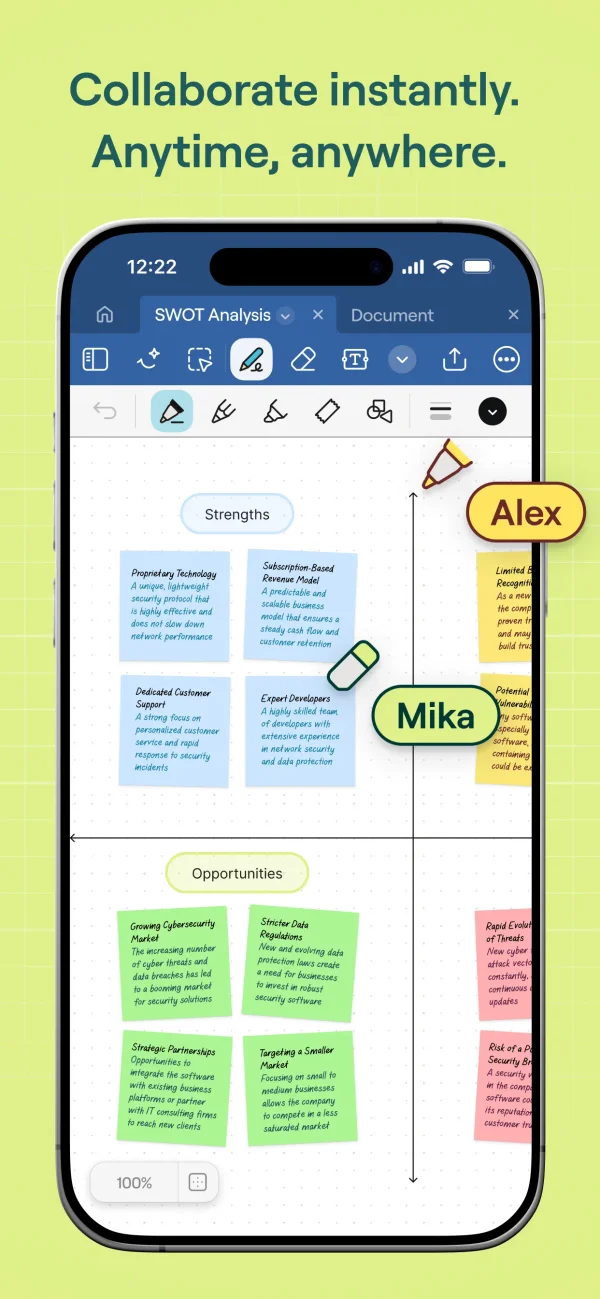
■ Whiteboard + Goodnotes AI: Brainstorm, mind-map, and diagram freely on an infinite canvas that grows with your ideas. Enhanced diagramming tools and real-time collaboration make it easy for teams to workshop & ideate together, while Goodnotes AI helps you capture and organize key takeaways instantly.
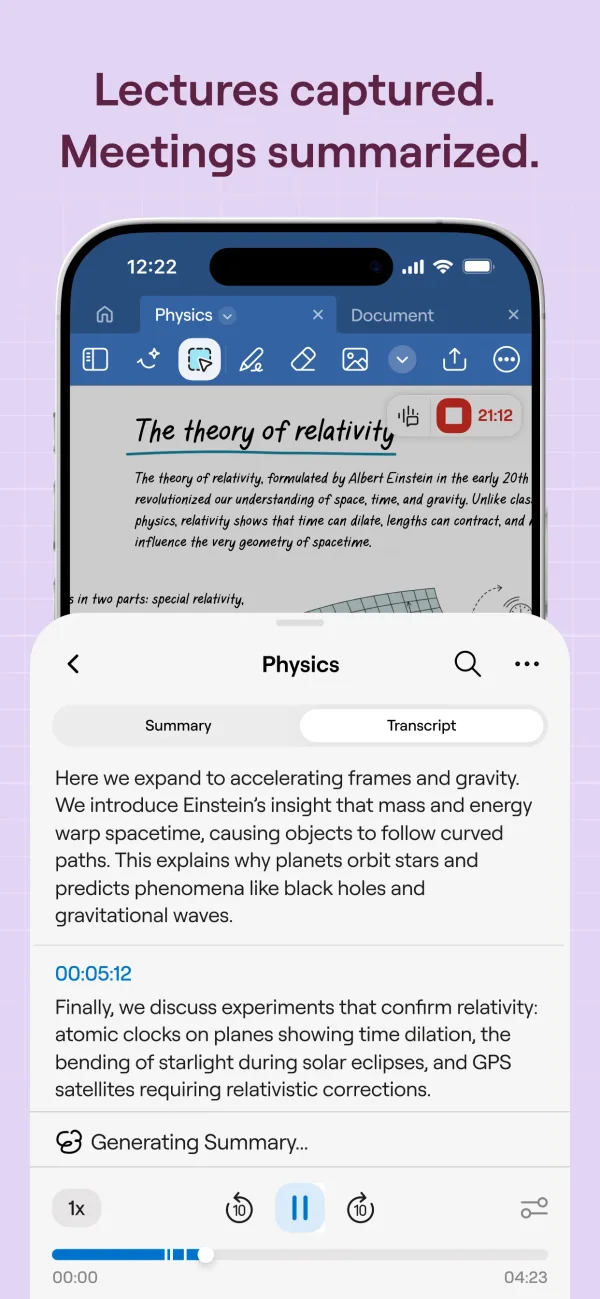
■ Goodnotes AI Audio & Meetings: Stay fully present in every conversation while Goodnotes does the work for you. AI-powered transcription and live summarization automatically capture discussions and turns them into clear meeting minutes. After the meeting, merge transcripts with your own handwritten or typed notes to create polished, shareable documents in seconds.
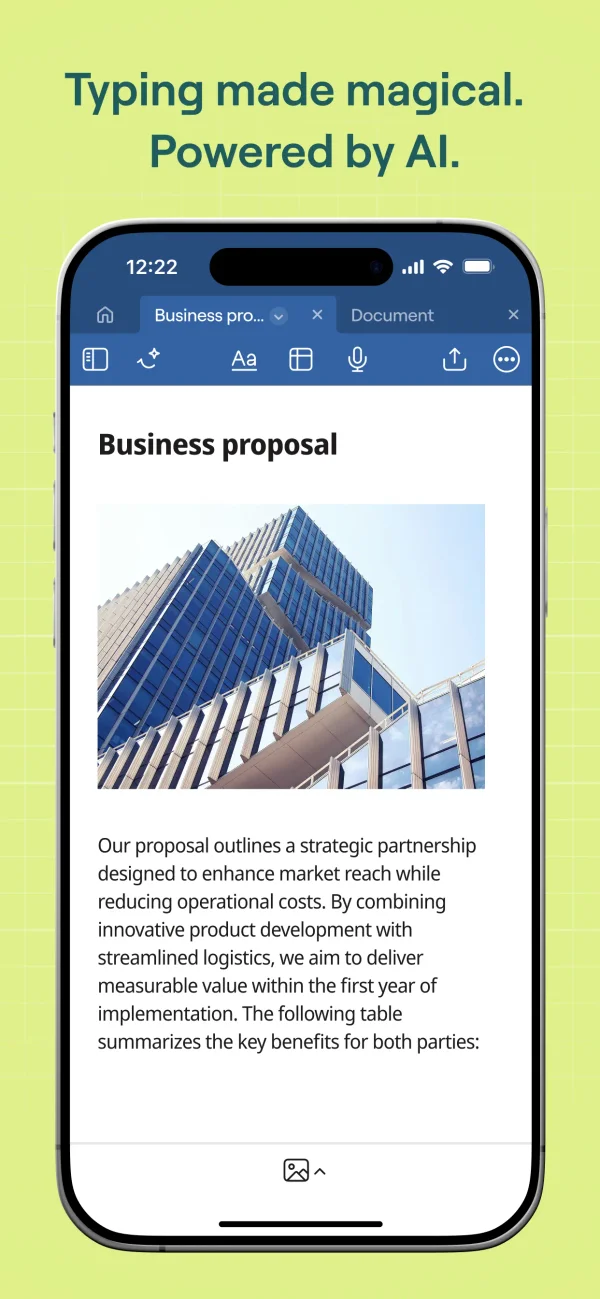
■ Text Documents + AI: Create documents that think with you. Enjoy a superior typing experience with rich inline blocks, build on ideas with external insights, and collaborate seamlessly with teammates. With AI-powered summarization, automated note generation, and transcript support, turn rough notes and meetings into finished content faster than ever.
■ Present your notes, slides, and content directly from Goodnotes when you connect your device via AirPlay or HDMI to an external screen.
■ Use Laser Pointer to guide your audience's attention during your presentation.
■ Export your handwritten and typed notes to email, print, or share them anywhere as PDFs.
■ Send a link to your notebooks to work on the same notes.
■ Import documents by emailing them to your custom Goodnotes email.
For students: Ace your exams with ease
■ Record audio notes that are magically synced to your iPhone or iPad exact moment you write: perfect for lectures, seminars, and presentations.
■ Take handwritten notes that stay fully searchable: instantly find any word across every class notebook, even mid-lecture.
■ Study and practice straight from your notes with study Sets: flashcards built on active recall and spaced repetition.
■ Use AI to summarize, shorten, change the tone of your words, and turn messy handwritten or typed student notes into polished, structured study material.
For planners and journalers: Let your creativity flow
■ Plan your week, month, or year on your iPhone/ iPad with built-in and importable planner templates, fully customizable to match how you plan.
■ Keep a daily journal alongside your planner. Combine handwriting, typed reflections, photos, and stickers on the same page.
■ Use Goodnotes AI to summarize a week's worth of journal entries on your iPhone or iPad into key themes and takeaways.
■ Customize the size and color of your paper templates to create the planner or journal you want.
■ Add, create, or import stickers, stamps, washi tapes, images, and more on your iPad.
Digital notebooks: unlimited notebooks for the price of a single physical one
■ Combine handwriting and typed text on one page, alongside images, stickers, diagrams, and doodles.
■ Create digital notebooks, planners, and journals with customizable paper templates, including Blank Paper, Ruled Paper, Cornell Paper, Checklists, Planners, and more.
■ Navigate long documents with ease. PDF tables of contents are automatically imported, or create custom outlines yourself.
■ Back up all your handwritten and typed notes to Google Drive, Dropbox, or OneDrive, and use iCloud to sync across iPad, iPhone, and Mac — so your notes are always safe.
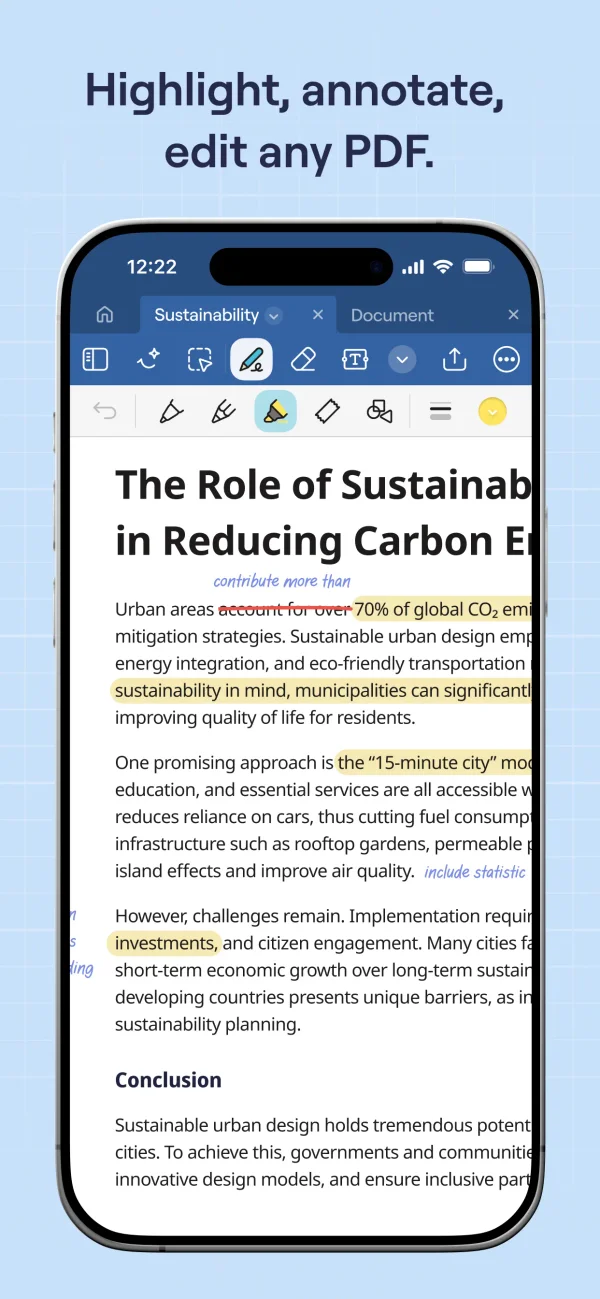
■ Edit your handwriting by resizing it, changing the text color, or moving it to another spot on the page.
Privacy Policy: https://www.goodnotes.com/privacy-policy
Terms and Conditions: https://www.goodnotes.com/terms-and-conditions
What’s new
Version 7.1.36 · Nov 9, 2026
- Fixed a crash that could occur while using Math Assist.
- General bug fixes and stability improvements.
- Education:Teachers can now add assignments and whiteboards from the New button
App privacy
What Goodnotes Limited declares on the App Store about how this app handles data.
-
Data used to track you
May be used to track you across apps and websites owned by other companies.
- Identifiers
-
Data not linked to you
May be collected but is not linked to your identity.
- Identifiers
- Usage data
- Diagnostics
Privacy practices may vary, for example with the features you use or your age.
Information
- Seller
- Goodnotes Limited
- Category
- Productivity
- Version
- 7.1.36
- Updated
- Nov 9, 2026
- Released
- Jan 15, 2019
- Size
- 780.8 MB
- Requires
- iOS 18.6 or later
- Age rating
- 4+
- Price
- Free
- In-app purchases
- Yes
- Languages
- English, Dutch, French, German, Italian, Japanese, Korean, Portuguese, Russian, Simplified Chinese, Spanish, Thai + 3 more
- Copyright
- © 2011-2026 Goodnotes Limited
You might also like
-
 Kilonotes-Notes & Mark up PDFHandwritten Notes, PDF Editing
-
 Noteful: Notes & PDF MarkupHighlight. Write. Learn.
-
 Freenotes®: AI Notes TakingDocs PDF Memo Planner Pencil
-
 Notability: AI Notes & StudyHandwriting, PDF & audio
-
 CollaNote: Notes & PDF Markup25+ Pens to Take Better Notes
-
 MyScript Notes: AI HandwritingSmart note taking, PDF & study
-
 Element Note: Digital NotebookHandwritten Notes & PDF Markup
-
 Feenote - Notes and listsNote-taking & handwriting
-
 Noteshelf: AI Notes & PDFHandwriting, Planner & Journal
-
 Penbook: Paper Planner & NotesJournal, Notebook & Study