PDF Editor - Edit, Sign, Read
Edit Maker, Reader & Converter
Designed for iPhone, iPod touch
Free · In-app purchases
- Age rating4+
- CategoryBusiness
- DeveloperNguyen Thi My
- LanguagesEnglish+ 4 more
- Size49.3 MB
Links to the official App Store page
Download.org hosts no file of PDF Editor - Edit, Sign, Read. The button opens its official App Store page, published by Nguyen Thi My. Listing last checked on Nov 25, 2026.
Screenshots
About
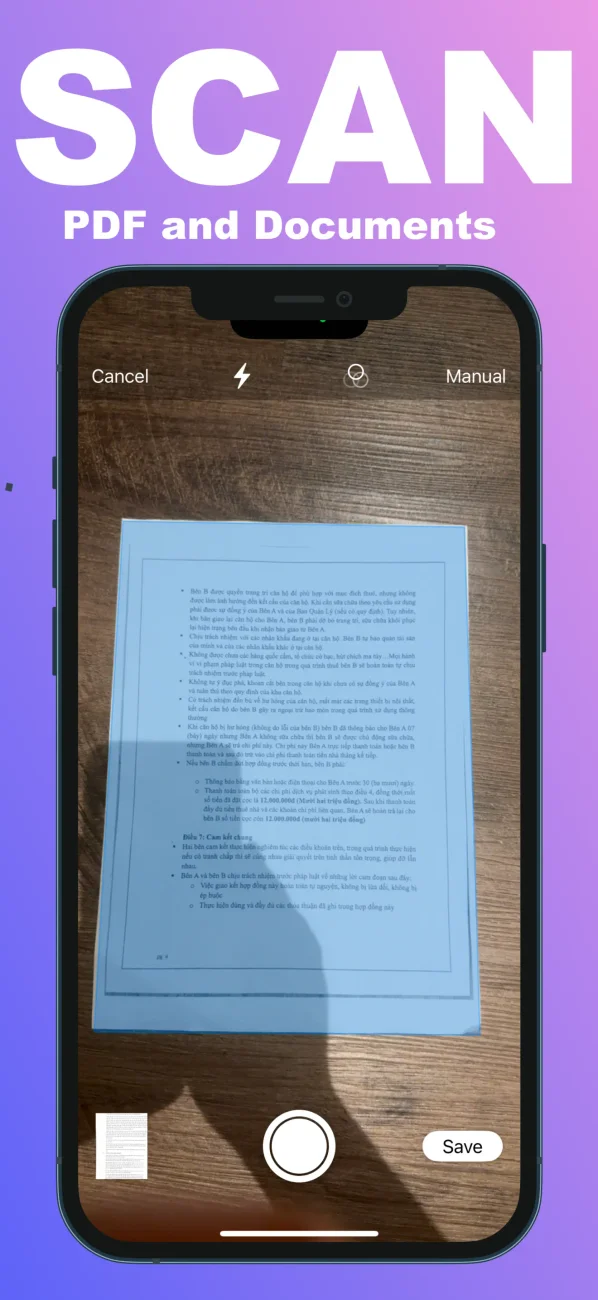
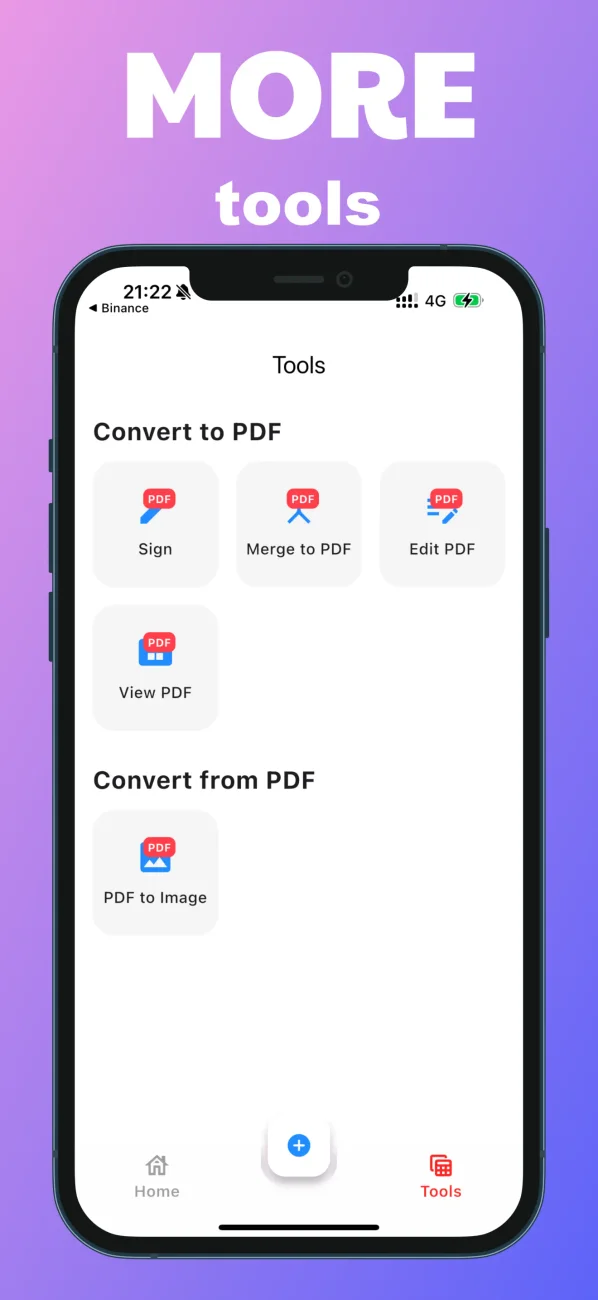
Edit, sign and read PDF files easily with PDF Editor. This all-in-one tool helps you manage and work with your documents anytime, anywhere.
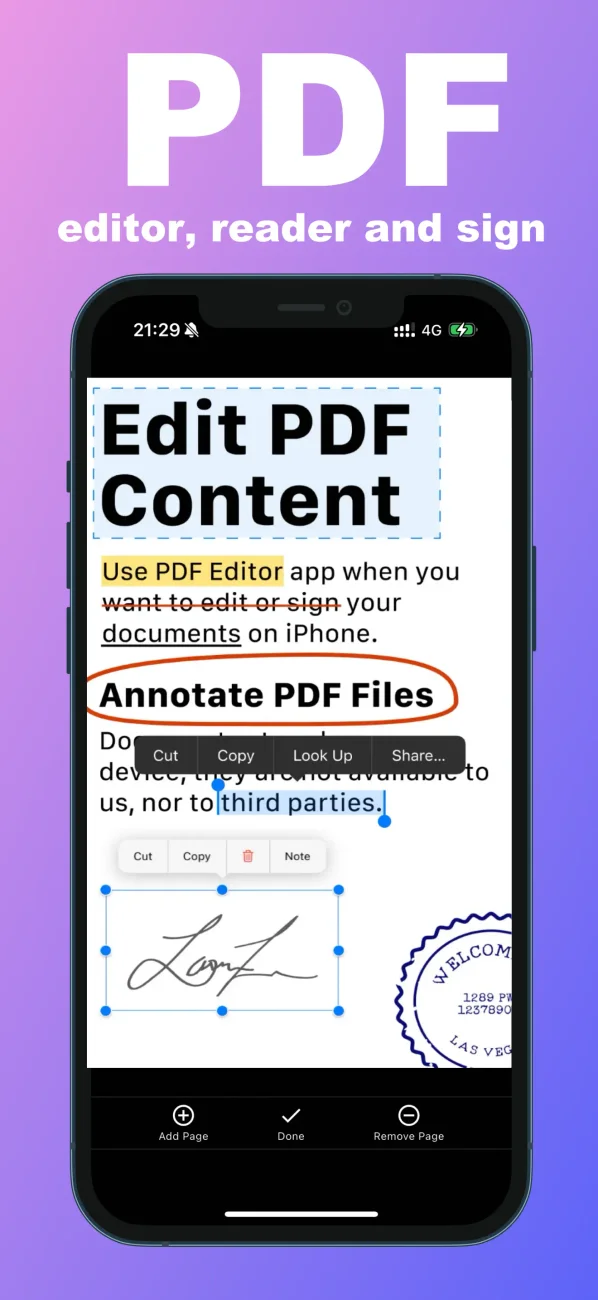
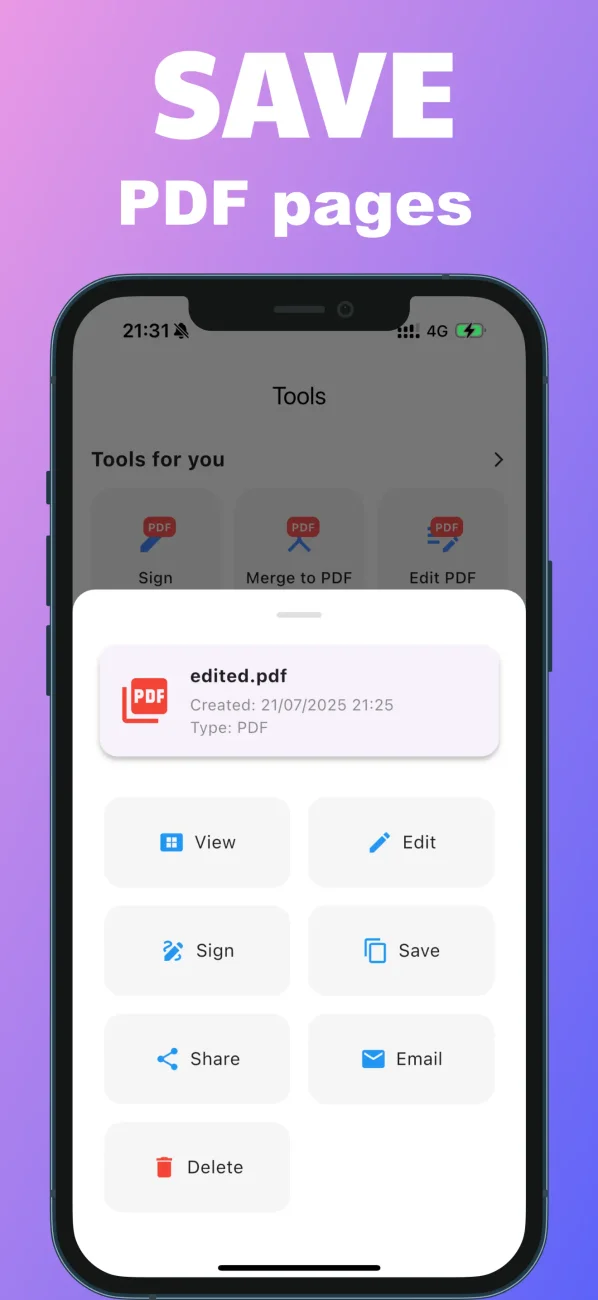
PDF Editor allows you to make changes to your PDF documents directly from your iPhone or iPad. Whether you need to sign a contract, highlight text, or fill out a form, everything is just a few taps away.
Main Features
Edit PDF text and images
Make quick changes to text and images in your documents. Perfect for corrections or updates.
Sign PDF documents
Add your digital signature or initials quickly. No need to print or scan.
Read and annotate PDFs
Highlight text, add comments, and review documents directly on your device.
Draw or write on PDFs
Use your finger or stylus to write, draw, or make notes on any page.
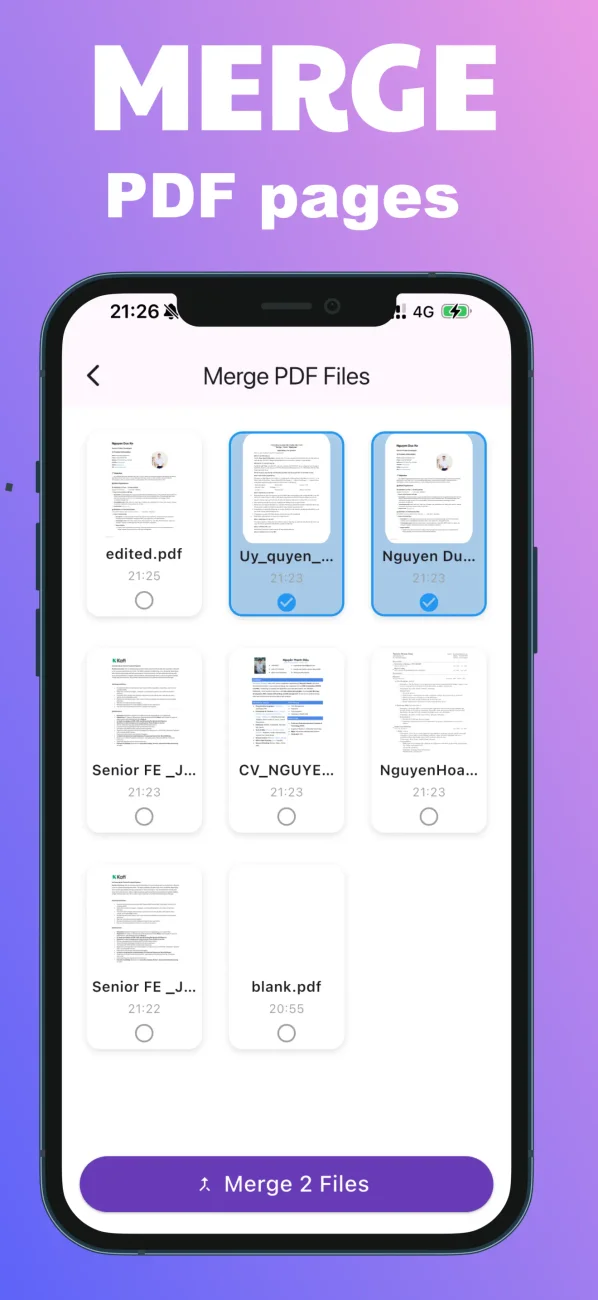
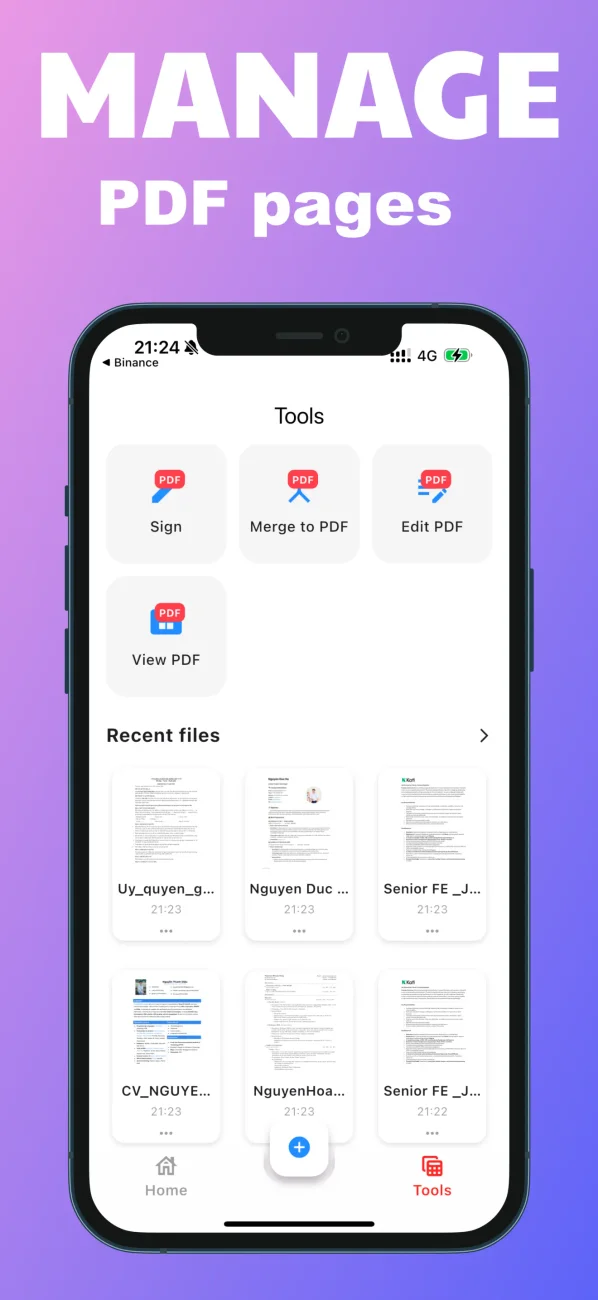
Manage your files easily
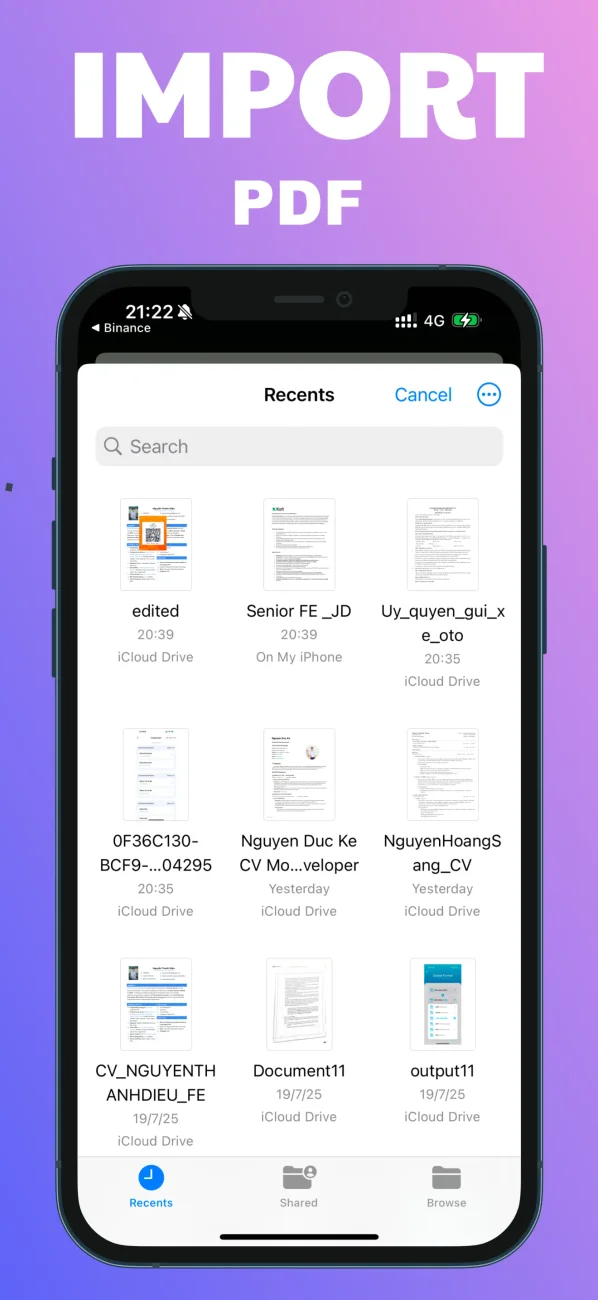
Import documents from Files, Photos, iCloud, Google Drive and other sources.
Work offline and keep your data secure
Your files stay private on your device. No internet connection is required to use core features.
Who should use this app
Students who need to review or mark up lecture notes
Freelancers and professionals who need to sign or edit documents quickly
Anyone who wants a simple and reliable PDF tool on their phone
PDF Editor is the fastest and easiest way to handle PDF documents on mobile. No desktop or laptop required.
Legal
Terms of Service: https://sites.google.com/view/lilyterms
Privacy Policy: https://lilylabsapp.github.io/lilylabs
What’s new
Version 1.1.1 · Nov 25, 2026
Update UI/UX & improved performance.
App privacy
What Nguyen Thi My declares on the App Store about how this app handles data.
-
Data used to track you
May be used to track you across apps and websites owned by other companies.
- Diagnostics
-
Data linked to you
May be collected and linked to your identity.
- Diagnostics
-
Data not linked to you
May be collected but is not linked to your identity.
- Usage data
- Diagnostics
Privacy practices may vary, for example with the features you use or your age.
Information
- Seller
- Nguyen Thi My
- Category
- Business
- Version
- 1.1.1
- Updated
- Nov 25, 2026
- Released
- Jul 23, 2025
- Size
- 49.3 MB
- Requires
- iOS 14.0 or later
- Age rating
- 4+
- Price
- Free
- In-app purchases
- Yes
- Languages
- English, Japanese, Korean, Portuguese, Thai
- Copyright
- © Lily Labs
You might also like
-
 eScanner: PDF Scanner & EditorScan Documents to PDF & Sign
-
 Documents & PDF Scanner - FyleScan Receipts, OCR & Organize
-
 Gerador de Contratos: ModelosBusiness
-
 PDF Editor: Fill Edit,Sign PDFPDF files reader, filler esign
-
 Subscription Manager - RekoTrack Subscriptions & Bills
-
 PDF Editor & Files Converter.Convert & Compress Documents
-
 PDF Reader – PDFelementPDF Editor & Viewer, PDF Maker
-
 PDF Editor: Fill, Edit, e SignPDF Files Cam Scanner & Reader
-
 Free PDF Editor, Converter AppReader Maker Pro: Edit & Sign
-
 PDF Editor - Edit Everything!Convert, Sign, Merge, Compress