
PDF Desk: Read, Scan & Sign
Edit, OCR & File Management
Designed for iPhone, iPad, iPod touch
Free · In-app purchases
- Age rating17+
- CategoryProductivity
- DeveloperWondaPro Co., Ltd
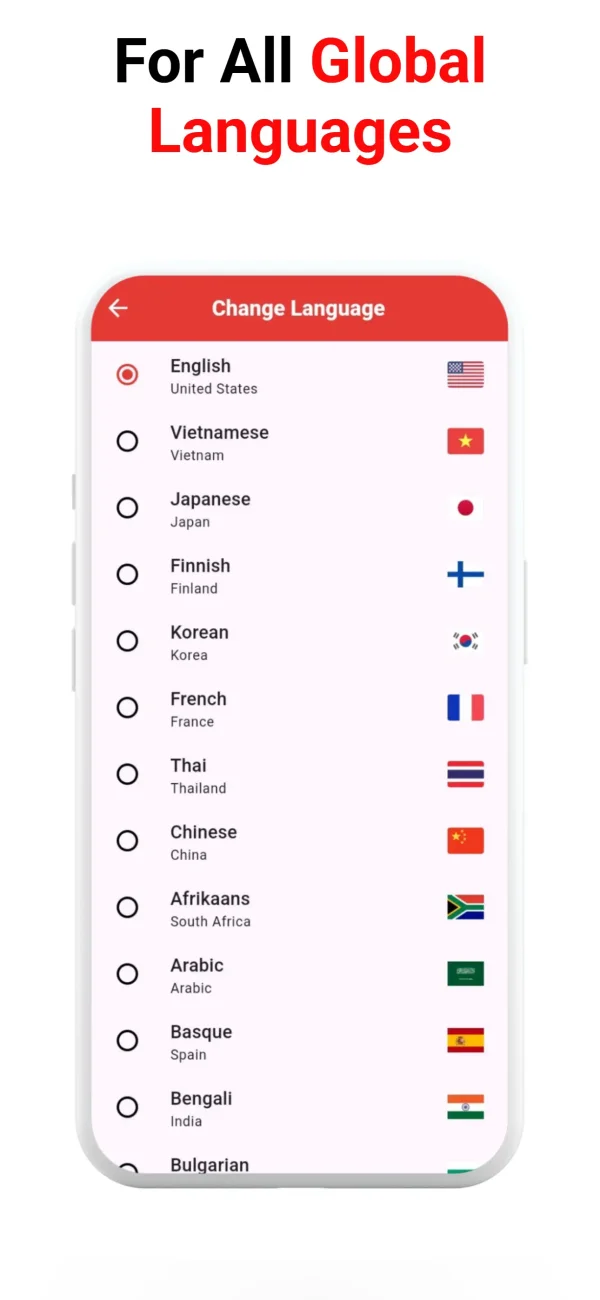
- LanguagesEnglish+ 33 more
- Size71.0 MB
Links to the official App Store page
Download.org hosts no file of PDF Desk: Read, Scan & Sign. The button opens its official App Store page, published by WondaPro Co., Ltd. Listing last checked on Nov 23, 2026.
Screenshots




About
Your everyday document workspace for reading, creating, scanning, editing and organizing PDFs on iPhone.
PDF Desk brings essential tools together, so you can handle schoolwork, forms, receipts, reports and business documents without switching between multiple apps.
KEY FEATURES
• Read PDFs: Open, view and navigate documents with a focused reading experience.
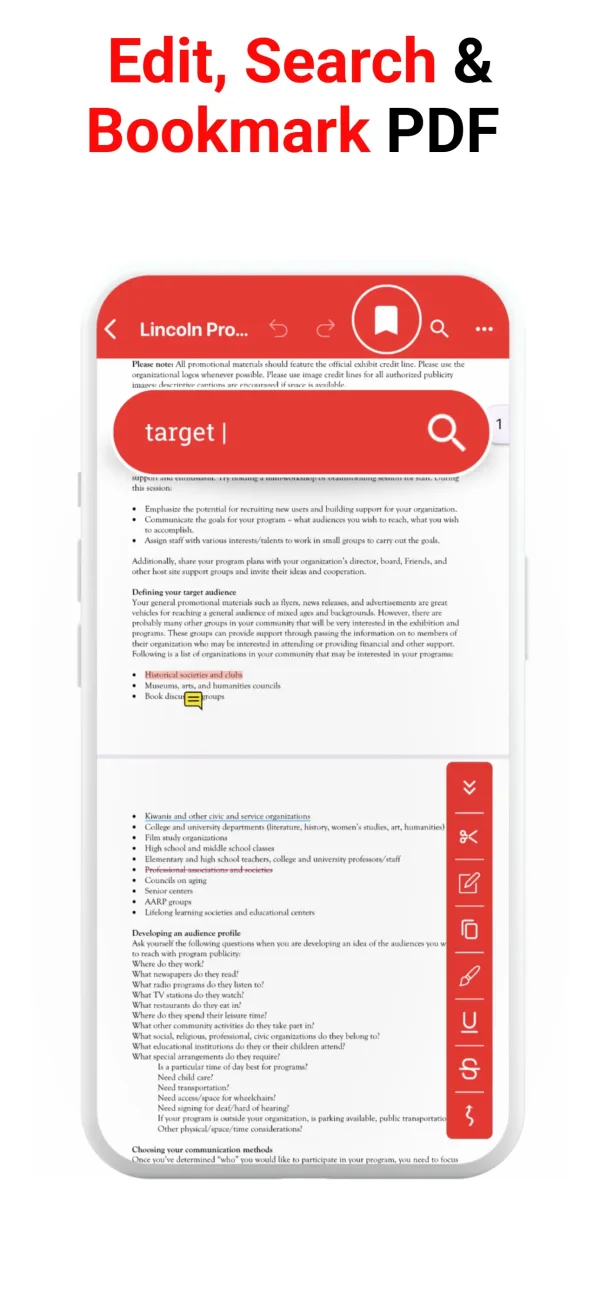
• Edit and annotate: Highlight text, add notes, mark up pages and add signatures directly to your PDFs.
• Photos to PDF: Turn images from your Photo Library or camera into clear PDF documents.
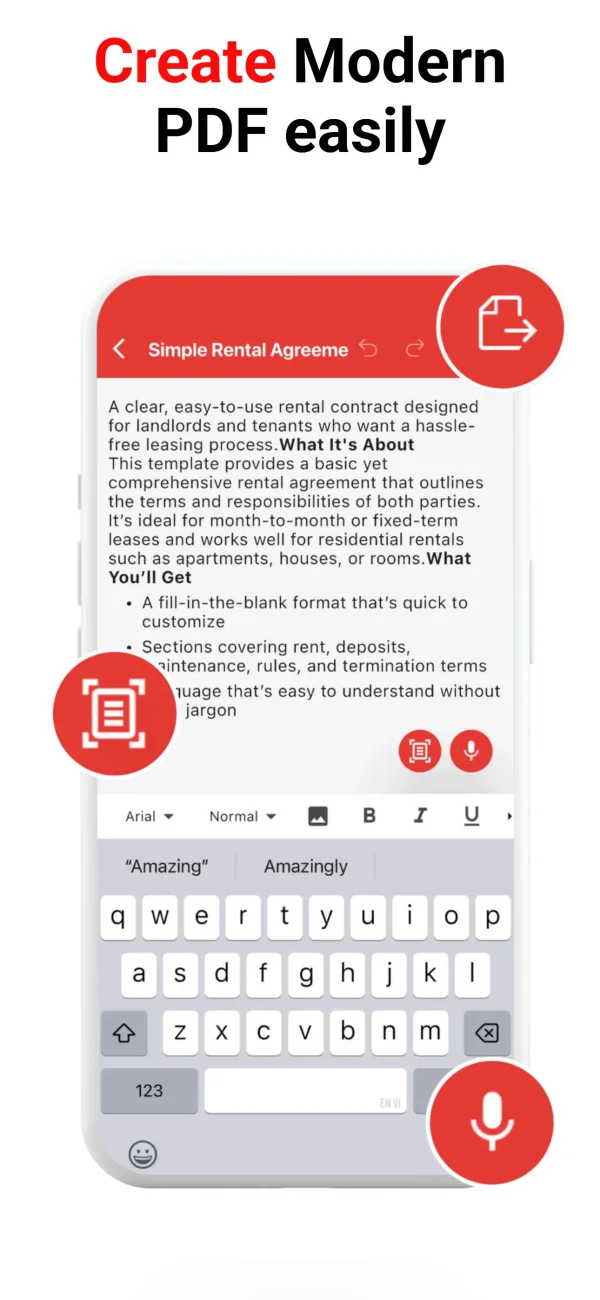
• Text to PDF: Write and format text, then export it as a polished PDF.
• Scan and OCR: Capture documents with your camera and extract text from images or scanned PDFs.
• Convert documents: Create useful PDFs from photos, scans and text.
• Merge and split: Combine documents or separate pages when you need to reorganize a file.
• Protect PDFs: Secure sensitive documents with password protection.
• Manage files: Rename, move and organize PDFs so important files are easy to find.
WHO IT’S FOR
Students, office workers, business owners and anyone who regularly reads, edits, converts, signs or manages PDF documents.
From a quick scan to a signed form, keep your essential PDF tasks in one convenient place. Try it today.
SUPPORT
Support Email: support@wondapro.com
Terms of use: https://www.wondapro.com/wondapro-terms-of-use
Privacy policy: https://www.wondapro.com/wondapro-privacy-policy
For complete access to features of this App, you will need to allow access to the following:
*Camera & Photo Gallery – the app helps you scan photos to extract text easily.
*Microphone & Speech Recognition – so the speech-to-text feature will work.
Payments and Renewal in the App:
* You can manage or turn off auto-renew in your Account settings at any time after purchase.
* “Try Free” for the first 3 days is available for monthly subscriptions. The subscription automatically renews and you will be charged after the 3-day trial. Cancel at any time.
* Cancellation of the current subscription is not allowed during the active period after payment.
What’s new
Version 20.0.9 · Nov 18, 2026
A smoother PDF experience with improved document workflows, scanning, editing and file organization.
App privacy
What WondaPro Co., Ltd declares on the App Store about how this app handles data.
-
Data not linked to you
May be collected but is not linked to your identity.
- Contact info
Privacy practices may vary, for example with the features you use or your age.
Information
- Seller
- WONDAPRO ENTERTAINMENT AND TECHNOLOGY COMPANY LIMITED
- Category
- Productivity
- Version
- 20.0.9
- Updated
- Nov 18, 2026
- Released
- May 29, 2025
- Size
- 71.0 MB
- Requires
- iOS 15.6 or later
- Age rating
- 17+
- Price
- Free
- In-app purchases
- Yes
- Languages
- English, Arabic, Catalan, Croatian, Czech, Danish, Dutch, Finnish, French, German, Greek, Hebrew + 22 more
- Copyright
- © WondaPro Co., Ltd
You might also like
-
 Cubox: AI Read-It-Later AppSave Once. Know Forever.
-
 Merge PDF Files-Split PDF DocsCombine PDF Files In Seconds
-
 Word to PDF Converter - ReaderConvert PDF to Word,JPG to PDF
-
 Highlights: PDF Reader & NotesEdit Research Documents/Books
-
 PDF Reader – PDFelementPDF Editor & Viewer, PDF Maker
-
 PDF Pro - Reader Editor FormsEdit, annotate, view documents
-
 PDF Editor ©PDF Edit, Convert, Scan, Make
-
 PDF Converter -Convert Photo to PDF
-
 PDF Converter・Scanner・Editor・Scan Documents・Convert & Edit
-
 A1 Slides: AI Powerpoint MakerCreate AI Presentation Decks