PDF Scanner: Date Stamp
Scan docs with time & notes
Designed for iPhone, iPad, iPod touch
$0.99 · In-app purchases
- Age rating4+
- CategoryBusiness
- Developer华芳 张
- LanguagesEnglish+ 27 more
- Size12.9 MB
Links to the official App Store page
Download.org hosts no file of PDF Scanner: Date Stamp. The button opens its official App Store page, published by 华芳 张. Listing last checked on Nov 24, 2026.
Screenshots


About
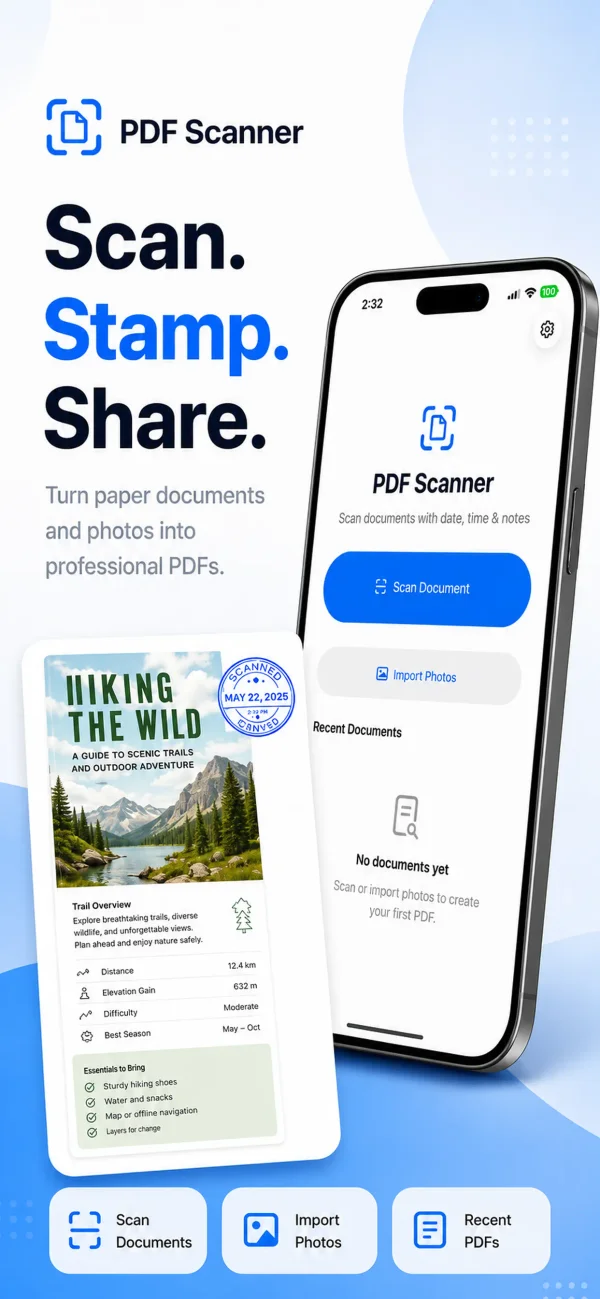
PDF Scanner: Date Stamp helps you turn paper documents and photos into clean, stamped PDF files.
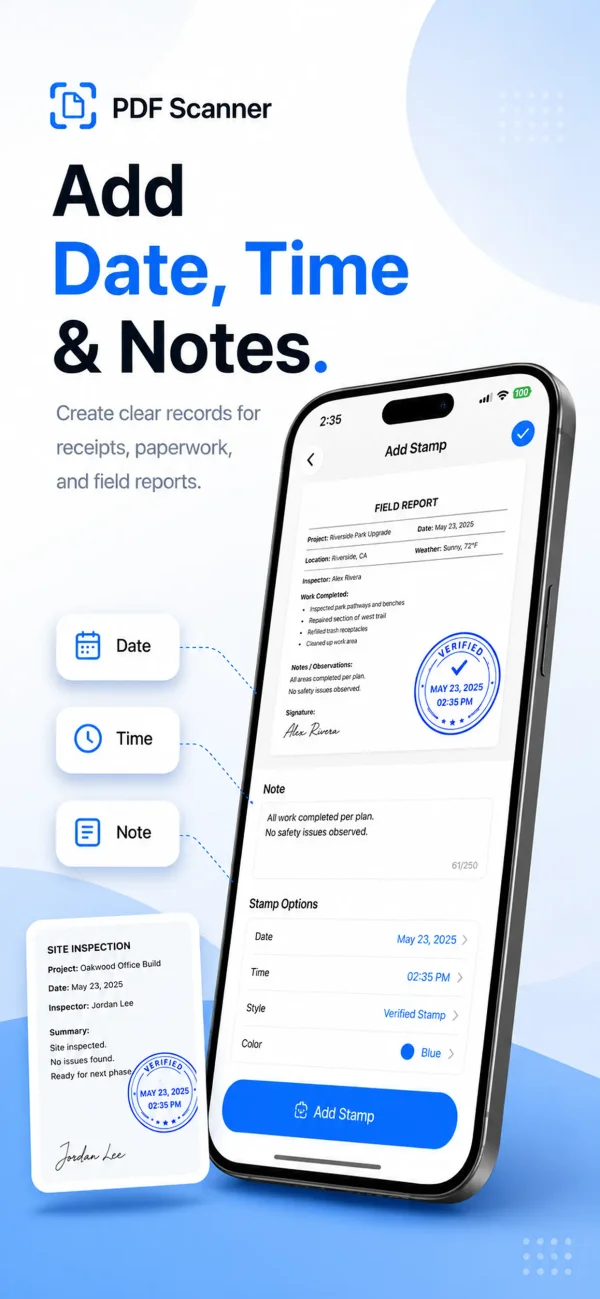
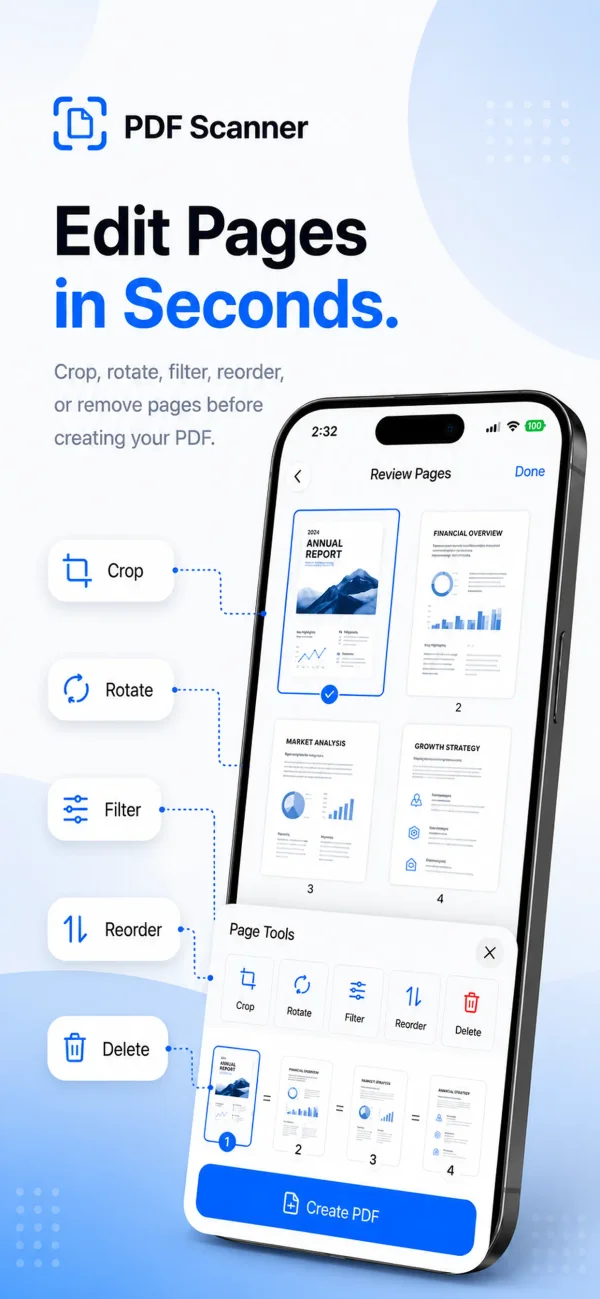
Scan documents with your camera, import photos from your library, organize pages, crop, rotate, apply filters, and export PDFs with useful date, time, note, location, and GPS stamps.
Whether you are saving receipts, work records, site photos, homework, forms, or everyday documents, PDF Scanner makes it easy to create PDFs with clear scan details.
Key Features:
• Scan documents with your iPhone camera
• Import photos and convert them to PDF
• Add date and time stamps
• Add custom notes to each PDF
• Add optional location and GPS stamps
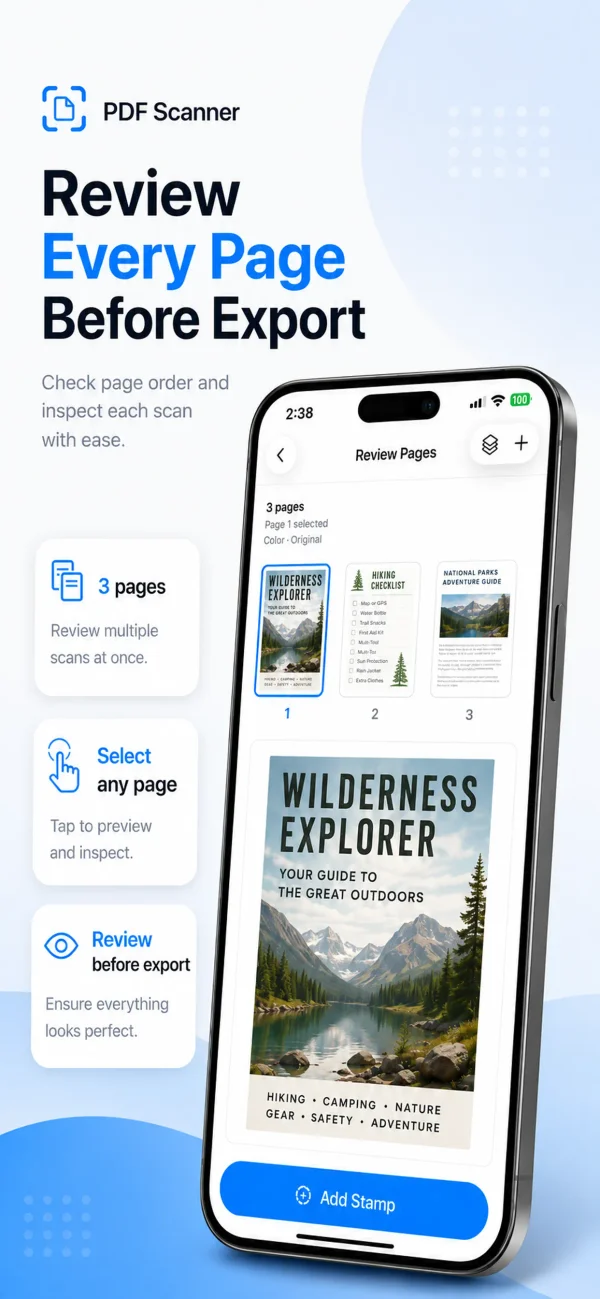
• Crop, rotate, reorder, and delete pages
• Apply filters such as grayscale, black & white, and enhanced
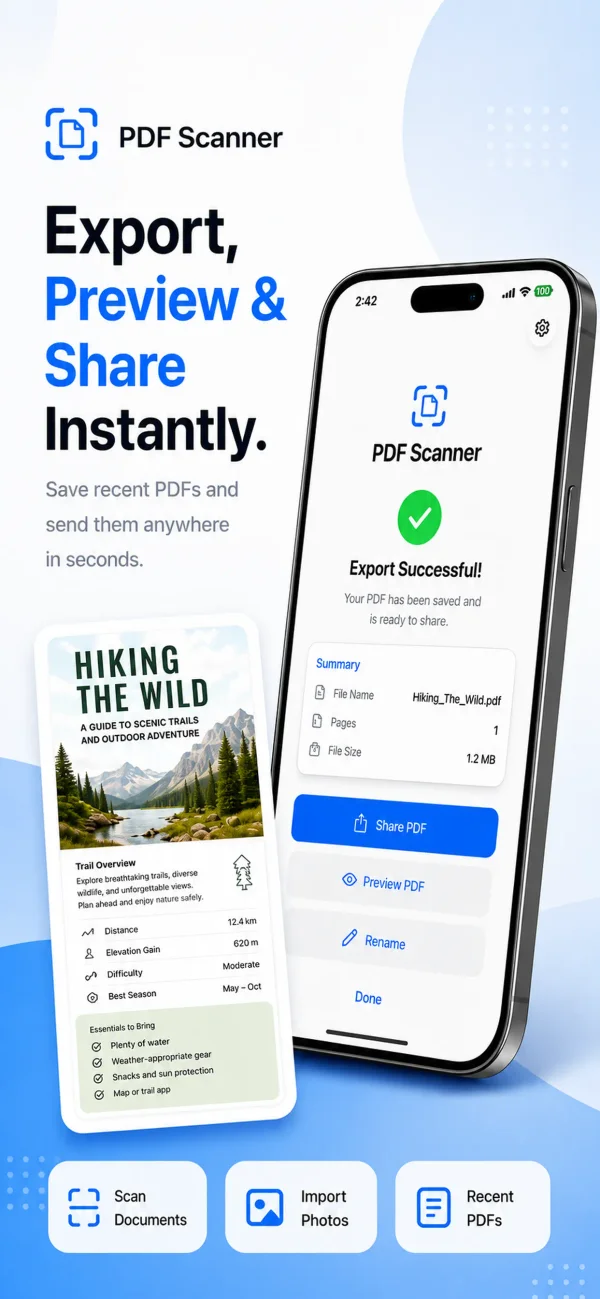
• Preview PDFs before sharing
• Save recent documents locally
• Share PDFs through Mail, Files, AirDrop, Messages, and more
Date, Time, Note & Location Stamps
Add useful context to your scanned PDFs. You can include the scan date, time, custom notes, location, and GPS coordinates when needed.
Flexible PDF Export
Create PDFs from scans or photos. Choose standard quality for smaller files or high quality for sharper output.
Private by Design
Your scanned documents and generated PDFs are stored locally on your device unless you choose to share them using the system share sheet. No account is required.
PDF Scanner Pro
The free version lets you scan documents, import photos, create PDFs up to 3 pages, add date/time and note stamps, preview PDFs, and share them.
PDF Scanner Pro is an optional one-time unlock that includes:
• Unlimited pages per PDF
• High quality PDF export
• Location and GPS stamps
• Advanced stamp positions
• Advanced stamp styles
• Batch page tools
Create clean, useful, stamped PDFs in just a few taps.
What’s new
Version 1.2 · Oct 23, 2026
**What's New**
• Added support for iPhone Duo, with adaptive layouts for folded and unfolded screens.
• Optimized the document review and editing experience to make better use of the expanded display.
• Improved layouts for page cropping, markup, filters, and PDF creation.
• Refined document scanning, stamp settings, and PDF export interfaces for different screen sizes.
• Improved interface responsiveness, layout stability, and compatibility with the latest iOS versions.
• Various UI refinements and bug fixes.
App privacy
What 华芳 张 declares on the App Store about how this app handles data.
-
Data not collected
The developer does not collect any data from this app.
Privacy practices may vary, for example with the features you use or your age.
Information
- Seller
- Huafang Zhang
- Category
- Business
- Version
- 1.2
- Updated
- Oct 23, 2026
- Released
- May 27, 2026
- Size
- 12.9 MB
- Requires
- iOS 15.8 or later
- Age rating
- 4+
- Price
- $0.99
- In-app purchases
- Yes
- Languages
- English, Arabic, Czech, Danish, Dutch, French, German, Greek, Hebrew, Hindi, Indonesian, Italian + 16 more
- Copyright
- © 2014-2026 ipixeltech
You might also like
-
 papry – Document OrganizerReceipts, Warranty & Reminders
-
 NextNote: Notes & AI WritingCapture ideas. Write with AI.
-
 ScanKit: Document & QR ScannerScan, OCR, QR & Create PDFs
-
 Tap PiPOne Tap Play PiP Video
-
 PDF Scanner & Document ScanPDF Sign, Edit, Convert to PDF
-
 JianBox - Local Document ToolScan, sign, lock. No subs.
-
 Find that Book - OCR libraryPhotos & keywords recognition
-
 Walti: Money Manager & BudgetExpense tracker & receipt scan
-
 ADHD Calendar: Voice PlannerAI Calendar: Talk to Schedule
-
 PDF Maker: Scan & EditDocument Scanner & Converter