PDF Scanner: Size Limit
Small Files for Uploads
Designed for iPhone, iPad, iPod touch
- Age rating4+
- CategoryProductivity
- DeveloperRami Aayadah
- LanguagesEnglish
- Size24.2 MB
Links to the official App Store page
Download.org hosts no file of PDF Scanner: Size Limit. The button opens its official App Store page, published by Rami Aayadah. Listing last checked on Nov 12, 2026.
Screenshots

About
Create a PDF for the upload limit—not a large scan you have to fix later.
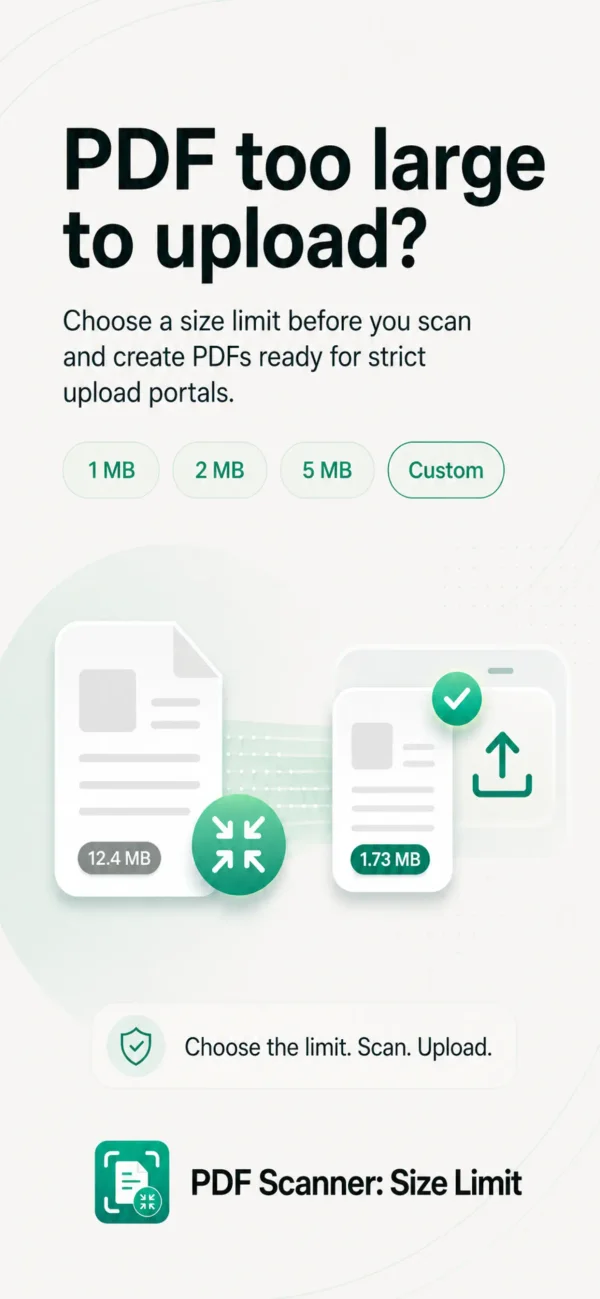
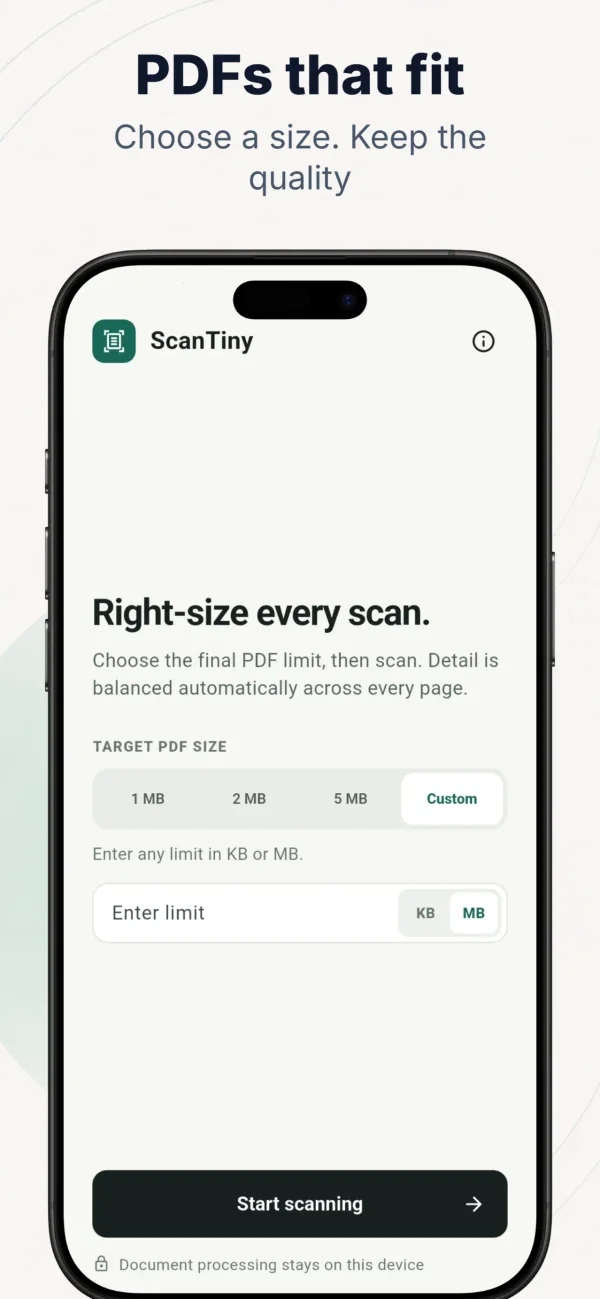
PDF Scanner: Size Limit lets you choose the maximum file size before scanning. Select 1 MB, 2 MB, 5 MB, or a custom KB or MB limit, then scan every page. The app adjusts image quality and compression to create the clearest practical PDF within your selected limit.
BUILT FOR STRICT UPLOAD LIMITS
Use it when a website or portal rejects your document because the PDF is too large:
• Online forms and government portals
• University and school applications
• Job applications and supporting documents
• Email attachments
• Any upload that requires a smaller PDF
CHOOSE THE LIMIT FIRST
Start with the file size the destination accepts. Watch the estimated PDF size while you scan, so you can make informed choices before the document is finished.
SCAN MULTIPLE PAGES
Automatic edge detection helps find the document. Perspective correction, cropping, rotation, and document enhancement improve each page. Before creating the PDF, you can reorder pages, delete a page, retake it, or rotate it.
ADAPTIVE PDF COMPRESSION
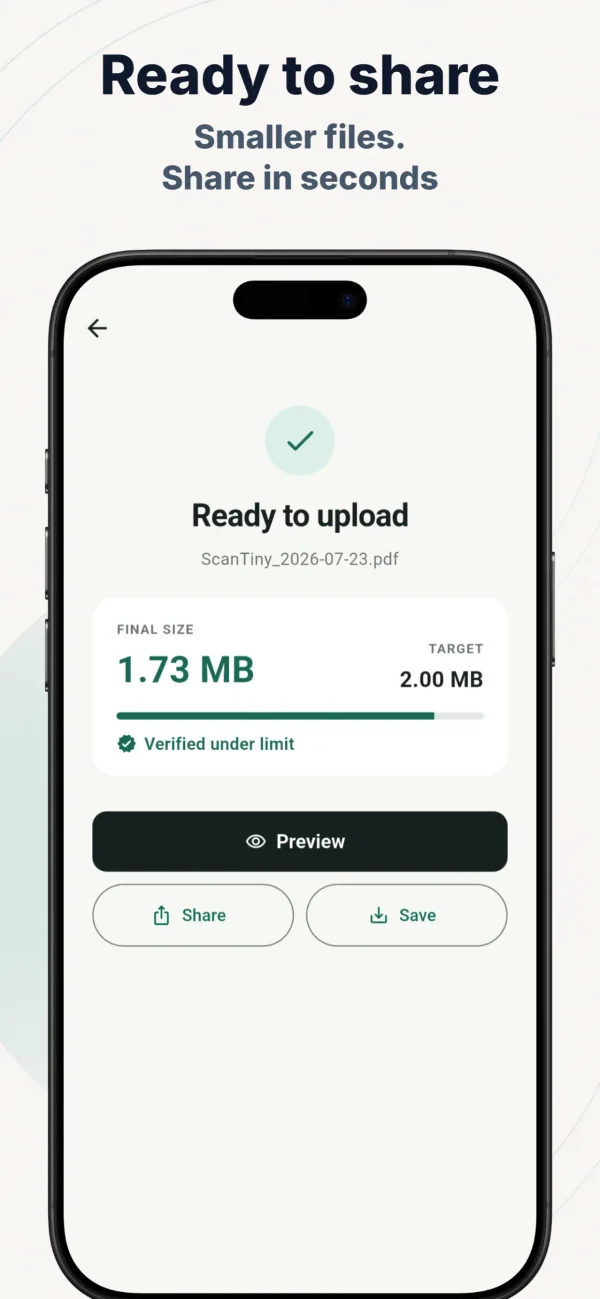
The app adjusts each page to balance readability and file size. When processing is complete, it validates the actual PDF size and shows the result clearly.
PRIVATE DOCUMENT PROCESSING
Your scanned pages are processed on your device and are not uploaded to our servers for document processing. No account is required.
IMPORTANT
The final size depends on the number of pages, document detail, image content, and the selected limit. Very small limits may reduce image quality, and some documents may not reach the requested size while remaining readable. The app reports the actual final size so you know whether the PDF is ready to upload.
Choose the limit. Scan. Upload.
App privacy
What Rami Aayadah declares on the App Store about how this app handles data.
-
Data used to track you
May be used to track you across apps and websites owned by other companies.
- Location
- Identifiers
- Usage data
- Diagnostics
-
Data linked to you
May be collected and linked to your identity.
- Location
- Identifiers
- Usage data
- Diagnostics
-
Data not linked to you
May be collected but is not linked to your identity.
- Diagnostics
Privacy practices may vary, for example with the features you use or your age.
Information
- Seller
- Rami Aayadah
- Category
- Productivity
- Version
- 1.0
- Updated
- Sep 7, 2026
- Released
- Sep 7, 2026
- Size
- 24.2 MB
- Requires
- iOS 15.0 or later
- Age rating
- 4+
- Languages
- English
- Copyright
- © Rami Aayadah
You might also like
-
 PDF Scanner & OCR: SkanmeScan Documents, Sign & Edit
-
 Scanr Lens — Document ScannerAdfree tiny document scanner
-
 DOC2PDFDocument Editor & PDF Export
-
 Convert Image to PDF +JPG, PNG, JPEG to PDF
-
 Compress PDF - PDFpressFile Compressor & Size Reducer
-
 PDF Scanner and Editor ++PDF Scan, Edit, Fill and Sign
-
 AI PDF Scanner:scan.aiDocument Scanner PDF Converter
-
 Deckloud: Nextcloud DeckOffline Kanban boards & tasks
-
 Scanner App - Doc Scan to PDFPDF Scanner, Photo to PDF, OCR
-
 Instant AI Notes & TranscriptRecord meetings, video summary