- Age rating17+
- CategoryProductivity
- DeveloperKevin Williams
- LanguagesEnglish
- Size565.7 MB
Links to the official App Store page
Download.org hosts no file of PocketPC: Desktop Browser. The button opens its official App Store page, published by Kevin Williams. Listing last checked on Nov 20, 2026.
Screenshots

About
Your iPhone is already a powerful computer. PocketPC gives it a desktop.
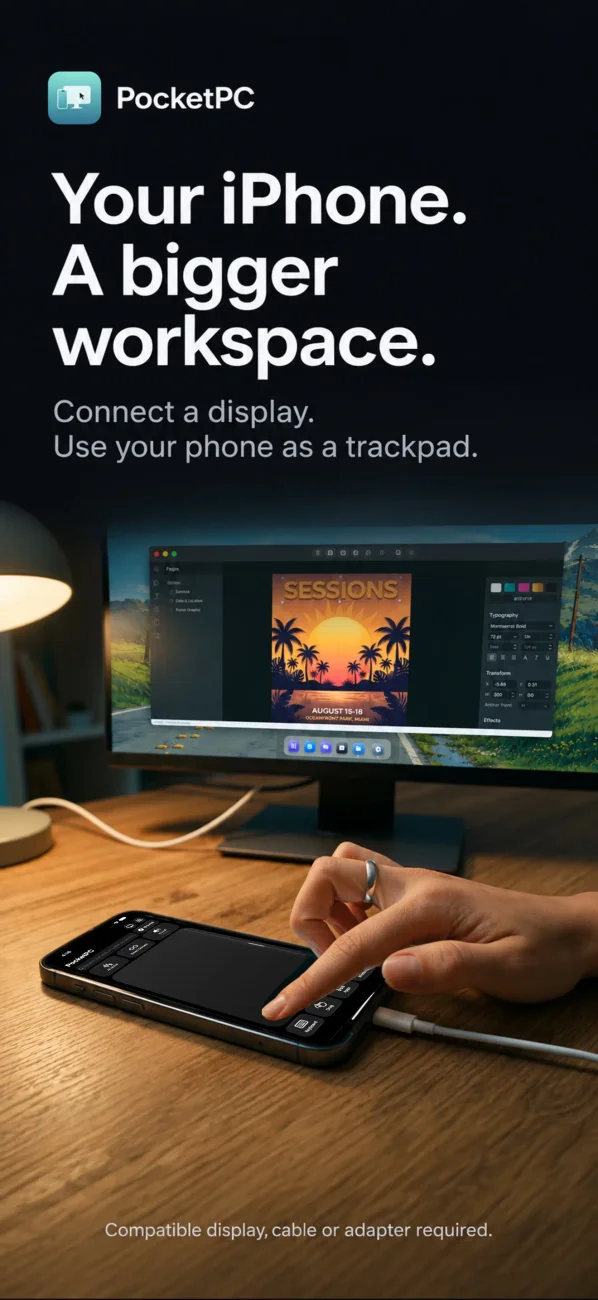
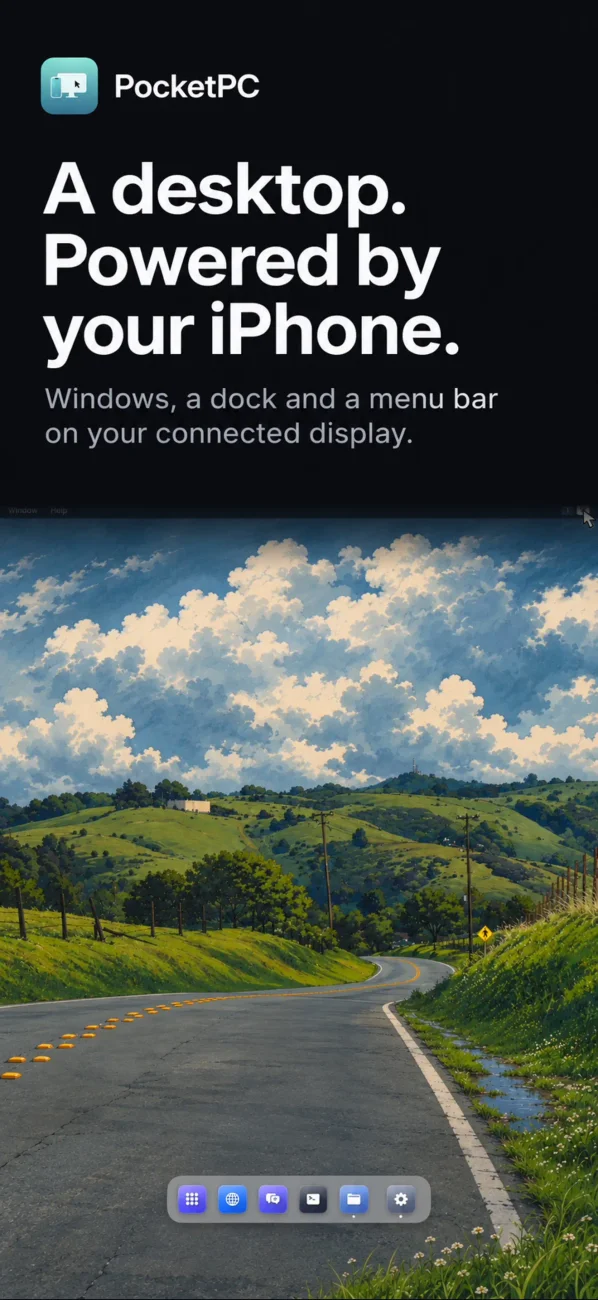
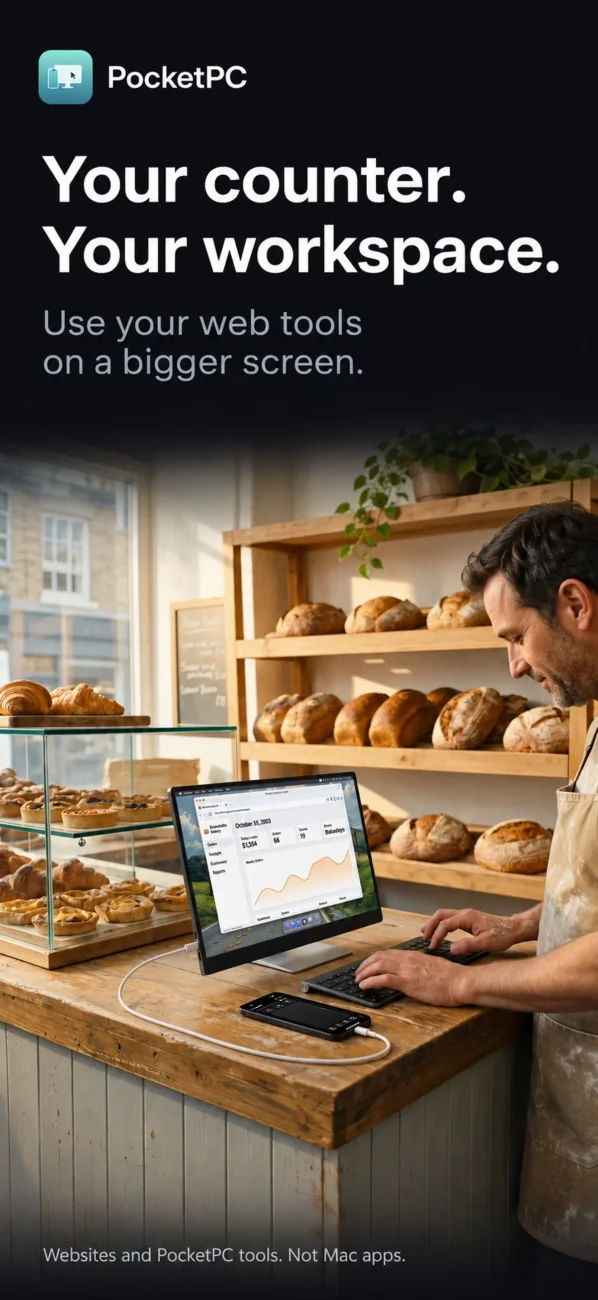
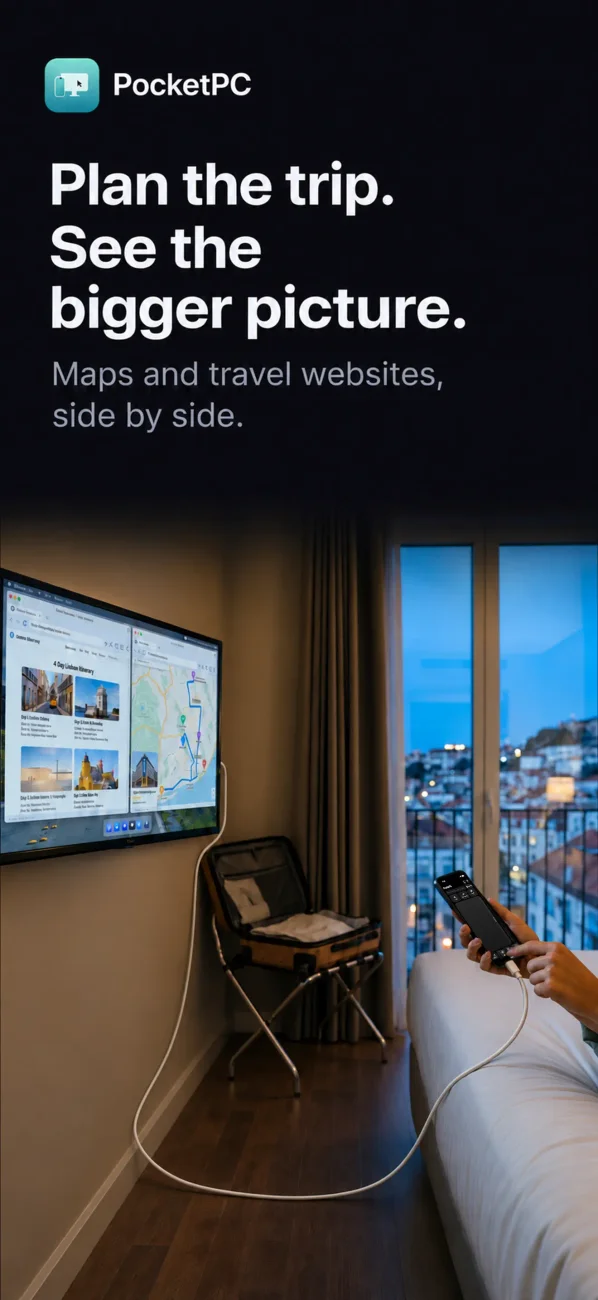
Connect a TV, a monitor or AR/XR display glasses and a full windowed desktop appears on the big screen, with a menu bar, a Dock, resizable windows and five workspaces. Your iPhone becomes the trackpad and keyboard. No laptop required.
A REAL DESKTOP
• Resizable, snappable windows that open and close with smooth animations
• A menu bar, a Dock with running apps, an app grid and five workspaces
• Keyboard shortcuts, full-screen apps and a window overview
• Crisp text at your display's full resolution, from 720p glasses to 4K TVs
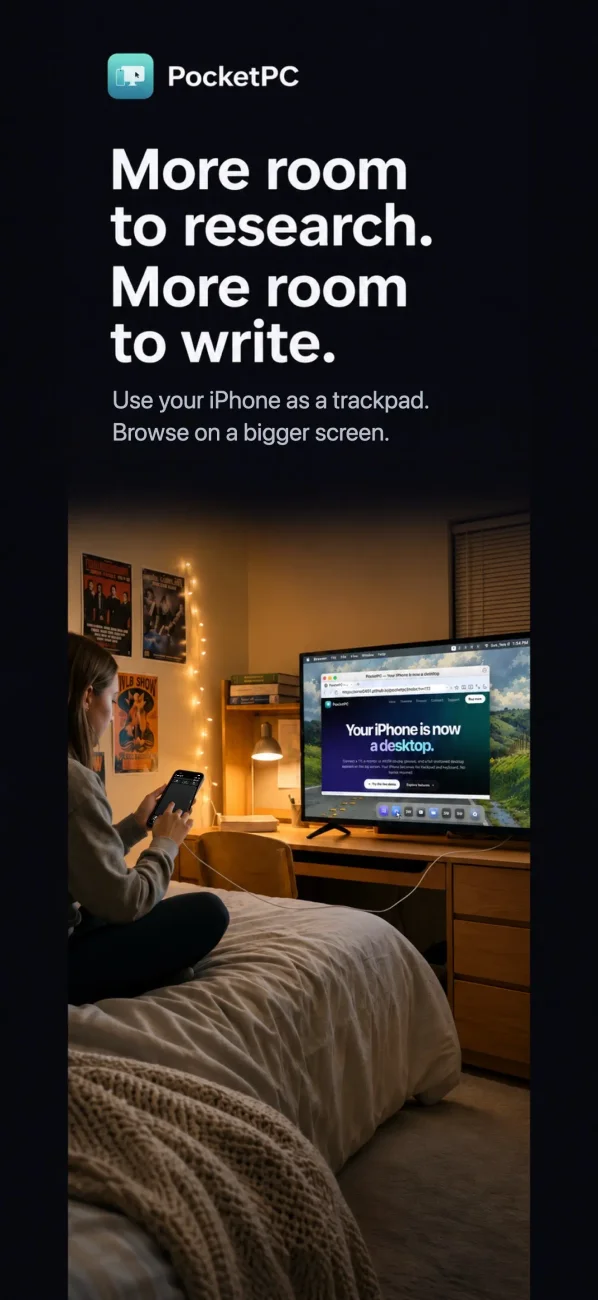
DESKTOP WEB BROWSING
• Desktop browsing with tabs, find on page and downloads. PocketPC requests desktop versions; individual sites control their layouts
• A start page with your saved bookmarks
• Fill saved sign-ins with iOS Passwords
• Turn any website into its own app with a Dock icon and window
• Full-screen video on your connected display
MADE FOR AR / XR DISPLAY GLASSES
• Smart Glasses mode turns your glasses into a see-through heads-up display
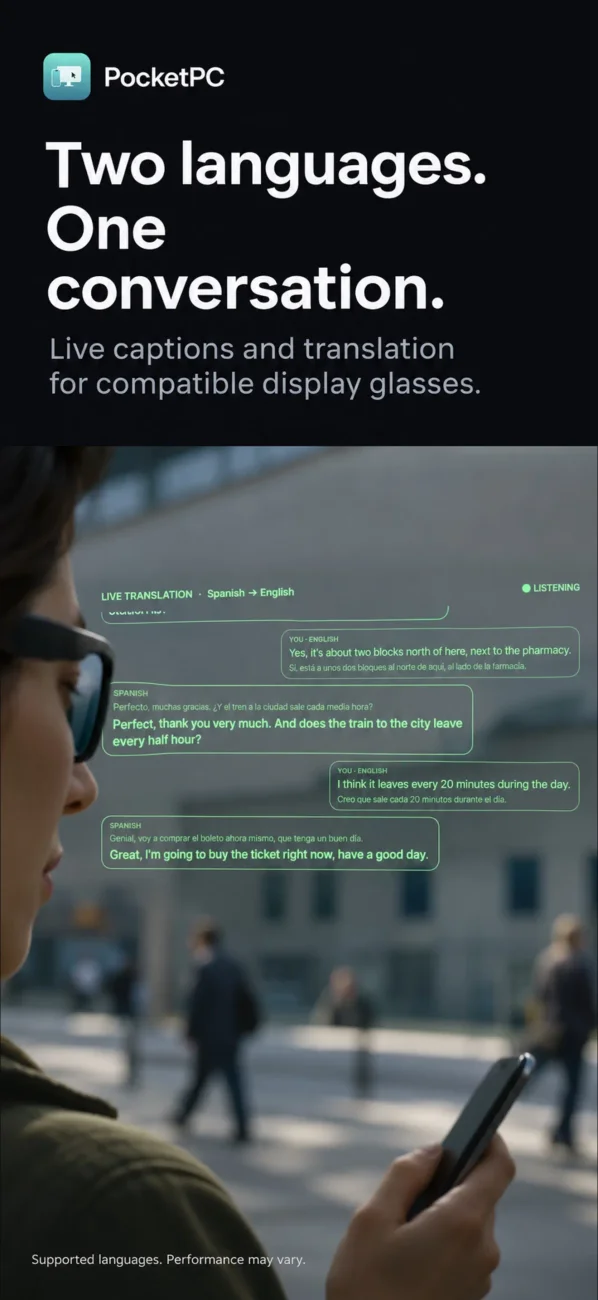
• Live Translation: read captions and translations in a thread that follows the conversation. Download supported languages ahead of time to translate offline. Timing varies with your iPhone, language and audio quality
• AI Notes: live captions and topics during a meeting, then a transcript and summary saved in Files, with an optional shortcut to save to Apple Notes
• Walking Directions: turn-by-turn directions in your view, so you're not staring at your phone
YOUR IPHONE IS THE TRACKPAD AND KEYBOARD
• One finger moves the pointer, tap to click, two fingers scroll
• Two-finger click for copy, paste and more
• Type with the iPhone keyboard or a compatible wired or Bluetooth keyboard
• Use a compatible wired or Bluetooth mouse with iOS AssistiveTouch. Enable it in Settings > Accessibility > Touch > AssistiveTouch; device and adapter compatibility varies
BUILT-IN APPS
• Files: browse, import, organize and preview your files
• Terminal: SSH into your Mac or server from anywhere
• Settings: pointer speed, scrolling and your web apps
• Sound: send audio to AirPods or the display and set the volume from your iPhone
CONNECT ANY WAY YOU LIKE
• USB-C display glasses, monitors and TVs, by cable or adapter
• AirPlay Screen Mirroring to an Apple TV, AirPlay TV or Mac
PRIVATE BY DESIGN
No PocketPC account is required. Speech is transcribed and translated on your iPhone. Diagnostics stay on your device unless you choose to copy or share them. Websites and their icon providers receive the network requests needed to load their content.
GOOD TO KNOW
• Glasses must accept video over USB-C (DisplayPort). Glasses with only a camera or speakers and no display aren't supported.
• A cable connection needs an iPhone with USB-C, or a compatible video adapter.
• The workspace runs websites and PocketPC's built-in tools; it does not run Mac apps or other installed iPhone apps.
• AI Notes summaries need an iPhone with Apple Intelligence; other iPhones still get the full transcript.
One-time purchase. No subscriptions.
What’s new
Version 1.0.6 · Nov 9, 2026
• Improved hardware keyboard handling and mouse input routing in desktop and Netbook layouts.
• Clearer typing caret and text-selection feedback on the desktop display.
• More reliable keyboard switching, browser links and desktop webpage sizing.
For compatible mice on iPhone, enable AssistiveTouch in Settings > Accessibility > Touch > AssistiveTouch. Mouse and adapter compatibility depends on iOS and your hardware.
App privacy
What Kevin Williams declares on the App Store about how this app handles data.
-
Data not collected
The developer does not collect any data from this app.
Privacy practices may vary, for example with the features you use or your age.
Information
- Seller
- Kevin Williams
- Category
- Productivity
- Version
- 1.0.6
- Updated
- Nov 9, 2026
- Released
- Oct 8, 2026
- Size
- 565.7 MB
- Requires
- iOS 27.0 or later
- Age rating
- 17+
- Price
- $4.99
- Languages
- English
- Copyright
- © 2026 Kevin Williams
You might also like
-
 DeskXA Real Desktop Experience
-
 Mesh Community DKProductivity
-
 monday NotetakerAI meeting notes, on the go
-
 InfiniteX2P Pro — Desktop ModePro Desktop for Your iPhone
-
 DeskStateDesktop mode for any display
-
 PXS External Screen DesktopYour phone is the computer
-
 Halo OSYour pocket PC
-
 XeOS: External Display DesktopPro Full Screen Desktop Mode
-
 Desktop Mode OS: ProDocktiveExternal Display Multitasking
-
 TypeDrawYour new Notebook