Printer App: AI Scanner & PDF
Print, Scan & PDF Editor
Designed for iPhone, iPod touch
Free · In-app purchases
- Age rating4+
- CategoryBusiness
- DeveloperAMOBEAR GROUP
- LanguagesEnglish+ 7 more
- Size171.4 MB
Links to the official App Store page
Download.org hosts no file of Printer App: AI Scanner & PDF. The button opens its official App Store page, published by AMOBEAR GROUP. Listing last checked on Nov 27, 2026.
Screenshots
About
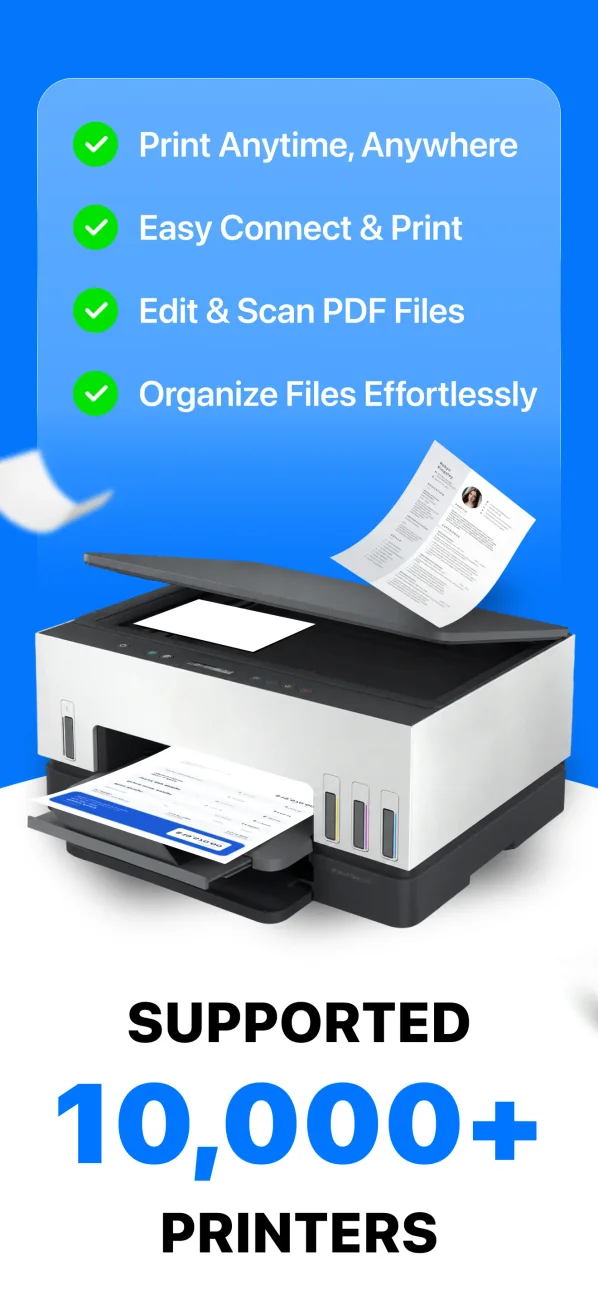
Need a hard copy fast but tired of complicated printer setups? Smart Printer: PDF & Scanner brings printing, scanning, and document management together in one simple, all-in-one mobile workspace — no computer or complex setup required.
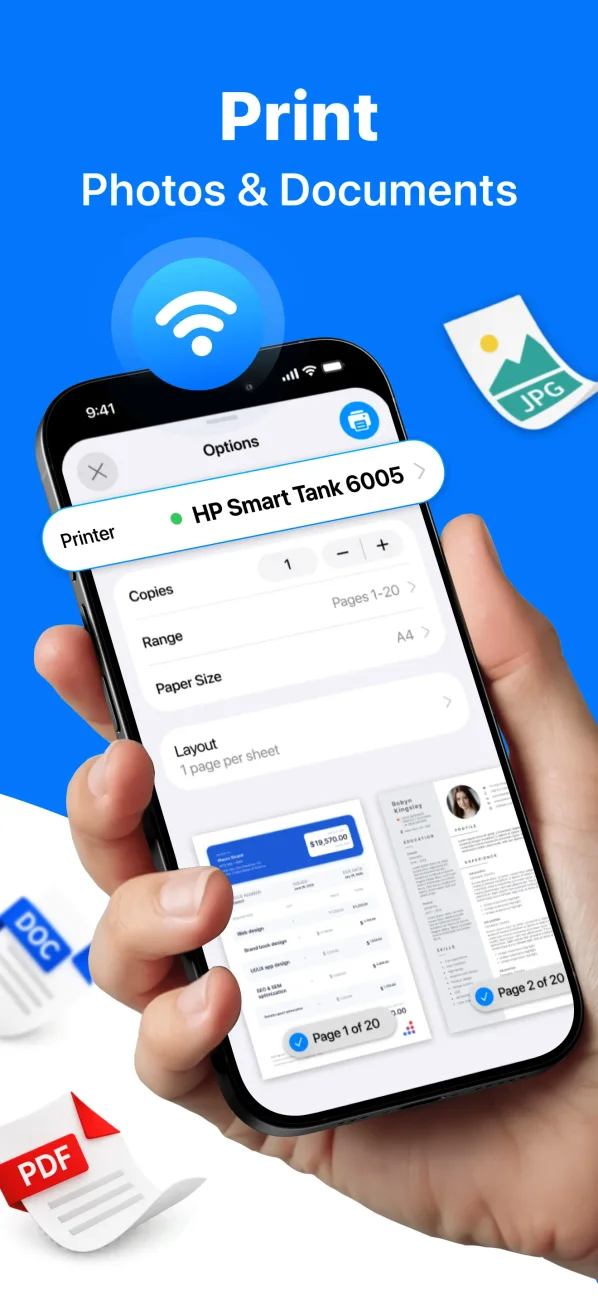
WIRELESS PRINTING
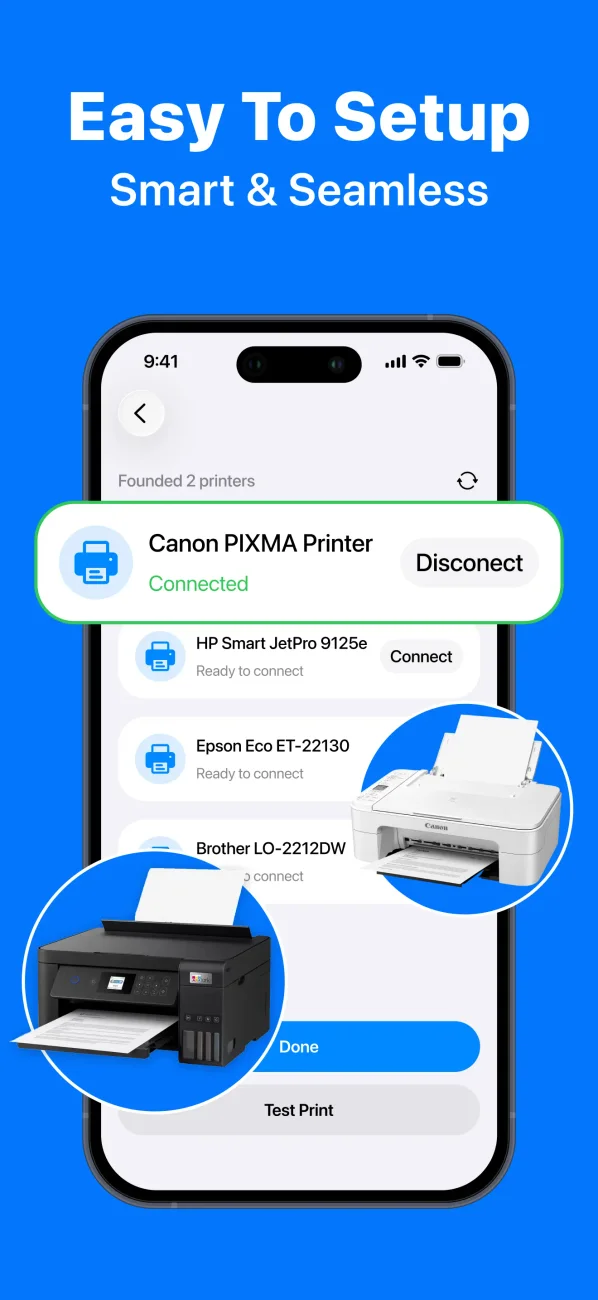
Connect to your local network and print from almost anywhere.
• Print PDF, DOCX, XLSX, and PPTX files.
• Print photos directly from your camera roll or photo library.
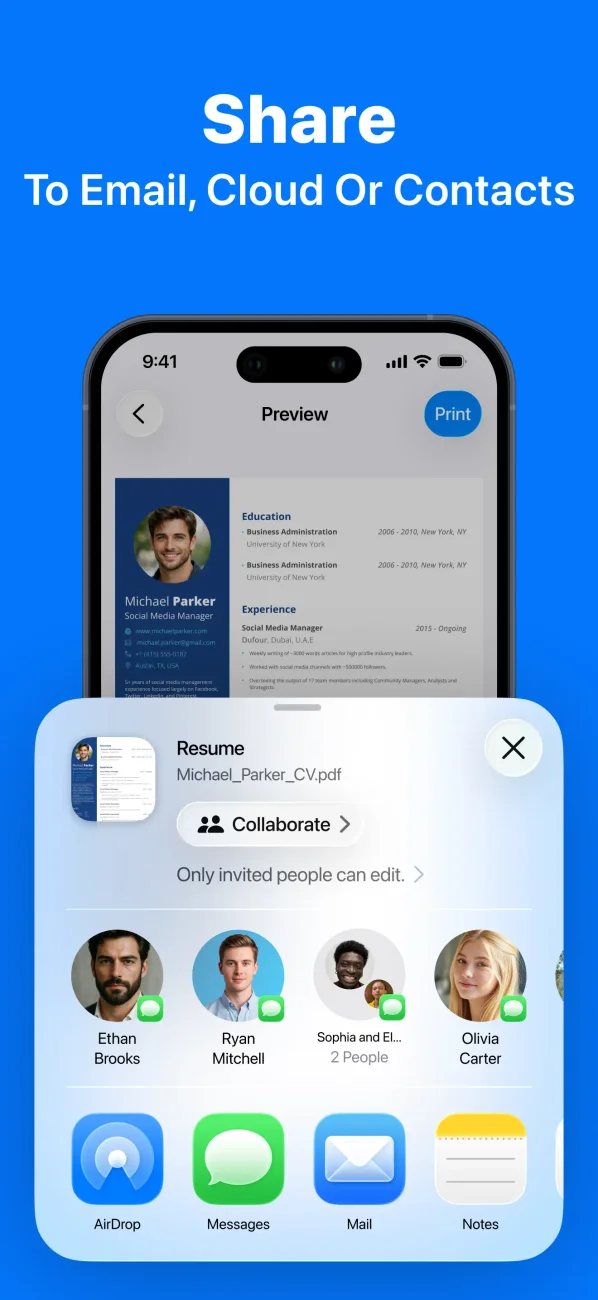
• Print emails, contacts, and webpages with one tap.
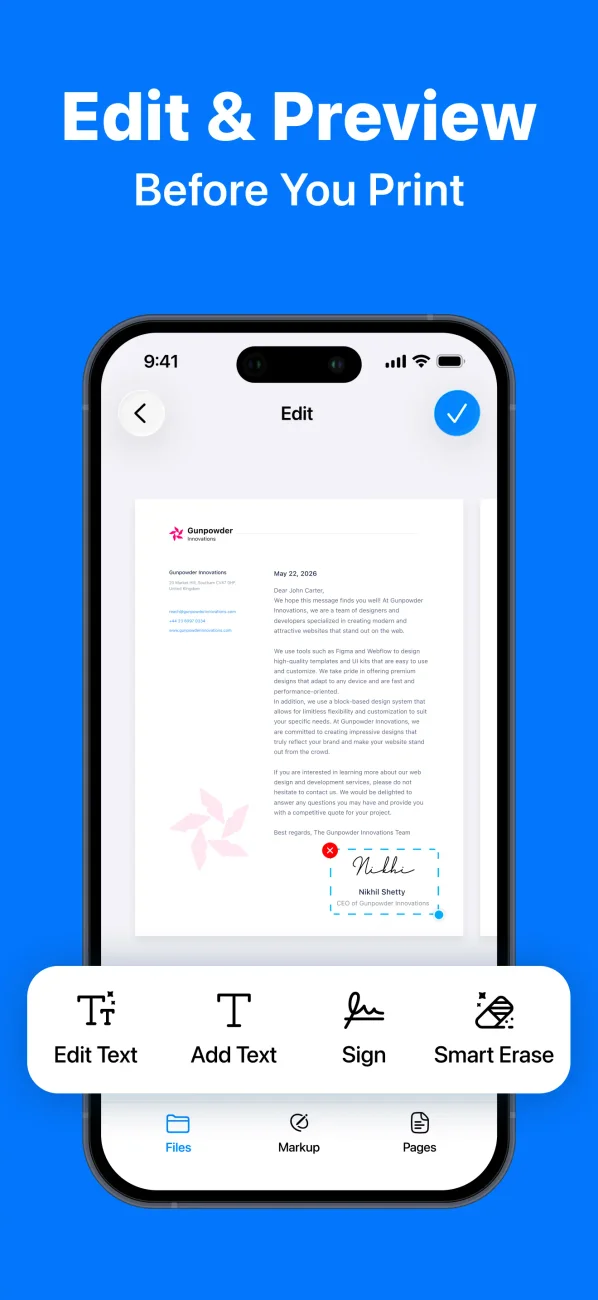
• Sign documents and make quick edits before printing.
• Review and reprint recent jobs from your print history.
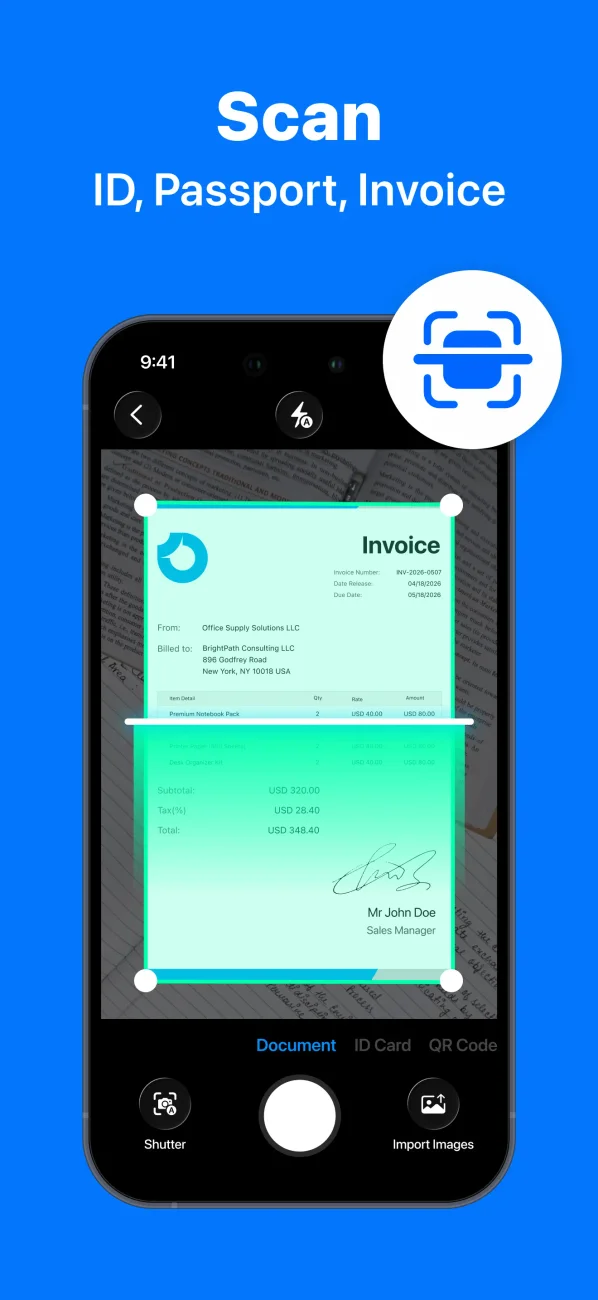
SMART SCANNER
Turn paper into clean, polished digital files in seconds.
• Auto-crop and OCR scan documents, receipts, and multi-page books.
• Dedicated scan modes for ID cards and passports.
• Instant QR code scanning.
• On-device text recognition (OCR) turns scans into searchable, editable text.
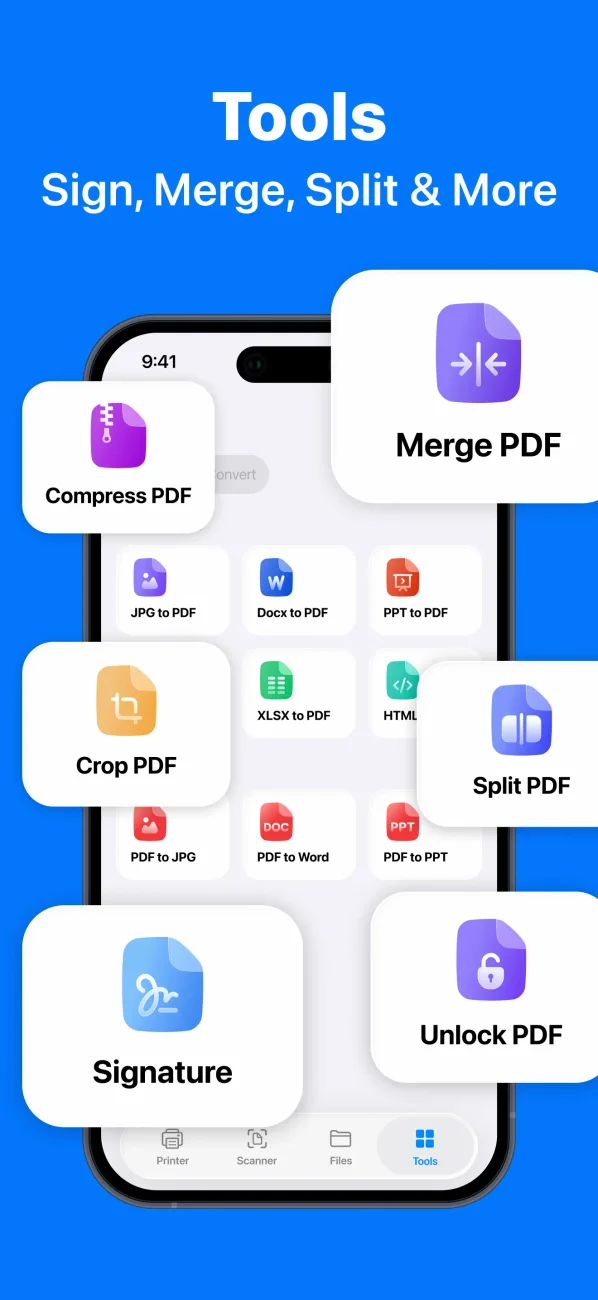
PDF & FILE TOOLS
Edit and organize your files without leaving the app.
• Merge multiple PDFs into one, or split a PDF into separate files.
• Compress PDFs for easier sharing and smaller email attachments.
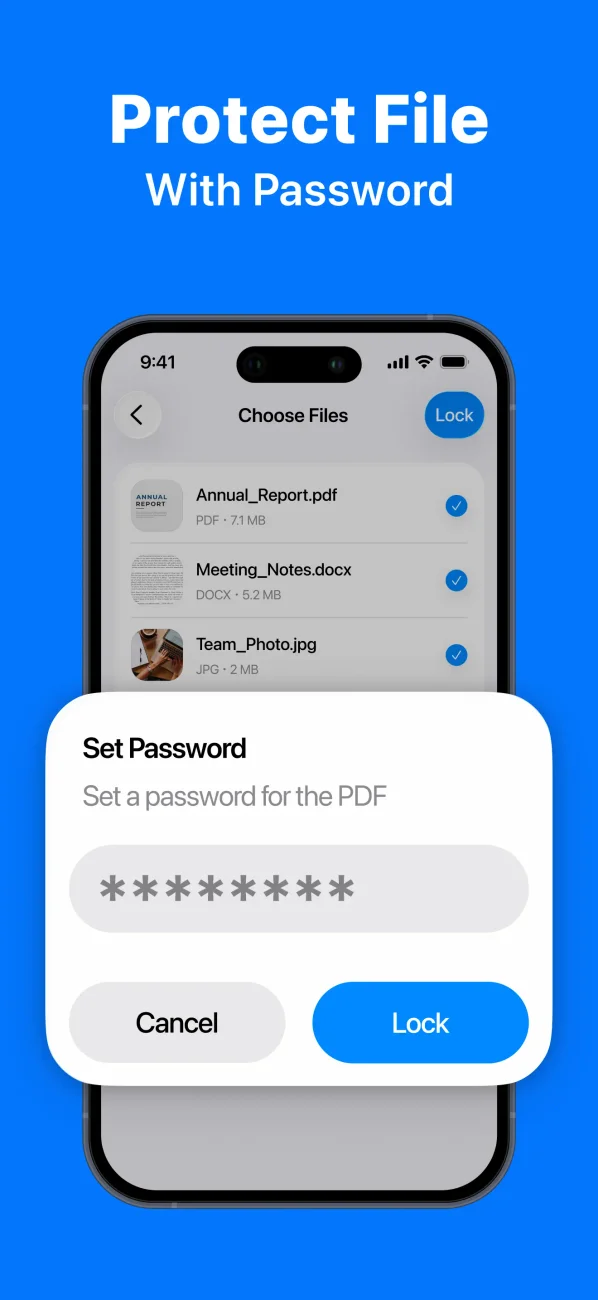
• Rotate pages and lock or unlock PDFs with a password.
• Crop and compress photos, remove image backgrounds, and extract text with OCR.
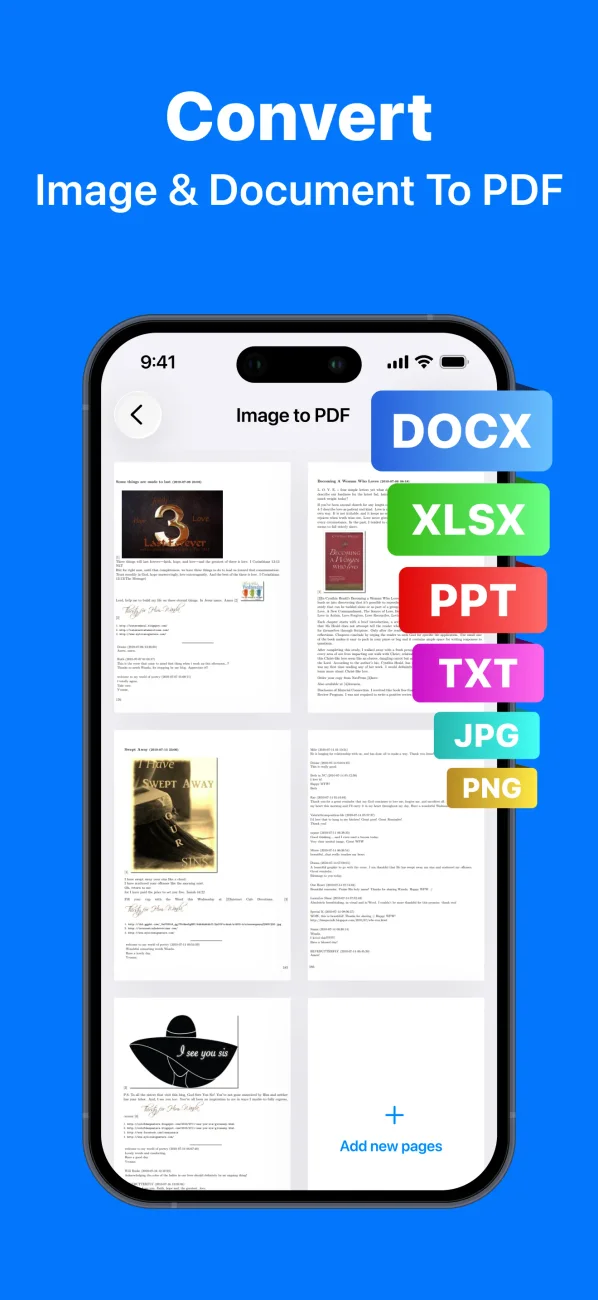
• Convert PDFs from multiple file types, including DOCX, XLSX, PPTX, JPG, PNG, and more.
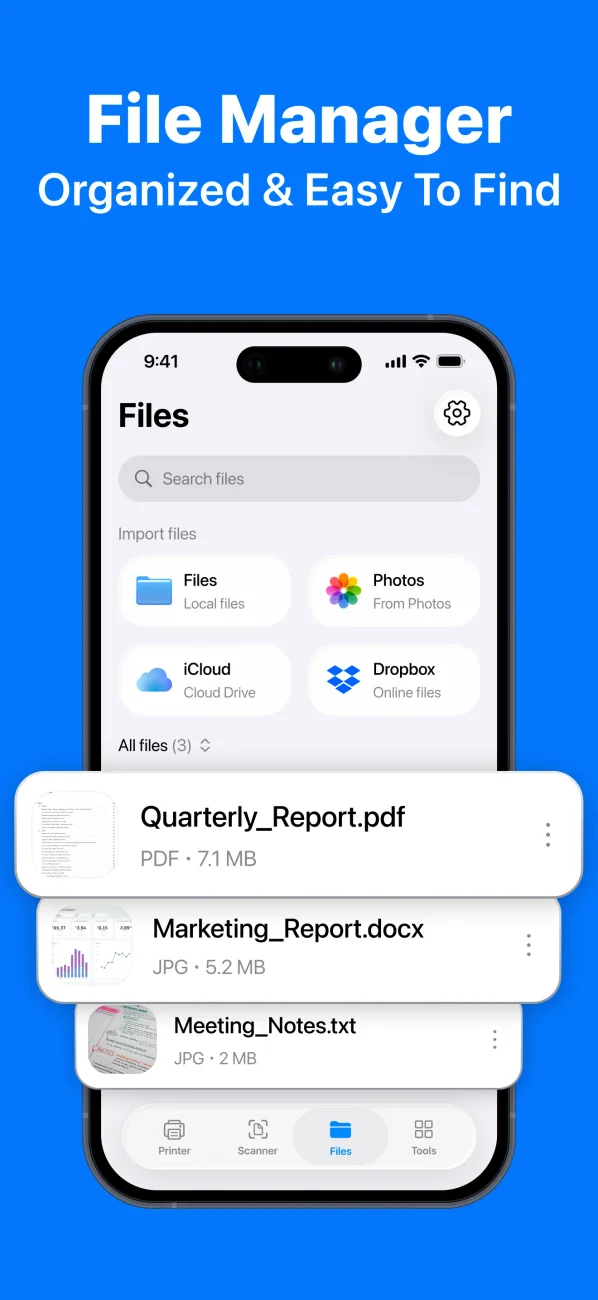
FILE MANAGER
Keep everything organized in one place.
• Manage local files and your photo library with a clean, simple layout.
• Sync automatically with iCloud.
• Print directly from cloud files without downloading first.
YOUR PRIVACY COMES FIRST
All scanning, OCR, and photo editing happen directly on your iPhone — not on a remote server. Your contracts, IDs, and personal documents stay private and never leave your device during processing.
Download Smart Printer: PDF & Scanner today and turn your iPhone into your complete mobile printing and document toolkit.
Privacy Policy: https://sites.google.com/view/smartclean-ai-storage-cleaner/home
EULA: https://www.apple.com/legal/internet-services/itunes/dev/stdeula/
What’s new
Version 1.1.0 · Sep 30, 2026
Optimized app size for a lighter download.
Improved printing experience for smoother and easier printing.
App privacy
What AMOBEAR GROUP declares on the App Store about how this app handles data.
-
Data used to track you
May be used to track you across apps and websites owned by other companies.
- Usage data
- Diagnostics
-
Data linked to you
May be collected and linked to your identity.
- Usage data
- Diagnostics
Privacy practices may vary, for example with the features you use or your age.
Information
- Seller
- AMOBEAR VIET NAM COMPANY LIMITED
- Category
- Business
- Version
- 1.1.0
- Updated
- Sep 30, 2026
- Released
- Jun 26, 2026
- Size
- 171.4 MB
- Requires
- iOS 16 or later
- Age rating
- 4+
- Price
- Free
- In-app purchases
- Yes
- Languages
- English, French, German, Japanese, Korean, Portuguese, Spanish, Vietnamese
- Copyright
- © AMOBEAR GROUP
You might also like
-
 Printer Wireless PrintingiPrint - Smart Mobile Print
-
 Scanovo: QR & PDF ScannerScan, Create QR & PDF
-
 CamVision: PDF & OCR ScannerSmart PDF & Document Scan
-
 Smart Printer App & PDF ScanPrint photo & PDF via AirPrint
-
 Scanner App - PDF & OCRSmart PDF & Document Scanner
-
 iPrint for Epsom Printer AppFor Epson, Canon and HPSmart
-
 Smart Printer App- iPrint ScanFor Canon, HP, Epson, Brother
-
 Scanner PDF: Scan & EditScan, Edit & Sign PDFs
-
 Label Printer Address StickersPrint labels at home
-
 Setup for HP Smart Printer AppInstant Setup, Print & Scan