- Age rating4+
- CategoryPhoto & Video
- DeveloperMosaic S.r.l.
- LanguagesEnglish+ 10 more
- Size70.3 MB
Links to the official App Store page
Download.org hosts no file of Remote Legacy. The button opens its official App Store page, published by Mosaic S.r.l. Listing last checked on Nov 7, 2026.
Screenshots
About
Filmic Remote v3 is now called Remote Legacy. Filmic Remote v4 is now integrated directly into Filmic Pro v7.5.
Remote Legacy is designed for use with Filmic Pro v7.4.2 and earlier (including Filmic Legacy). It offers wireless control and monitoring of your Filmic Pro experience. Filmic Remote puts your spare iOS devices into the production process.
Remote v3 offers three modes of capability: Control, Monitor and Director.
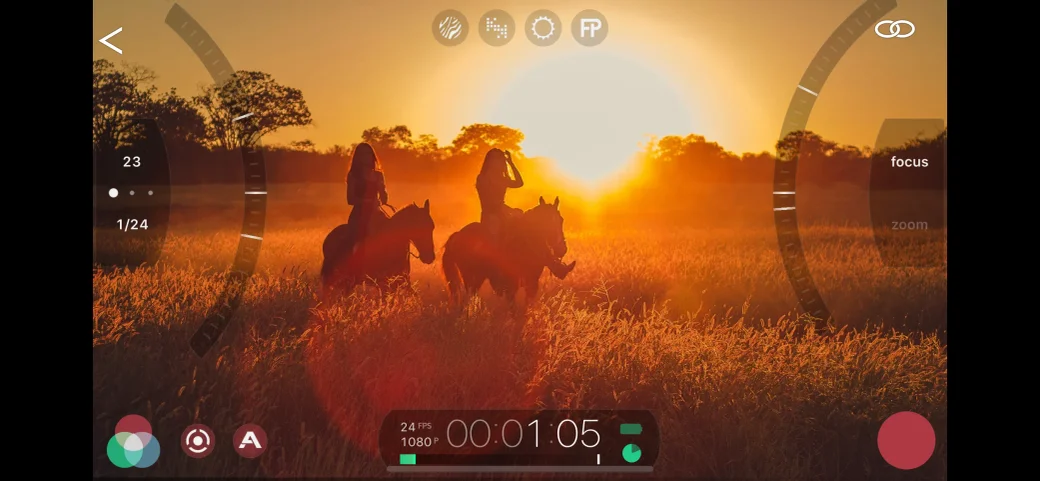
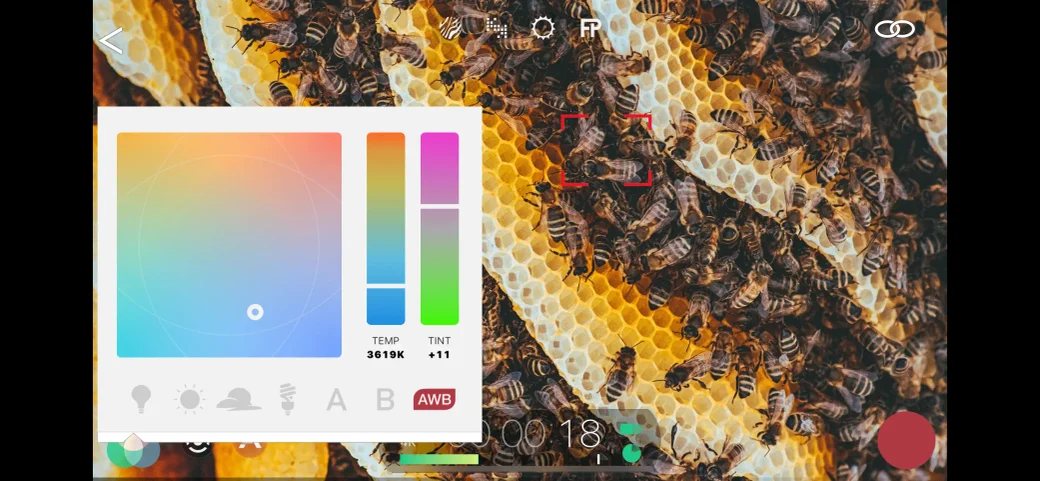
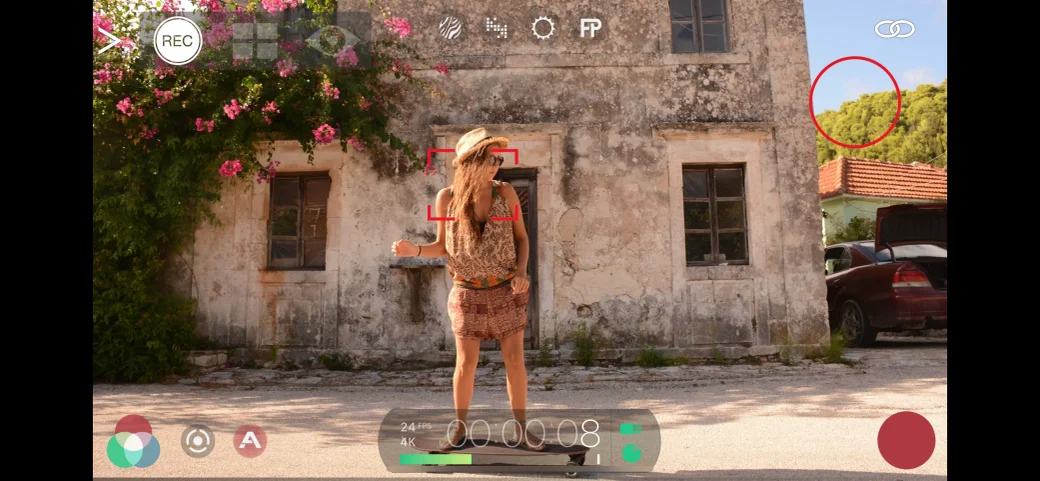
Control mode provides the familiar Filmic Pro interface for complete remote camera control over hard to reach camera placements such as sliders, jib arms, car mounts, microphone stand or other compelling live event camera placements. Set up your Filmic Pro device and then control all settings and recordings from the Remote:
- Start/Stop record functions.
- Focus/exposure reticle placement and locking.
- Dual arc slider manual controls for focus and exposure.
- Pull-to-point focus and exposure pulls.
- Create and load Filmic Pro presets from Filmic Remote.
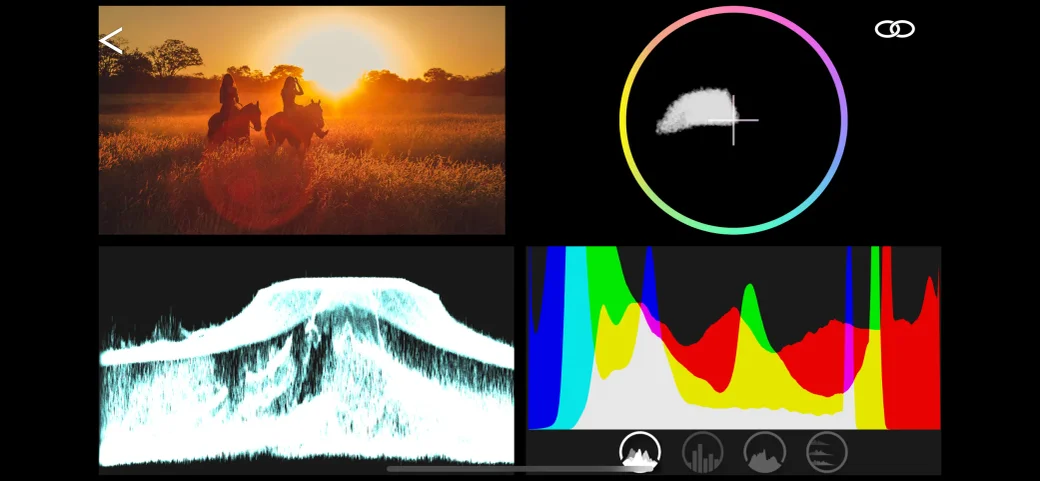
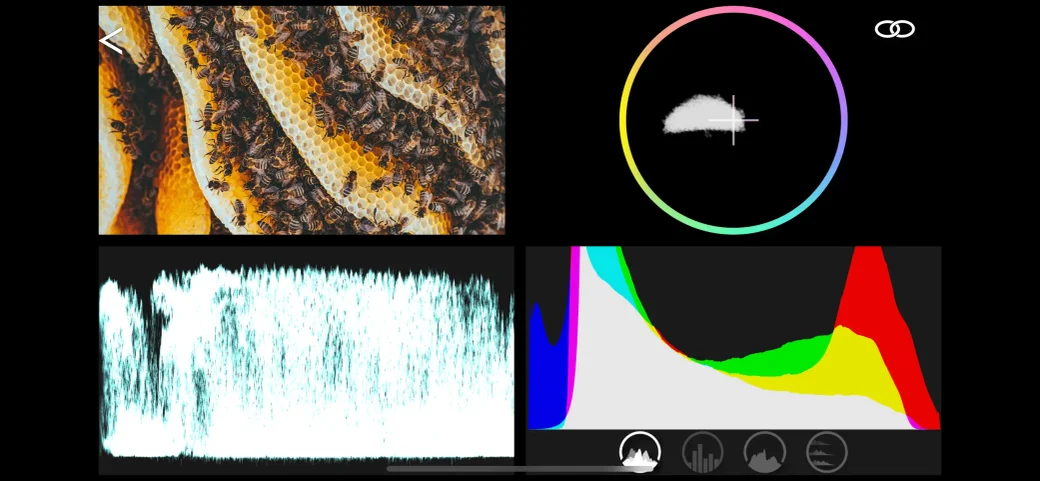
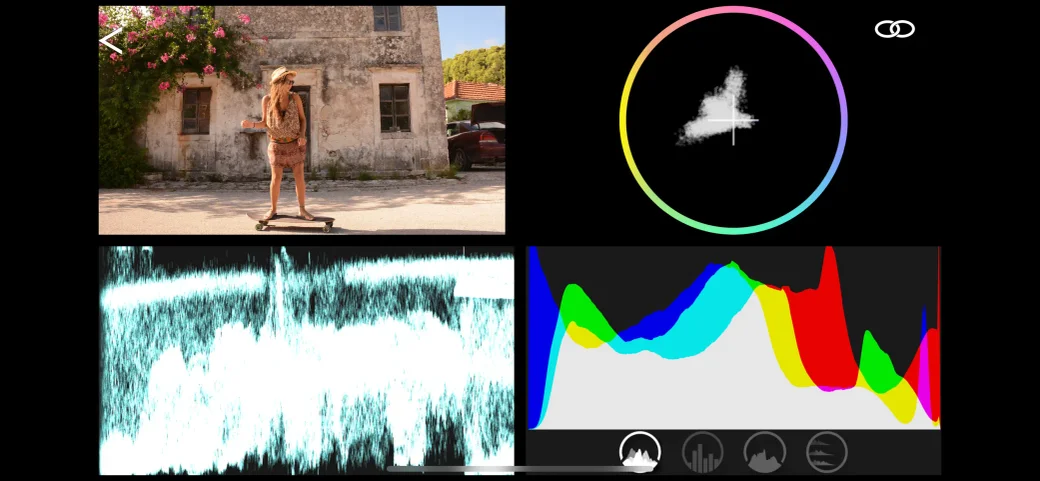
Monitor mode gives you cinema production capability for a fraction of the cost, offering a four-up display with the following powerful analytics:
- Video preview: Reference video for use with analytics screens.
- Waveform monitor: Visually identifies signal brightness segmented from left to right across a video feed. Used in conjunction with the video preview it can provide a quick snapshot of brightness in your video.
- Vectorscope: Displays color saturation, by channel, across the entire image.
- Histograms: RGB composite, Luminance, Zone and RGB channel.
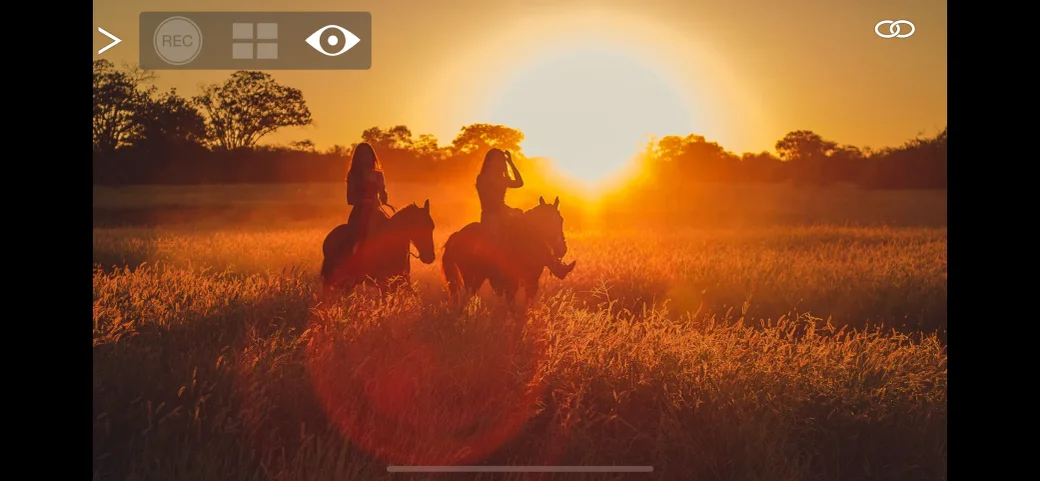
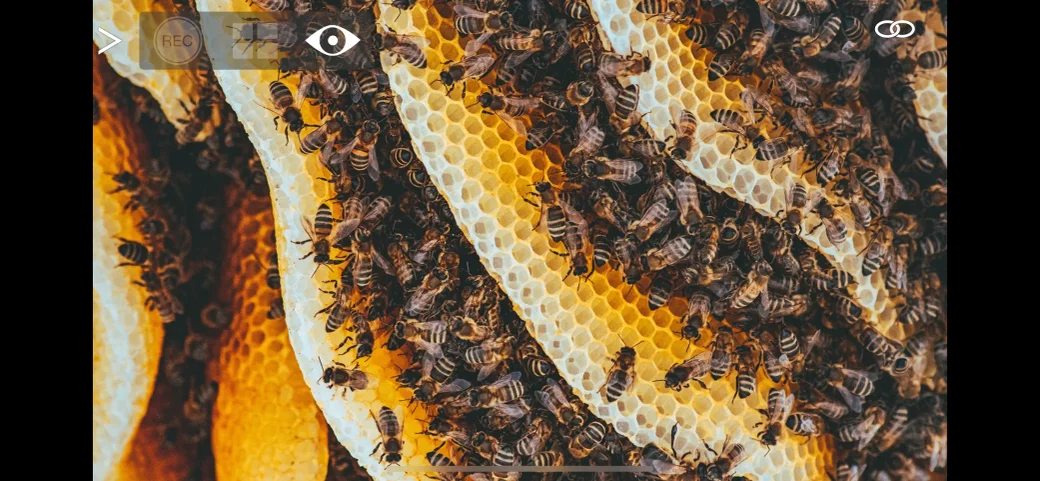
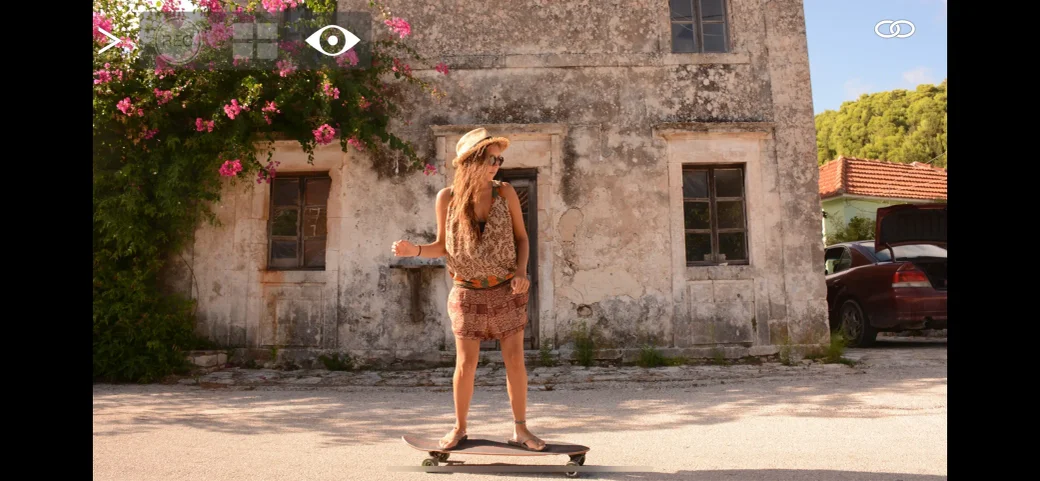
Director mode provides a clean video preview. This is perfect for providing a director, producer or crew with a device to monitor the production remotely.
You can switch between modes on the fly to check analytics and composition. Remote can also be set up in ‘preview-only’ mode allowing a camera operator to perform all controls from the device running Filmic Pro and allowing the Remote to be used solely for monitoring.
Create your mobile studio today with Filmic Remote!
Notes:
- The use of Filmic Remote on one iOS device requires the simultaneous use of Filmic Pro on an additional device. Both devices must be running iOS 13 or later.
- Filmic Remote connects to Filmic Pro using Wi-Fi either on an established network or using a peer-to-peer network (for using in areas where a Wi-Fi network is not present).
- Filmic Remote can connect to any iPhone or iPad running Filmic Pro and is not cross platform.
What’s new
Version 3.7.12 · Jan 24, 2025
Bug fixes and performance improvements.
App privacy
What Mosaic S.r.l. declares on the App Store about how this app handles data.
-
Data linked to you
May be collected and linked to your identity.
- Contact info
-
Data not linked to you
May be collected but is not linked to your identity.
- Location
- Identifiers
- Usage data
- Diagnostics
Privacy practices may vary, for example with the features you use or your age.
Information
- Seller
- Mosaic S.r.l.
- Category
- Photo & Video
- Version
- 3.7.12
- Updated
- Jan 24, 2025
- Released
- Jul 11, 2013
- Size
- 70.3 MB
- Requires
- iOS 14.1 or later
- Age rating
- 4+
- Price
- Free
- Languages
- English, French, German, Italian, Japanese, Korean, Portuguese, Russian, Simplified Chinese, Spanish, Traditional Chinese
- Copyright
- © Bending Spoons Operations SpA and Intermediaries
You might also like
-
 Filmic LegacyPhoto & Video
-
 Filmic Firstlight - Photo AppModern Photos with Analog Vibe
-
 Filmic Pro-Video CameraCinema Quality Video Capture
-
 MoviePro: Pro Video CameraCinematic Filmmaking Recorder
-
 Remote Camera Control via AirManual camera settings
-
 REC - Pro Video CameraCinematic Film Recording
-
 Remote Shutter: camera connectSelfie remote & camera timer
-
 Cinema P3 Pro CameraProfessional Cinematic Video
-
 Shoot Pro Camera SourceRemote-control. Drawing tools.
-
 Beastcam - Pro CameraThe most advanced camera app