
Remote Mouse for Mac
Wireless trackpad for your Mac
Được thiết kế cho iPhone, iPad, iPod touch
Miễn phí · Mua hàng trong ứng dụng
- Độ tuổi4+
- Danh mụcTiện Ích
- Nhà phát triểnjoon kwang kim
- Ngôn ngữTiếng Anh+ 3 ngôn ngữ khác
- Kích thước5,6 MB
Liên kết đến trang App Store chính thức
Download.org không lưu trữ tệp nào của Remote Mouse for Mac. Nút này mở trang ứng dụng trên App Store, nơi joon kwang kim phát hành ứng dụng. Trang được kiểm tra lần cuối: 15/11/2026.
Ảnh chụp màn hình


Giới thiệu
Nhà phát triển chưa cung cấp nội dung này bằng ngôn ngữ của bạn.
Turn your iPhone and iPad into a wireless trackpad for your Mac.
Remote Mouse for Mac lets you control your Mac using the device in your hand — just like a Magic Trackpad, with no cables and no extra mouse. From the couch, during a presentation, or in bed, move your Mac's cursor freely from anywhere.
■ Just Like a Real Trackpad
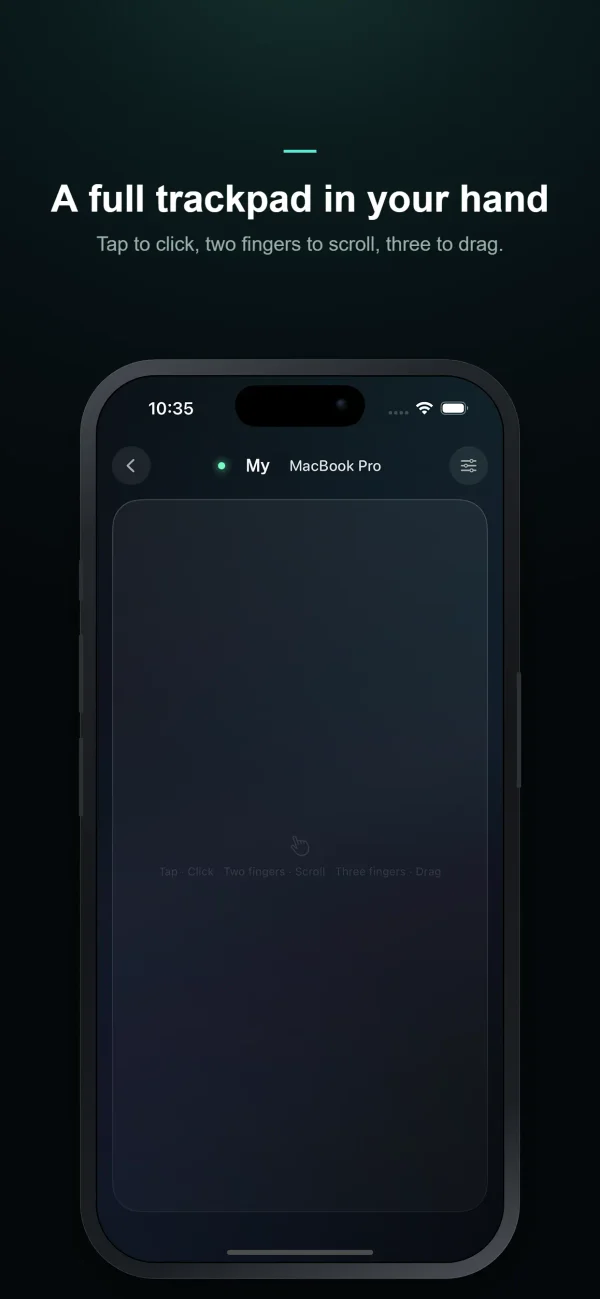
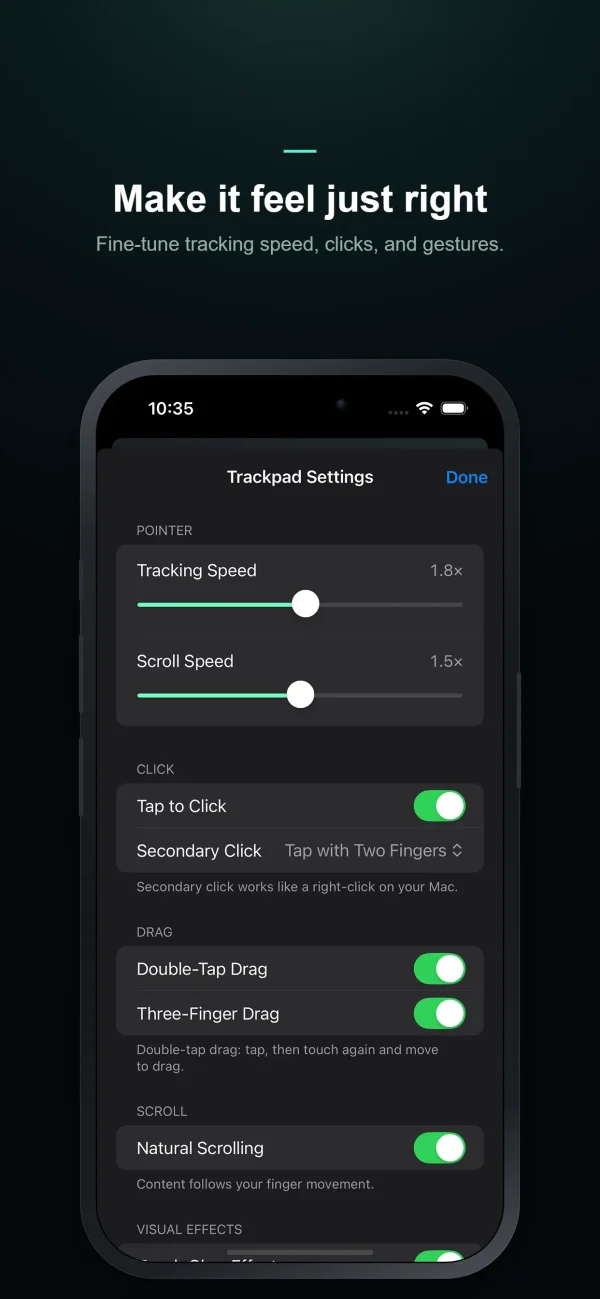
· Tap to click, two-finger tap to right-click
· Two-finger scroll
· Three-finger drag and double-tap drag
· Adjust tracking speed and scroll sensitivity to your liking
It feels exactly like a Magic Trackpad.
■ Connect Without Cables
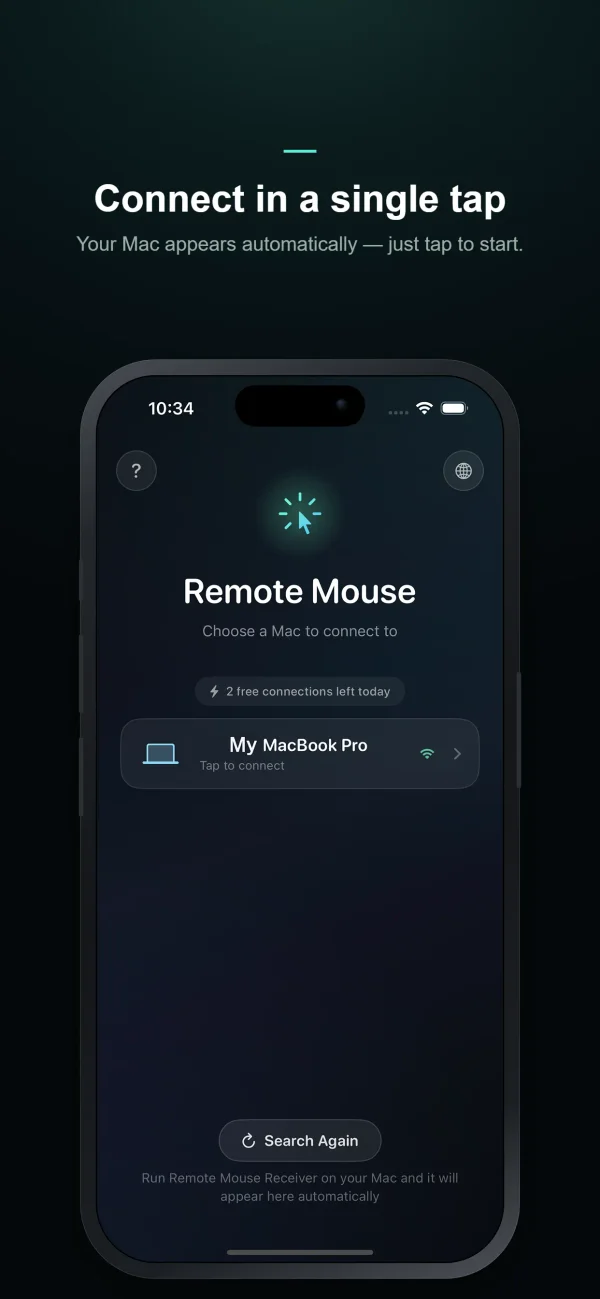
On the same Wi-Fi, your Mac is discovered automatically and shown in the list. One tap connects. No Wi-Fi? It connects over Bluetooth too.
■ Multiple Macs at Once
Home and office, MacBook and Mac mini — every Mac running the Receiver appears in the list, so you can pick and connect to any of them.
■ Secure by Design
When your iPhone connects, your Mac must approve it. No one can access your Mac without permission.
■ A Refined Experience
A neon glow blooms with every touch, wrapped in a design like no other. Available in Korean, English, Japanese, and Chinese, following your device language automatically.
■ Getting Started
1. Install this app.
2. Run the free Receiver on your Mac (download from remotemouseformac.com).
3. Pick your Mac in the app, approve it, and it becomes a trackpad instantly.
Note: To control your Mac's cursor, you need to run the free Receiver app on your Mac once. After the first launch, it starts automatically at login.
Có gì mới
Phiên bản 1.0.4 · 06/11/2026
• iPhone Duo support: unfolded, the trackpad gets a scroll strip and Left/Right Click buttons. Half-fold it like a laptop and the lower screen becomes the trackpad.
• The same wide layout on iPad.
• Hold Left Click and slide on the trackpad to drag.
Quyền riêng tư của ứng dụng
Những gì joon kwang kim khai báo trên App Store về cách ứng dụng này xử lý dữ liệu.
-
Dữ liệu không được thu thập
Nhà phát triển không thu thập bất kỳ dữ liệu nào từ ứng dụng này.
Phương thức đảm bảo quyền riêng tư có thể khác nhau, chẳng hạn như tuỳ theo các tính năng bạn sử dụng hoặc độ tuổi của bạn.
Thông tin
- Người bán
- joon kwang kim
- Danh mục
- Tiện Ích
- Phiên bản
- 1.0.4
- Cập nhật
- 06/11/2026
- Phát hành
- 11/07/2026
- Kích thước
- 5,6 MB
- Yêu cầu
- iOS 15.0 trở lên
- Độ tuổi
- 4+
- Giá
- Miễn phí
- Mua hàng trong ứng dụng
- Có
- Ngôn ngữ
- Tiếng Anh, Tiếng Nhật, Tiếng Hàn, Tiếng Trung Giản thể
- Bản quyền
- © 2026 JKIT
Có thể bạn cũng thích
-
 Air Pods Pro: Volume BoosterMáy Trợ Thính Khuếch Âm
-
 DueSnap: Nhắc hạn sử dụngThực phẩm, thuốc, mã giảm giá
-
 TV Remote: Smart & UniversalTiện Ích
-
 EasyBeauty-Beauty is so easyTiện Ích
-
 VRLinkADB Tools,Debug Control
-
 QuickCast ProCast, Mirror & TV Remote
-
 AI Voice Recorder Pro: NotesNhãn người nói và tóm tắt AI
-
 Pinger - Network MonitorTiện Ích
-
 SideTVsTiện Ích
-
 WiMouse: Remote Mouse KeyboardTiện Ích