
ScrollControl: App Blocker
Social Media & Screen Time
Designed for iPhone, iPad
In-app purchases
- Age rating4+
- CategoryProductivity
- DeveloperAndrew Dalby
- LanguagesEnglish
- Size105.2 MB
Links to the official App Store page
Download.org hosts no file of ScrollControl: App Blocker. The button opens its official App Store page, published by Andrew Dalby. Listing last checked on Nov 24, 2026.
Screenshots
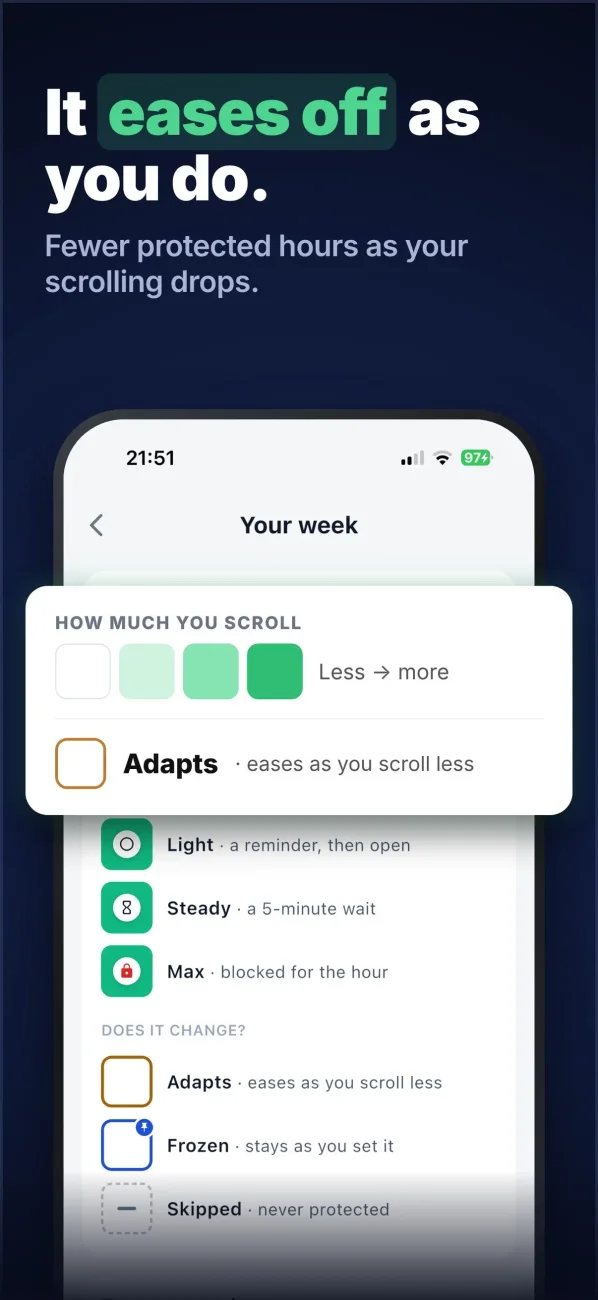
About
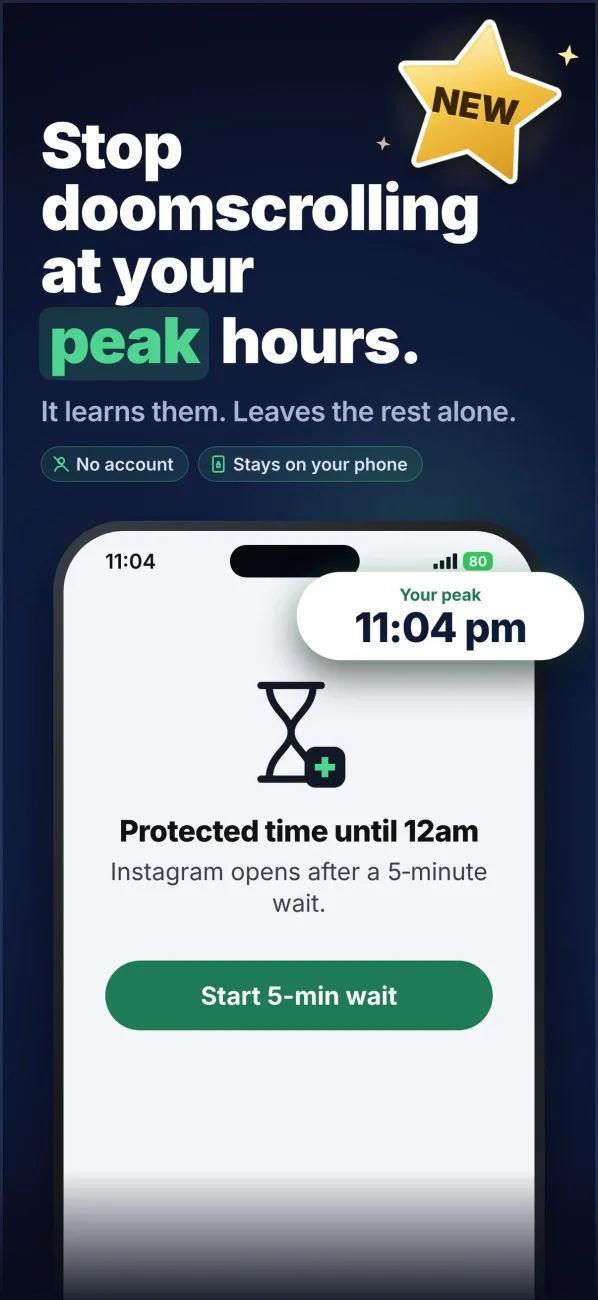
ScrollControl is a screen time app for adults who want to stop doomscrolling. It learns the hours you scroll most and only steps in then, with a reminder, a 5-minute wait or a block. Private by design: no account, and your data stays on your phone.
WHAT'S DIFFERENT
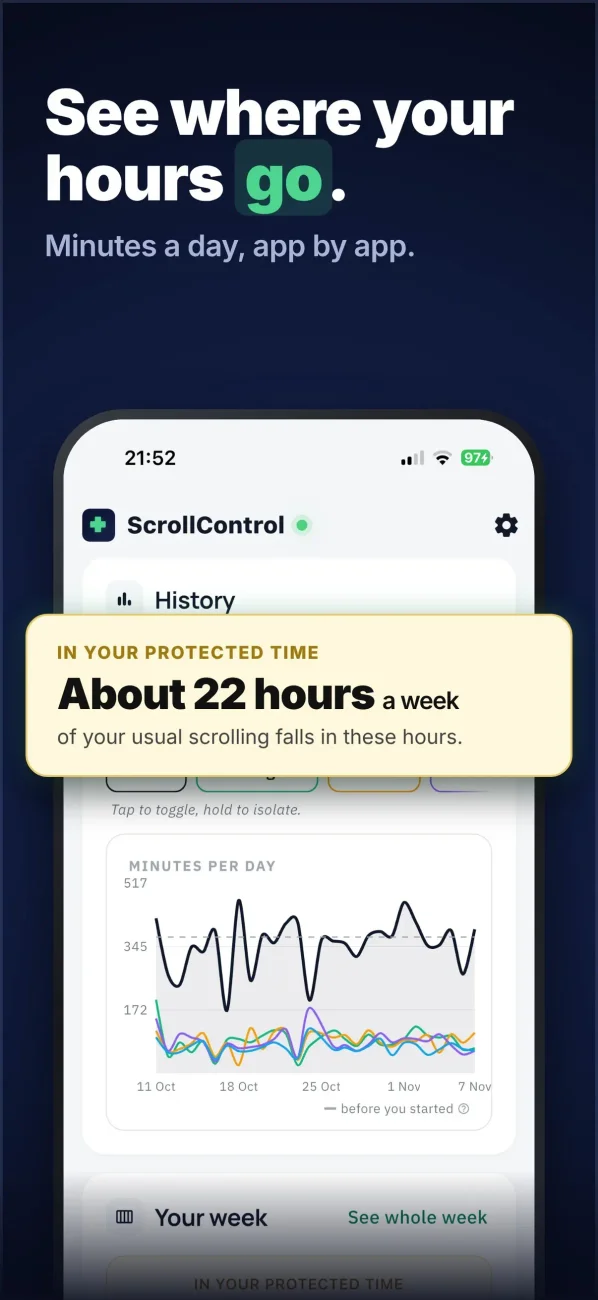
Most screen time tools give you a daily limit that's easy to skip, or block your apps all day. ScrollControl spots when scrolling really takes over (late at night, on the way home, or in the hour after work) and protects only those hours. The rest of the week, it leaves you alone.
HOW IT WORKS
• Choose up to nine apps you want help with, such as social media.
• ScrollControl privately counts the minutes you spend in them in each hour of the week, on your phone.
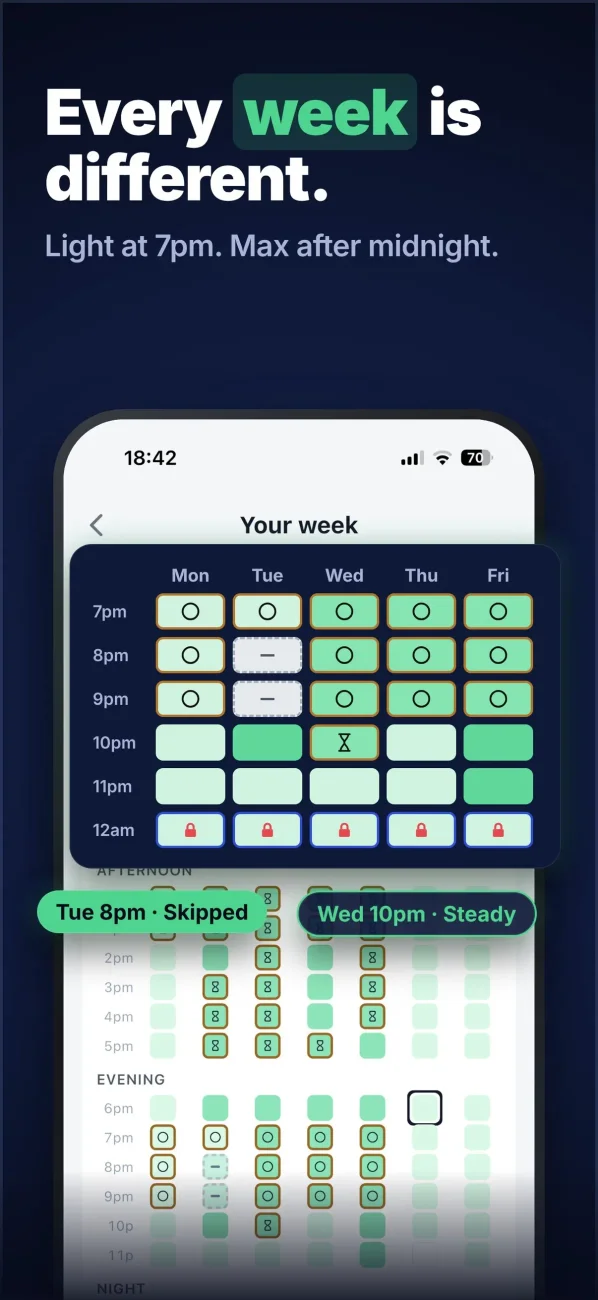
• It ranks your hours from occasional to heaviest and protects the heaviest.
• As you scroll less, ScrollControl eases off too.
CHOOSE HOW STRONG
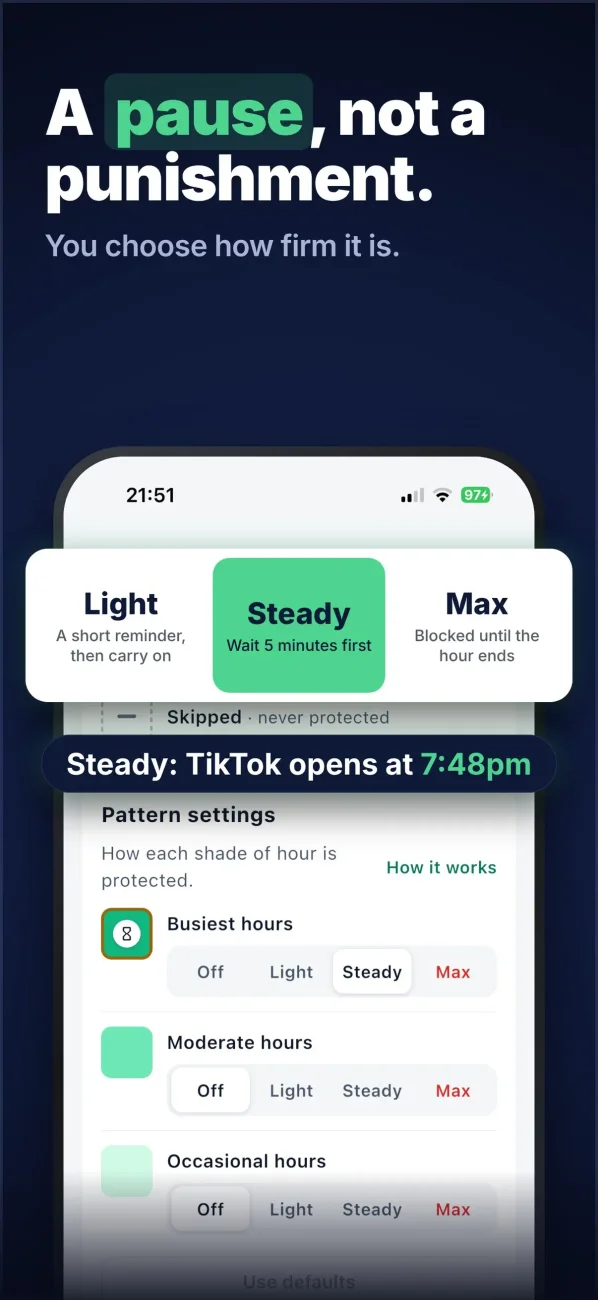
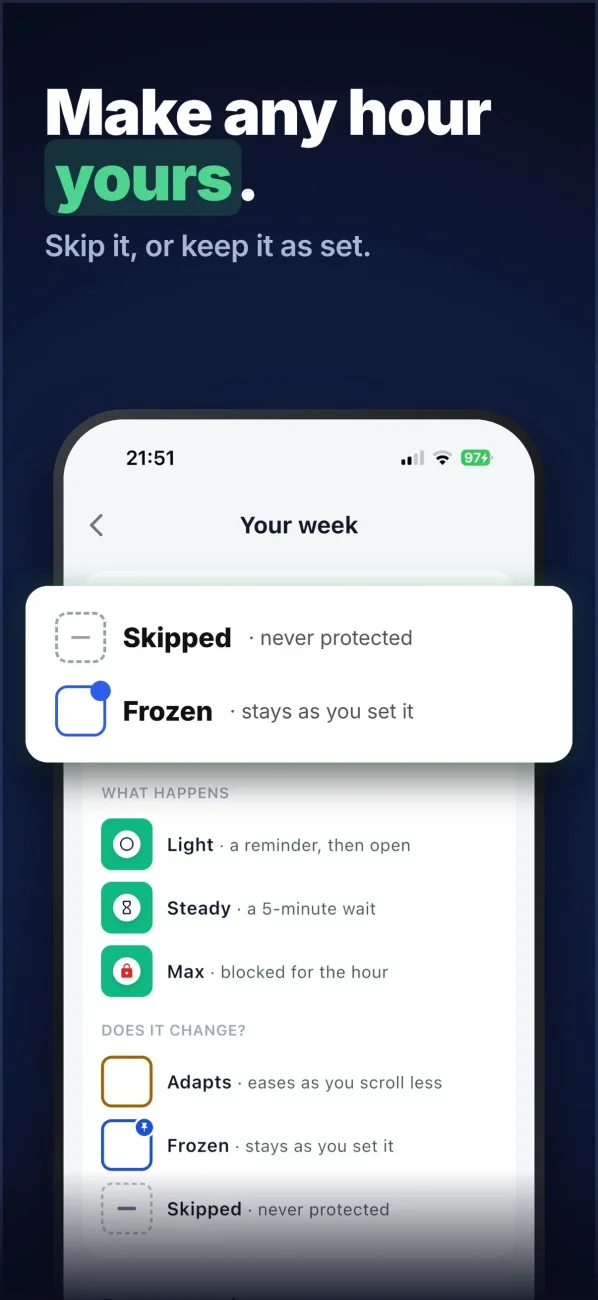
• Light: a short reminder, then carry on.
• Steady: wait 5 minutes first.
• Max: the app stays blocked until the end of the hour.
Set the level for each hour, skip an hour, or freeze it so it stays as it is.
FOR REAL LIFE
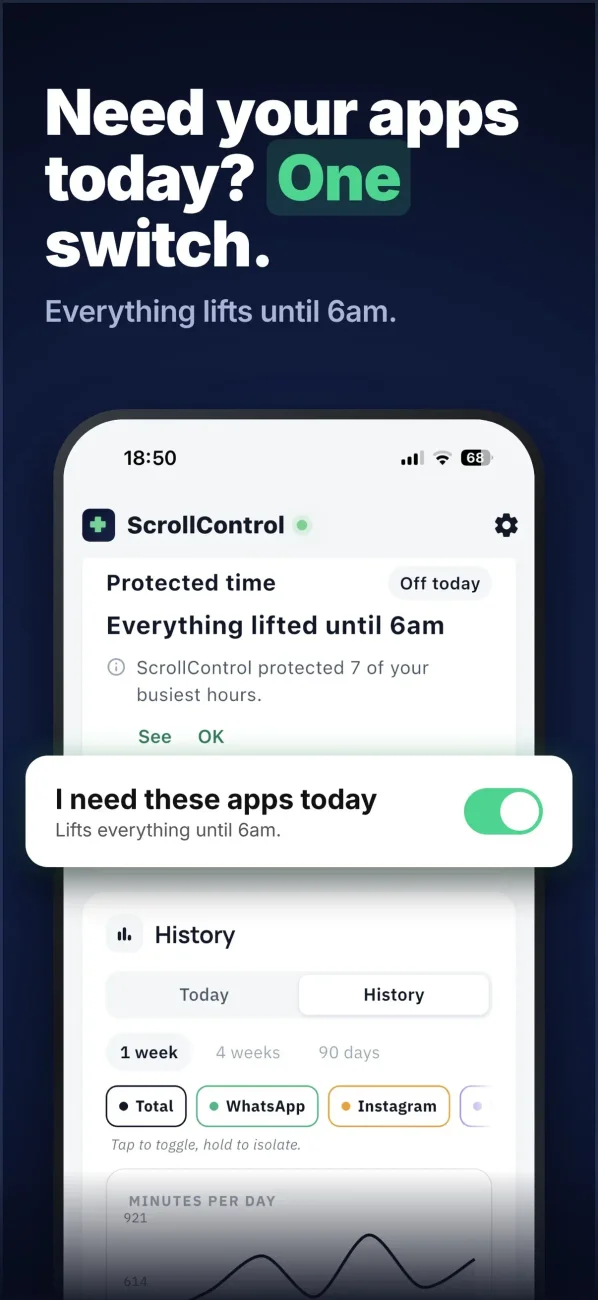
• Busy day? Turn on "I need these apps today" and protection lifts until 6am.
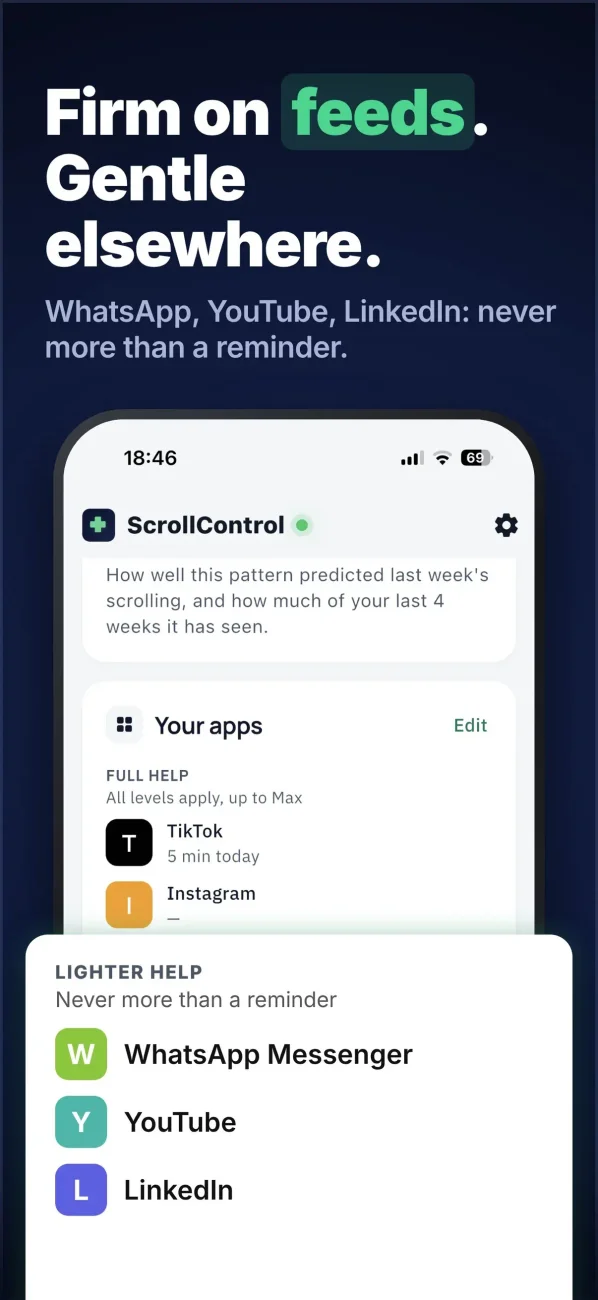
• Apps you might need quickly, like video calls or messaging, get gentler help that never goes beyond a reminder.
PRIVATE BY DESIGN
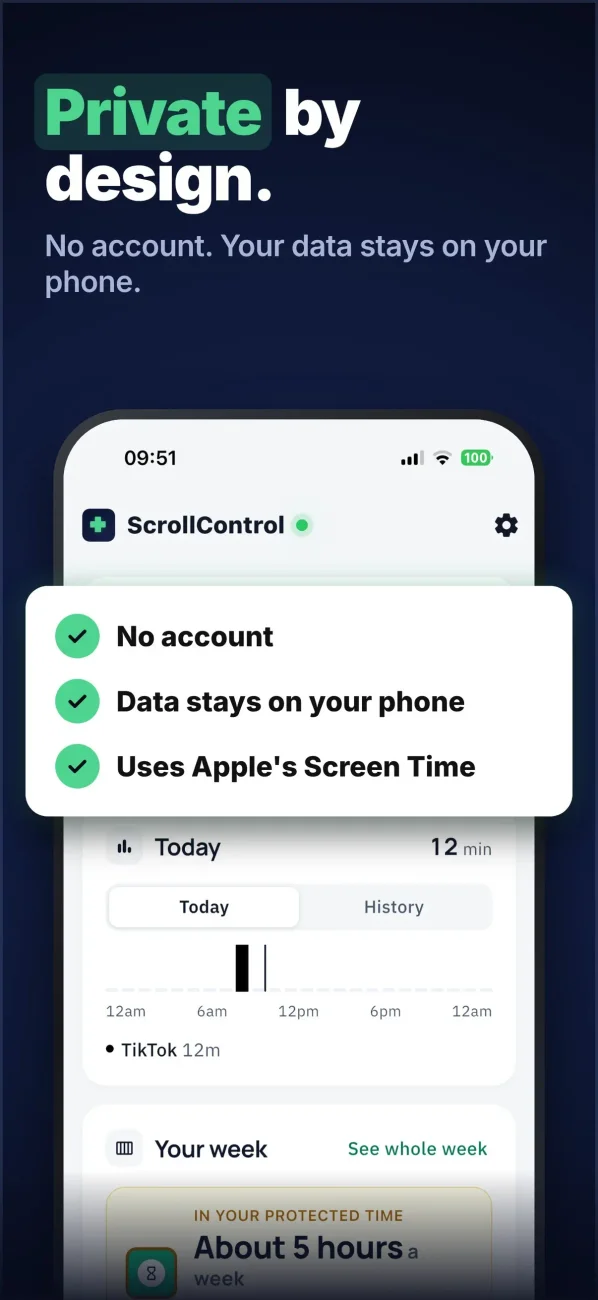
• No account.
• Your scrolling data stays on your phone. Only anonymous crash reports are sent.
WHO IT'S FOR
Adults who want to scroll less at certain times of day, without the guilt.
Free for everyone until 5 January 2027.
Available in English, German, French, Spanish, Portuguese, Polish, Hindi and Arabic.
ScrollControl uses Apple's Screen Time.
SUBSCRIPTION
ScrollControl Monthly renews automatically unless cancelled at least 24 hours before the end of the current period. Manage or cancel it in your Apple Account settings. ScrollControl Lifetime is a one-time purchase.
Questions? support@scrollcontrol.io
Privacy: scrollcontrol.io/privacy
Terms: scrollcontrol.io/terms
What’s new
Version 2.0.1 · Nov 23, 2026
ScrollControl 2 is here. It learns the hours you scroll most and protects only those, with a reminder, a 5-minute wait or a block. Adjust any hour in the week view, and use the "I need these apps today" switch on busy days. Free for everyone until 5 January 2027.
App privacy
What Andrew Dalby declares on the App Store about how this app handles data.
-
Data linked to you
May be collected and linked to your identity.
- Purchases
- Contact info
- Identifiers
- Usage data
-
Data not linked to you
May be collected but is not linked to your identity.
- Diagnostics
Privacy practices may vary, for example with the features you use or your age.
Information
- Seller
- Andrew Dalby
- Category
- Productivity
- Version
- 2.0.1
- Updated
- Nov 23, 2026
- Released
- May 5, 2026
- Size
- 105.2 MB
- Requires
- iOS 16.0 or later
- Age rating
- 4+
- In-app purchases
- Yes
- Languages
- English
- Copyright
- © 2026 Andrew Dalby
You might also like
-
 Brainlock: Quit ScrollingBlock apps, limit screen time
-
 ScrollBuddy: Screen TimeYour agent checks the work
-
 InkpathLearning Experience Platform
-
 Loggd: Habit Tracker & PlannerStreaks & Reminders
-
 SnapScan: Document Scanner PDFDoc, photo scan to PDF creator
-
 Print in CitySecure Public Printing
-
 Lightwave Link PlusHome Control for LinkPlus
-
 Anchor: Time Blocking PlannerDaily Calendar & Focus Timer
-
 Screen Time TrackerApp & Website Blocker Control
-
 Jolt: Screen Time ControlApp Blocker & Focus Timer