- Age rating4+
- CategoryProductivity
- DeveloperNils Albertsen
- LanguagesEnglish+ 32 more
- Size2.2 MB
Links to the official App Store page
Download.org hosts no file of Sidekick Display. The button opens its official App Store page, published by Nils Albertsen. Listing last checked on Nov 17, 2026.
Screenshots
About
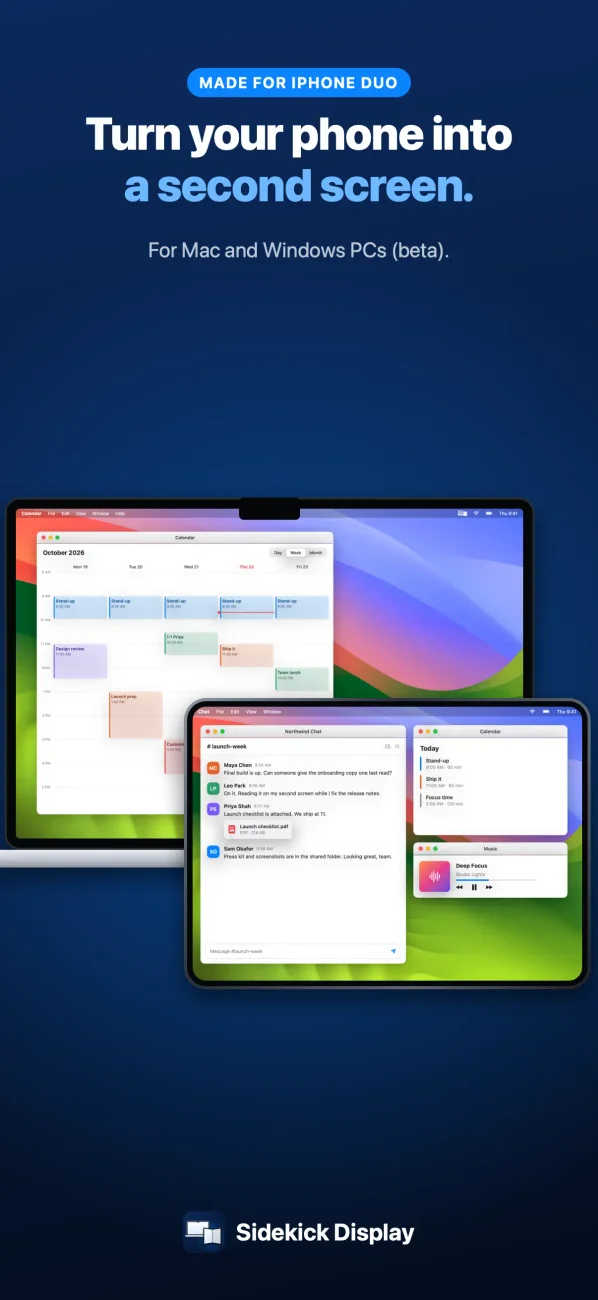
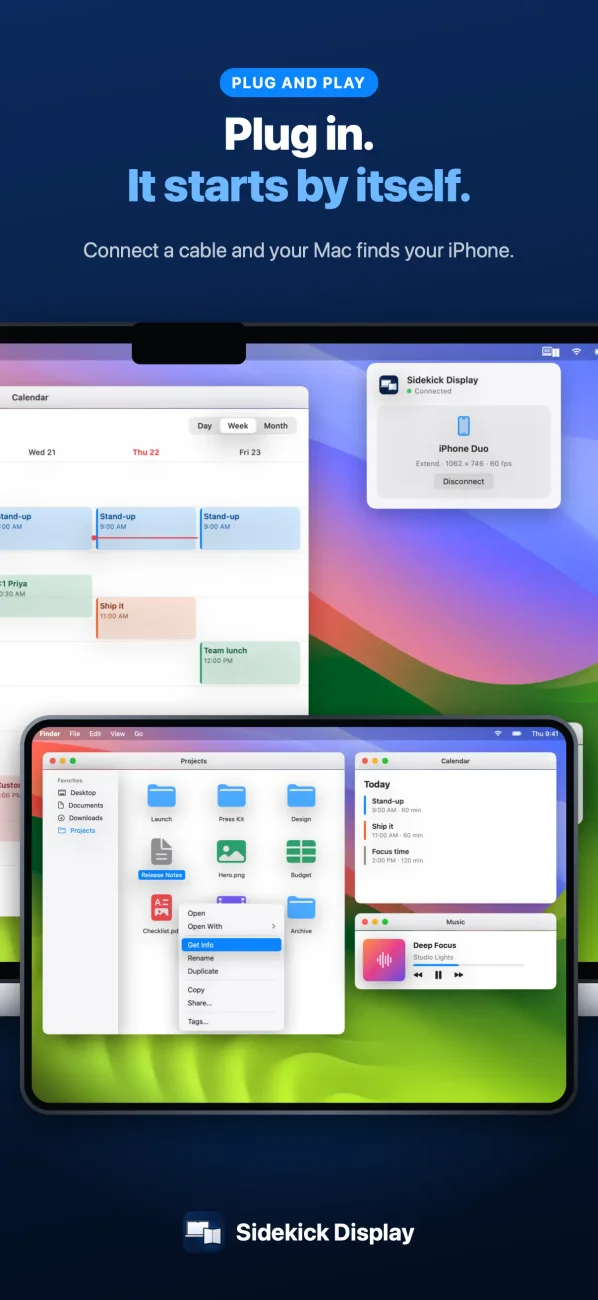
Do more on the go: turn your iPhone into a second screen for your Mac. Plug in a cable, and your iPhone becomes an extra display you can drag windows onto, or a mirror of your Mac. Perfect at a café, on a train or anywhere one laptop screen isn't enough.
WORKS GREAT ON IPHONE DUO
Open your iPhone Duo and the Mac display grows to fill the big inner screen. Fold it closed and it switches to the cover screen. Your Mac rearranges itself automatically, no settings to touch.
TOUCH CONTROL
Your iPhone is a touchscreen for your Mac:
• Tap to click, double-tap to double-click
• Drag to move windows and select text
• Two-finger drag to scroll
• Two-finger tap or touch and hold to right-click
Your Mac's mouse and trackpad still work too: just move the pointer off the edge of your screen.
EXTEND OR MIRROR
Extend gives you more space: keep your chat, music or a reference doc on your iPhone while you work. Mirror shows exactly what's on your Mac.
FAST AND SHARP
Wired over USB for low latency, with hardware video encoding on your Mac and hardware decoding on your iPhone.
SIDEKICK DISPLAY PRO
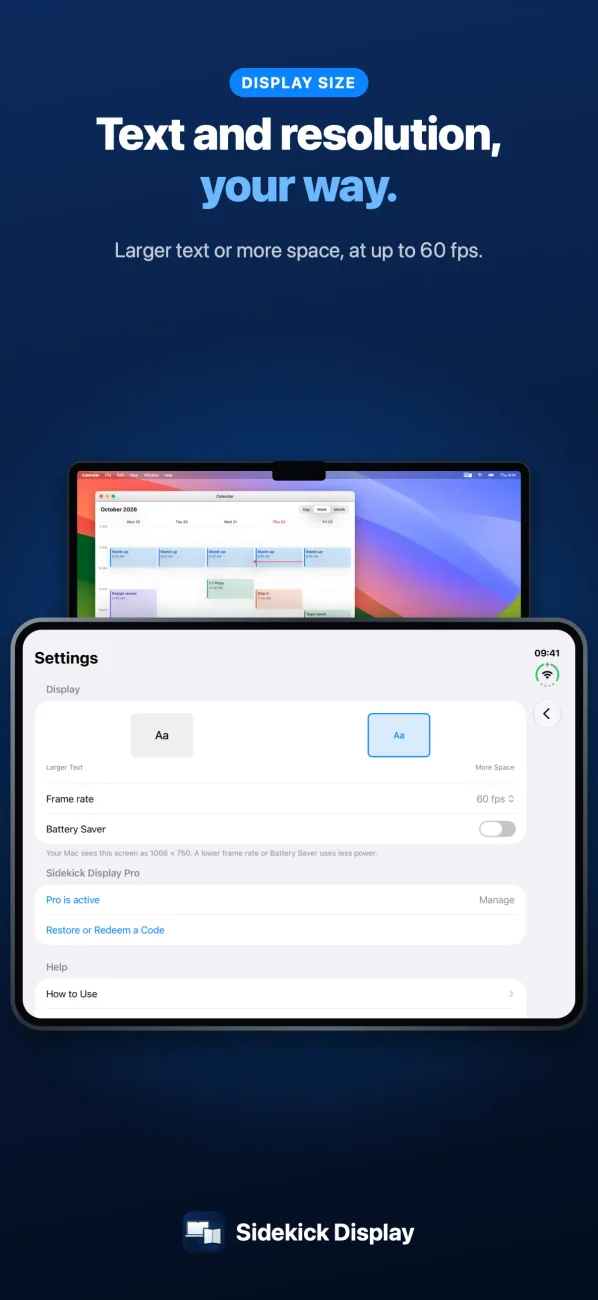
• 60 fps for smooth scrolling and video
• More Space: a smaller text size that fits more of your Mac
• Unlimited time (free: 20 minutes a day)
• Wi-Fi connection
The free plan runs at 30 fps for up to 20 minutes a day.
You'll need Sidekick Display for Mac, free from headwindlab.com/sidekick-display (macOS 14 or later).
Subscriptions renew automatically unless cancelled at least 24 hours before the end of the current period. Manage them in Settings › Apple Account › Subscriptions.
Terms of Use: https://www.apple.com/legal/internet-services/itunes/dev/stdeula/
Privacy Policy: https://headwindlab.com/sidekick-display/privacy/
What’s new
Version 1.3 · Nov 16, 2026
Rotating your iPhone after coming back to the app now gives the display the right shape again, instead of a cropped portrait view.
App privacy
What Nils Albertsen declares on the App Store about how this app handles data.
-
Data not collected
The developer does not collect any data from this app.
Privacy practices may vary, for example with the features you use or your age.
Information
- Seller
- Nils Albertsen
- Category
- Productivity
- Version
- 1.3
- Updated
- Nov 16, 2026
- Released
- Nov 8, 2026
- Size
- 2.2 MB
- Requires
- iOS 17.0 or later
- Age rating
- 4+
- Price
- Free
- In-app purchases
- Yes
- Languages
- English, Arabic, Catalan, Croatian, Czech, Danish, Dutch, Finnish, French, German, Greek, Hebrew + 21 more
- Copyright
- © 2026 Nils Albertsen
You might also like
-
 Researchly: AI Deep ResearchPDF & Web Research Assistant
-
 KetikAttendance System for Employee
-
 Fridgeboard - Family CalendarShared Household Schedule
-
 BLISS Note: Notes PDF PlannerHandwritten notes & PDF markup
-
 Calenytic: Timeboxing CalendarPlan, track & understand time
-
 Iris: Muse for Apple WatchChat with Muse from your wrist
-
 EDITROOMTeam&Client Video Project Hub
-
 BeMyDisplaysecond display for Windows PC
-
 CentralSquare MobileCommunity Development Mobile
-
 Looktech AI GlassesKeep Memories Alive