- Age rating4+
- CategoryBusiness
- DeveloperQrayon, LLC
- LanguagesEnglish
- Size11.2 MB
Links to the official App Store page
Download.org hosts no file of Smart PDF Document Scanner. The button opens its official App Store page, published by Qrayon, LLC. Listing last checked on Nov 16, 2026.
Screenshots

About
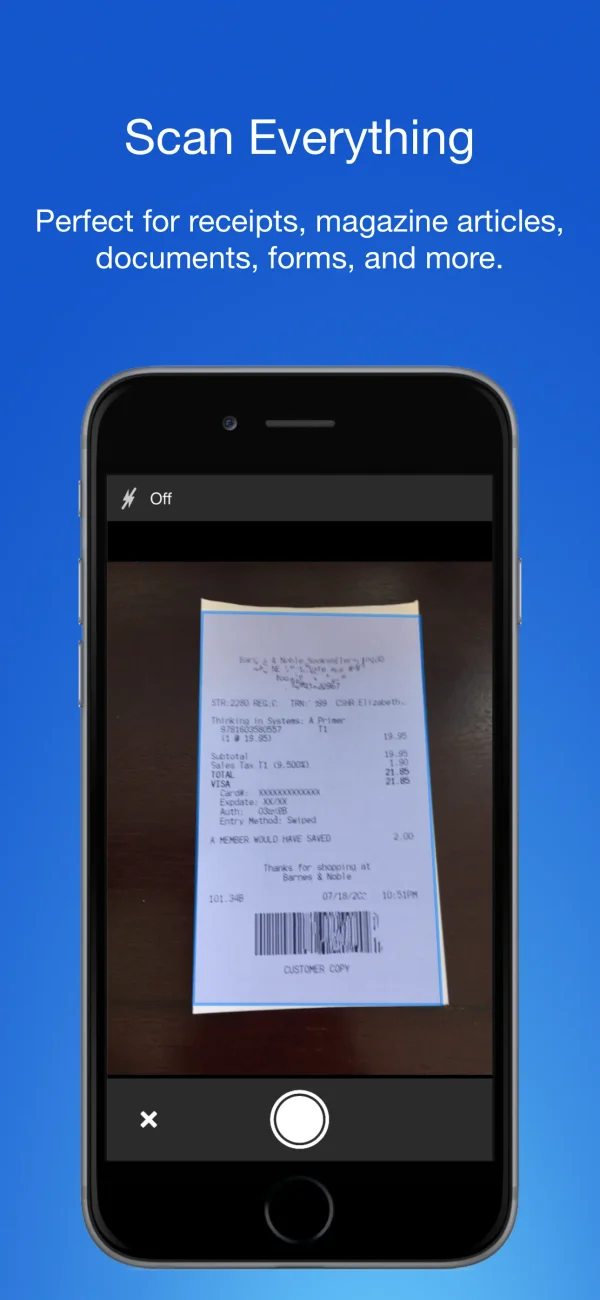
Ditch the bulky office copier! Smart PDF Document Scanner is the ultimate free scanner app that turns your phone or iPad into a portable digitizing tool. Just snap a photo of your document, and get a high-quality pdf scan you can instantly send to your colleagues, clients, or keep for your personal records.
TACK SHARP SCANS
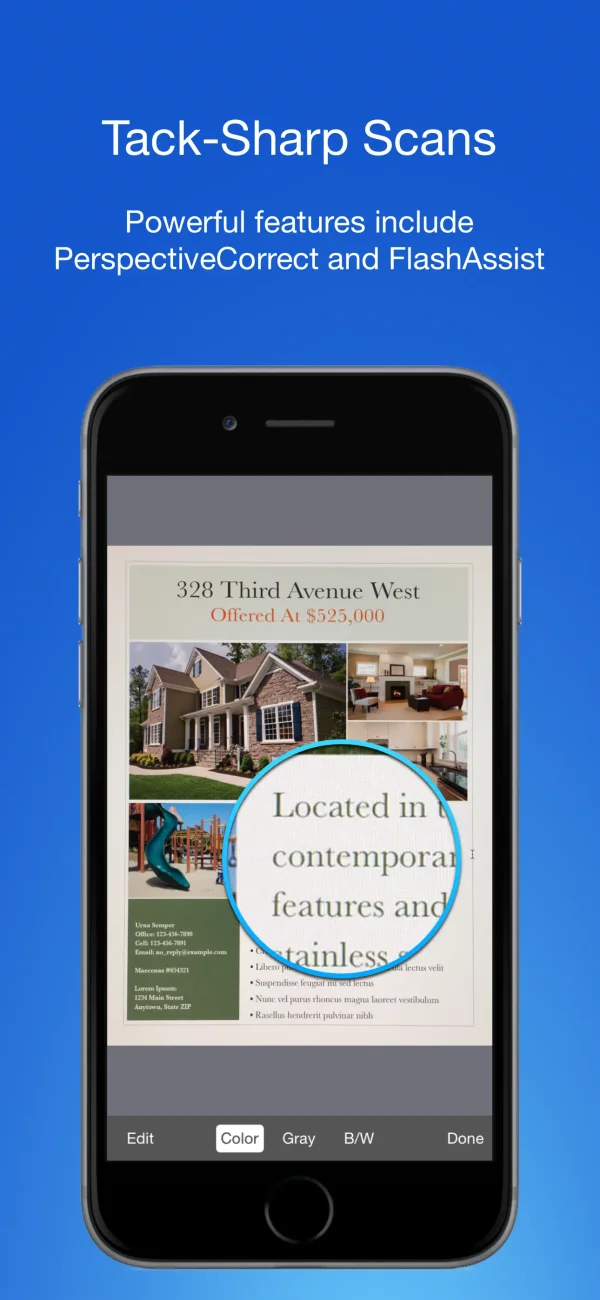
That processor in your phone is quite a little monster. Smart Scanner uses it fully to make the best possible scans. Even full-page articles come out tack-sharp and easy to read.
It automatically detects the page edges and corrects for perspective. Pick full-color scans, grayscale, or black-and-white for maximum legibility. FlashAssist can take perfect scans even in poor lighting conditions. You can even change the correction and enhancement settings after the fact.
POWERFUL COLOR-CODED ORGANIZATION
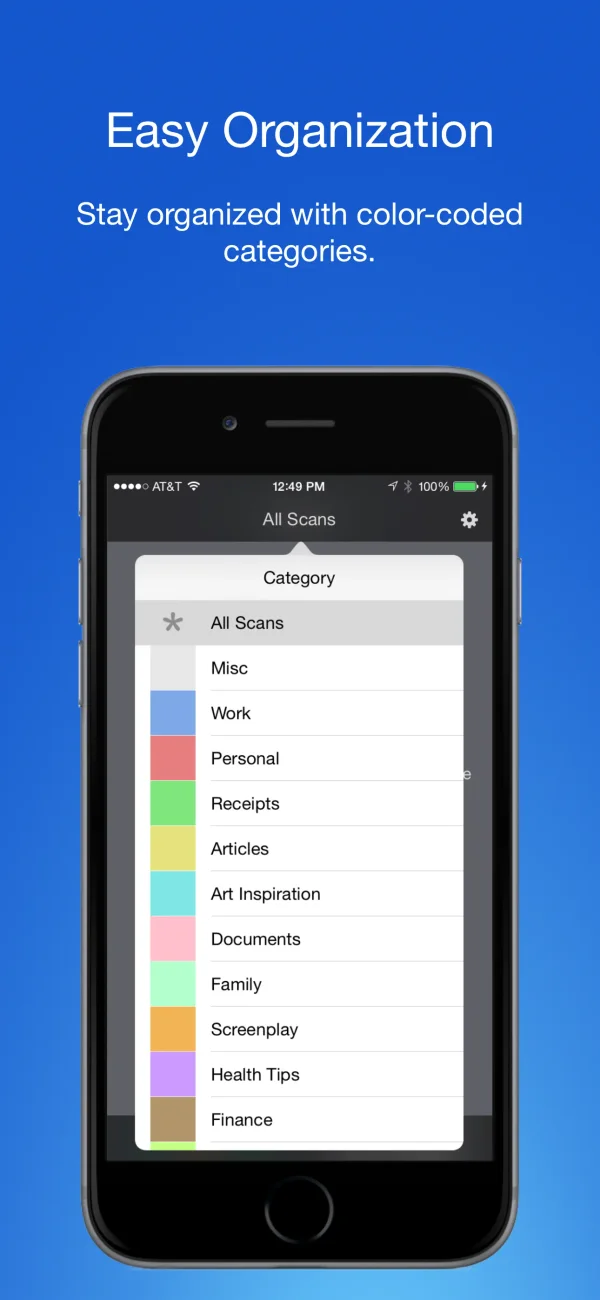
Scanning is just half the problem. You need a good way to keep all your documents organized, and easy to find later. Smart Scanner uses a simple tagging system that is much easier and more powerful than the regular folder system. File documents under custom color-coded categories with just a couple taps. Browse and sort files by category with a couple more.
It's the way filing should work.
FOR ALL YOUR SCANNING NEEDS
+ Quickly scan and send contracts and forms
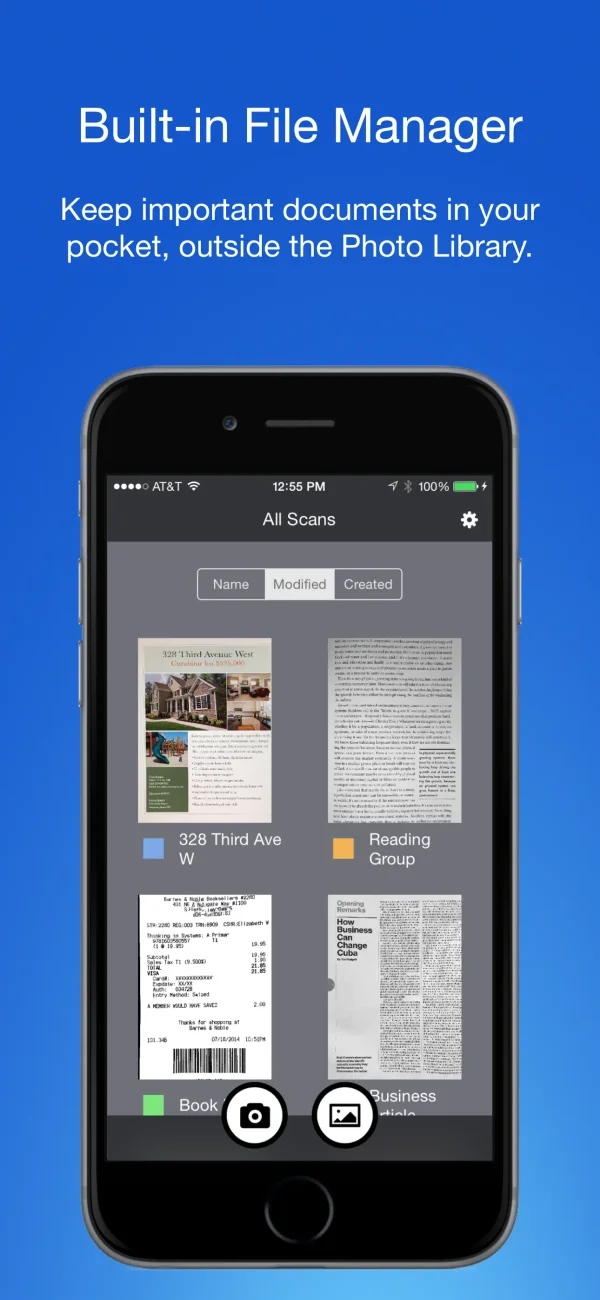
+ Keep scans of important documents in your pocket, separate form the Photo Library
+ Scan all your travel receipts for easy expense reports
+ Keep digital copies of your notes and sketches
+ Scan articles to read later
+ And more!
TIPS AND TRICKS
Here are a few tips to get the best scans:
+ Place your document on a darker surface to improve the edge auto-detection.
+ You can drag the corners of the blue rectangle to fine tune it after taking a photo.
+ Make sure there is adequate lighting. Use the flash in low-light conditions.
+ You can tap on a page to edit its scan settings (including edges) after the fact.
What’s new
Version 2.6 · Oct 10, 2026
+ Stability improvements
App privacy
What Qrayon, LLC declares on the App Store about how this app handles data.
-
Data used to track you
May be used to track you across apps and websites owned by other companies.
- Location
- Identifiers
- Usage data
- Diagnostics
-
Data linked to you
May be collected and linked to your identity.
- Location
- Identifiers
- Usage data
- Diagnostics
-
Data not linked to you
May be collected but is not linked to your identity.
- Diagnostics
Privacy practices may vary, for example with the features you use or your age.
Information
- Seller
- Qrayon, LLC
- Category
- Business
- Version
- 2.6
- Updated
- Oct 10, 2026
- Released
- Dec 5, 2016
- Size
- 11.2 MB
- Requires
- iOS 16.6 or later
- Age rating
- 4+
- Price
- Free
- Languages
- English
- Copyright
- © 2026 Qrayon, LLC
You might also like
-
 uScan PDF Document Scanner AppFast Paper-Free Scan Documents
-
 AirScan: Docs Scanner to PDFScan Documents, Convert to PDF
-
 Open Scan: PDF ScannerQuick & Easy PDF Scanner
-
 PaperScanBusiness
-
 NotaryAct - Electronic JournalOfficial Notary Journal
-
 NNA ConferenceNational Notary Association
-
 NotaryAssistMade for Notaries
-
 NotaryCentralManage your notary business
-
 BeeWallet - Account TrackerCheckbook, Budget and Bill
-
 Title365 SigningsBusiness