Smart PDF Document Scanner
PDF Scanner App
iPhone, iPad için tasarlandı
Ücretsiz
- Yaş sınırı4+
- Kategoriİş
- GeliştiriciQrayon, LLC
- Dillerİngilizce
- Boyut11,2 MB
Resmi App Store sayfasına bağlanır
Download.org, Smart PDF Document Scanner için hiçbir dosya barındırmaz. Düğme, uygulamanın App Store üzerindeki sayfasını açar; uygulamayı orada Qrayon, LLC yayınlar. Sayfanın son kontrolü: 16.11.2026.
Ekran görüntüleri

Hakkında
Geliştirici bu metni dilinizde sunmamış.
Ditch the bulky office copier! Smart PDF Document Scanner is the ultimate free scanner app that turns your phone or iPad into a portable digitizing tool. Just snap a photo of your document, and get a high-quality pdf scan you can instantly send to your colleagues, clients, or keep for your personal records.
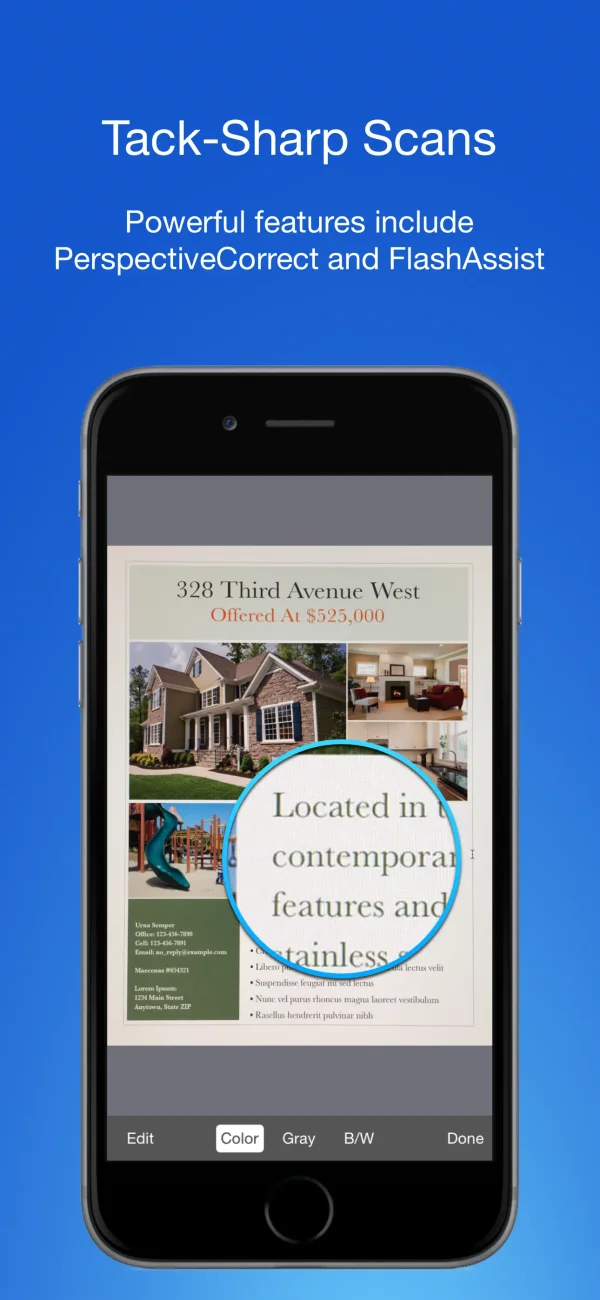
TACK SHARP SCANS
That processor in your phone is quite a little monster. Smart Scanner uses it fully to make the best possible scans. Even full-page articles come out tack-sharp and easy to read.
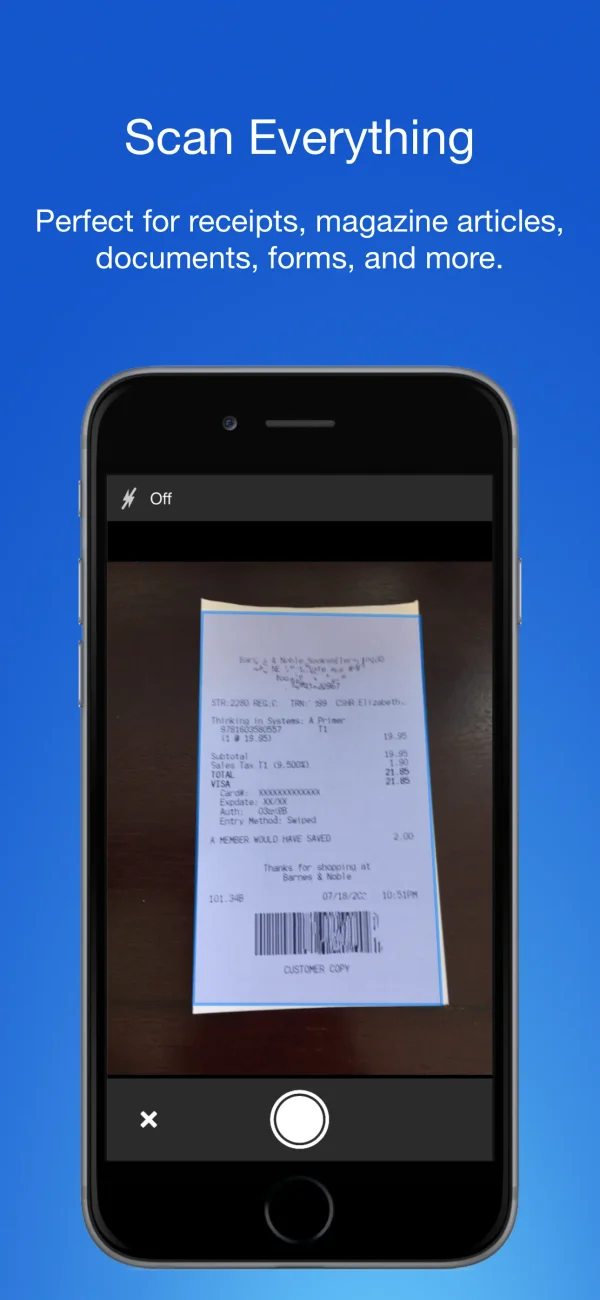
It automatically detects the page edges and corrects for perspective. Pick full-color scans, grayscale, or black-and-white for maximum legibility. FlashAssist can take perfect scans even in poor lighting conditions. You can even change the correction and enhancement settings after the fact.
POWERFUL COLOR-CODED ORGANIZATION
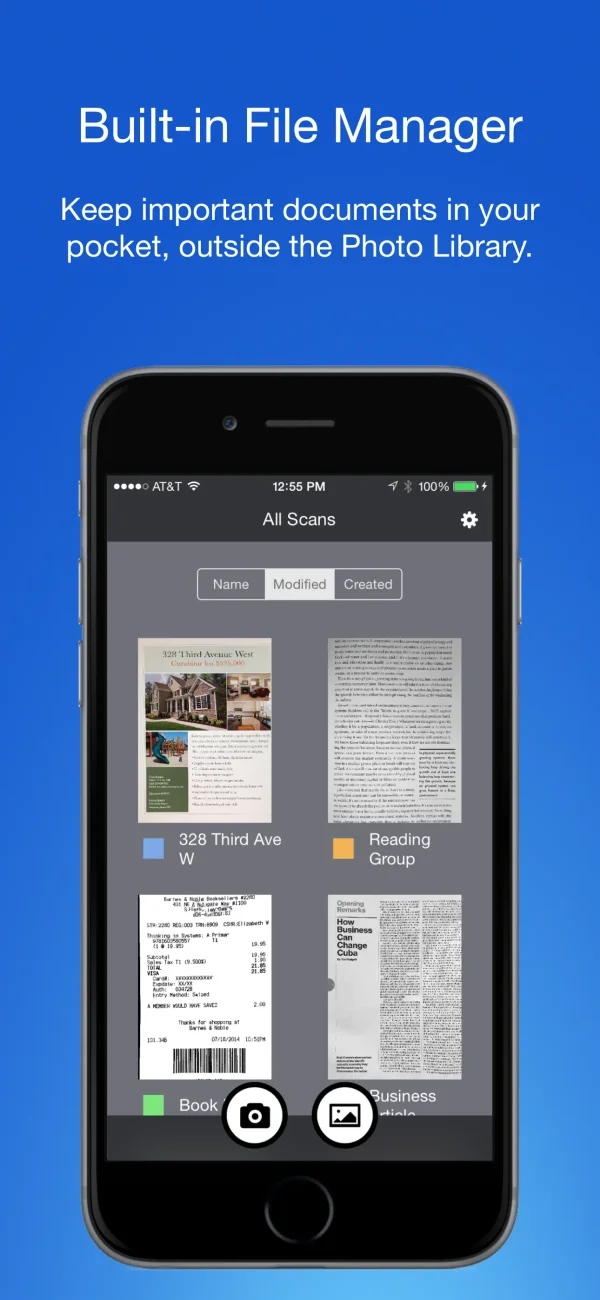
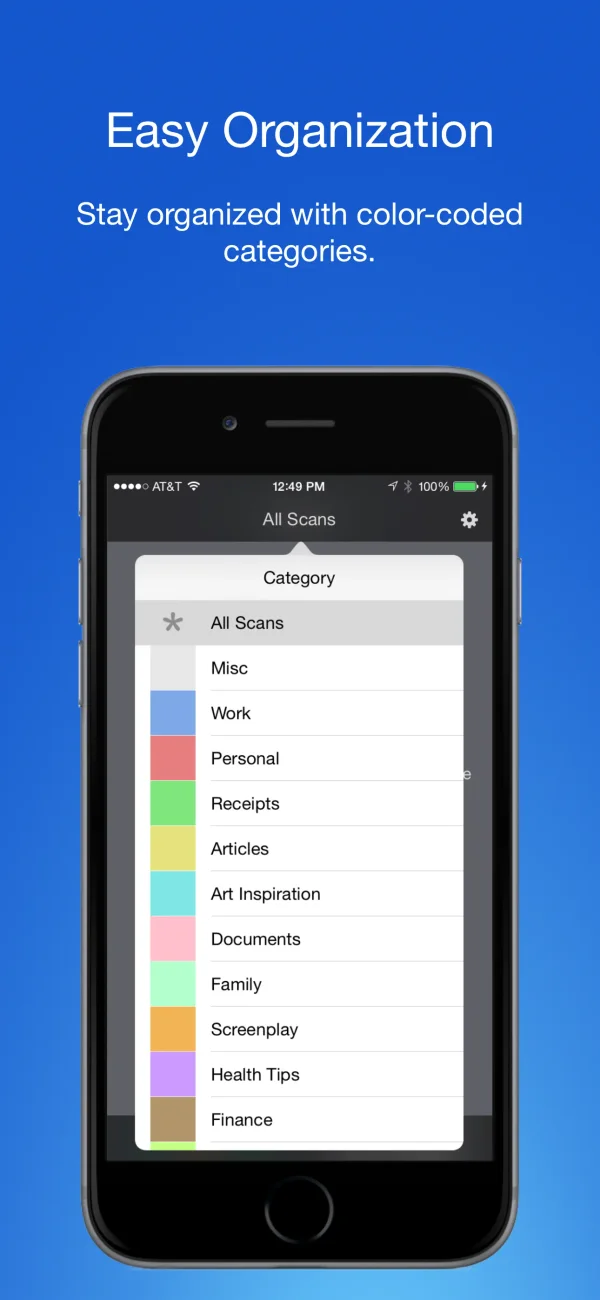
Scanning is just half the problem. You need a good way to keep all your documents organized, and easy to find later. Smart Scanner uses a simple tagging system that is much easier and more powerful than the regular folder system. File documents under custom color-coded categories with just a couple taps. Browse and sort files by category with a couple more.
It's the way filing should work.
FOR ALL YOUR SCANNING NEEDS
+ Quickly scan and send contracts and forms
+ Keep scans of important documents in your pocket, separate form the Photo Library
+ Scan all your travel receipts for easy expense reports
+ Keep digital copies of your notes and sketches
+ Scan articles to read later
+ And more!
TIPS AND TRICKS
Here are a few tips to get the best scans:
+ Place your document on a darker surface to improve the edge auto-detection.
+ You can drag the corners of the blue rectangle to fine tune it after taking a photo.
+ Make sure there is adequate lighting. Use the flash in low-light conditions.
+ You can tap on a page to edit its scan settings (including edges) after the fact.
Yenilikler
Sürüm 2.6 · 10.10.2026
+ Stability improvements
Uygulama gizliliği
Bu uygulamanın verileri nasıl işlediği hakkında Qrayon, LLC tarafından App Store üzerinde yapılan beyan.
-
Sizi izlemek için kullanılan veriler
Başka şirketlere ait uygulamalarda ve web sitelerinde sizi izlemek için kullanılabilir.
- Konum
- Tanımlayıcılar
- Kullanım verileri
- Tanılama
-
Sizinle ilişkilendirilen veriler
Toplanabilir ve kimliğinizle ilişkilendirilebilir.
- Konum
- Tanımlayıcılar
- Kullanım verileri
- Tanılama
-
Sizinle ilişkilendirilmeyen veriler
Toplanabilir ancak kimliğinizle ilişkilendirilmez.
- Tanılama
Gizlilik uygulamaları, örneğin kullandığınız özelliklere veya yaşınıza göre değişiklik gösterebilir.
Bilgiler
- Satıcı
- Qrayon, LLC
- Kategori
- İş
- Sürüm
- 2.6
- Güncellendi
- 10.10.2026
- Yayın tarihi
- 05.12.2016
- Boyut
- 11,2 MB
- Gereksinim
- iOS 16.6 veya sonrası
- Yaş sınırı
- 4+
- Fiyat
- Ücretsiz
- Diller
- İngilizce
- Telif hakkı
- © 2026 Qrayon, LLC