Smart Print: Print & Scanner
Print PDF, Photos & Documents
Designed for iPhone, iPad
Free · In-app purchases
- Age rating4+
- CategoryProductivity
- DeveloperANH NGUYEN SERVICE AND TRADING PRODUCTION COMPANY LIMITED
- LanguagesEnglish+ 5 more
- Size129.7 MB
Links to the official App Store page
Download.org hosts no file of Smart Print: Print & Scanner. The button opens its official App Store page, published by ANH NGUYEN SERVICE AND TRADING PRODUCTION COMPANY LIMITED. Listing last checked on Nov 18, 2026.
Screenshots



About
SCAN, SIGN & PRINT IN SECONDS
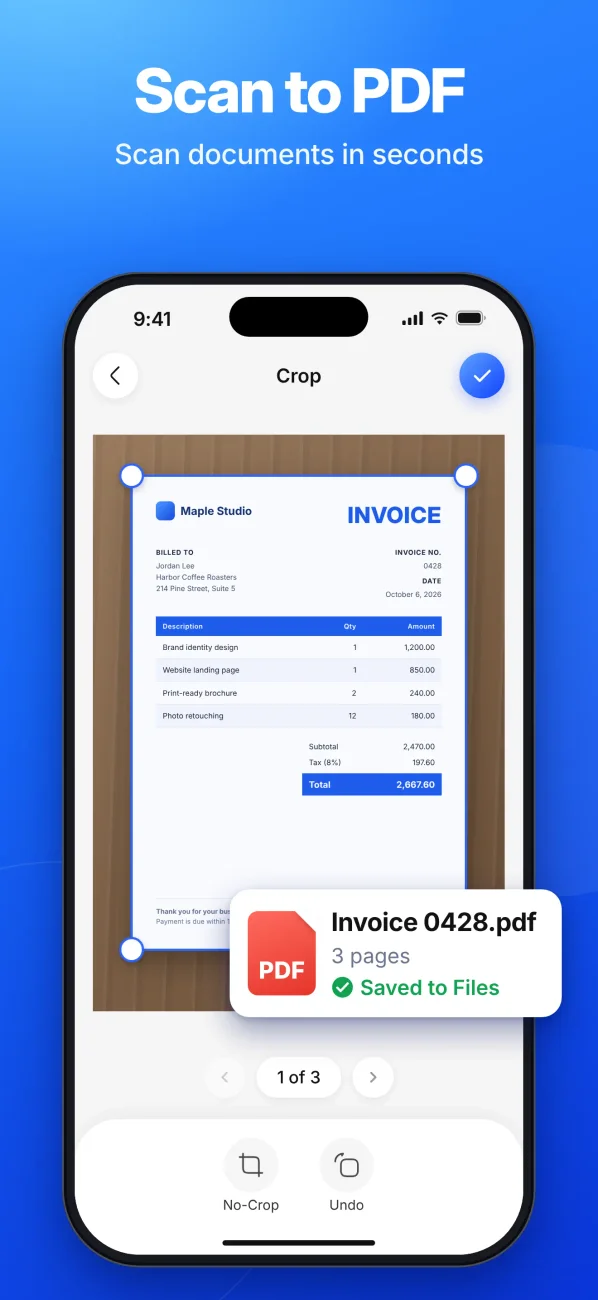
Turn paper into a clean PDF and print it directly from your iPhone. This app lets you scan documents, sharpen pages, add your signature and connect to a smart printer over Wi-Fi, all without an account.
KEY FEATURE:
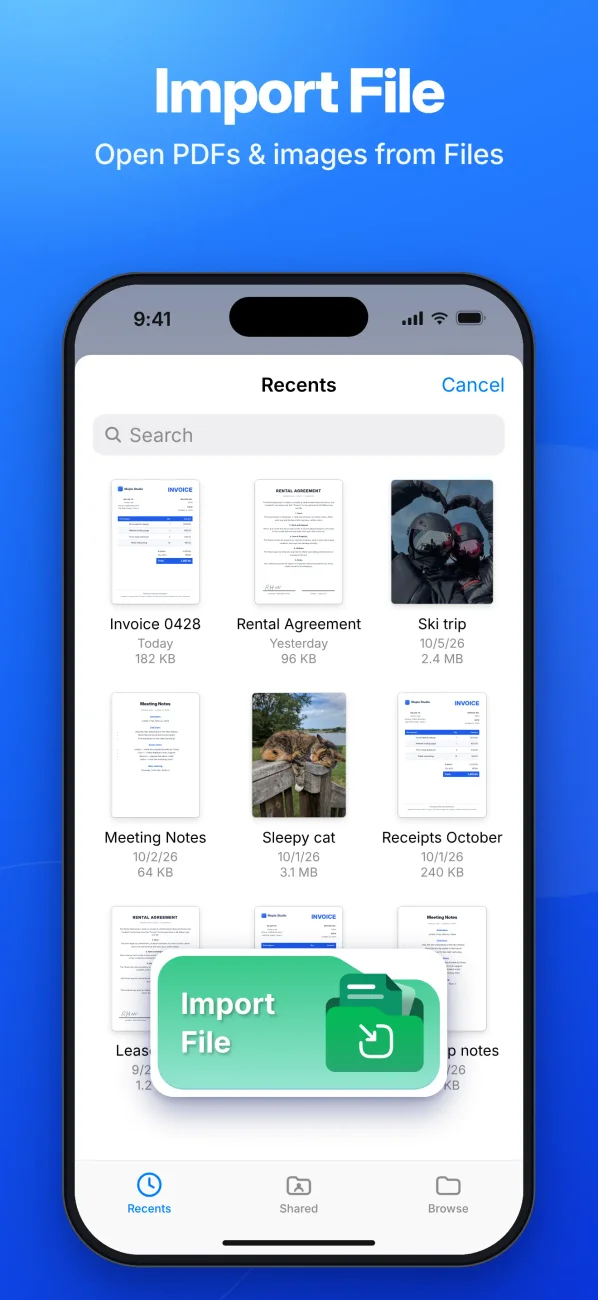
SMART SCANNING: Scan receipts, notes, forms, contracts and ID cards with automatic edge detection. You can also scan multiple pages together, import photos or files, and create a clear scanner PDF ready to share or print.
CLEAN & EDIT YOUR SCANS: Crop, rotate and enhance every page with smart filters. Make faded text sharper while keeping backgrounds clean for an easy-to-read scan PDF.
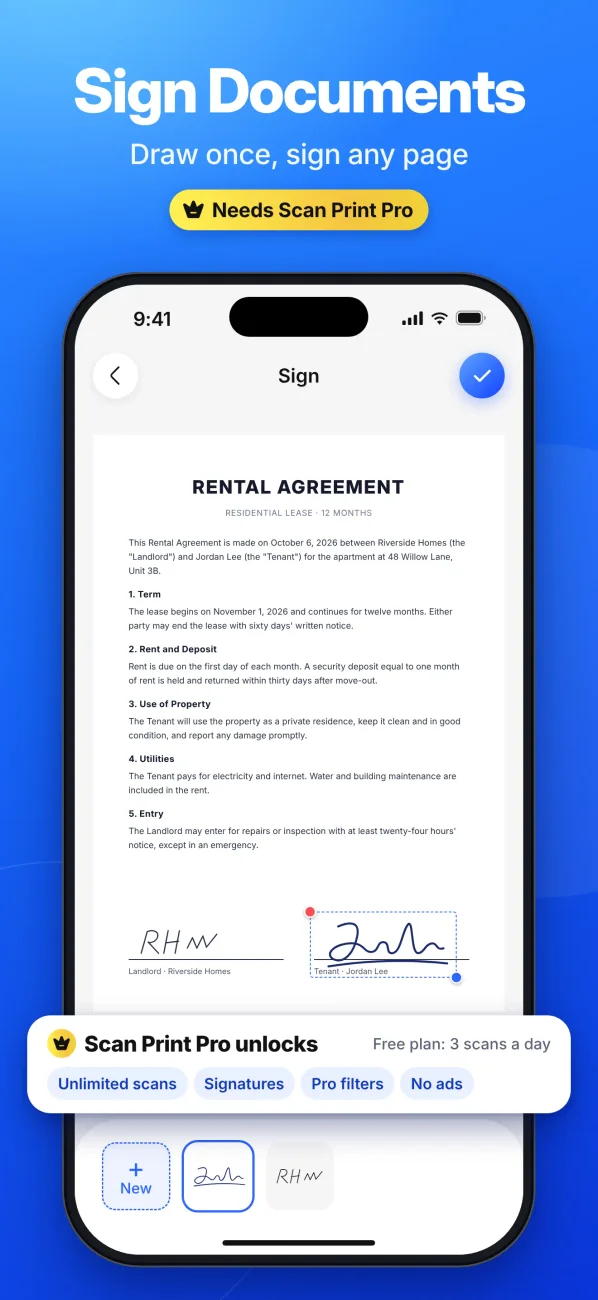
SIGN DOCUMENTS: Add your signature with your finger or Apple Pencil, then place and resize it wherever you need. You can also save your signature to reuse it on future documents.
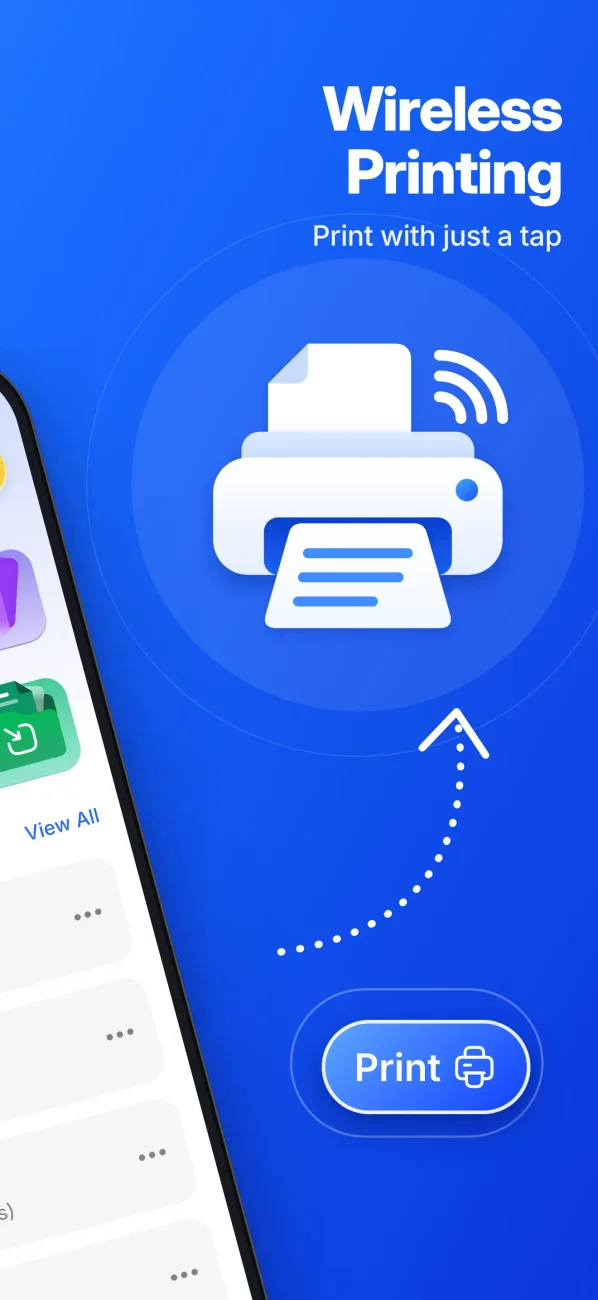
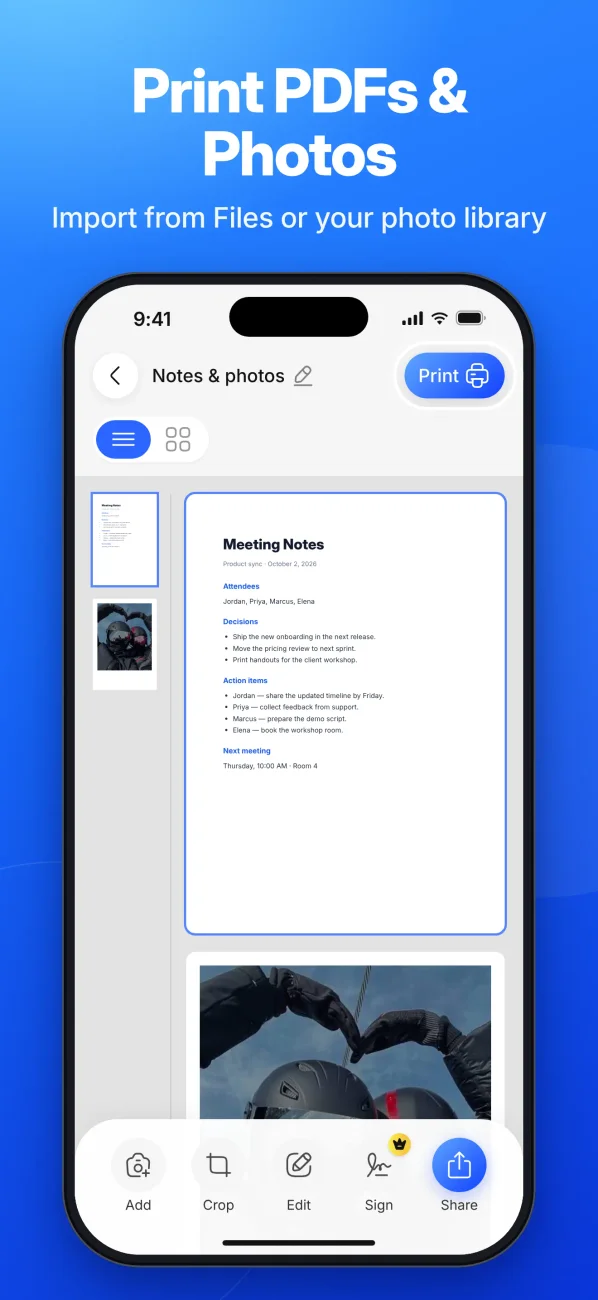
PRINT WIRELESSLY: With print & scan features in one place, this app lets you print PDFs, documents and photos through any compatible air printer on your Wi-Fi. Simply choose the copies, pages, paper size and orientation you need.
SAVE & SHARE: Convert scans and photos into high-quality PDF files, then save them to Files or iCloud Drive. You can also share them through Mail, Messages or other apps whenever needed.
WHY YOU’LL LOVE IT
Whether you need to print scan PDF files or handle everyday documents, this app keeps everything simple and organized. Connect your printer and start scanning or printing without cables, drivers or sign-up.
Turn your iPhone into a convenient mobile connect tool for everyday document scanning and printing. This app makes every print & scan task faster and easier, wherever you are.
LEGAL INFORMATION:
Privacy Policy: https://mobocovietnam.com/Privacy-policy.html
Terms of Use: https://mobocovietnam.com/Term-of-Use.html
Apple Standard EULA: https://www.apple.com/legal/internet-services/itunes/dev/stdeula/
What’s new
Version 1.0.1 · Oct 15, 2026
- Improved app performance and stability
App privacy
What ANH NGUYEN SERVICE AND TRADING PRODUCTION COMPANY LIMITED declares on the App Store about how this app handles data.
-
Data used to track you
May be used to track you across apps and websites owned by other companies.
- Usage data
-
Data linked to you
May be collected and linked to your identity.
- Usage data
-
Data not linked to you
May be collected but is not linked to your identity.
- Diagnostics
Privacy practices may vary, for example with the features you use or your age.
Information
- Seller
- ANH NGUYEN SERVICE AND TRADING PRODUCTION COMPANY LIMITED
- Category
- Productivity
- Version
- 1.0.1
- Updated
- Oct 15, 2026
- Released
- Sep 30, 2026
- Size
- 129.7 MB
- Requires
- iOS 16.0 or later
- Age rating
- 4+
- Price
- Free
- In-app purchases
- Yes
- Languages
- English, French, German, Japanese, Spanish, Vietnamese
- Copyright
- © 2026 Moboco
You might also like
-
 Nova: Smart AI AssistantAsk, learn anything with AI
-
 Paperjet: Printer App & ScanWireless Document & Photo PDF
-
 Print to PDFPhotos, Files & Docs to PDF
-
 Recota - 無制限のリアルタイム文字起こしProductivity
-
 EasyScan: PDF Scanner & OCRScan documents to text & image
-
 OrderPickingAppThe smart way of picking
-
 plugiloplugilo, Inc.
-
 Jiona: Social Media AI AgentSmart ideas for social media
-
 Tempus: Daily Planner & To-DoTime Blocking & Focus for ADHD
-
 Days + Date + Time CalculatorDays Between Two Dates