
- Age rating4+
- CategoryProductivity
- DeveloperMichael Klug
- LanguagesSpanish+ 3 more
- Size16.5 MB
Links to the official App Store page
Download.org hosts no file of smrtkbd. The button opens its official App Store page, published by Michael Klug. Listing last checked on Nov 13, 2026.
Screenshots
About
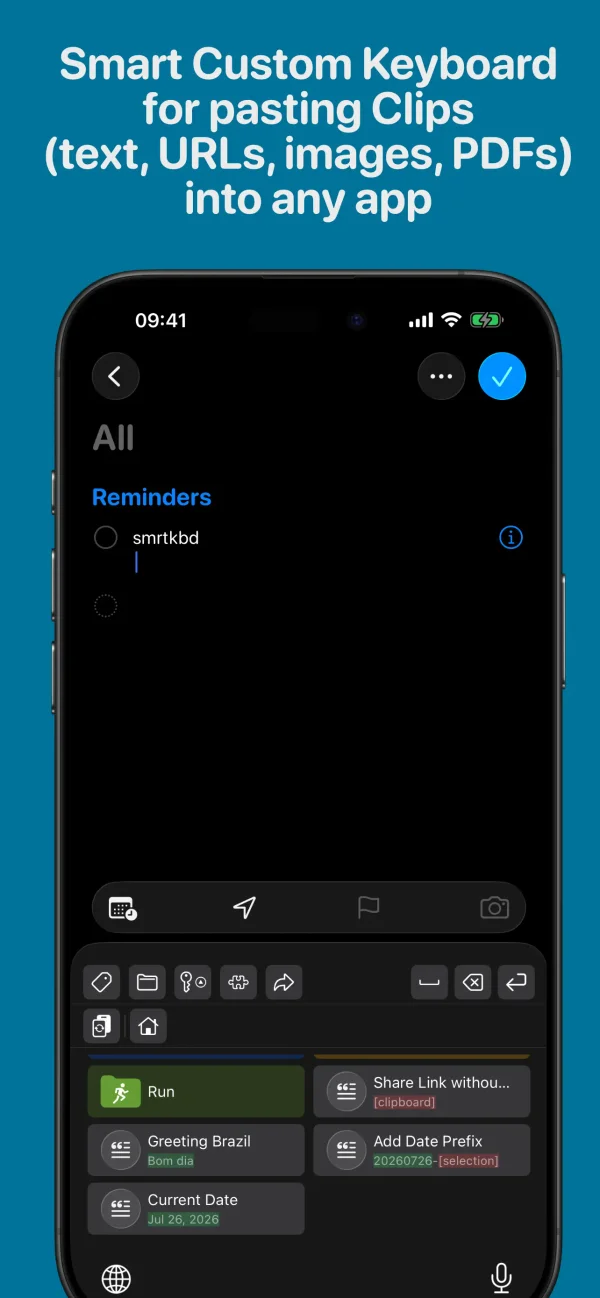
smrtkbd is a smart system keyboard for iPhone and iPad that lets you save the things you type most - and paste them into any app with a single tap.
Stop retyping the same email, address, phone number, canned reply, code snippet, link or template. Save it once as a Clip, then pull it up from the smrtkbd keyboard wherever you type - in Mail, Messages, Notes, Safari, banking apps, forms, chat apps, anywhere.
Custom System Keyboard
Enable smrtkbd once in iOS Settings, and it's available in every app with a text field. Switch to it with the globe key, tap a Clip, and it's inserted right where the cursor is.
Clip Library
Save four kinds of Clips:
• Text — signatures, canned replies, addresses, IDs, boilerplate
• URLs — links you share often
• Images — logos, screenshots, memes
• PDFs — receipts, forms, documents
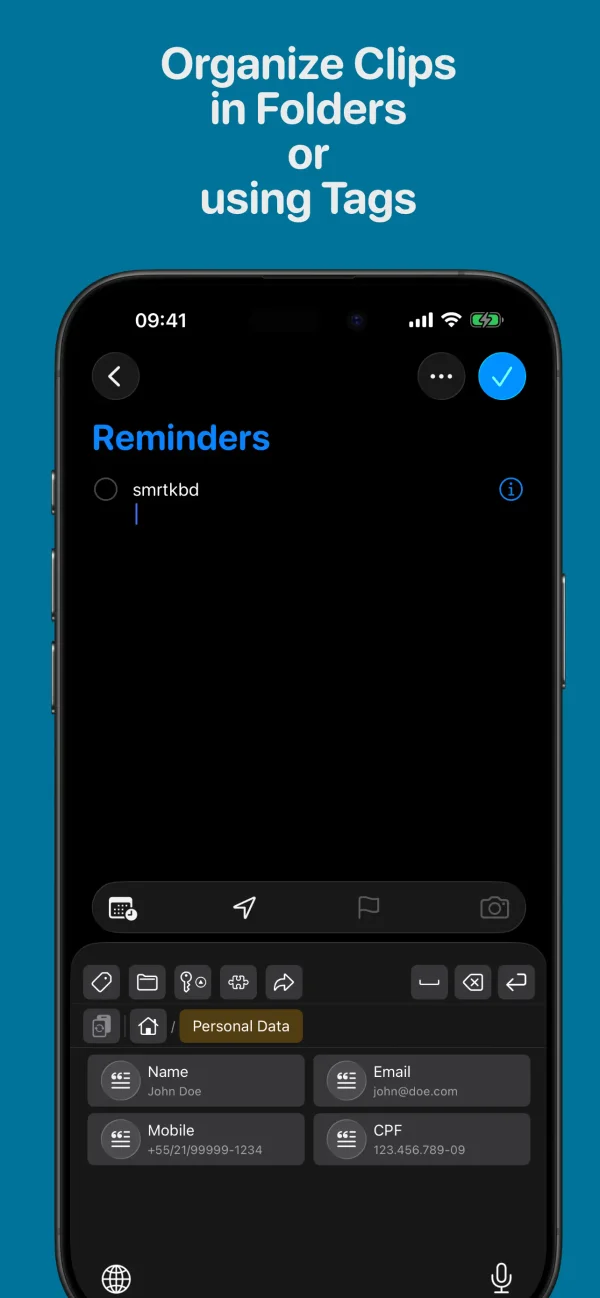
Organize with:
• Folders — nest Clips exactly the way you think
• Tags — colored SF-Symbol tags for cross-cutting groups
• Sort — by name, date created, or most recently used
• Full-text search across names, contents and tags
• Bulk create — paste a list and turn each line into a Clip
Smart Placeholders
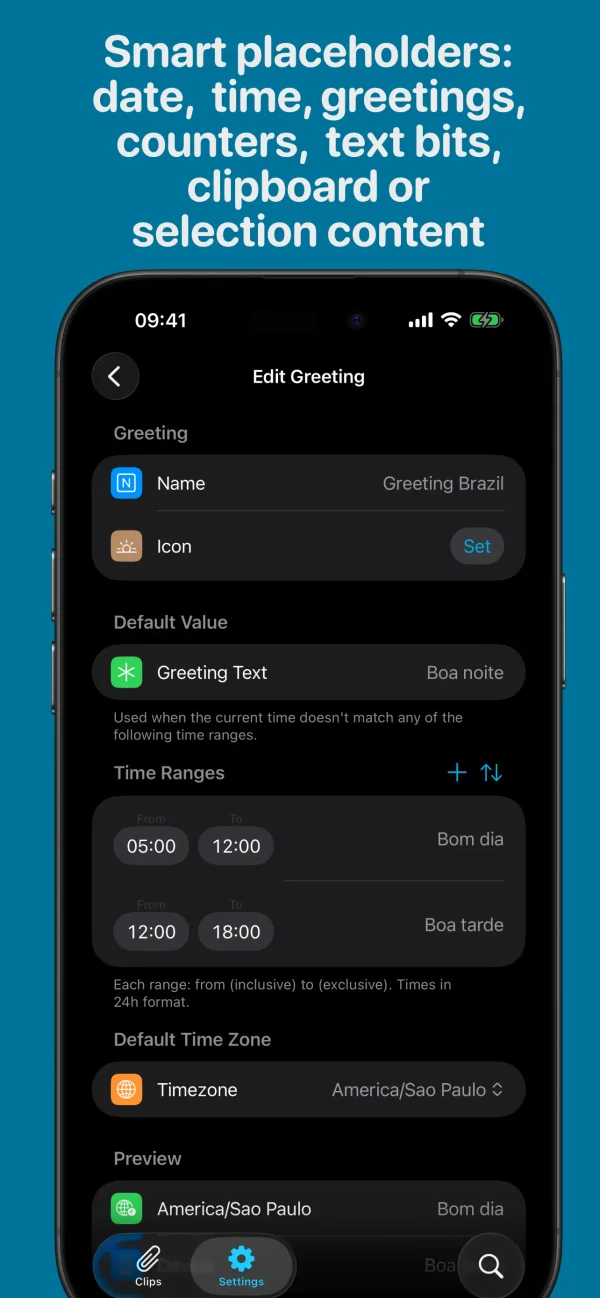
Clips aren't just static text. Drop in smart placeholders that fill themselves in when you paste:
• Dates & times in any format
• Time- and timezone-aware greetings ("Good morning", "Guten Abend", …)
• Counters that increment on every use
• Text Bits — small reusable pieces you can compose into bigger Clips
• Clipboard & selection tweaks — transform the current clipboard or selected text (uppercase, lowercase, trim, and more) before pasting
Build your own dynamic templates without any scripting.
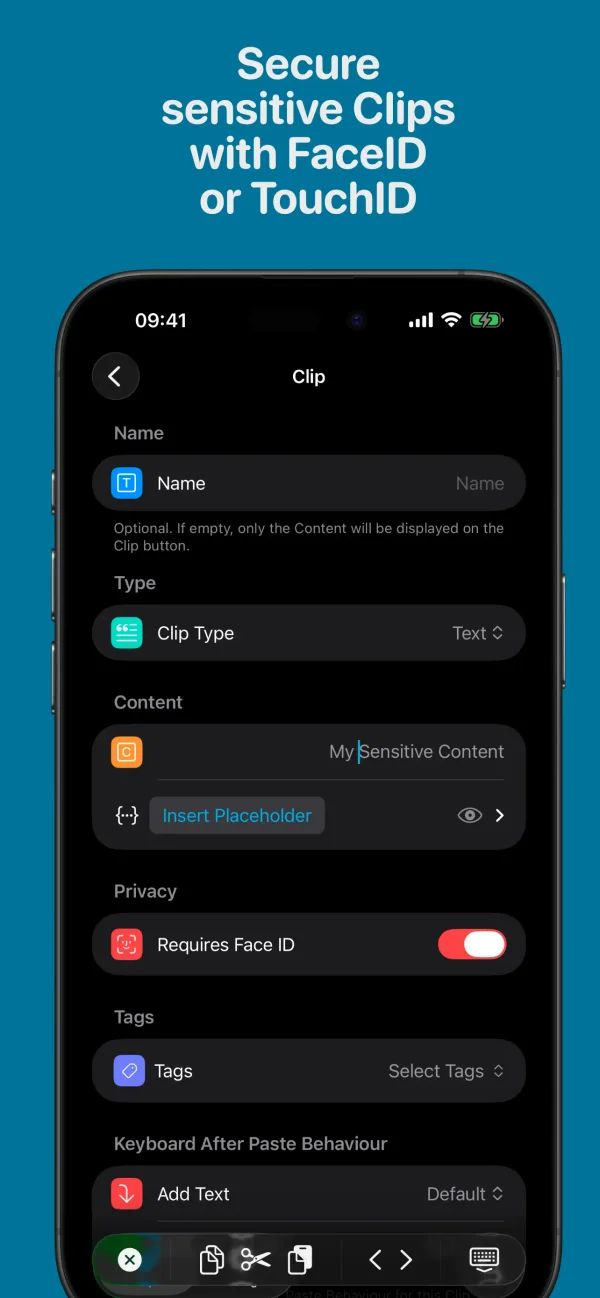
Secure Clips
Mark sensitive Clips as secure — recovery codes, IDs, private notes — and require Face ID or Touch ID before they can be viewed or pasted.
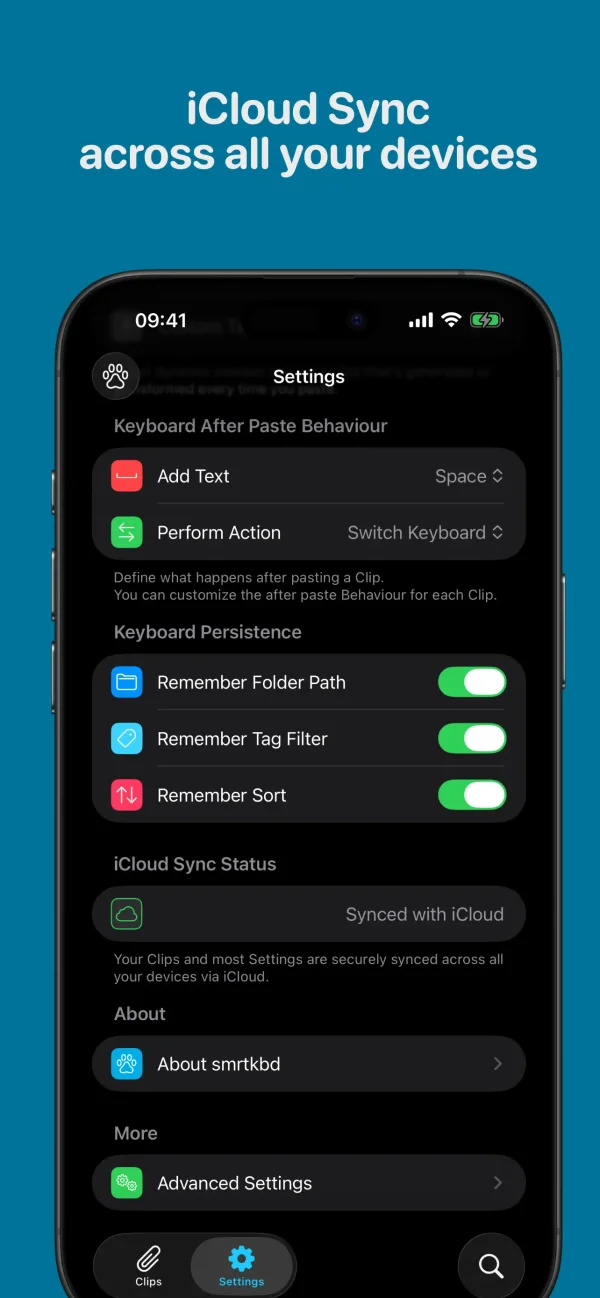
iCloud Sync
Your Clips stay in sync across all your devices via your private iCloud account using Apple's CloudKit. Nothing goes through our servers - because we don't have any.
Privacy First
• Nothing you type is collected, stored or transmitted
• No analytics, no tracking, no ads
• No third-party SDKs harvesting your data
• Your Clips live on your device and in your private iCloud account — nowhere else
Even when Full Access is enabled, no data leaves your device.
Granting Full Access is optional for the basic use of the keyboard, but required for features like:
• Access to Clipboard and Clipboard Notifications (required for pasting Images or PDFs, resolve Clipboard Placeholders inside Clips, update preview of relevant Clips).
• Communicate back to the smrtkbd main App (e.g. storing last used time/date of a Clip).
• Open the main App or the iOS Settings from within the keyboard extension.
Designed for iOS
• Native SwiftUI interface
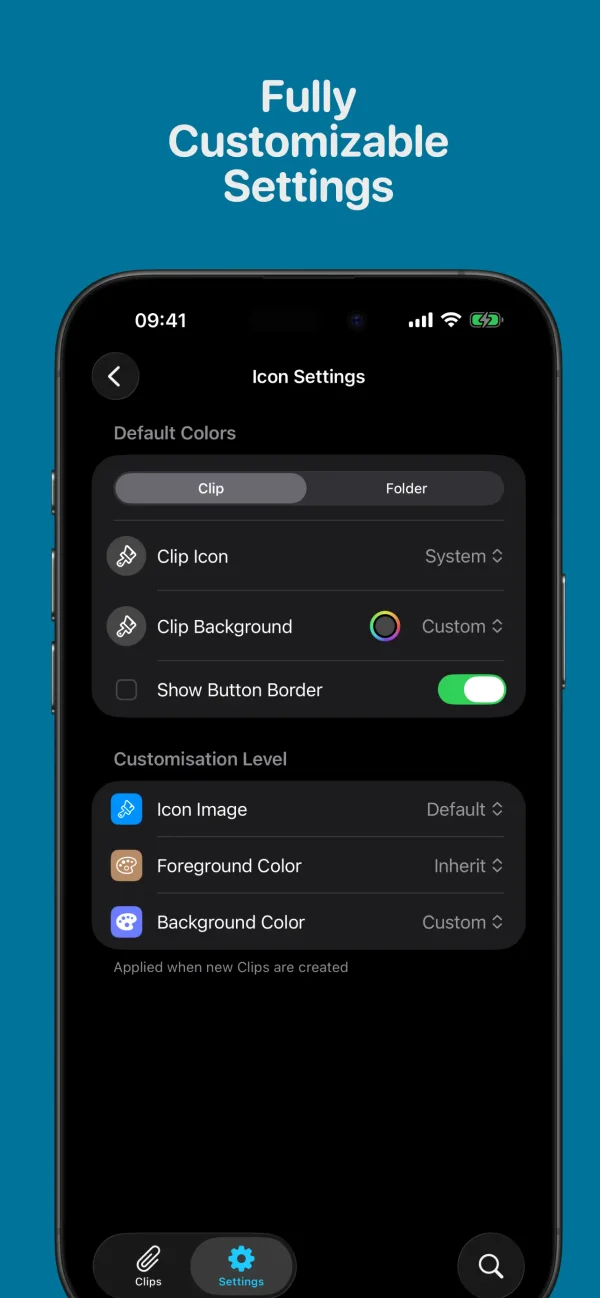
• Light, Dark and System appearance
• iPhone and iPad
• Fully localized in English, German, Spanish and Brazilian Portuguese
• Configurable paste behavior (add return, space, switch keyboard, or nothing)
• Usage tracking so your most-used Clips are always one tap away
What’s new
Version 1.0.2 · Oct 7, 2026
Minor bug fixes.
If you like smrtkbd, please rate in on the AppStore!
App privacy
What Michael Klug declares on the App Store about how this app handles data.
-
Data not collected
The developer does not collect any data from this app.
Privacy practices may vary, for example with the features you use or your age.
Information
- Seller
- Michael Klug
- Category
- Productivity
- Version
- 1.0.2
- Updated
- Oct 7, 2026
- Released
- Aug 6, 2026
- Size
- 16.5 MB
- Requires
- iOS 26.1 or later
- Age rating
- 4+
- In-app purchases
- Yes
- Languages
- Spanish, German, English, Portuguese
- Copyright
- © 2026 Michael Klug
You might also like
-
 Re/memberYour Second Brain
-
 Uniclip - Universal ClipboardCopy & paste across devices
-
 QuickMark: Markdown EditorPreview, Export & Publish
-
 Big Decision: Decide NowYour Decision-Making Assistant
-
 AI Markdown Formatter: OneTextConvert to Image,PDF,Word,XLSX
-
 Image Converter: JPG PNG RAWConvert Photo to PDF & HEIC
-
 Habit Tracker: Routine TrackerGoal Tracker & ADHD Planner
-
 Papersort – Document OrganizerScan, Sort & Search Privately
-
 1List (Reminders)Fast & Simple Reminders
-
 Balane TextDeck: ShortcutsPrompt Library & Text Expander