- 対象年齢4+
- カテゴリ仕事効率化
- 開発元晖 容
- 言語英語ほか1言語
- サイズ3.8 MB
App Storeの公式ページにリンクしています
Download.orgはMDscan: Batch Scannerのファイルを一切ホストしていません。ボタンを押すと、晖 容が公開しているApp Storeのアプリページが開きます。ページの最終確認:2026/11/22。
スクリーンショット
概要
開発元はこのテキストをお使いの言語で提供していません。
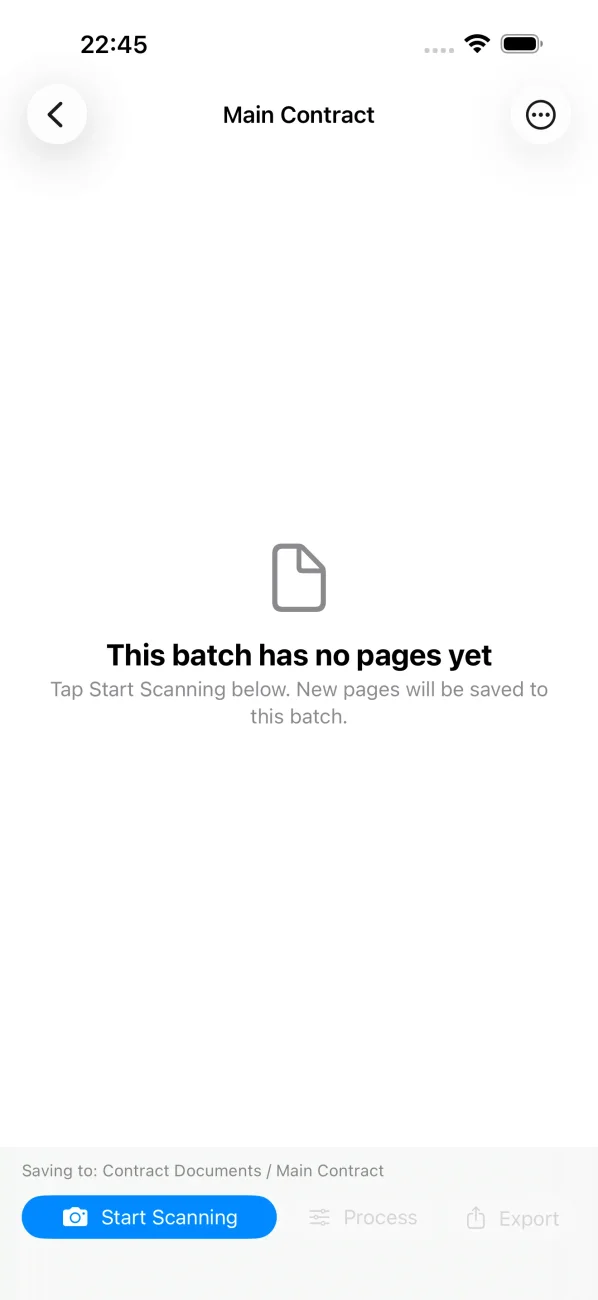
Turn your iPhone into a document scanner for quick handheld captures or larger batches with a phone stand. Capture one page at a time when you only have a few documents, or use continuous capture for larger scanning sessions.
A clear workflow from capture to export:
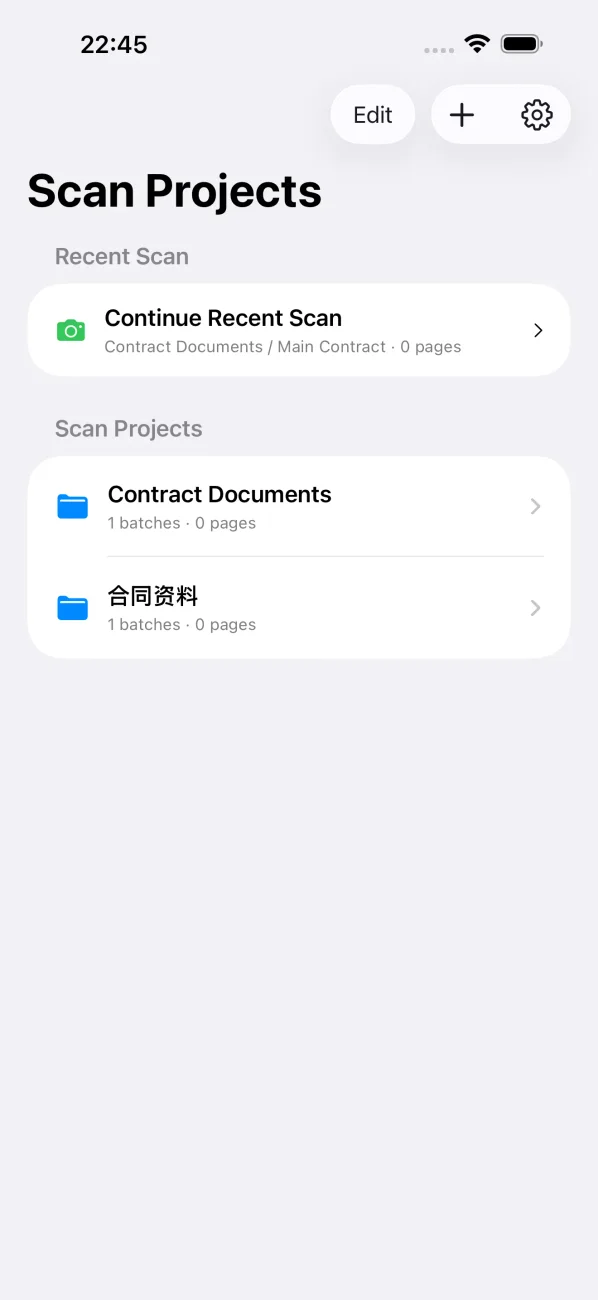
• Organize documents, archives, and books as Projects → Batches → Pages.
• Create a project and its first batch in one flow, or continue scanning directly from an existing batch.
• See the current project, batch, and saved page count while capturing.
• Finish scanning and go directly to page review, image processing, and export.
• Use grouped capture and merging for bound books.
Keep your originals:
Apply batch image adjustments and processing modes, including color, grayscale, and black and white. Processing and export do not overwrite your original captures.
Export for use and sharing:
Export original images, processed JPEG or PNG images, or PDFs. Exported files are saved locally. Save a copy through Apple’s Files app or share a PDF.
On-device processing and privacy:
No account is required. MDscan has no advertising or cross-app tracking. Scans are processed on your iPhone and are not uploaded to the developer’s servers.
Free to download, with a user-initiated three-day full trial. The trial does not charge you or renew automatically. After it expires, you can still view, organize, and delete existing scans and export original images. New scanning, rescanning, batch image processing, and processed image/PDF exports require a one-time lifetime unlock. No subscription.
新機能
バージョン 1.3 · 2026/10/10
A clearer scanning workflow, with every page saved where you expect it.
• Organize your scans as Projects → Batches → Pages, and create a new scan directly from the home screen.
• Start or continue scanning from a batch without returning to the home screen.
• See the current project, batch, and saved page count while capturing. Single-page and continuous capture both save to your selected batch.
• Finish scanning and go directly to the same batch to review, process, and export.
• Continue your most recently selected batch, while keeping access to existing scans.
アプリのプライバシー
このアプリのデータの取り扱いについて、晖 容がApp Storeで申告している内容です。
-
データの収集なし
開発元はこのアプリからデータを収集しません。
プライバシーの取り扱いは、ご利用の機能やお客様の年齢などに応じて異なる場合があります。
情報
- 販売元
- 晖 容
- カテゴリ
- 仕事効率化
- バージョン
- 1.3
- 更新日
- 2026/10/10
- リリース
- 2026/8/4
- サイズ
- 3.8 MB
- 必要条件
- iOS 17.0以降
- 対象年齢
- 4+
- 価格
- 無料
- アプリ内課金
- あり
- 言語
- 英語, 簡体字中国語
- 著作権
- © 2026 Hui Rong